What Is a Data Subject Access Request (DSAR)?
A Data Subject Access Request (DSAR) is when a customer asks your business to take a defined action on their personal data. On a Shopify store, the “data subject” is usually a customer, and their “data” can include account details, order history, and other personal information you store.
Under privacy laws like the GDPR in Europe or the CCPA/CPRA in California, customers have rights over that information. They exercise those rights by submitting a DSAR to you.
While “access” is the most common request (and where the “A” in DSAR comes from), most merchants will see a mix of request types.
Key Takeaways
- DSARs are legal rights, not just preferences. Customers can access, delete, correct, or otherwise manage their personal data.
- Timelines matter. About 30 days under GDPR, 45 days under CPRA for many requests, and as little as 15 days for certain opt-outs.
- Identity verification is conditional. Often required for access and deletion; opt-outs under CCPA/CPRA are typically handled without the same checks.
- Centralize requests. Dedicated privacy request pages stop DSARs from vanishing in a support inbox.
- Shopify + Consentmo can automate much of the work. Requests are logged, verified, and often fulfilled through the app’s Shopify integration.
- Do Not Sell is two-way. Customers can opt out of sale/sharing and later opt back in with “Allow my data to be shared.”
- Smart Privacy Center (Enterprise) replaces multiple regional pages with one portal that shows the right options by location.
- Document everything. Keep logs of what was requested, what you did, and when.
What Kind of DSARs Can You Receive?
Depending on where your customers are located, you may receive different types of DSARs. Each privacy law (GDPR, CCPA/CPRA, LGPD, and others) has its own wording, but most requests fall into these groups:
- Access or download my data – Customers ask to see or export what you hold about them (often CSV or PDF).
- Deletion requests – The “right to be forgotten.” Customers want personal data erased where the law allows.
- Correction requests – Fix inaccurate or outdated information (name, address, and similar fields).
- Confirmation of processing / right to know – More detail on how you process personal data.
- Restriction requests – Stop certain processing while still retaining data where required.
- Do not sell or share my personal information – CCPA/CPRA-style opt-out of sale or sharing for advertising and similar uses.
- Allow sale / sharing again – After an opt-out, customers may choose to opt back in so sale or sharing is allowed again.
- Request list of third-party disclosures – Ask who received their data.
- Limit the use of sensitive personal information – Restrict sensitive data uses where the law provides that right.
- Portability – Receive data in a portable format to move it elsewhere.
Customers also have the right to be informed about collection and use. You usually cover that with your cookie banner and privacy policy, though questions can still arrive as DSARs.
How DSARs Are Actually Received and Handled
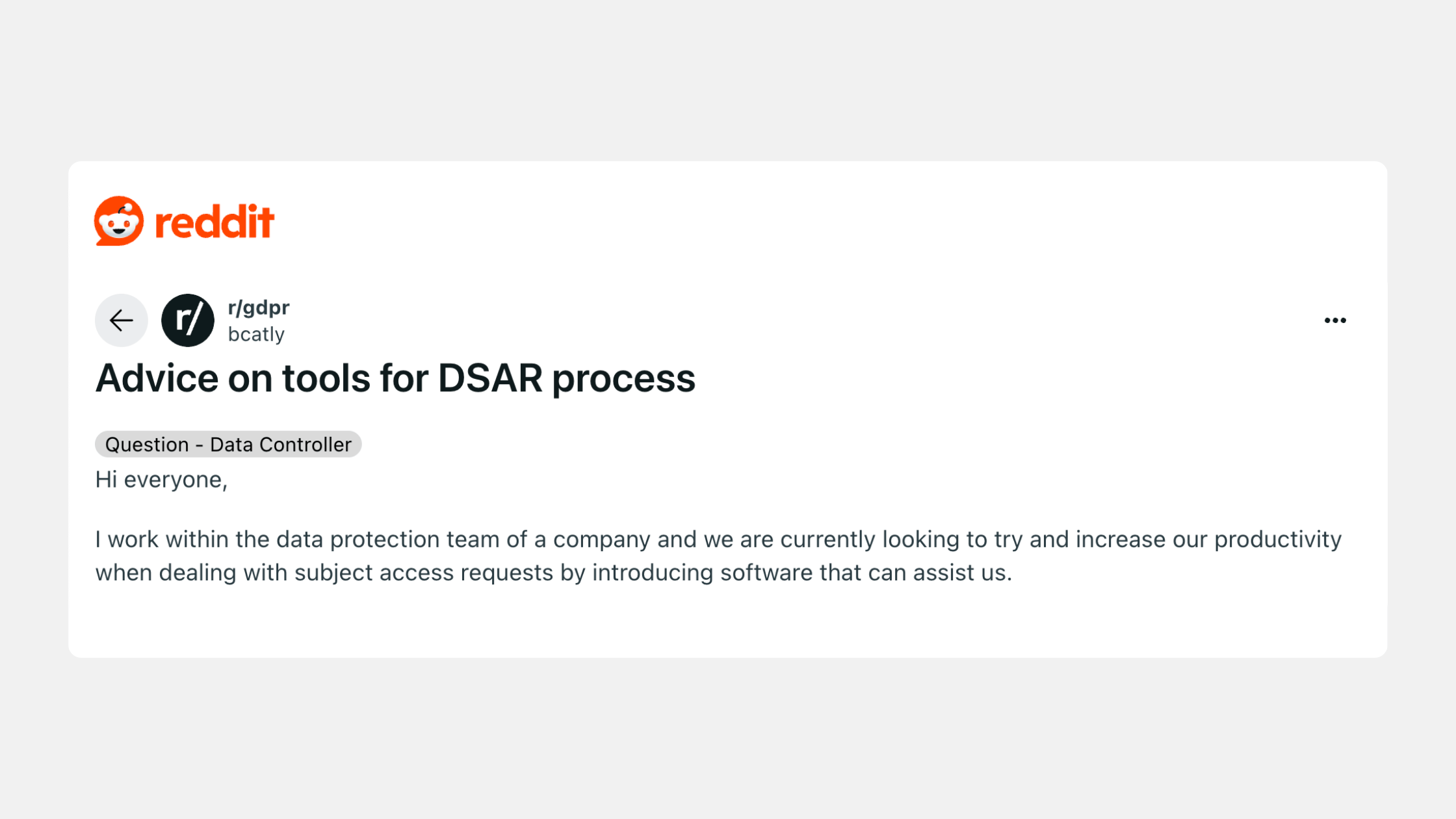
So, what does a DSAR look like in real life? Unlike chargebacks or Shopify notifications, there isn’t a single standardized format.
Requests can come in through many different channels, and it’s up to you to recognize and process them correctly.
Where DSARs Usually Come From
- Email: A customer might write to your support inbox with a request like “Please delete all my personal data.”
- Contact forms: If you use a generic “Contact Us” form, DSARs can easily appear there.
- Social media or live chat: Customers sometimes submit DSARs in less formal places. These still count!
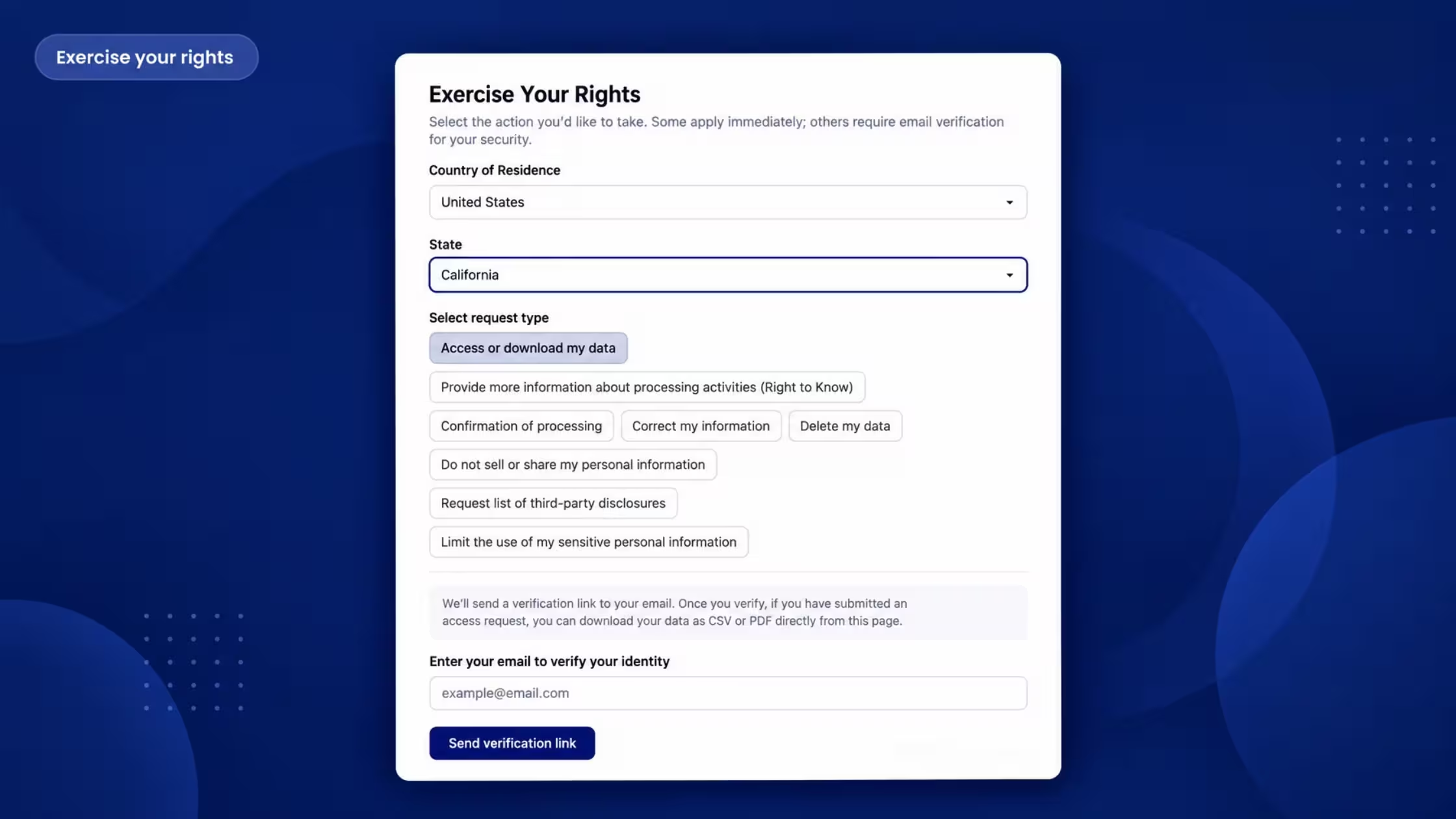
- DSAR Pages: The simplest and most reliable method is a dedicated form on your website — which is exactly why Consentmo includes a built-in DSAR Page for Shopify stores.
Why DSAR Pages Help
Without a central process, DSARs may get lost among other emails and messages. A missed request isn’t just bad for customer trust — it could also lead to penalties under GDPR or CCPA.
By handling everything through a dedicated DSAR Page, merchants ensure:
- Customers can easily submit a request
- The process is standardized and secure
- Deadlines and responses are tracked automatically
- Nothing gets lost in email or chat threads
Having a dedicated DSAR page on your website is one of the best ways to be mindful of compliance, boost customer trust and overall stay on the safe side of legal requirements.
Your Responsibilities When It Comes To Handling DSARs
When a DSAR lands in your inbox, it’s easy to feel overwhelmed. The process becomes much simpler if you break it down into a few clear steps. We’ve outlined the 4 essential responsibilities every Shopify merchant should follow when responding to DSARs. Let’s look at them one by one.
1. Respond Within the Legal Timeline
Every privacy law sets a strict deadline for responding to DSARs. Missing these deadlines can expose your store to fines or complaints and that’s why it’s important to track each request as soon as it comes in and note the due date.
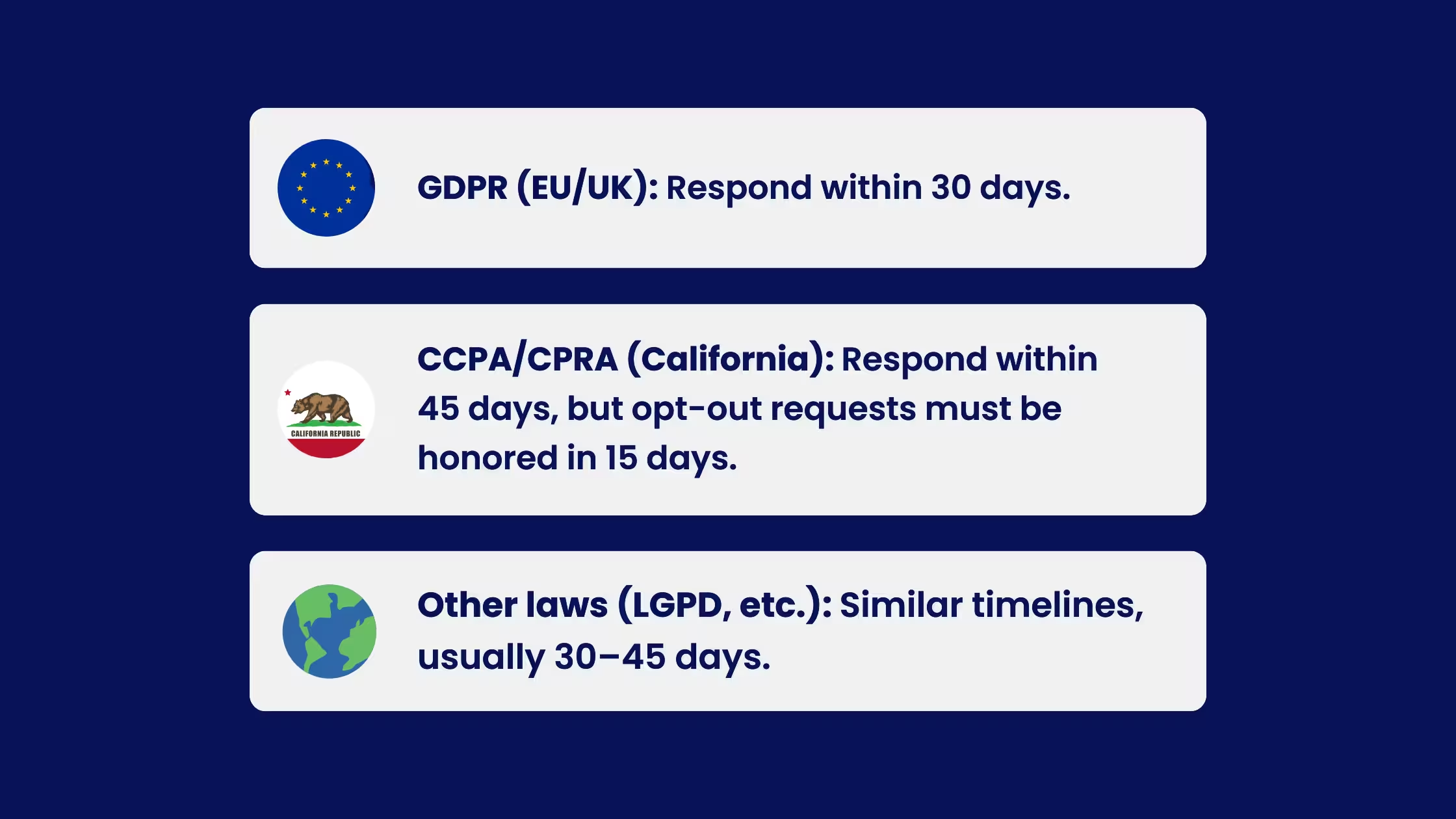
- GDPR (EU/UK): Respond within 30 days.
- CCPA/CPRA (California): Respond within 45 days, but opt-out requests (Do Not Sell/Share) must be honored in 15 days.
- Other laws (LGPD, FADP, etc.): Similar timelines, usually 30–45 days. You can sometimes request an extension (for complex requests), but you’ll need to document the reason.
2. Verify the Requester’s Identity
Before sharing or deleting personal data, you need to confirm that the person making the request really is who they claim to be. This usually involves asking the customer to confirm details like their email address or login credentials.
However, not all requests require verification. For example, under the CCPA/CPRA, opt-out requests (“Do Not Sell/Share” or “Limit Use of Sensitive Data”) must be honored without additional checks.
- For access, deletion, correction, portability - verify the requester’s identity before processing.
- For opt-outs and limits on sensitive info (CCPA/CPRA) - no verification required.
3. Keep a Detailed Record
When handling DSARs it is best to have trackable records of all actions taken as regulators may ask you to prove that you responded correctly. That means you should document when the request was received, the actions you took, who handled it, and the final outcome.
Having this paper trail protects your business if questions ever arise. Compliance tools like Consentmo automatically log every DSAR in your admin, so you always have a clear history ready to show.
4. Communicate Clearly With the Customer
Transparency is key to maintaining trust. Customers want to know that their request has been received, what’s happening behind the scenes, and when they can expect a result.
Even if you’re still processing their DSAR, sending a quick confirmation can go a long way in preventing confusion or frustration. A simple message like, “We’ve received your deletion request and are working on it - you’ll hear back within 30 days” sets expectations and shows that you take their privacy seriously.
Also, in case any complaints are involved - it’s important to handle requests clearly and in a friendly manner as you may risk legal escalation.
How Consentmo Handles DSARs on Shopify
Consentmo is built for Shopify. Privacy request pages live on your storefront, and the app is integrated so many DSARs are received, verified, logged, and fulfilled automatically against Shopify customer data where the request type and permissions allow. Merchants still oversee exceptions and edge cases, but the day-to-day path is no longer a manual spreadsheet and a pile of emails.
Step 1: Have a dedicated page to receive DSARs
Regional privacy request pages (standalone)
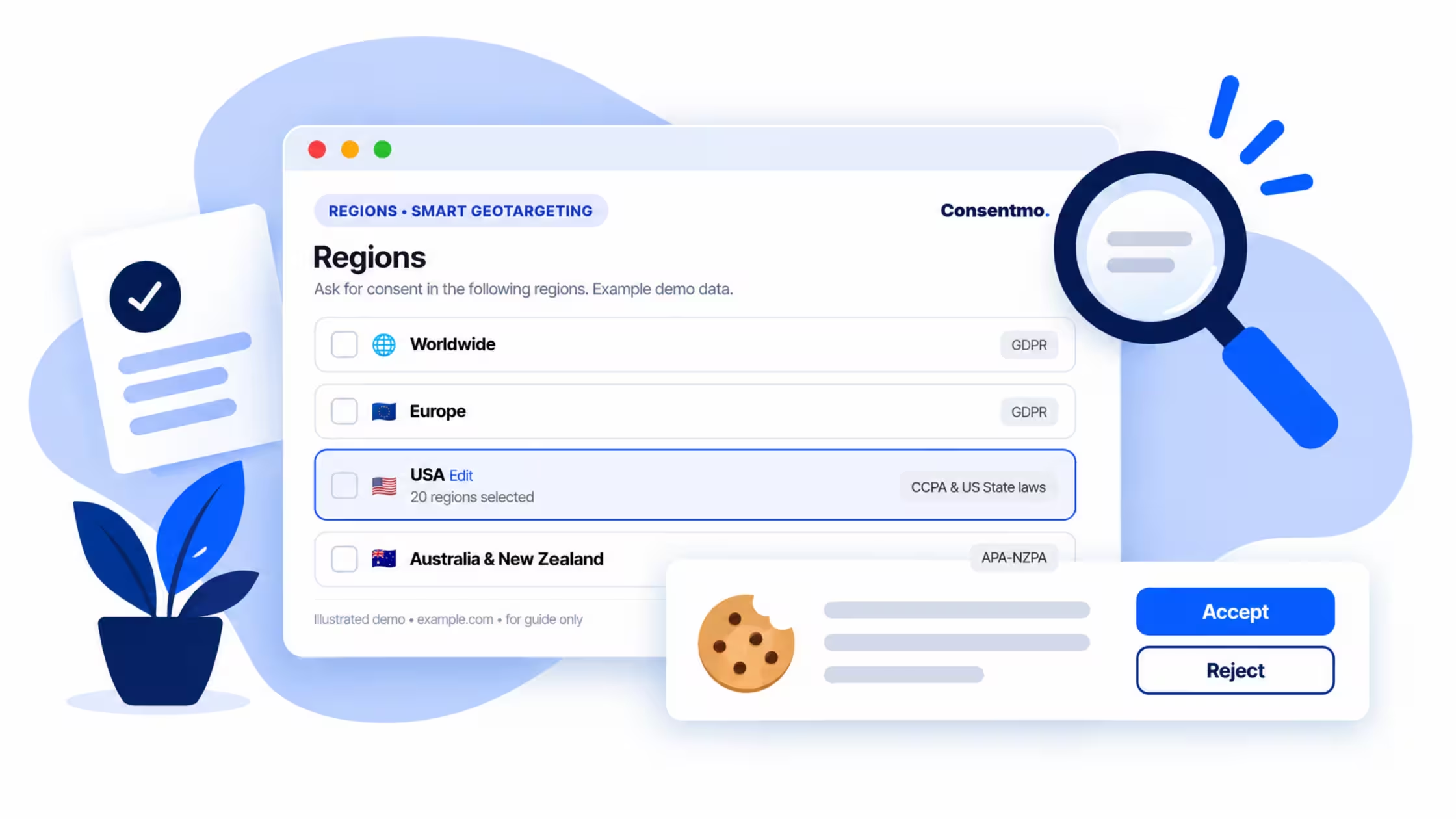
You can generate public DSAR forms per region, for example Europe (GDPR), Brazil (LGPD), Japan (APPI), Thailand (PDPA), and US-focused flows including Do Not Sell/Share. Each page gets its own path. After generation, add the links to your footer (Consentmo shows a short guide in-app for that final step).
Standalone pages keep the same customization model merchants already use:
- Form design – Colors, logo, and CSS so the request experience matches your brand.
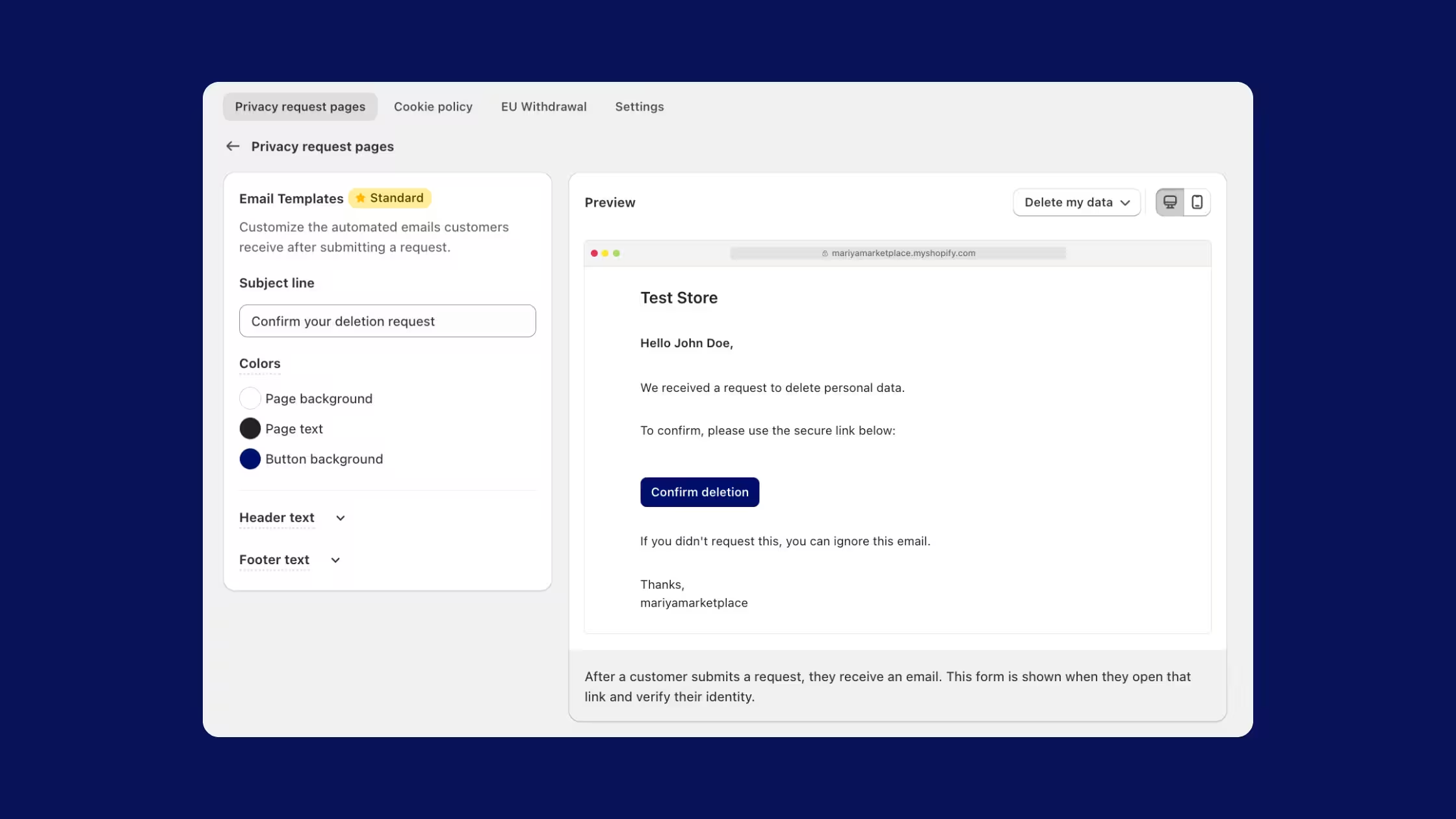
- Email templates – Automated emails after a request (verification, confirmation, status), with branding and copy control.
- Languages – Language per region for pages, forms, and emails so customers read instructions in the right locale.
Those Customize options apply to standalone request pages. Smart Privacy Center settings live in its own editor when you use the single-portal model.
Smart Privacy Center: one portal for every region
If you sell across many markets, maintaining a separate page per law becomes a maintenance project: multiple URLs, multiple footer links, multiple legal copy sets.
Smart Privacy Center (Enterprise) replaces that with a single storefront portal, typically at a path like /pages/your-privacy-choices.
- One link for privacy requests instead of a stack of regional pages.
- Location-aware options – Visitors select country (and state where needed). The form shows the request types that fit that jurisdiction: access/download, right to know, confirmation of processing, correction, deletion, do not sell or share, third-party disclosure list, limit sensitive PI, and more.
- Built-in education – Pages such as “Your Privacy Choices” explain privacy rights, Do Not Sell/Share under US laws, and a link to open Privacy Preferences for cookie choices.
- GDPR-style sections still support access/download and correct-my-information flows with email confirmation and clear response-time copy.
- Shopify-connected fulfillment – Once verified, Consentmo processes the request through its Shopify integration and records the outcome in your request log (including allow-sale and do-not-sell events).
Do Not Sell / Share, and opting back in
For shoppers in applicable US states, Consentmo supports a full Do Not Sell or Share My Personal Information experience:
- Clear explanation of sale/sharing in the advertising and analytics sense
- How to opt out (including Global Privacy Control where you honor GPC)
- Opt-out form tied to the customer account preference
- Current status such as “Sale of data not allowed” after an opt-out
- Allow my data to be shared – so customers who previously opted out can opt back into data sale/sharing when they choose to
Both do-not-sell and allow-sale actions appear in your customer data request log, so you have an audit trail either way.
Step 2: Have automated confirmation and verification emails
Once a request is submitted, Consentmo automatically sends a confirmation email to the customer. These emails include a secure link back to their request page where they can track progress or download reports. You can fully customize the email design (colors, logo, button text, header/footer HTML).
Step 3: Process the DSAR
For your convenience, all requests are automated via our app.
- Editing Account Information
- Exporting Order Details
- Requesting a Report
- Data Erasure
You will also receive the notification of these requests via email and check the records in the DSAR management tab.
Step 4: Log the DSAR and its status for record keeping
Every request is written into Analytics & Reports → Customer data requests so you can prove what happened if a regulator, lawyer, or the customer asks later. A useful log entry typically includes:
- Request type (access, deletion, do not sell, allow sale of data, correction, and so on)
- Status (for example submitted, in progress, completed, or failed)
- Deadline aligned to the applicable law’s response window
- Received time and requester identifiers (such as email)
- Source (which privacy page or Smart Privacy Center flow it came from)
- Actions available to review the case later (for example View)
_converted.avif)
Filter by date, type, or status when volume grows. Export records or enable Google Drive backup if you want a second copy outside the app. Treat this log as your audit trail: it shows you received the request, processed it, and closed it on time, which is the documentation regulators expect when DSARs are questioned.
DSARs Made Simple
Responding to DSARs doesn’t have to be complicated or stressful. With the right process and tools in place, you can stay compliant, build customer trust, and avoid regulatory risks, all while saving your team valuable time.
Consentmo’s DSAR Pages give your customers a simple, self-service way to exercise their rights, and give you a secure dashboard to track, verify, and fulfill every request.
Next helpful read: From Click to Compliance: Understanding GDPR Consent Logs - learn how keeping clear records of cookie consents is just as important as responding to DSARs. Together, DSAR Pages and Consent Logs form the backbone of your compliance stack.