For e-commerce merchants, Cookie Management is the process of identifying, categorizing, and controlling the trackers on your site to ensure you comply with global regulations like GDPR, CCPA, and the ePrivacy Directive.
If you’re using tools like Google Analytics, Meta Pixel, Klaviyo, TikTok, or any Shopify app, your store is placing trackers in a visitor’s browser. Cookie Management is the structured process of identifying, categorizing, documenting, and controlling those trackers so you remain compliant with regulations like GDPR, CCPA/CPRA, and the ePrivacy Directive — while still preserving marketing and analytics performance.
Let’s break this down properly.
Understanding the Cookie Management Table
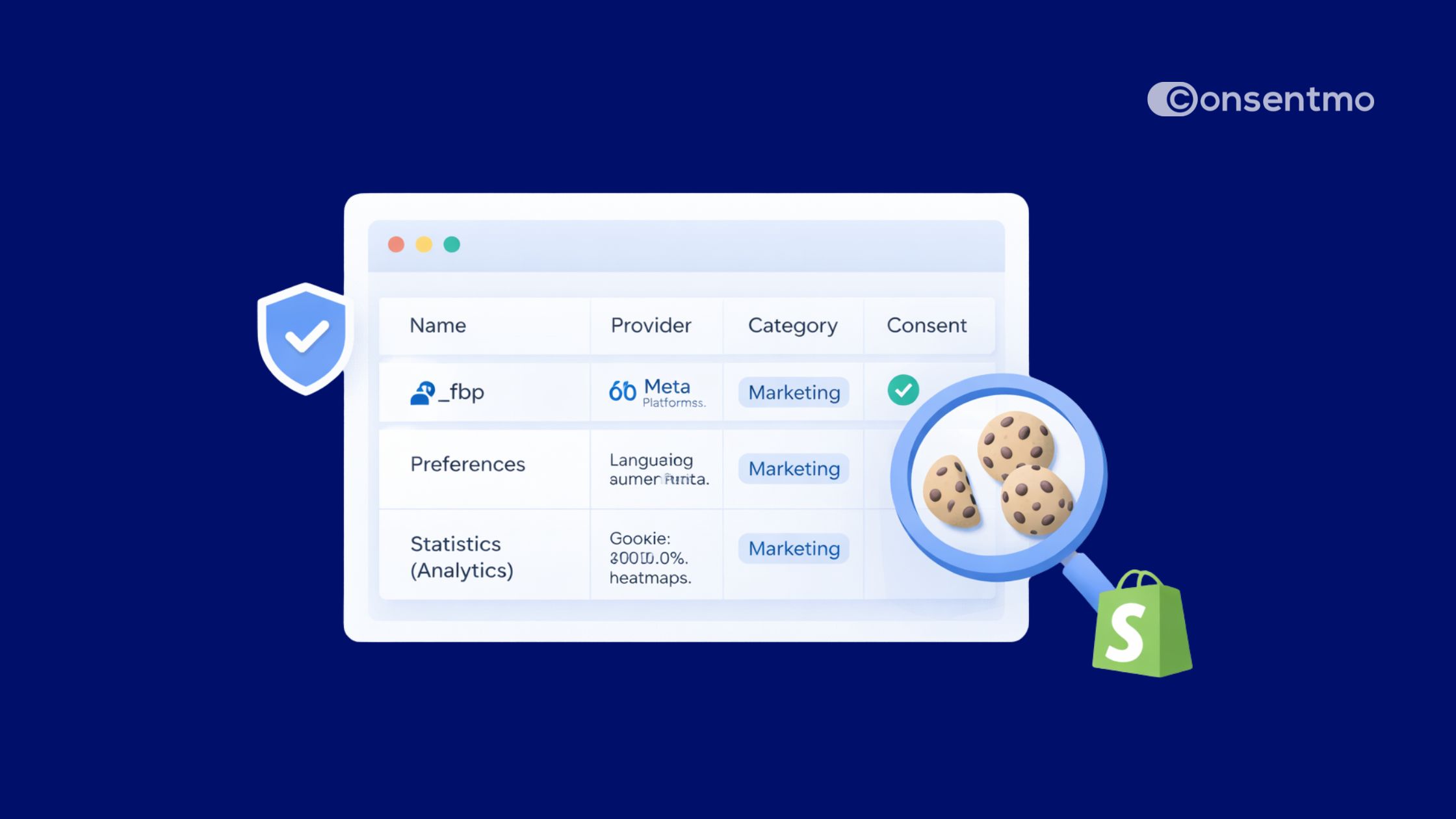
When you run a cookie scan in your store, you’ll see a table filled with technical data. It may look overwhelming at first, but every column supports your compliance framework.
.png)
Here’s what it consists of:
1. Name
The technical identifier of the cookie (e.g., _ga, _fbp, cart_currency).
This is what regulators check against your public Cookie Policy.
2. Provider
The company or system placing the cookie:
- Shopify
- Google Analytics
- Meta
- YouTube
- A specific Shopify app
This helps determine responsibility and whether the cookie is first-party or third-party.
3. Category
This is the compliance bucket the cookie belongs to (Necessary, Preferences, Statistics, Marketing).
Correct categorization is critical — mislabeling marketing cookies as necessary is a common compliance mistake.
4. Party
- 1st Party: Set by your store domain
- 3rd Party: Set by external domains (e.g., Facebook, Google, YouTube)
Third-party cookies often carry stricter consent requirements.
5. Duration
How long the cookie remains active:
- Session (deleted when browser closes)
- 30 minutes
- 1 year
- 2 years
Longer durations may require clearer disclosure under some privacy frameworks.
6. Actions
Options to edit, recategorize, or remove the cookie entry.
This is where merchants actively maintain compliance.
Deep Dive: The 4 Main Cookie Categories
To stay compliant across global regulations, cookies must be sorted into legally recognized categories.
Here’s how each group works in an e-commerce context:
Why a Periodic Cookie Scan Is Essential
Your store is not static. Every time you:
- Install a new Shopify app
- Add a new pixel
- Connect a marketing automation tool
- Update theme code
- Embed YouTube or third-party scripts
… new cookies may be introduced.
Most merchants don’t realize this happens automatically.
How regular Cookie scans help you stay compliant:
1. You Avoid Regulatory Risk
Authorities and watchdog groups actively audit sites for:
- Undeclared cookies
- Marketing trackers firing before consent
- Incorrect categorization
A quarterly scan isn’t enough for active stores. Ideally, scans should run after major changes or automatically on a schedule.
2. Improve Store Performance
Old apps often leave behind “ghost cookies” or inactive scripts.
These can:
- Slow down page load times
- Trigger unnecessary third-party requests
- Affect Core Web Vitals
Finding and cleaning up unused trackers after scans improves both compliance and speed.
3. Build Customer Trust
Transparency is becoming a competitive advantage.
When customers see:
- Clear cookie categories
- Easy preference controls
- Accurate documentation
It signals that your store takes privacy seriously.
Trust directly impacts conversion rates and repeat purchases.
Takeaway
Navigating the complexities of data privacy doesn't have to be a hurdle for your business growth. By maintaining a clean, categorized, and transparent cookie list, you’re doing more than just ticking a legal box but building a foundation of trust with every visitor who lands on your store.
Taking control of your cookie management today ensures your store remains compliant, professional, and ready for the future of the privacy-first web.
Ready to automate your compliance? Install our app from the Shopify App Store today and secure your store in minutes.

_converted.avif)