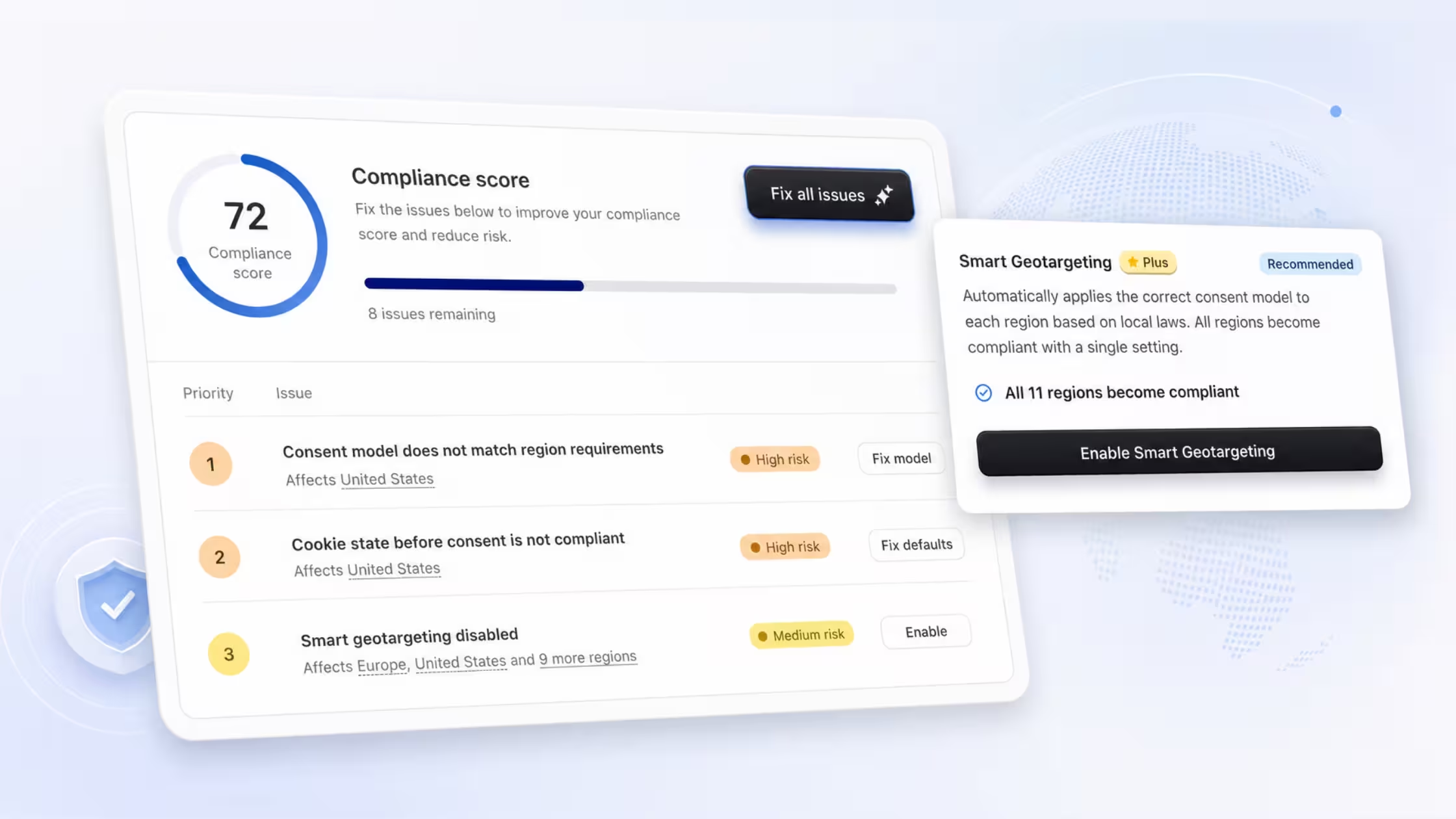
If your Shopify store attracts US (especially California) traffic, you're likely familiar with the California Consumer Privacy Act (CCPA) - now strengthened by the CPRA. Cookie consent banners, privacy policies, and “Do Not Sell or Share My Personal Information” links have become standard setup steps. Many merchants believe this checklist provides solid protection.
Yet a growing wave of lawsuits shows that's often not enough. The California Invasion of Privacy Act (CIPA) - a 1967 wiretapping law - has been repurposed to target modern website tracking, catching even CCPA-compliant stores off guard. Recent cases (2024–2026) focus on session replay tools, pixels (e.g., Meta/TikTok), chat widgets, and on-site search bars, alleging unauthorized "interception" of user communications.
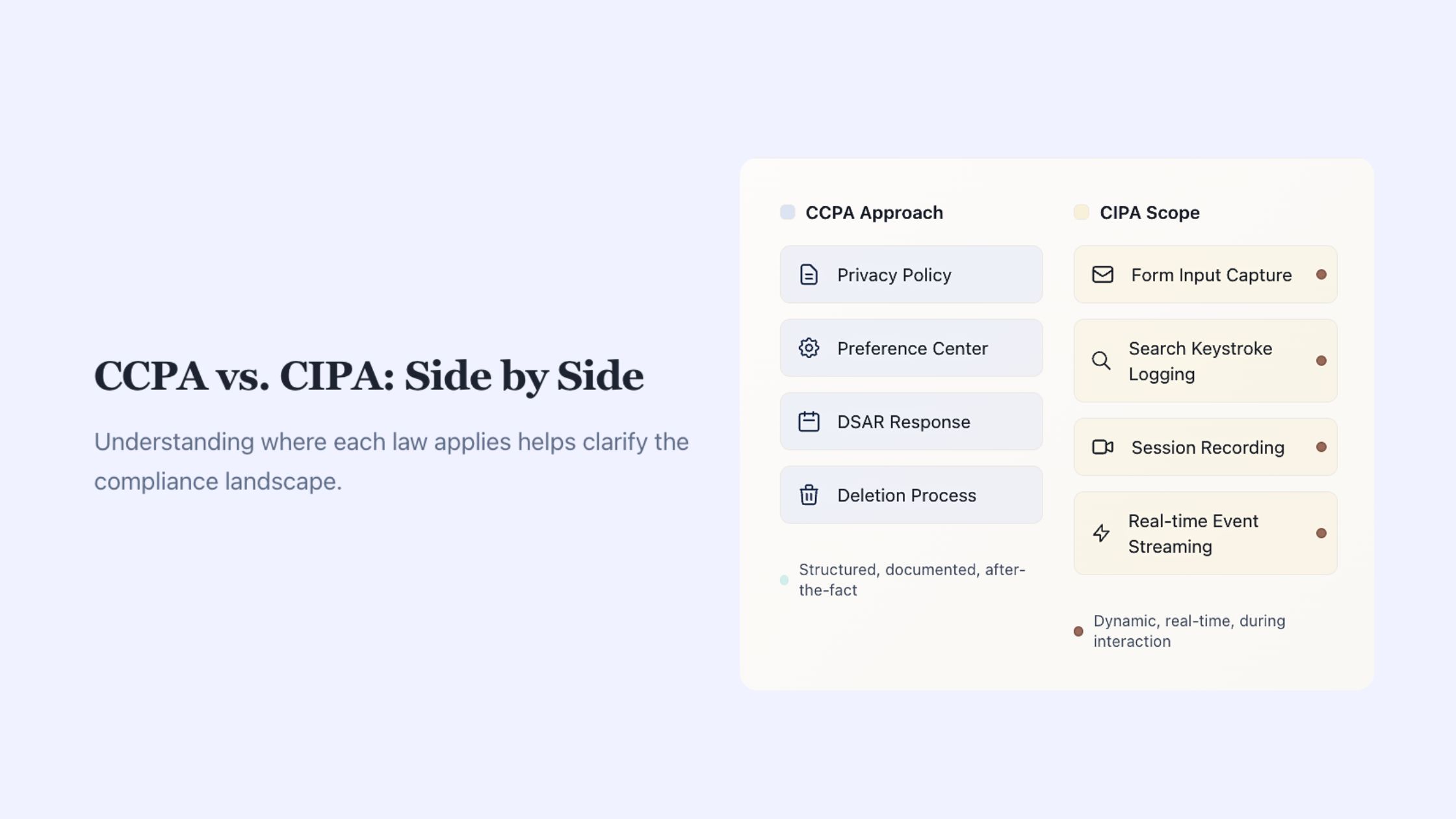
The core issue? Timing. CCPA governs what happens after data collection. CIPA targets whether a communication can be intercepted at all - and violations occur instantly, with no retroactive fix.
TL;DR – Key Takeaways
- CCPA/CPRA → Focuses on post-collection rights (access, deletion, opt-out from sale/sharing).
- CIPA → Prohibits real-time interception of "private communications" without all-party consent (Penal Code § 631 et seq.).
- Cookie banners help with CCPA but do not prevent CIPA claims if tracking fires before consent.
- On-site search queries, form inputs, and keystrokes are increasingly argued to be protected "communications."
- High-risk areas: Session replay (e.g., capturing keystrokes), analytics pixels transmitting queries instantly, third-party search apps.
- Practical defense: Delay non-essential tracking until explicit consent; audit tools for pre-consent firing.
- Tools like Consentmo block scripts until consent but can't undo prior interceptions - design choices matter most.
Understanding CCPA (and CPRA)
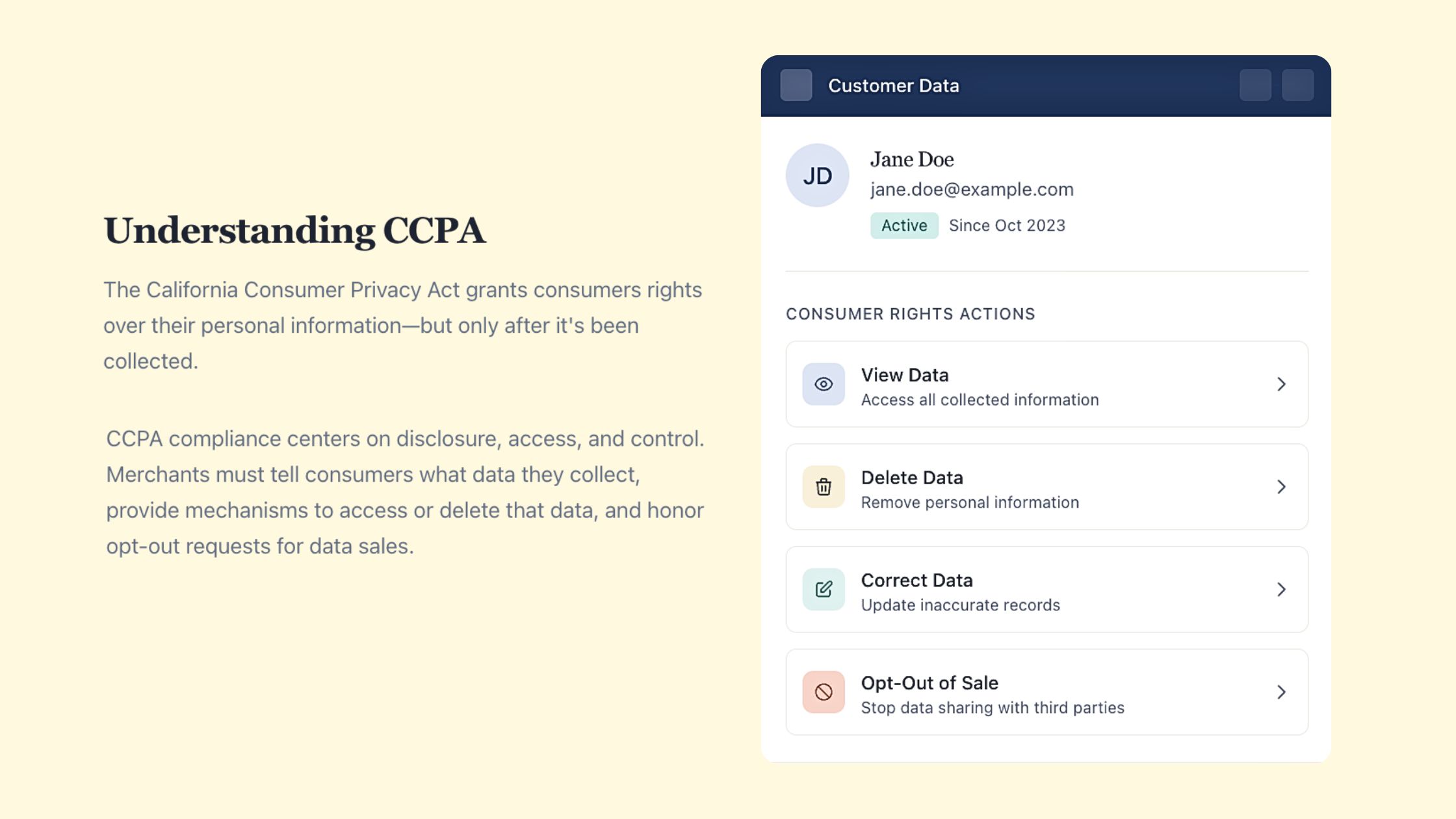
The CCPA, as amended by the CPRA, grants California residents rights over their personal information post-collection:
- Know, access, delete, or correct data.
- Opt out of sale/sharing.
- Limit use of sensitive information.
For Shopify merchants, compliance typically involves:
- Transparent privacy policy.
- Consent banner for cookies/trackers.
- DSAR (Data Subject Access Request) handling.
- Opt-out mechanism (e.g., “Do Not Sell or Share” link).
Crucially, CCPA presumes lawful collection - it regulates use, sharing, and rights afterward. It doesn't control the mechanics of initial capture.
Understanding CIPA – The Wiretap Angle
Enacted in 1967 to curb eavesdropping, CIPA now applies to digital interactions. Key provisions (especially § 631) prohibit intentionally intercepting or reading communications without consent from all parties.
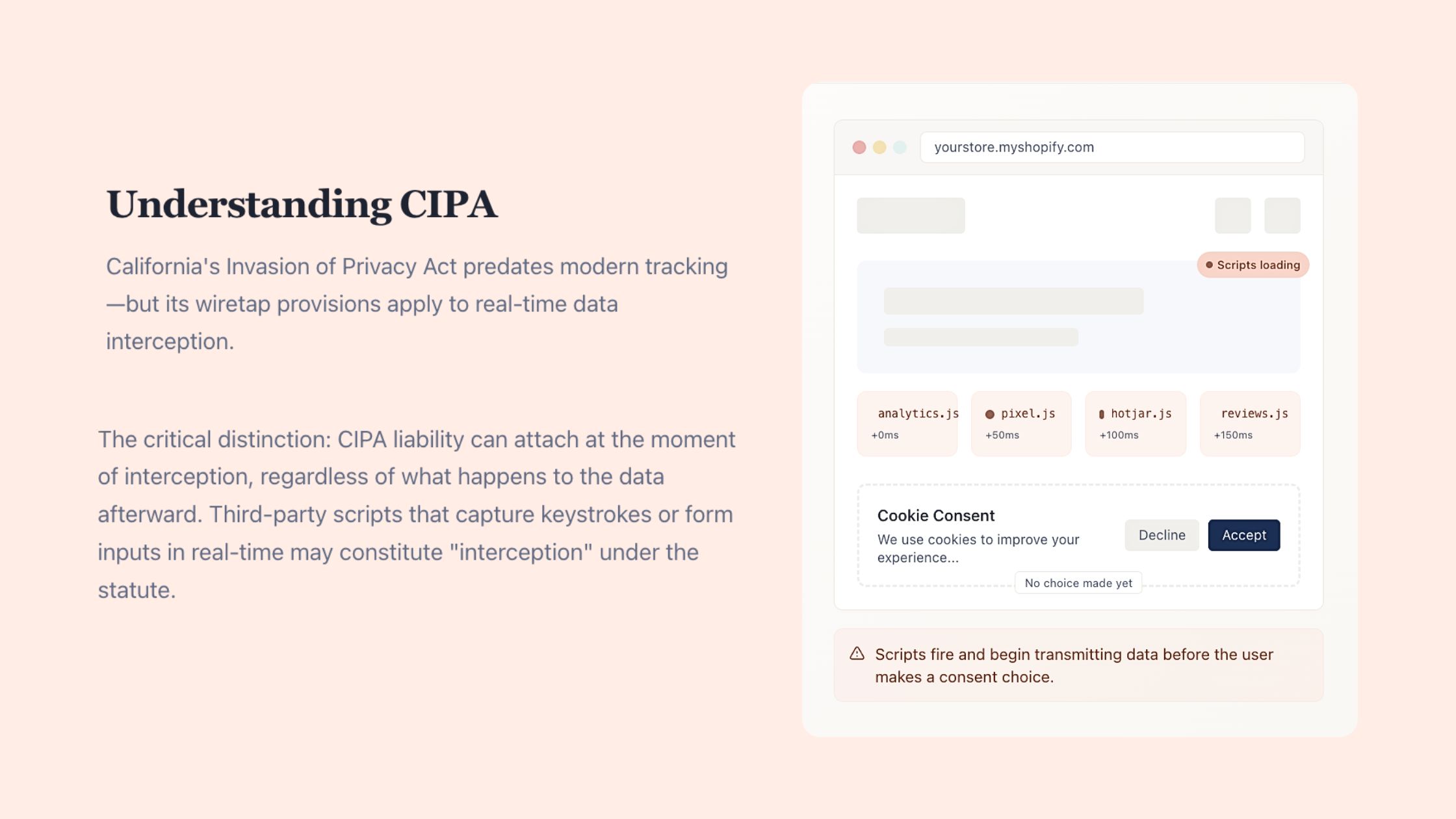
In the website context, plaintiffs claim:
- Session replay tools "read" or record keystrokes/forms in real time.
- Pixels/trackers transmit search queries or URLs (often embedding queries) to third parties instantly.
- Chat widgets or forms share content without prior consent.
If a third party (not just your site) receives the data, the "party exception" may not apply. Statutory damages reach $5,000 per violation, fueling class actions - even for out-of-state businesses serving Californians.
Courts remain divided: Some dismiss claims (e.g., recent rulings questioning CIPA's fit for standard web tech), while others allow them to proceed. Ninth Circuit cases (e.g., ongoing Briskin v. Shopify review) continue shaping jurisdiction and scope. Reform efforts (e.g., 2025's SB 690) stalled.
Why CIPA Claims Are Surging Against Shopify Stores
Modern e-commerce relies on:
- Behavioral analytics.
- Session replay.
- Advanced search (queries sent to third-party providers).
- Advertising pixels.
Defaults often transmit data on page load or as users type - before any banner interaction. Plaintiffs frame this as "eavesdropping" on private inputs (e.g., search terms revealing intent or personal details).
High-Risk Shopify Configurations to Audit
- Search bars logging/sending raw queries pre-consent.
- Session replay capturing form fields/keystrokes instantly.
- Pixels firing on load, embedding query data in URLs.
- Third-party apps bypassing consent gates.
Actionable Steps to Reduce Exposure
- Audit third-party scripts → Map every tool touching search, forms, or sessions. Check load timing.
- Implement strict consent gating → Block non-essential (analytics/marketing/replay) scripts until explicit consent. Use server-side or delayed loading where possible.
- Mask sensitive inputs → Anonymize or hash search/form data pre-transmission if analytics require it.
- Prioritize first-party functionality → Separate essential site features from tracking.
- Layer compliance tools → Pair a robust consent manager with privacy-by-design configurations.
Where Consentmo Fits In
Consentmo excels at Shopify-specific enforcement:
- Blocks analytics, marketing, and replay scripts until consent.
- Supports Google Consent Mode v2, IAB TCF, and CCPA opt-outs via real blocking.
- Maintains performance while aligning tracking to user choices.
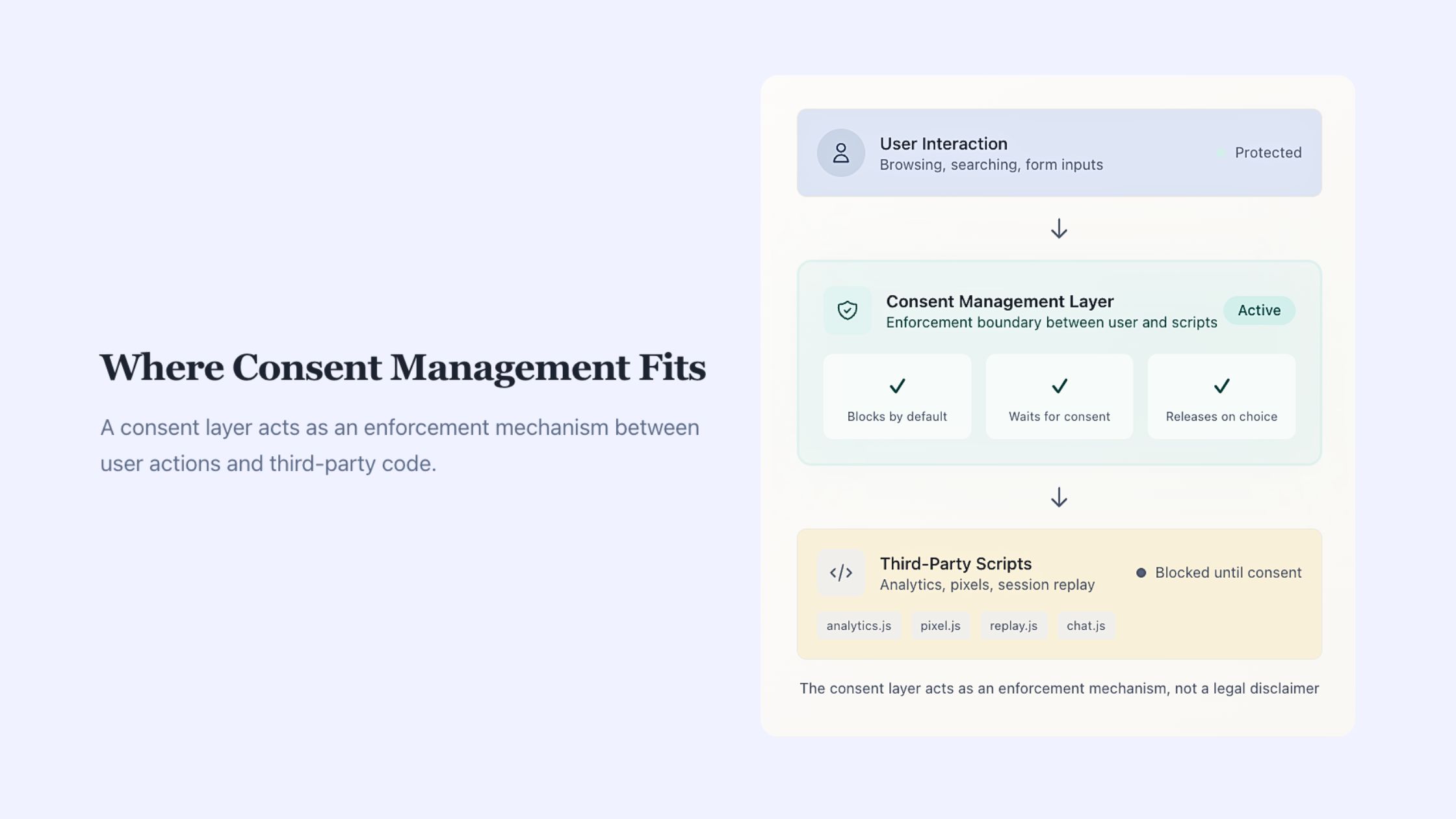
It strengthens CCPA compliance and helps prevent CIPA risks by controlling when scripts run - but it can't retroactively fix pre-consent interceptions. Use it as part of a broader strategy, not a standalone shield.
Final Takeaway
CCPA and CIPA address different risks at different moments. A strong banner and policy handle post-collection obligations, but CIPA demands control at the interception point.
With CIPA litigation evolving rapidly (and high-stakes damages), proactive technical adjustments beat reactive defense.
Review your store's tracking setup now - especially search and behavioral tools - to minimize exposure while preserving insights and growth.


_converted.avif)