By default, every withdrawal email Consentmo sends goes out from no-reply@mail.consentmo.com. That works fine, but it puts a third-party address between your store and your customer at one of the most sensitive moments in the post-purchase experience: a withdrawal request.
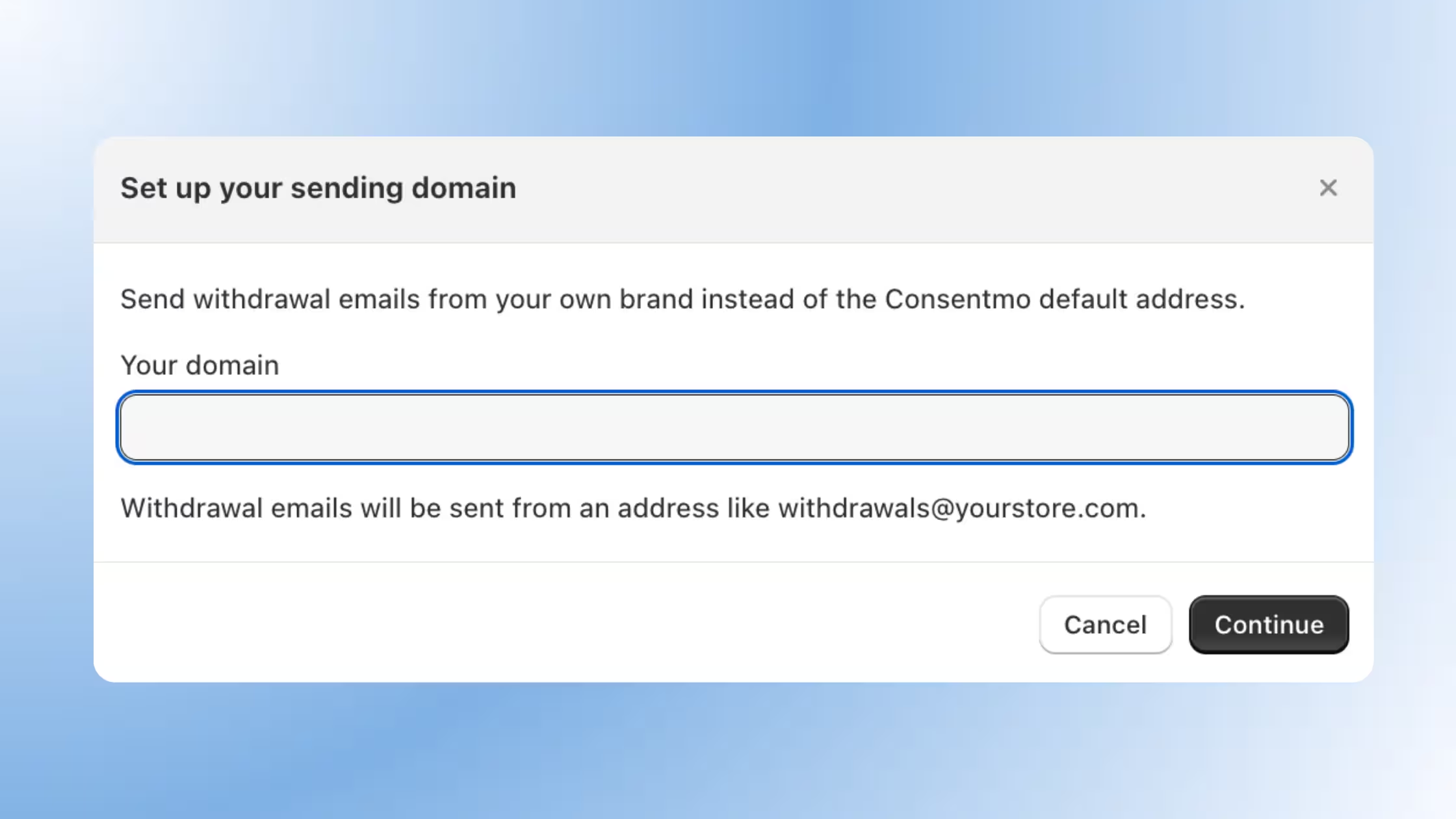
Now you can change that. With a custom sending domain, withdrawal emails go out from your own address, something like withdrawals@yourstore.com, instead of the Consentmo default.
What this feature brings
Branded withdrawal emails. Verification and confirmation emails for withdrawal requests are sent from your own store domain, not a generic Consentmo address.
Build customer trust. Shoppers recognize the sender because it matches your brand. That familiarity reduces the chance a withdrawal email gets ignored, flagged as spam, or mistaken for a scam.
Simple copy-and-verify flow. Set up takes three steps: copy the CNAME records Consentmo generates for your domain, add them to your DNS provider, and verify the domain directly inside Consentmo.
Professional withdrawal experience. The entire withdrawal flow, from the button on your storefront to the final confirmation email, stays visually and tonally consistent with your brand.
How to set it up
Follow these simple steps to configure your sending domain correctly:
1. Go to Privacy center → Withdrawal Page → Email sending domain.
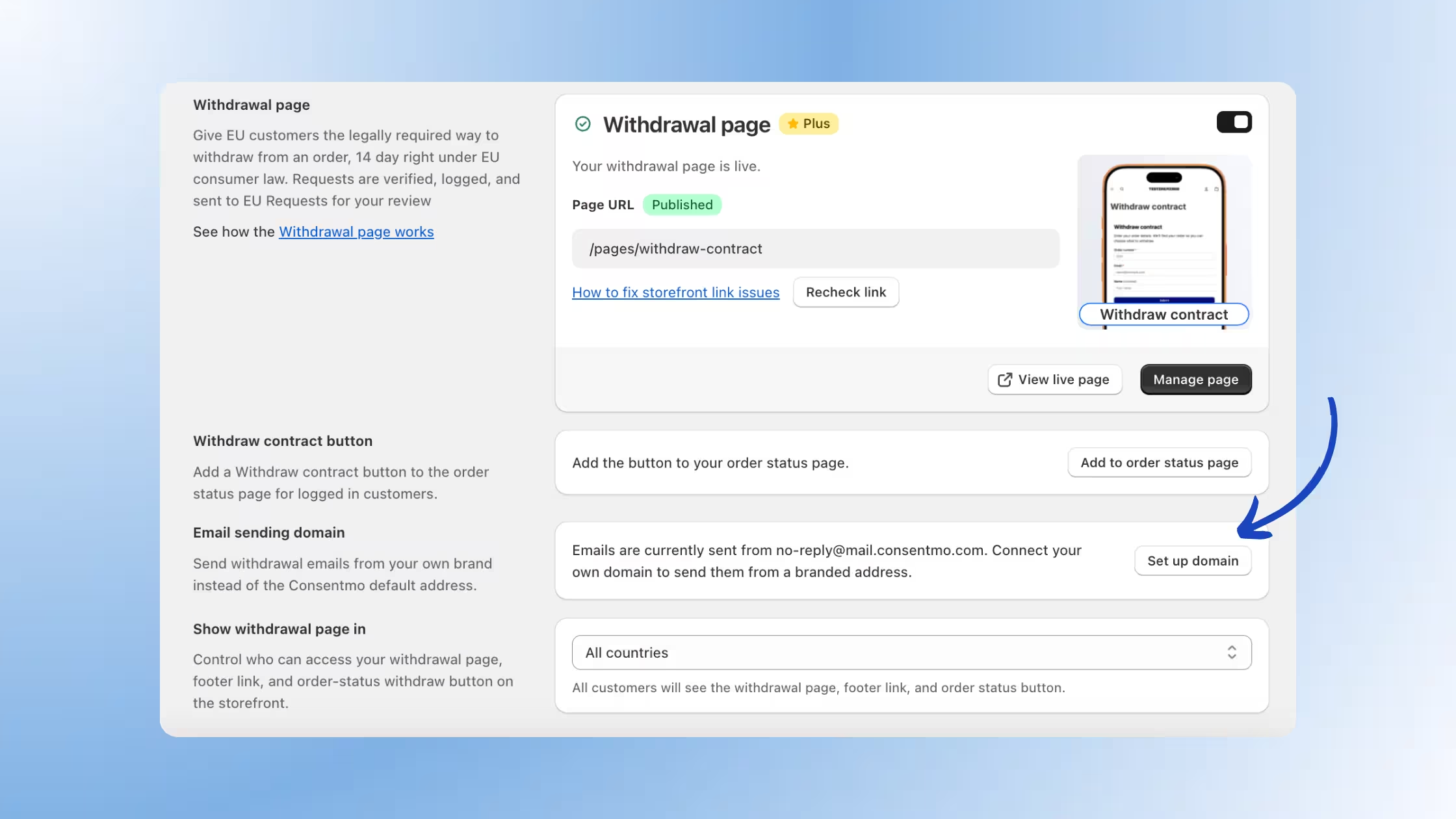
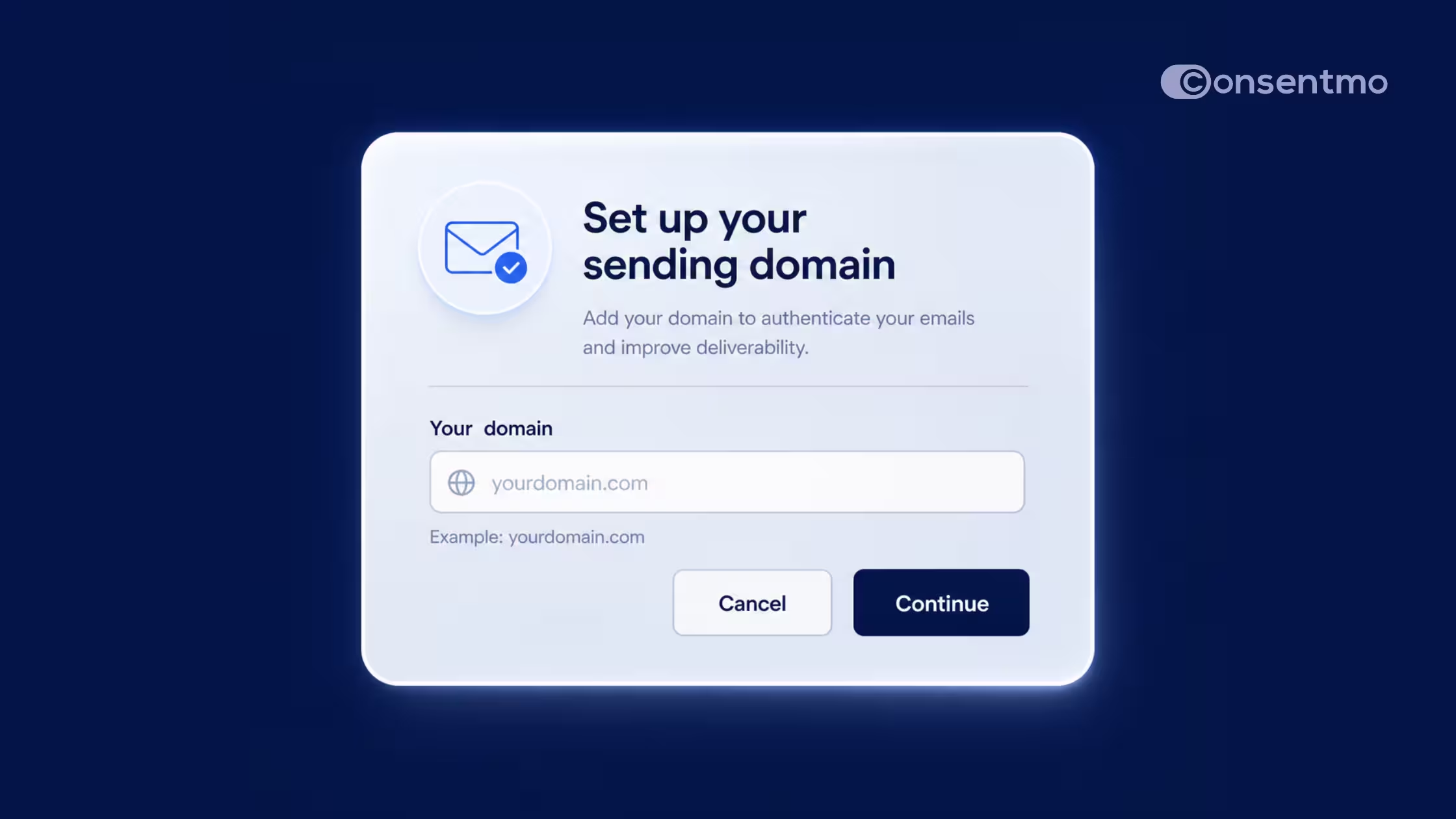
2. Click Set up domain and enter your domain (e.g. yourstore.com).
3. Consentmo generates three CNAME records: one for mail sending and two for DKIM signatures.
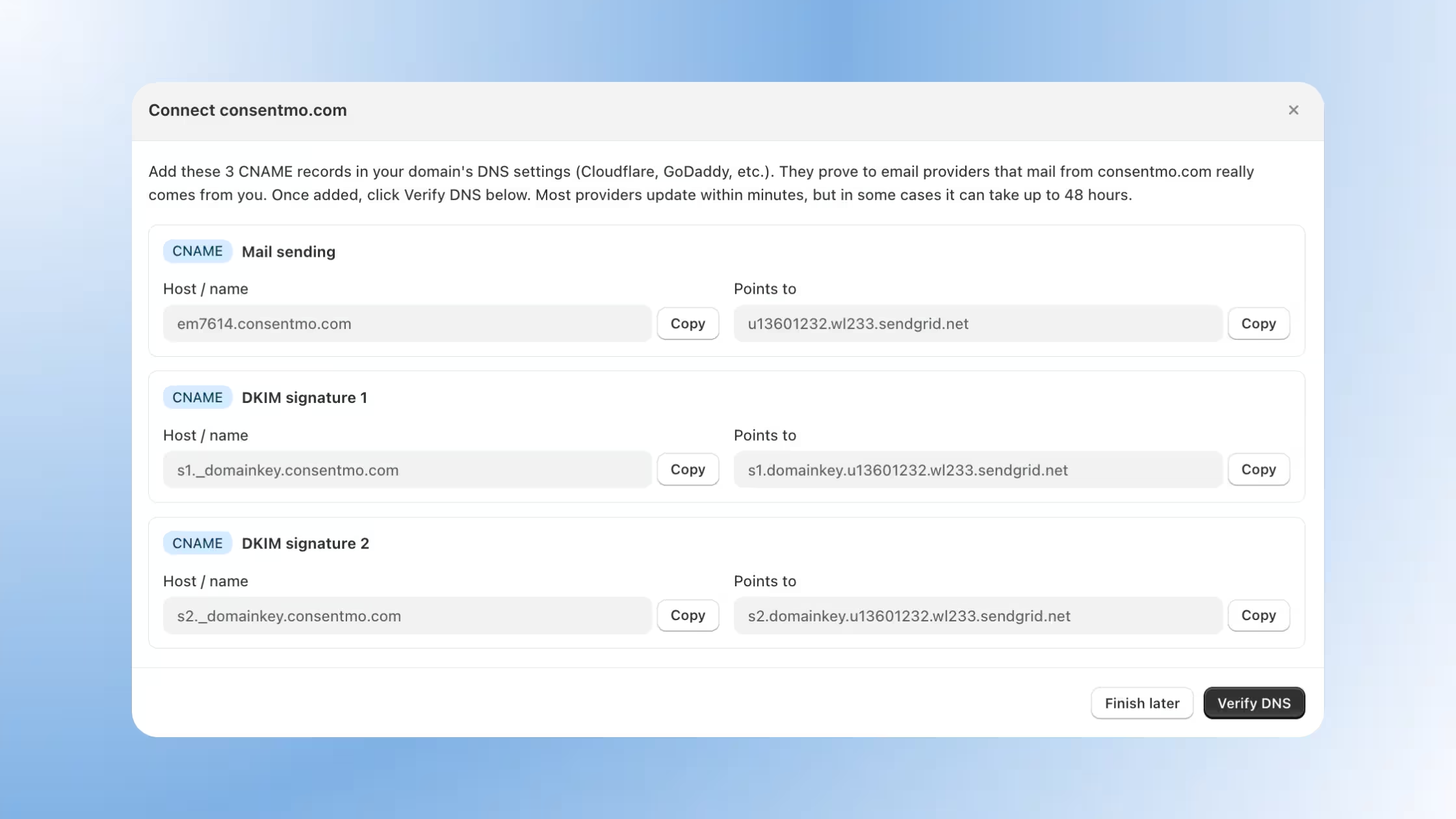
4. Copy each record and add it to your DNS provider (Cloudflare, GoDaddy, Namecheap, etc.).
5. Return to Consentmo and click Verify DNS.
DNS changes can take up to 48 hours to propagate, so your domain may show a DNS pending status while records confirm.
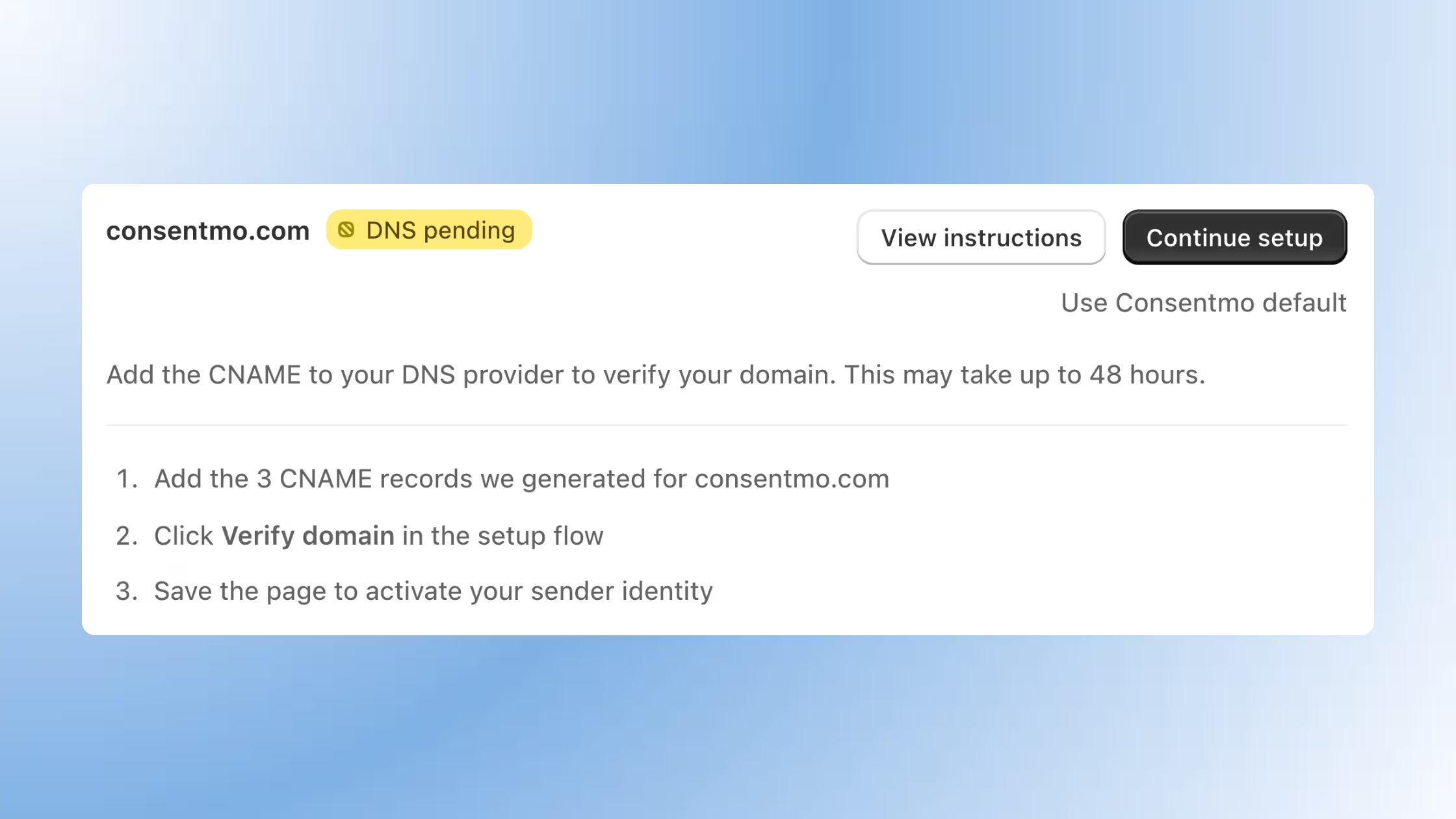
6. Once verified, save the page to activate your sender identity.
Withdrawal emails will now send from your branded address!
If you'd rather not use a custom domain, you can always switch back with the Use Consentmo default link on the same page.
Who can use it
Custom sending domains for EU Withdrawal emails are available on Plus and Enterprise plans.
If you're on a lower plan and want this for your store, reach out to our team or check your plan options in the Consentmo dashboard.
Ready to set it up? Head to Privacy center → Withdrawal Page → Email sending domain in your Consentmo dashboard and connect your domain in a few minutes.
Read more on EU Withdrawal Rule in our detailed breakdown here.

_converted.avif)