Google’s Advanced Consent Mode: The Key to GDPR-Friendly Analytics
As privacy regulations like the GDPR and the ePrivacy Directive are here to stay, marketers and business owners face a challenging question: how can we still record and use website data without violating user privacy?
One of the answers is Google’s Consent Mode - a solution designed specifically to help businesses navigate this challenge. Consent Mode adjusts how Google tags and analytics tools work based on users' consent choices (when choosing Accept / Reject cookies).
Consent Mode comes in two versions: Basic and Advanced. While the Basic implementation covers the essentials of compliance, the Advanced Consent Mode provides innovative tools like cookieless tracking, improved conversion modeling, and detailed reporting options.
In this article, we’ll look into Google Advanced Consent Mode, exploring its key features, advantages, and implementation.
Starting with the basics - What is Google Consent Mode?
Google Consent Mode is a privacy-focused framework designed by Google that dynamically adjusts the behavior of Google tags and SDKs based on user consent choices.
Simply put, it makes sure that the way your website or app collects data aligns precisely with what users have consented to.
Why Consent Mode matters
- Helps businesses align with regulations such as GDPR and the ePrivacy Directive.
- Provides a seamless approach to respecting user choices while maintaining marketing insights.
Supported Google products
Consent Mode supports several Google services by adjusting their data collection based on user consent:
- Google Analytics (including GA4 and Firebase SDK)
- Google Ads (Conversion Tracking and Remarketing)
- Floodlight
- Conversion Linker
- Google Tag (Gtag.js)
GCM versions: Basic vs. Advanced Consent Mode
Lets go over the main differences via the table below:

Understand Advanced Consent Mode in detail
How Advanced Consent Mode works:
- Tags load immediately with default denied consent states (unless configured otherwise).
- Cookieless pings sent prior to consent; complete data only sent after user consent.
- Supports granular management (data categories) and customization of consent states.
Cookieless pings explained:
Cookieless pings collect privacy-safe, aggregate data when users have not granted consent, including:
- Timestamp
- User Agent (browser/device type)
- Referrer URL
- Ad-click signals (GCLID/DCLID, anonymized)
- Consent state details (consent granted or denied per type)
- Consent Management Platform (CMP) information
- Randomized identifiers generated at each page load
Advantages of Advanced Consent Mode
Advanced Consent Mode offers websites & Shopify merchants several key benefits that combine effective marketing with user privacy.
- Accurate conversion tracking
Even if users don’t consent to cookies, you still get reliable data on how well your ads perform.
This helps you better measure conversions and optimize your marketing budget, without compromising user privacy.
- Better ad campaign performance
Practical outcome: Advanced Consent Mode gives your campaigns deeper insights into user engagement. Even with restrictions, you (and the ad platforms) get enough data to optimize your ads effectively.
Better data means smarter decisions, improved campaigns, and ultimately, higher returns from your marketing budget.
- Enhanced behavioral modeling
Even when visitors don't consent to cookies, Google's advanced algorithms help fill in the gaps. They look at general trends and anonymous user interactions (like clicks, views, or purchases) to predict what your visitors are likely doing on your site.
This means you still get valuable insights, so you can keep your marketing effective while fully respecting your customers’ privacy choices.
- Reliable insights with BigQuery
Exporting data from Google Analytics 4 (GA4) to BigQuery gives you deeper, anonymized insights into user interactions, regardless of their consent choice.
It’s valuable because it offers the clearest picture of how users interact with your site, guaranteeing you don’t miss critical events, regardless of consent limitations.
- Flexible control over user data
Set up specific tag behaviors based on exactly what users consent to. For example, allow marketing cookies only when users explicitly agree (click Accept on Cookie banner).
Advantage: You comply precisely with privacy laws while still collecting meaningful data - boosting user trust in your store.
Implementation and best practices for Advanced Consent Mode
Follow these practical guidelines to effectively and compliantly implement Advanced Consent Mode on your Shopify store.
As this user shared on Reddit… it’s not really an easy task.
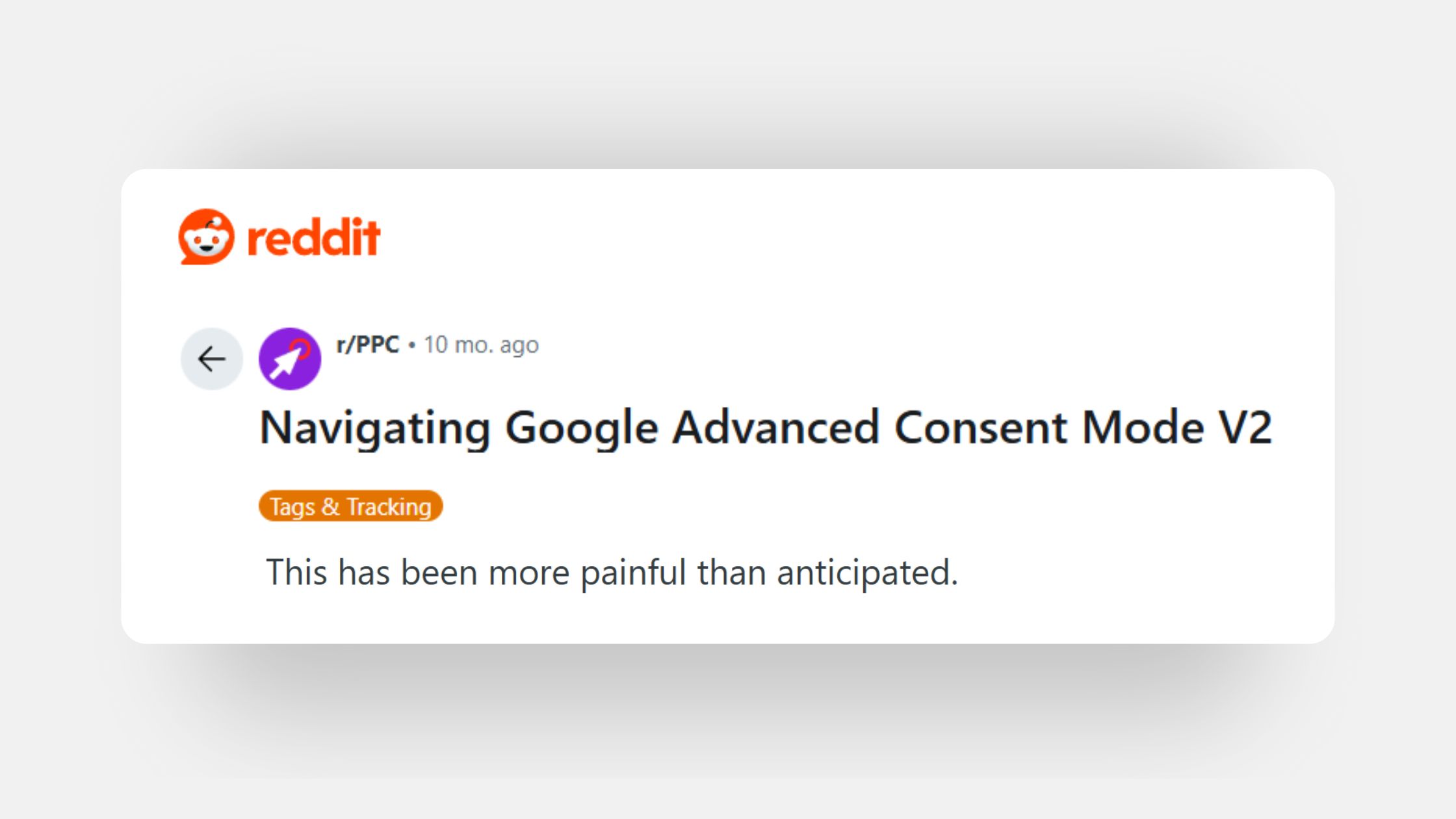
Thankfully, there are many solutions you can implement and trust which take care of the technical hassle for you.
Let’s go over what you’ll need to do:
Implementation steps:
- Select a Certified CMP
Choose a Google-certified Consent Management Platform (CMP) that integrates easily with Consent Mode.
If you are a Shopify merchant - trust a Built for Shopify compliance app, like Consentmo.
- Integrate Consent Mode with Google Tag Manager:
Collaborate with your web development or technical team to correctly set up consent mode tags and triggers.
Easy direct integration with GCM in the Consentmo Shopify app.
- Configure Cookieless Pings and Tag Behaviors:
Set up default consent states (denied by default).
Define behaviors clearly based on user consent choices.
- Validate the Implementation:
Use official tools such as Google Tag Assistant to confirm your setup is functioning correctly and is compliant.
Shopify merchants - reach out to Consentmo support if you have any questions.
Best practices for a successful implementation:
- Regular compliance audits: Review your consent management setup, especially as regulations evolve.
- Clear and transparent Cookie banners: Design your Cookie consent banners clearly, explaining exactly what users consent to, to encourage informed decision-making.
- Technical monitoring: GCM is no easy technical feat. Check in with your dev team, or trust a reliable compliance partner to make sure all is running smoothly.
Recommendations for Shopify merchants:
- Set Default state to Denied: Ensure the default consent states (like ad_storage and analytics_storage) are set to "denied" to meet GDPR’s "privacy by default" principle.
- Consult with Experts: Always collaborate with your legal team or Data Protection Officer (DPO) to ensure the correct interpretation of privacy laws and compliant implementation.
- Trust a Built for Shopify compliance app: As you know the App store is full of many solutions for your store, making your business efforts easier and faster. Legal compliance is certainly a big deal and it makes sense to trust an app that has proved itself as a trusted partner.
Conclusion:
Google’s Advanced Consent Mode is an essential tool for Shopify merchants who want accurate insights into their visitors' behavior without compromising user privacy or legal compliance.
By choosing the right CMP, setting clear consent defaults, and following best practices, you can effectively balance privacy requirements with powerful, data-driven marketing.
Advanced Consent Mode helps you maintain compliance + enhances your marketing ROI, proving that privacy-friendly marketing truly is the future of eCommerce.
Consent Mode is a big topic. Explore below some of our other blogs on it:
- Your Guide to Understanding Google Consent Mode and GDPR Compliance
- How to Integrate Google Consent Mode V2 on your Shopify store
Stay compliant and see you on our next read!

_converted.avif)