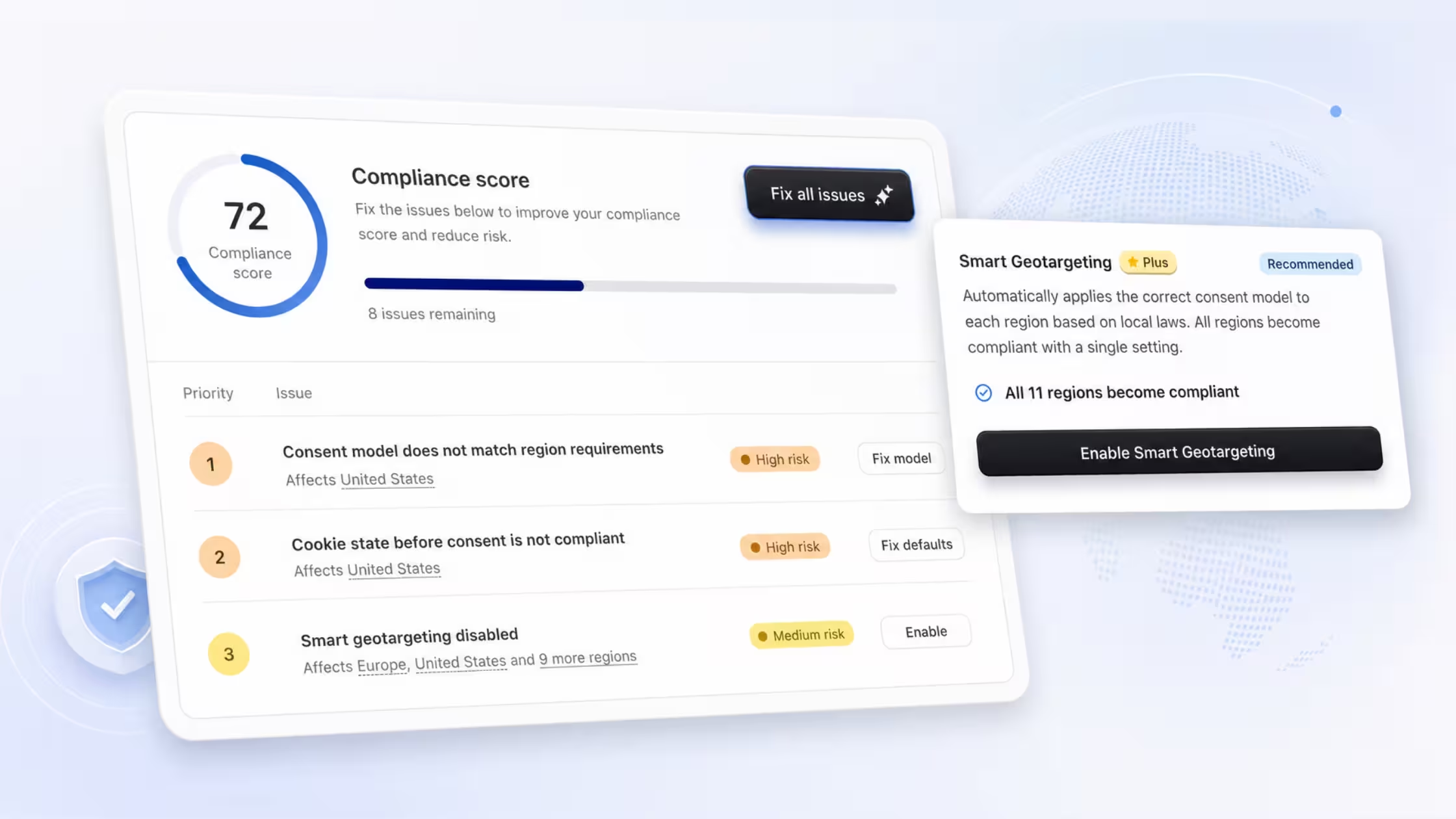
We have some updates to announce, starting with changes in our Integrations tab, and specifically how you can now set up and manage your tracking service integrations directly from inside the Consentmo app.
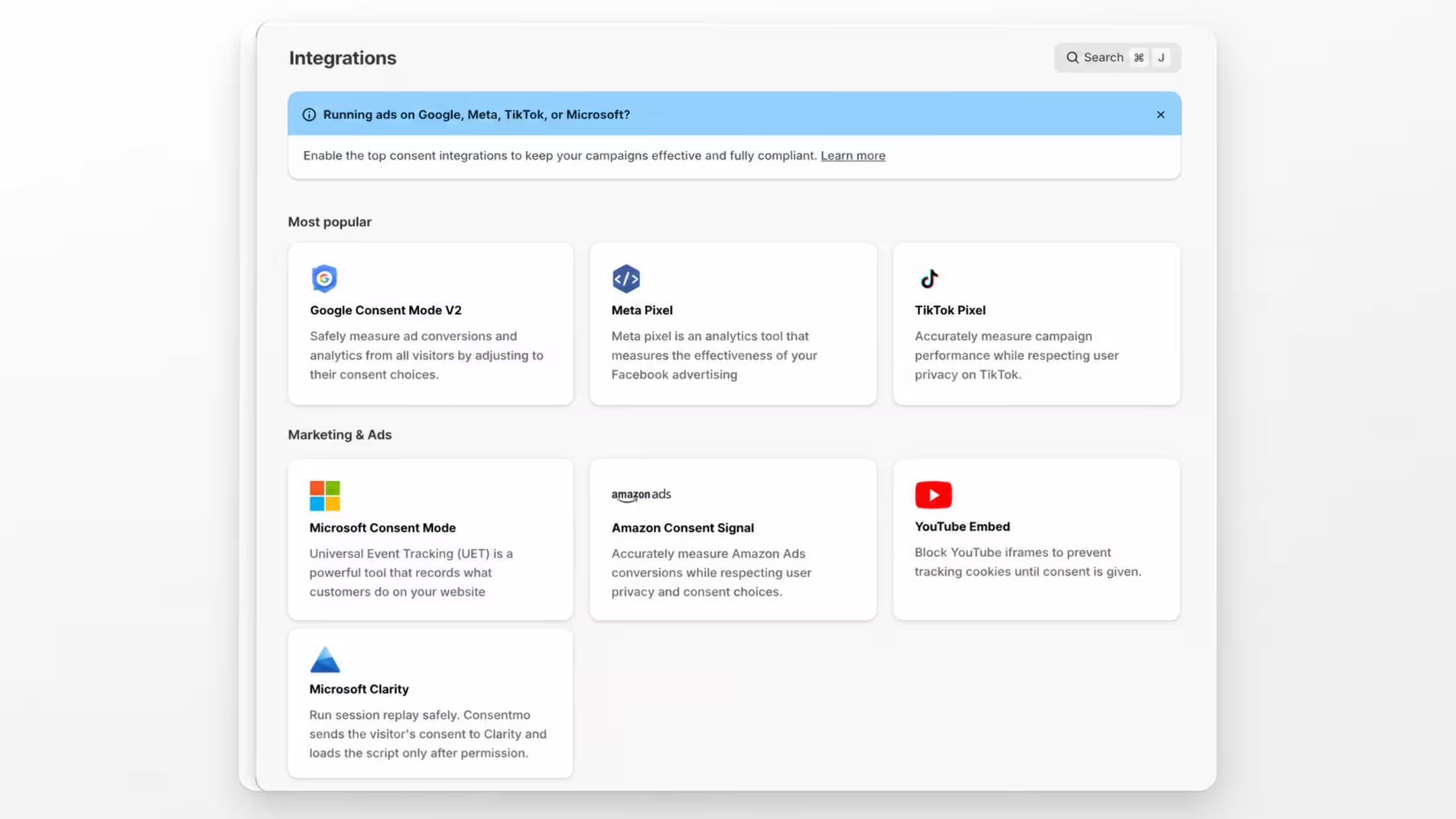
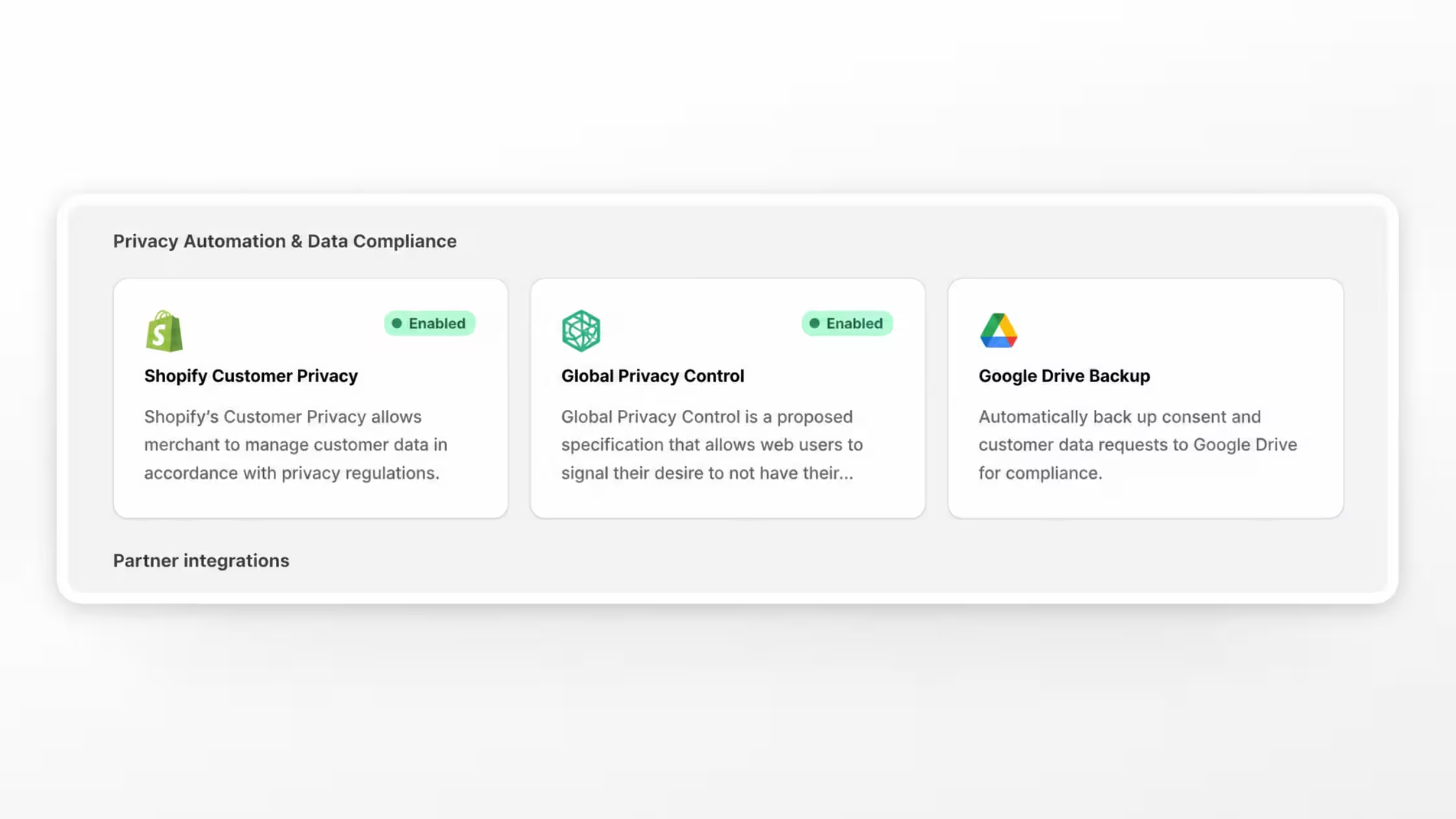
When you open the Integrations tab in Consentmo, you'll find a fully redesigned hub organized into clear categories: Most Popular, Marketing & Ads, Privacy & Compliance, and Partner Integrations. Each integration has its own dedicated setup page where you can enable, configure, and manage everything without ever leaving the app.
For a full overview of all available integrations, visit our detailed Integrations page.
What's new in the Integrations tab?
The biggest change is that you no longer need to manually edit your theme.liquid file for the most common integrations. Consentmo now handles the setup for you, directly from the app.
Setting up an integration is as simple as pasting your ID
No code, no theme file edits, no snippets. Here's all it takes:
- Open the Integrations tab in the Consentmo app
- Select the service you want to connect (Meta Pixel, TikTok Pixel, Microsoft Consent Mode, and more)
- Click Enable
- Paste your tracking ID into the provided field
- Done — Consentmo handles the rest automatically
The app takes care of all the script configuration behind the scenes, so your tracking tools fire correctly and only after a visitor gives consent.
Google Consent Mode V2
Google Consent Mode V2 (GCM V2) deserves its own spotlight. It's one of the most important integrations for any store running Google Ads or using Google Analytics, and setting it up with Consentmo is straightforward.
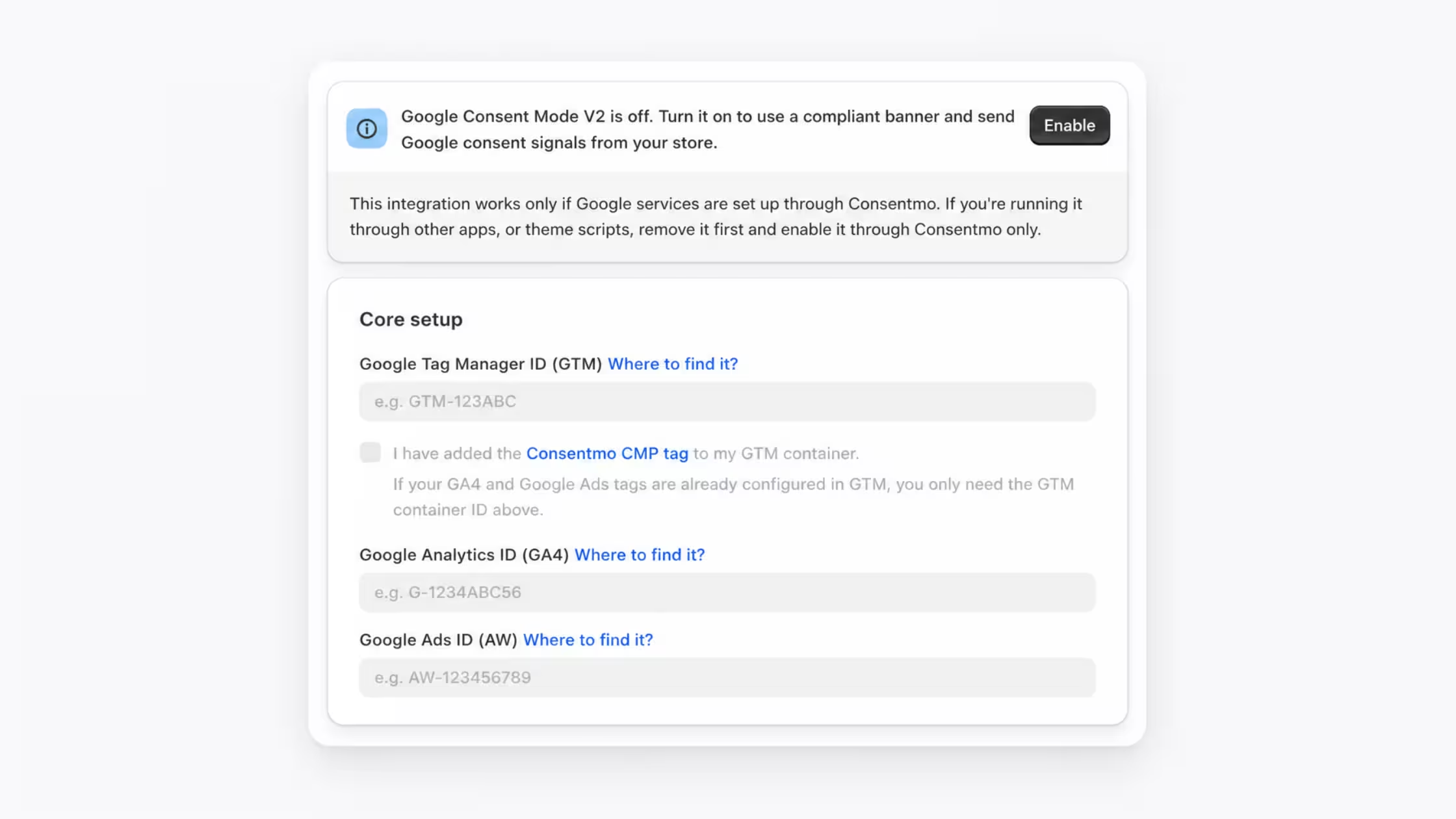
From the Google Consent Mode V2 page in the Integrations tab:
- Click Enable
- Paste your Google Tag Manager ID (e.g. GTM-123ABC). If you also run GA4 and Google Ads outside of GTM, you can add those IDs separately
- Confirm that the Consentmo CMP tag has been added to your GTM container (a quick checkbox step with a link to the guide)
- That's it — GCM V2 is live
Once enabled, Consentmo sends consent signals to Google in real time based on each visitor's cookie choices. This keeps your ad conversion tracking and analytics reporting accurate even in regions with strict consent requirements like the EU, and it's a Google-certified integration.
You can also configure Consent Mode type (Advanced or Basic) and adjust the consent mapping to align Google's signals with your cookie categories directly from the same page.
Global Privacy Control (GPC) Signals (By Default)
Global Privacy Control is a browser-level signal that lets users communicate their privacy preferences automatically, without interacting with a cookie banner. When a visitor has GPC enabled in their browser, their preference to opt out of data selling or sharing is sent to your store the moment they land on it.
Consentmo detects and respects GPC signals automatically once the integration is enabled. Here's what that means in practice:
- Visitors with GPC active in their browser are treated as having opted out of data selling and sharing, in line with CCPA and similar regulations
- Their consent state updates instantly, with no banner interaction required
- Consentmo records the GPC signal as part of the visitor's consent log, keeping your compliance records complete
To enable it, head to Privacy & Compliance in the Integrations tab and toggle on Global Privacy Control. No IDs or configuration needed.
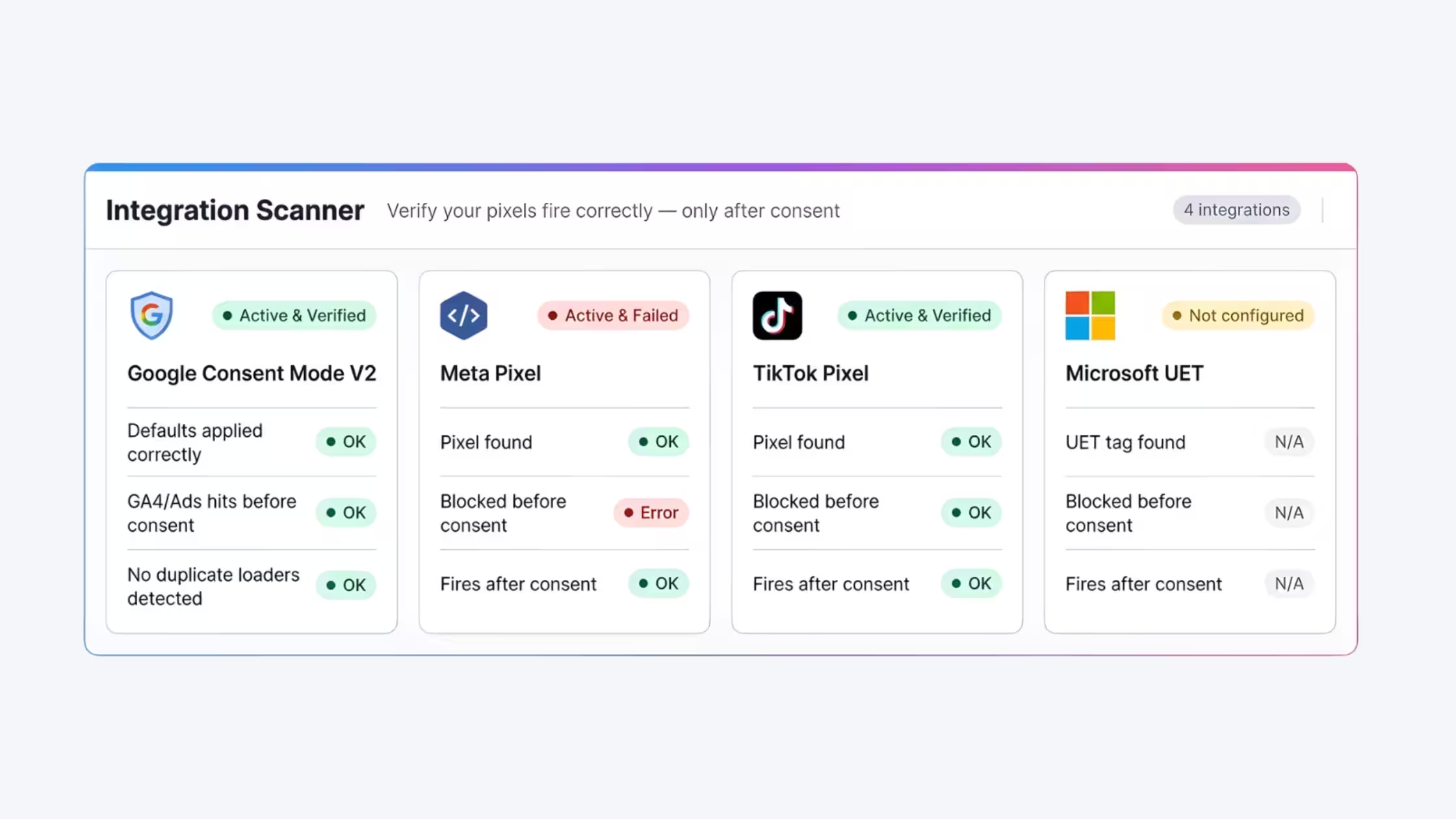
Integration Scanner
The Integration Scanner lets you run a real-time compliance check to verify that your tracking tools are firing correctly — and only after a visitor has given consent. It currently supports:
- Google Consent Mode V2
- Meta Pixel
- TikTok Pixel
- Microsoft Consent Mode
Use it to catch issues before they become compliance risks. It's available straight from Consentmo!
Partner Integrations
The Integrations tab also includes a Partner Integrations section, connecting Consentmo with third-party tools many Shopify merchants already use:
- Littledata — server-side tracking for Google Analytics & Ads, Meta Ads, and more
- Elevar — conversion tracking with server-side data to 40+ destinations
- Klaviyo — email and SMS marketing
- Simprosys Google Shopping Feed — product feeds for Google Shopping, Facebook, and Microsoft Ads
- PageFly Landing Page Builder — drag-and-drop store page editor
- Swym — wishlist and customer engagement tools
- AWIN — global affiliate network for tracking affiliate-driven sales
That's how easy it is to stay compliant and keep your tracking tools running smoothly. For the full list of supported integrations and setup guides, head to consentmo.com/integrations. Feel free to comment and share your feedback - we always appreciate hearing from you!


_converted.avif)