.png)
Why This Matters More in 2026
Your CMP is no longer just a cookie banner. It sits at the intersection of legal compliance, ad performance, and customer trust, and in 2026, all three of those areas have gotten harder to manage.
Google Consent Mode v2 made it mandatory for EU merchants to pass consent signals to Google Ads and Analytics. Without proper implementation, your conversion tracking degrades and your bidding algorithms lose the signals they depend on.
At the same time, US state privacy laws continue to expand. California (CPRA), Colorado, Connecticut, Virginia, Texas, and others each carry distinct opt-out requirements. And GDPR enforcement is intensifying: France's CNIL issued record fines for dark patterns in 2025, and Spain's AEPD specifically targeted pre-consent cookie loading.
In this environment, a CMP that "mostly works" is a liability. The merchants who feel that most acutely are the ones who have already switched.
TL;DR
- Most merchants switch CMPs after something breaks, usually tracking or compliance, not because they went looking for an upgrade
- The most common triggers: broken Google Ads data, no geo-targeting, missing consent records, and poor multilingual support
- A good CMP handles Consent Mode v2, geo-targeted logic, consent logs, and DSARs in one place
- Before you uninstall your current tool, there is specific data you need to export first, and most merchants skip this entirely
The Real Reasons Merchants Switch CMPs
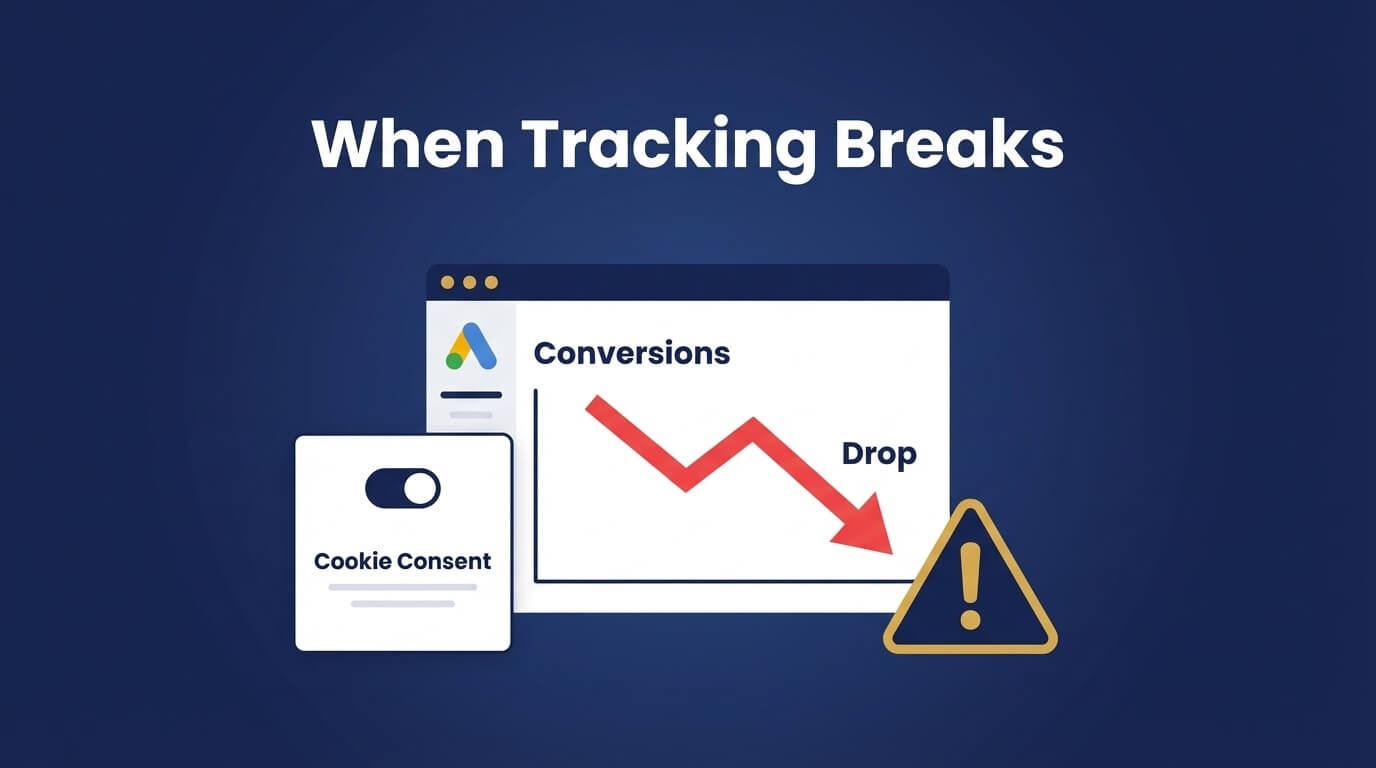
This is not about chasing features. When you dig into Shopify community forums, PPC discussions, and real merchant feedback, the triggers are almost always the same.
1. Tracking Breaks and Ad Performance Drops
This is the most common reason, and it tends to catch merchants off guard.
When a CMP does not implement Consent Mode v2 correctly, or fires tags before consent is given, the downstream effects are significant:
- Google Ads conversions drop or disappear from reports
- Analytics data stops matching reality
- Retargeting audiences shrink without explanation
- Smart bidding starts optimizing toward incomplete signals
The problem is rarely obvious from the CMP dashboard. Merchants notice it in their ad account first, then spend days troubleshooting GTM and pixels before tracing the root cause back to consent.
If your CMP is part of your marketing stack, and it is, unreliable behavior there costs real money.
2. No Region-Specific Consent Logic
Consent rules are not global. A CMP that shows the same banner to every visitor, regardless of location, is either over-complying or under-complying somewhere.
Here is what different regions actually require:
Region vs Requirement
- EU (GDPR) - Explicit opt-in before any non-essential cookies
- California (CPRA) - Opt-out model with a "Do Not Sell or Share" link
- Other US states - Mixed requirements, some opt-in, some opt-out
- Rest of world - Often no banner required at all
The ability to control consent behavior by country and, crucially, by US state, is no longer a premium feature. It is a baseline expectation.
3. Missing Consent Records
A banner is not compliance. Proof of consent is compliance.
Under GDPR, if a regulator or a claimant asks whether a user consented, you need to produce documentation. That means:
- The exact timestamp the consent was given
- What the user accepted or rejected
- Which version of the banner they saw
- Which cookie categories were presented
Many CMPs either skip this entirely, store only partial data, or bury it in a format that is difficult to access when you actually need it. That gap is not a minor inconvenience. Consent without records is legally equivalent to no consent at all.
4. Customization Limits That Hurt Consent Rates
Poor banner UX has a direct impact on opt-in rates, and opt-in rates affect what data you can collect.
When merchants cannot control layout, button behavior, branding, or how intrusive the banner feels, they end up with one of two outcomes: a banner that feels alien to their store and confuses users, or a default design that looks unfinished.
Merchants want control over:
- Positioning (bottom bar, pop-up, corner widget)
- Accept / Reject / Preferences button behavior
- Colors, fonts, and tone of voice
- How the banner behaves on mobile
These are not cosmetic preferences. They determine how many visitors consent, and that number shapes everything from your ad data quality to your retargeting reach.
5. Multilingual Support That Falls Apart Internationally
If you sell across multiple countries, your cookie banner needs to communicate clearly in the visitor's language. That sounds straightforward. In practice, many tools handle it poorly.
Common issues include banners that are not auto-detected by language, translations that are partial or machine-translated without review, and layouts that break with longer text in certain languages. The result is a banner that appears untrustworthy to international visitors, and a lower consent rate because of it.
What to Look for in a CMP Replacement
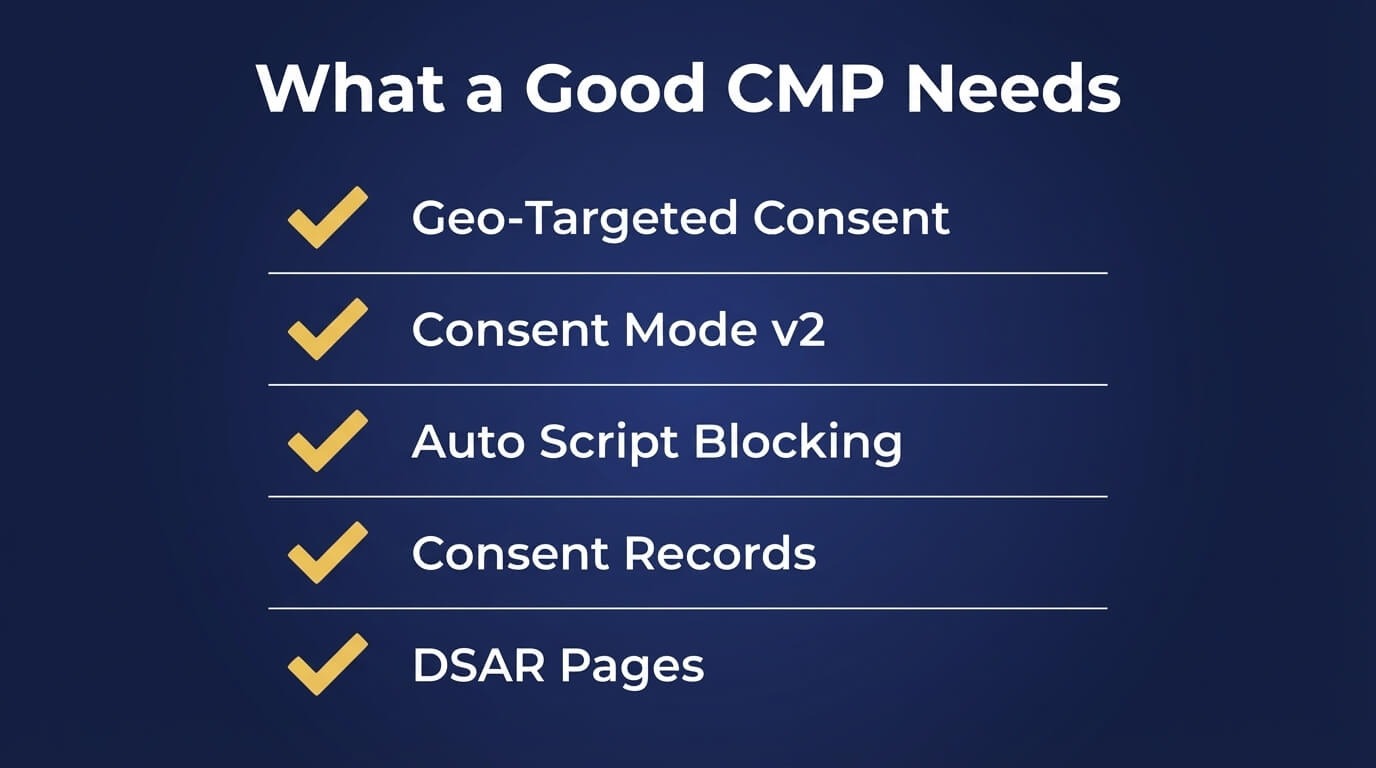
Before committing to a new tool, here is what to evaluate. Not every CMP advertises these capabilities clearly, so test them during any trial period.
Geo-Targeted Consent Logic (Country and State Level)
Your CMP should serve different consent experiences based on where the visitor is located.
This includes country-level rules for GDPR and similar laws, and state-level logic for US visitors covered by CPRA, CPA, VCDPA, and others. Confirm that this works automatically, not through manual configuration for each market.
Google Consent Mode v2 Integration
This should be built in and automatic, not a developer task.
The CMP should correctly pass ad_storage, analytics_storage, ad_user_data, and ad_personalization signals to Google without requiring custom GTM setup. Ask directly whether the tool is Google-certified.
Automatic Script Blocking
Scripts should not fire until consent is granted.
This should happen at the CMP level, not through manual tag management. If you have to go into GTM and configure every tag by hand to respect consent, the CMP is pushing its work onto you.
Consent Records, Stored and Accessible
Every consent interaction should be logged with a timestamp, user choice, banner version, and consent categories.
These logs should be exportable and easy to retrieve. This is what you would produce in an audit or a dispute.
DSAR Handling
Under GDPR, CCPA, and other regulations, users have the right to request access to, deletion of, or corrections to their data.
A CMP should include compliance pages that handle these requests, ideally without requiring a separate tool.
Multilingual Support with Auto-Detection
Look for a tool that auto-detects the visitor's language and serves the banner in that language, with proper translations for all compliance copy, not just the buttons.
Predictable Tracking Behavior
Before committing, test the CMP in a staging environment and verify that your GTM tags, Meta Pixel, and Google Ads conversion tracking fire correctly after consent, and do not fire before it. Check that Consent Mode signals appear in your Google Tag diagnostics as expected.
The Safe Transition: What to Export Before You Uninstall
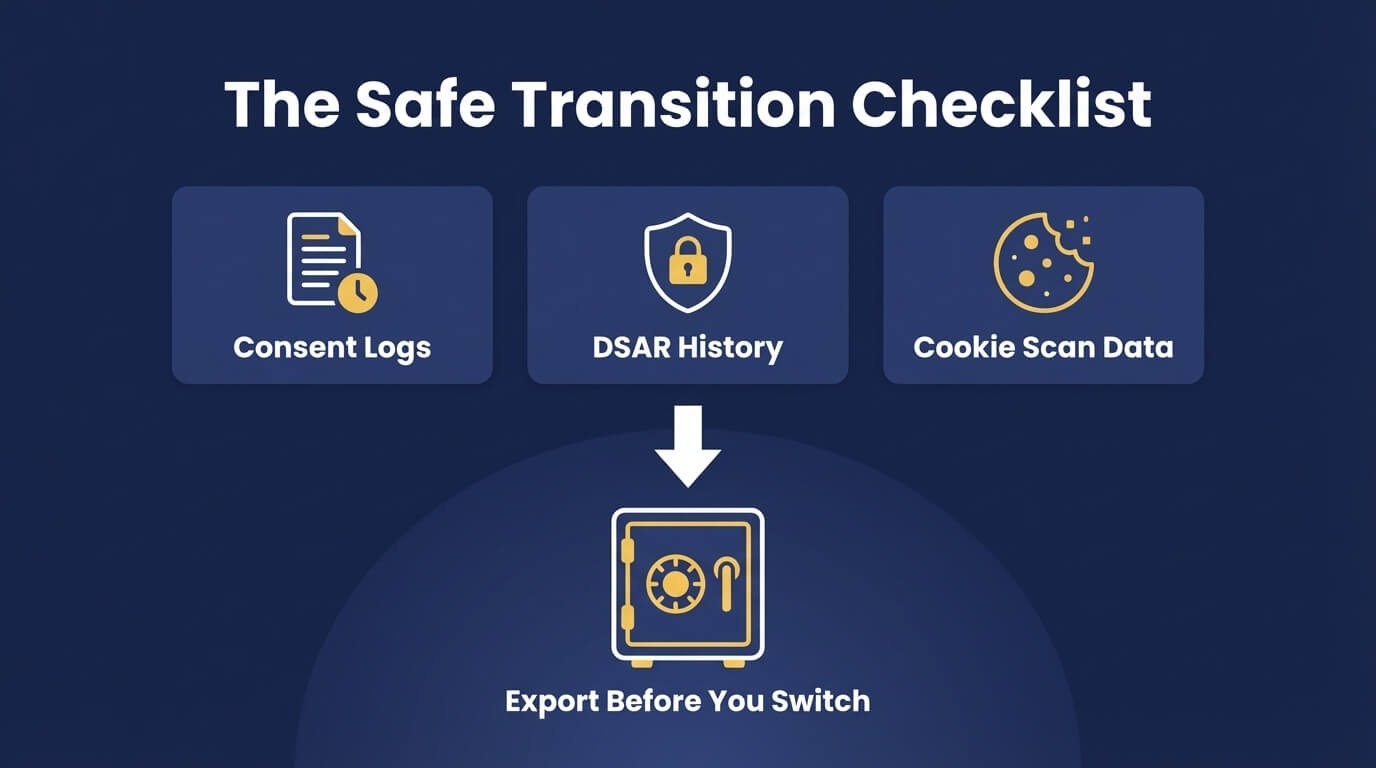
This is the section most migration guides skip, but it is arguably the most important one.
When you uninstall a CMP, you may lose access to data that has legal and operational value. Some of it exists only inside that tool. Here is what to export before you pull the plug.
1. Consent Logs (Your Most Critical Export)
Consent records prove that users agreed to your data practices during a specific period. Under GDPR, you may need to produce this evidence years after the fact. Under CPRA, similar accountability standards apply.
Export your full consent log as a CSV or JSON file. It should include:
- User/session identifiers
- Timestamps for each consent action
- The choices made (accepted, rejected, partial)
- The banner version shown at the time
- The consent categories presented
Store this file outside of the CMP, in a secure location you control. If you move to a new CMP and a regulatory inquiry arrives about activity from 18 months ago, this file is what you produce.
2. DSAR Submission History
If users submitted Data Subject Access Requests, Right to Deletion requests, or Do Not Sell opt-outs through your current CMP, that history needs to be preserved.
Export all submitted DSARs, including submission dates, request types, and any responses or completions logged. This is part of your accountability trail and should be retained regardless of which tool you use going forward.
3. Cookie Scan Results
Your current CMP likely has a record of every cookie detected on your store, including third-party cookies from apps, pixels, and embeds. Export this list before switching.
This serves two purposes. First, it gives your new CMP a head start on categorizing cookies correctly so you are not starting from zero. Second, it documents what was running on your store during the period your old CMP was active.
4. Custom Banner Configurations and Translations
If you spent time customizing your banner, writing consent text, or manually translating copy into multiple languages, that work lives inside your current CMP. It does not automatically transfer.
Before uninstalling:
- Screenshot or export your banner design settings
- Export any custom consent text you have written
- Save translated versions of your banner copy
- Note your geo-targeting rules and which regions had custom configurations
Recreating this from memory in a new tool is slower and more error-prone than having the originals on hand.
5. Consent Rate Reports
Most CMPs provide analytics on opt-in and opt-out rates, broken down by region, device, or date range. These numbers are useful for understanding your baseline before switching and for comparing performance after.
Export any consent rate reports or dashboards your current tool offers. This data will not be available once you uninstall.
6. Compliance Page Content
If your current CMP auto-generated GDPR, CCPA, or other compliance pages on your site, review those pages before switching. Some CMPs host the pages themselves and the URLs will break when the app is removed. Others generate static content that stays on your site.
Either way, save the full content of each compliance page, including cookie policy, privacy notice, and any DSAR page text, so you can republish or update it in your new setup without gaps.
How Consentmo Addresses These Issues
Consentmo was built specifically for Shopify merchants dealing with the problems described above.
On geo-targeting: Consentmo supports country-level and US state-level consent logic out of the box. You can configure different banner behaviors for GDPR regions, CPRA visitors, and markets that require no banner at all, without any developer involvement. The Smart Geotargeting update in March 2026 extended this to granular state-level control.
On Consent Mode v2: Consentmo is Google-certified. The integration handles all required consent signals automatically, and the Integration Scanner verifies that your tracking setup is working correctly so you are not left guessing.
On consent records: Every consent interaction is logged with a full audit trail. Records are stored, searchable, and exportable, ready for any compliance review.
On DSARs: Compliance pages for GDPR, CCPA, LGPD, PIPEDA, and other regulations are built in. Users can submit access, deletion, and correction requests directly through those pages.
On multilingual support: Consentmo supports 27 languages with auto-detection, so banners are served in the right language without manual configuration for each market.
And on transitions specifically: if you are moving from another CMP to Consentmo, the setup is straightforward. The consent logs from your previous tool stay with you, and the configuration steps are documented in the Knowledge Base.
When Is It Actually Time to Switch?
You do not need to wait until something is obviously broken. These are the signals worth acting on:
- Your Google Ads conversion data looks inconsistent or has dropped without a clear campaign reason
- You cannot confirm that Consent Mode v2 is passing signals correctly
- You do not have a way to produce consent records on demand
- Your banner shows the same experience to every visitor regardless of location
- You have had to manually edit GTM or scripts to work around consent issues
- Your current tool supports some of these requirements but not all of them
The "almost working" state is where most compliance and tracking problems quietly compound. Switching is not difficult when done correctly. The cost of not switching tends to be higher.