


A/B Testing for Cookie Banners on Shopify
.avif)


Create Two Cookie Banner Versions to Compare

Control How Visitors See Each Banner Version
Decide What Makes a Banner Perform Better
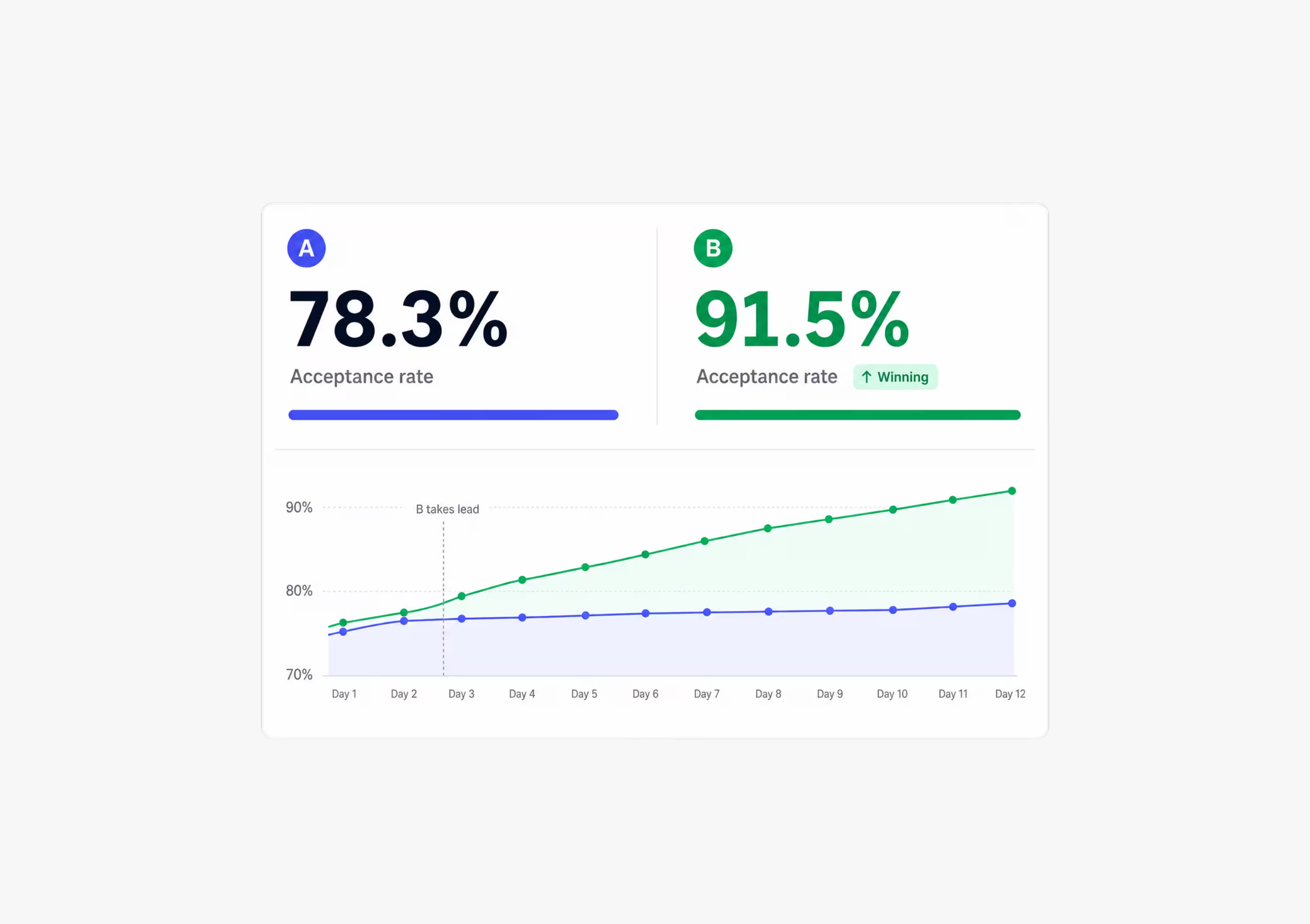
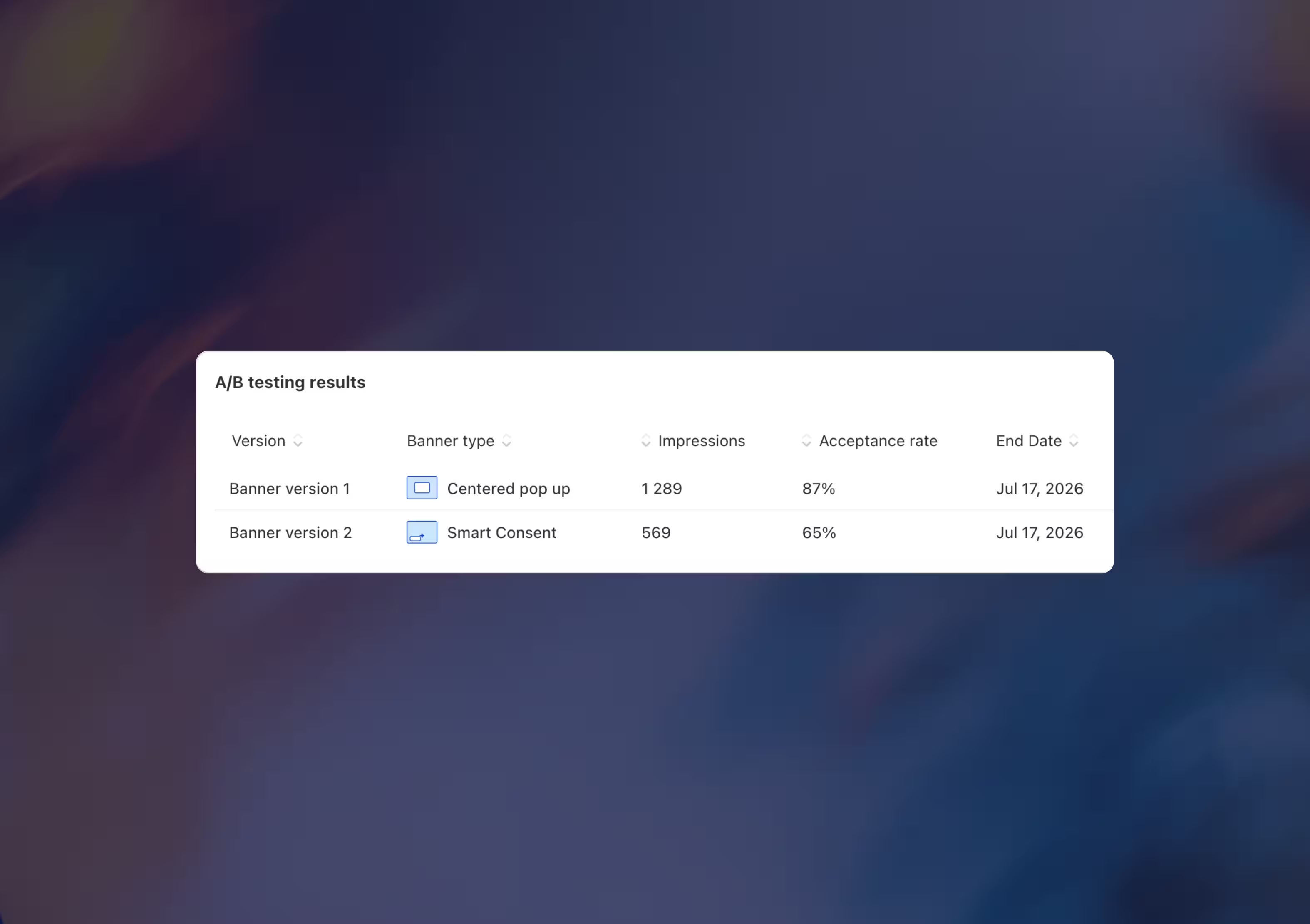
Analytics - See Which Banner Version Performs Best

Schedule Your A/B Test and Keep Results Reliable
Optimize Your Cookie Banner With Real A/B Test Data

A/B Cookie Banner Testing with Consentmo

A/B Testing in Consentmo lets Shopify merchants compare two different cookie banner designs and measure which version performs better with real visitors. You can test your current banner against a second version, split traffic between them, track performance in Analytics, and automatically apply the better-performing banner when the test ends.
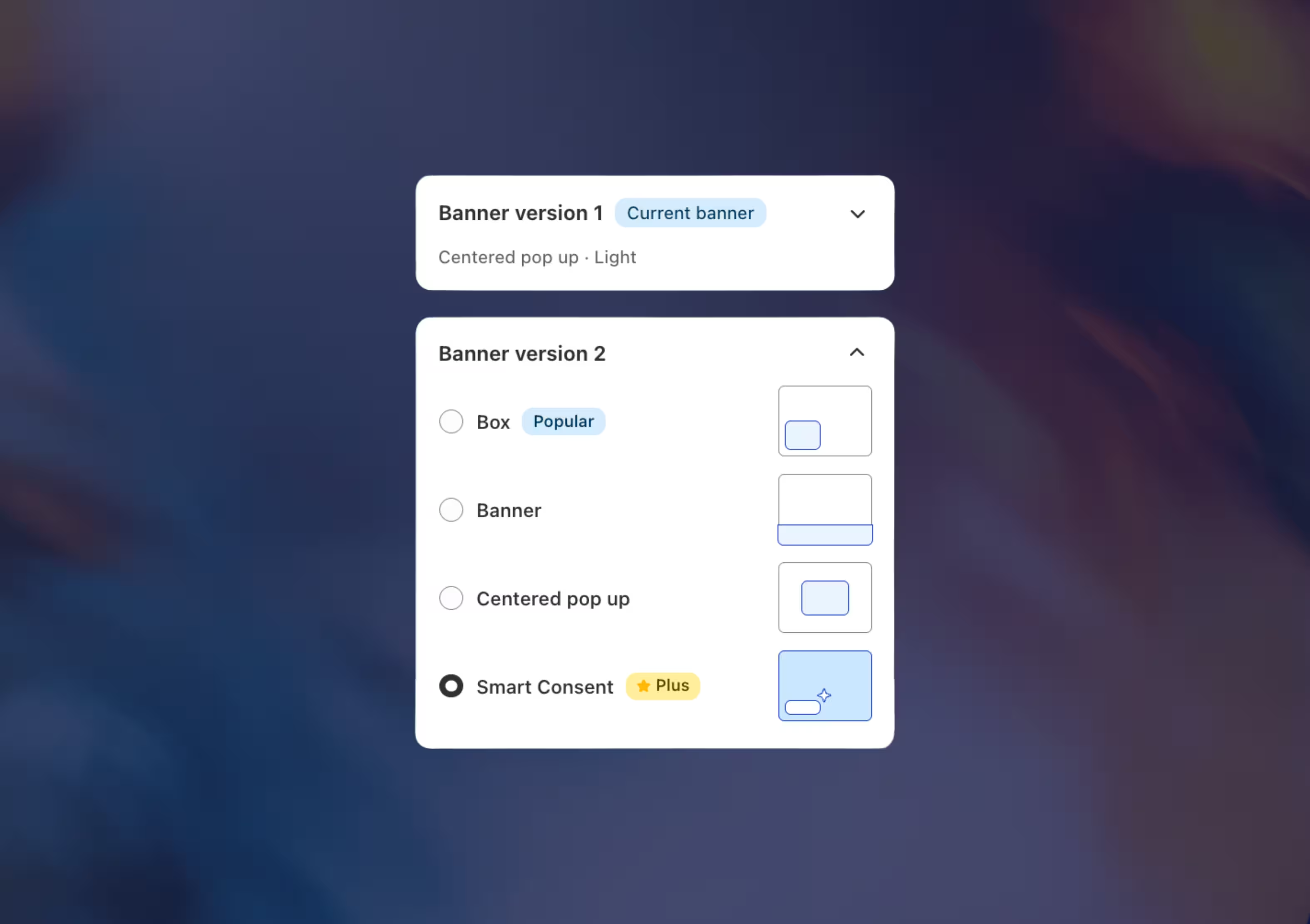
Consentmo creates two banner versions: Banner version 1, which is your current banner, and Banner version 2, which is the variation you want to test. Visitors are split between the two versions based on the selected traffic split. Consentmo then tracks performance for each version and determines the winner based on the selected metric.
You can test visual and design-related banner settings, such as banner type, layout, position, colors, logo, and overall appearance. This helps you understand which cookie banner design creates better visitor interaction and a clearer consent experience.
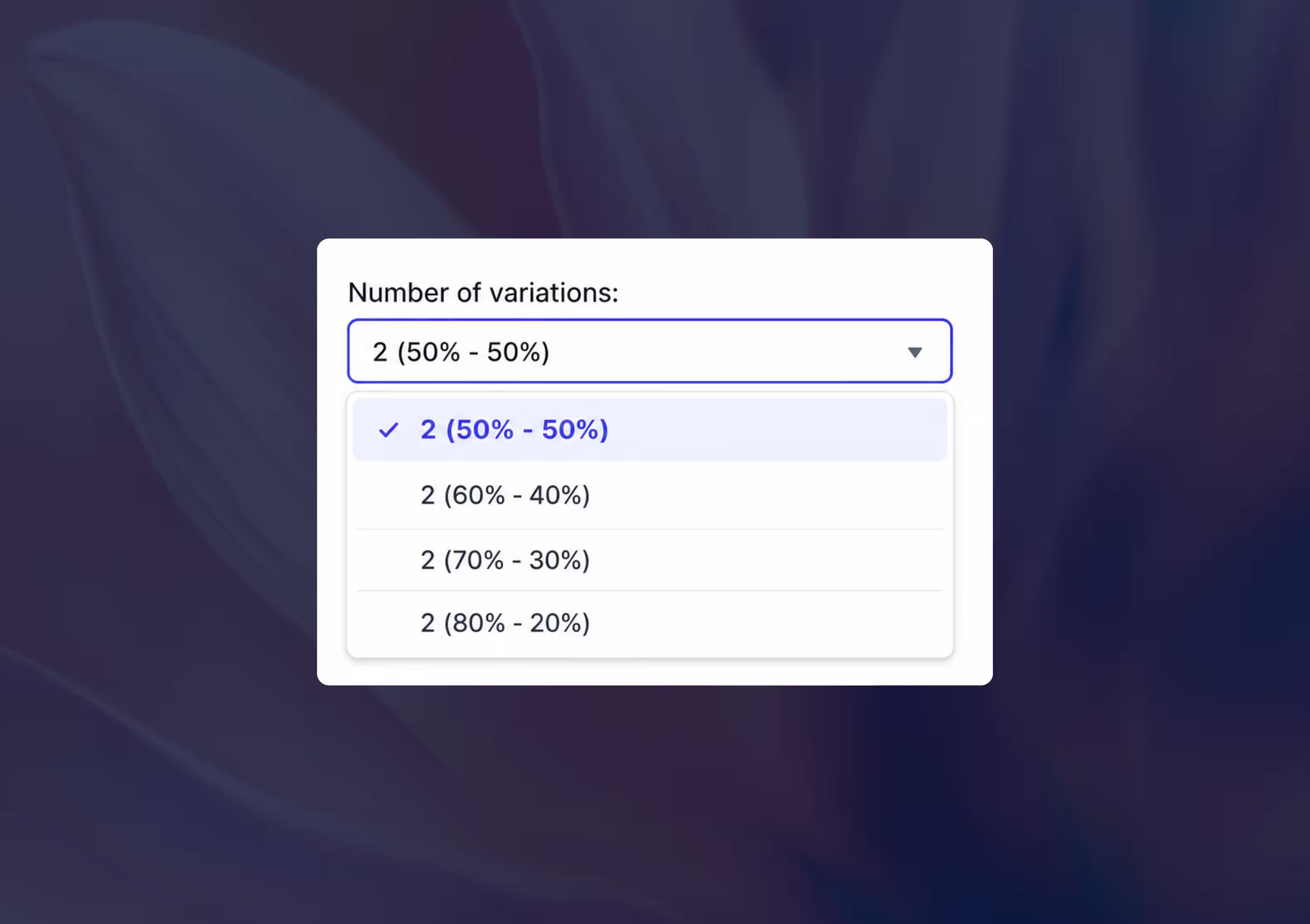
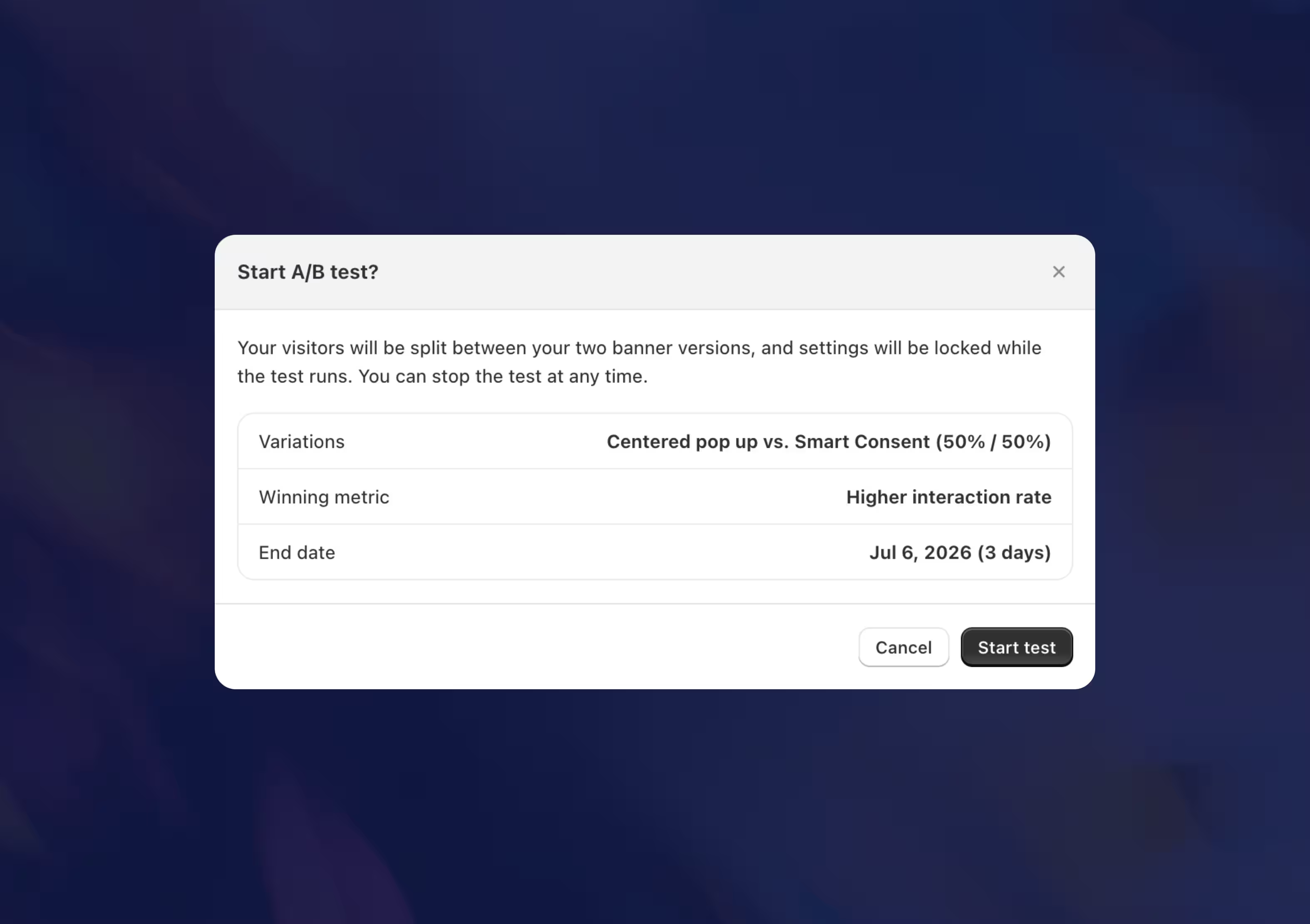
Consentmo lets you choose how visitors are divided between the two versions. Available split options include 50/50, 60/40, 70/30, and 80/20. This gives merchants flexibility to run an equal test or send more visitors to the current banner while testing a smaller challenger group.
Yes. Consentmo includes built-in support for “Do Not Sell or Share My Personal Information” links, opt-out mechanisms, and Global Privacy Control (GPC) signals required under US state laws like CCPA and CPRA.
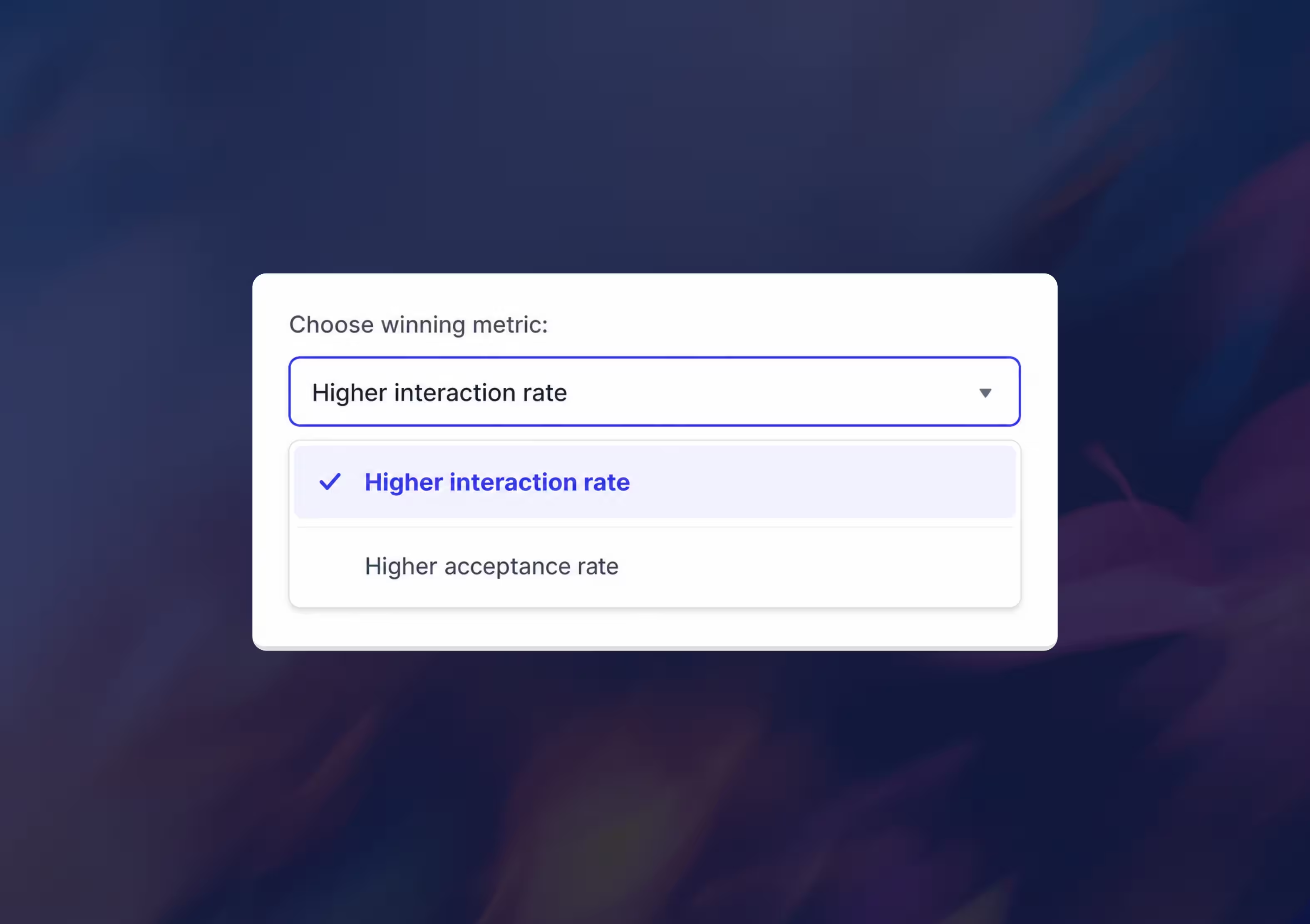
You can choose the winning metric before starting the test. Consentmo supports higher interaction rate and higher acceptance rate as winning metric options. The selected metric determines which banner version is considered the better performer when the test ends.
Interaction rate shows how often visitors engage with the banner, such as clicking accept, reject, preferences, or other available banner actions. Acceptance rate focuses on how many visitors accept cookies. Interaction rate is useful for measuring engagement and clarity, while acceptance rate focuses on opt-in performance.
Yes. Consentmo lets you set an end date for your A/B test. The test runs until the scheduled end date, allowing both banner versions to collect performance data over a defined testing period.
When the scheduled end date is reached, Consentmo checks the performance of both banner versions based on the selected winning metric. If there is enough data, the better-performing banner settings are applied automatically.
You can view A/B Testing results inside Analytics → A/B Testing. The results table shows each banner version, banner type, impressions, acceptance rate, end date, and current status.
A/B Testing is shown as an Enterprise feature in Consentmo. Merchants who want to test banner versions and automatically apply the winner may need to use or upgrade to the plan where this feature is available.
.avif)