


age verification
Age Verification Pop Up for Shopify
Consentmo’s Age Gate gives Shopify stores flexible control over who can access age-restricted products, collections, content, or the entire storefront.
_converted.avif)
I've been looking for a good solution and this checks the boxes.
90,000+ Brands already use Consentmo


_converted.avif)
.avif)



.png)

granular control
Set the Minimum Age That Applies to Your Store
Choose the default minimum age visitors must meet before they can continue. Your Age Gate content automatically reflects the age you configure, so the same setup can stay consistent across the experience.

Set a default minimum age
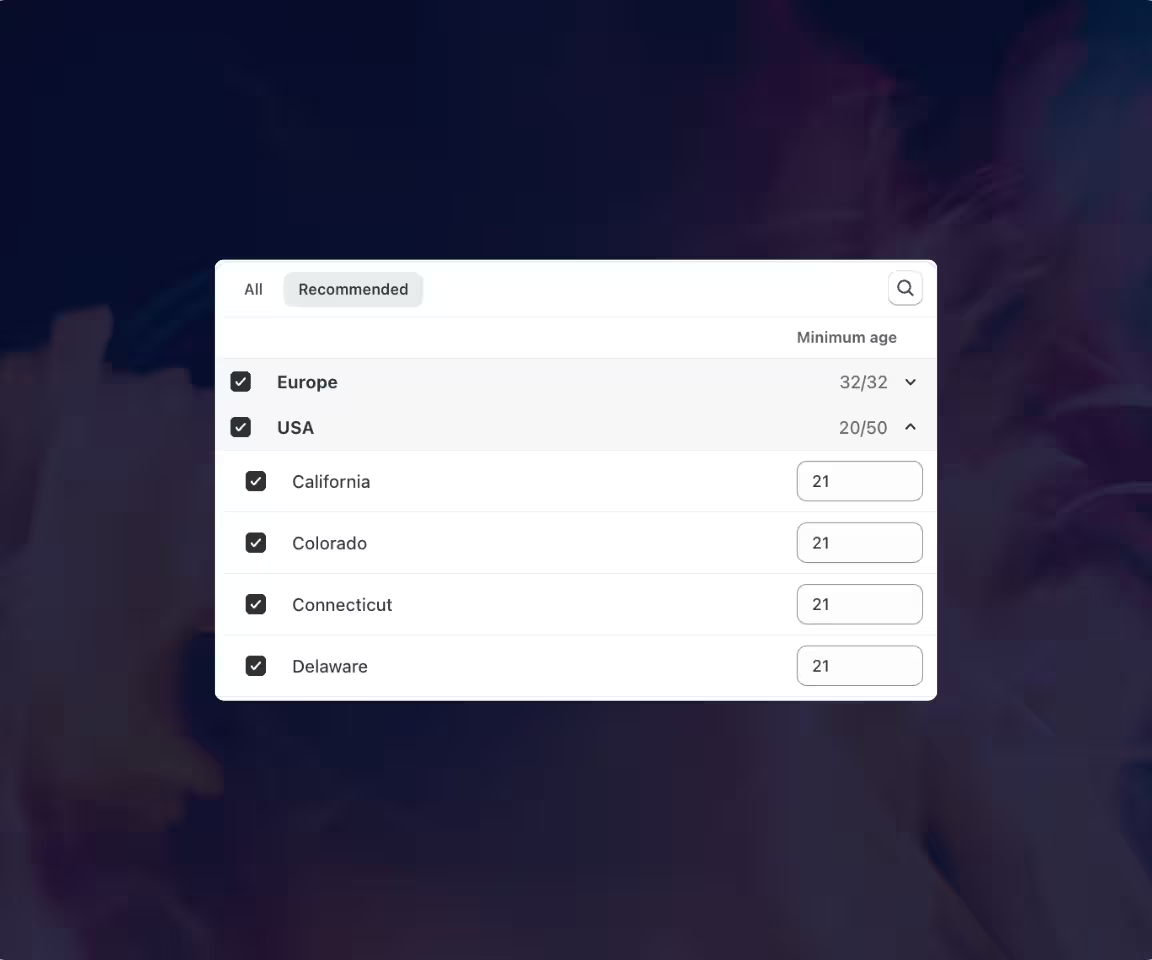
Apply different ages by country or region
Keep Age Gate messaging in sync automatically
setup
Choose How Visitors Confirm Their Age
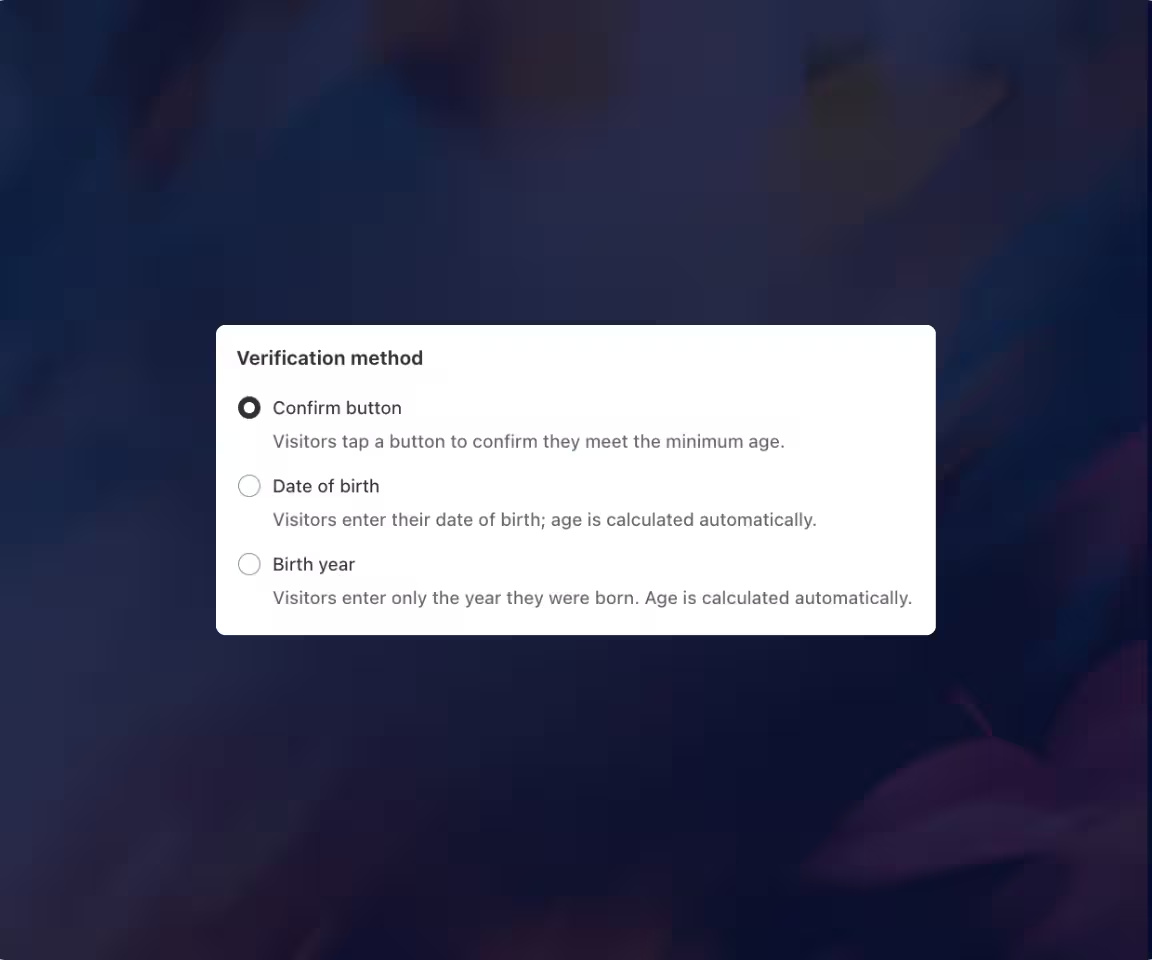
Different stores need different levels of interaction. Consentmo gives you three ways to ask visitors to confirm they meet your minimum age.
Confirmation Button for less fricition
Date of Birth for more customer details
Birth Year Only - autocalculation by the app if requirements are met
Design
Make Your Age Gate Look Like Part of Your Store
Customize the Age Gate to fit your Shopify design while keeping the message easy to understand.
Centered Popup - visitors see some of the storefront behind the gate
Full Page - confirmation needs to happen before the store becomes visible
Small, Medium, or Large size, depending on the amount of content and the visual weight you prefer
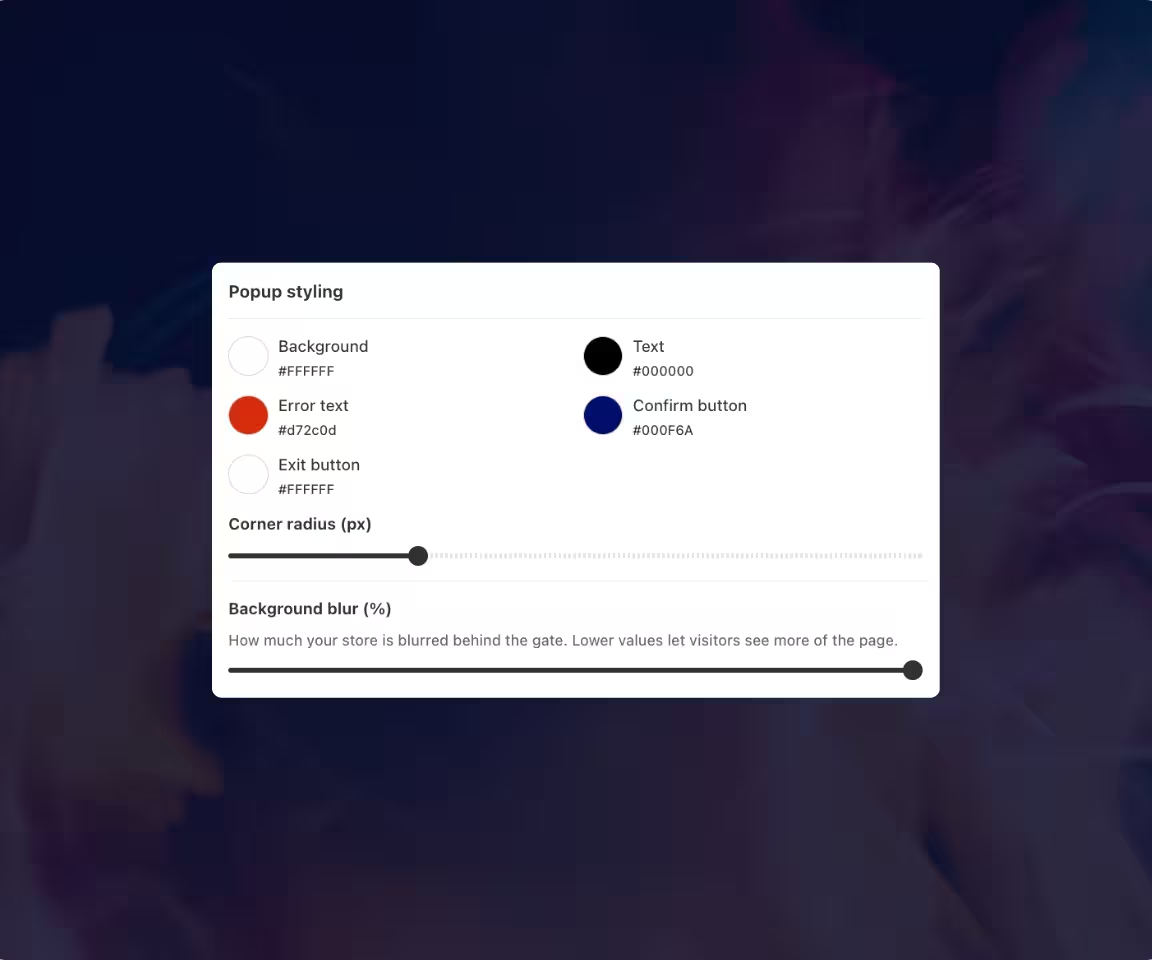
Control the background color & blur, text, error message, confirmation button, exit button, and more
REGIONS
Customize Every Age Gate Message
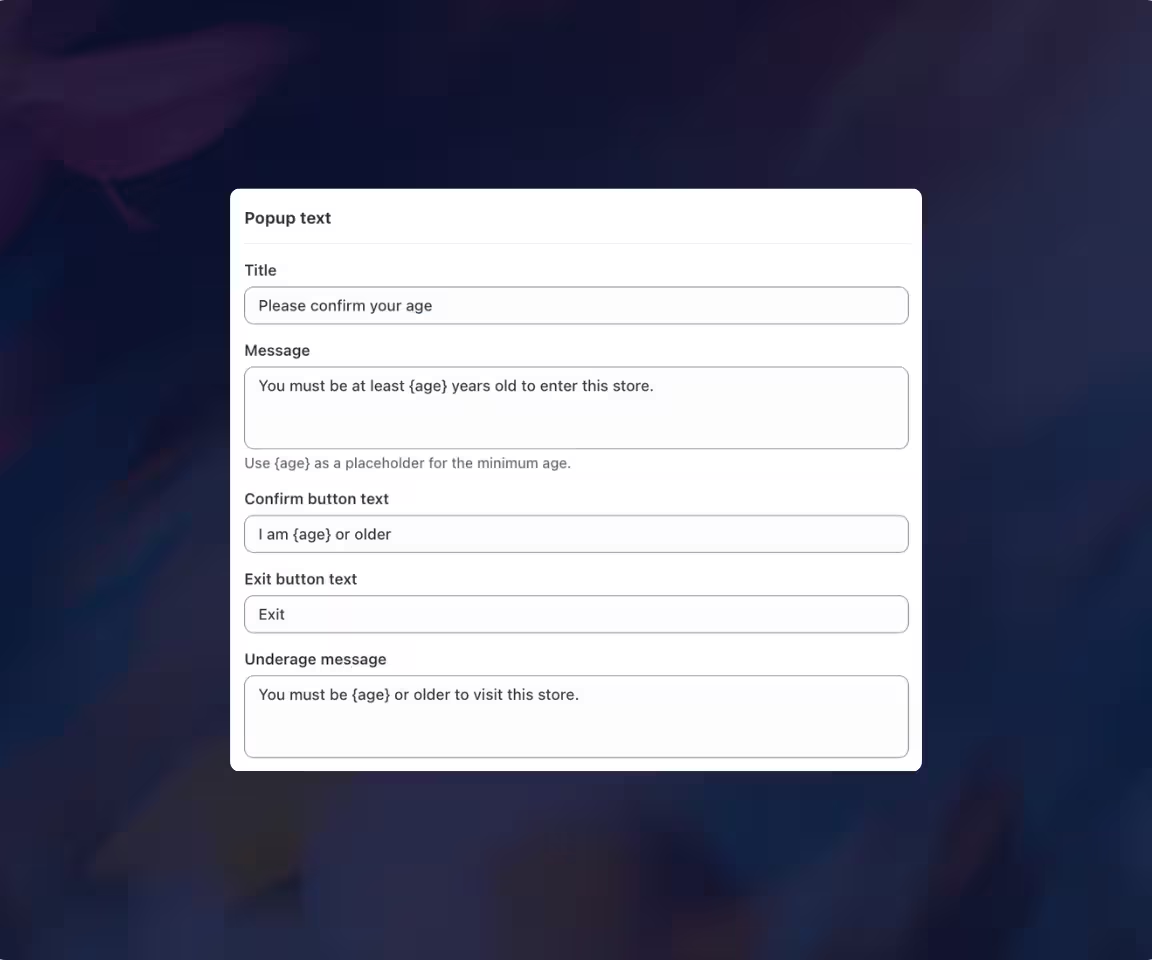
Keep your age-check experience consistent with your store's tone of voice.Consentmo lets you edit the customer-facing content throughout the flow, including the title, main message, confirmation button, exit button, age-requirement message, footer disclaimer and validation error.
Use
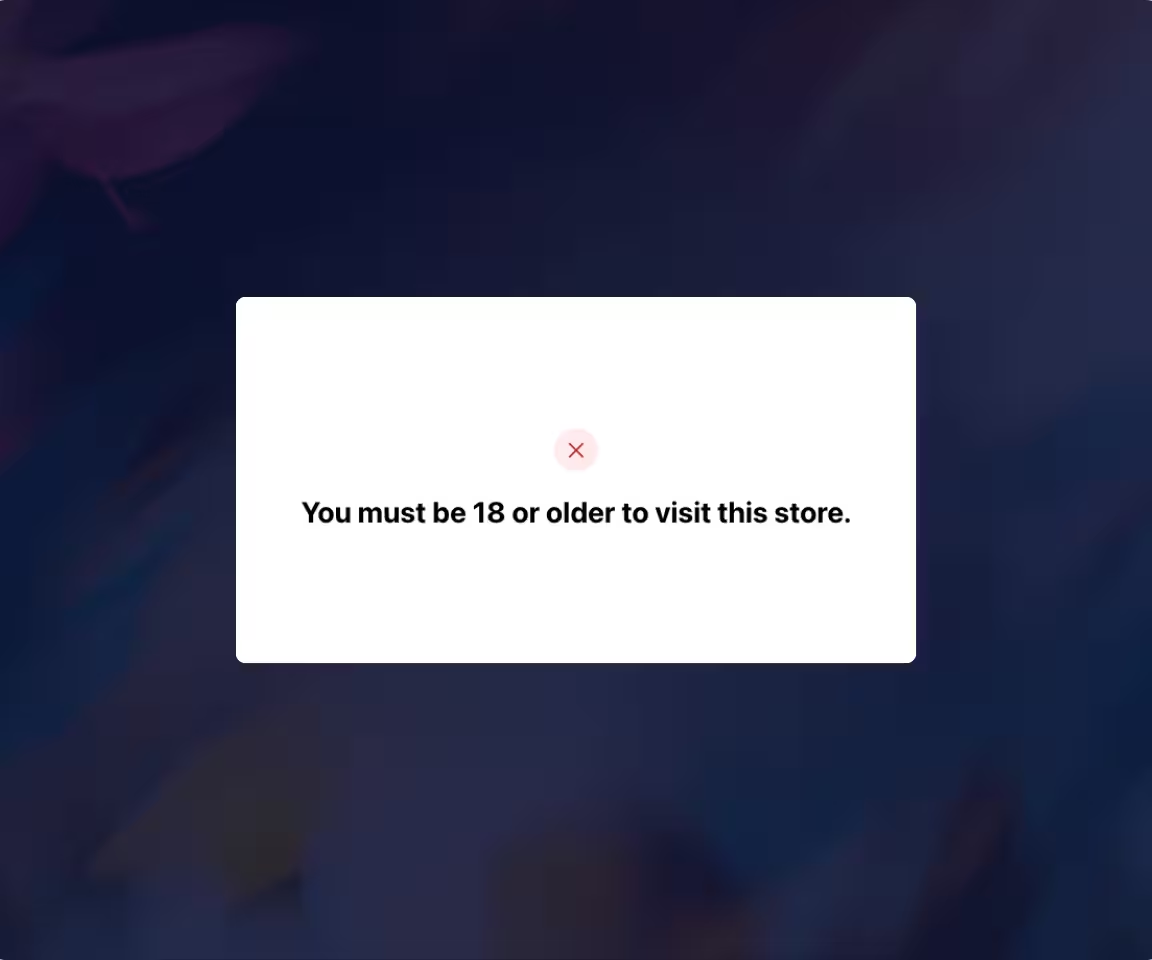
{age} wherever you want Consentmo to insert the minimum age automatically.Edit the error / not allowed to enter message
Footer disclaimer
translation
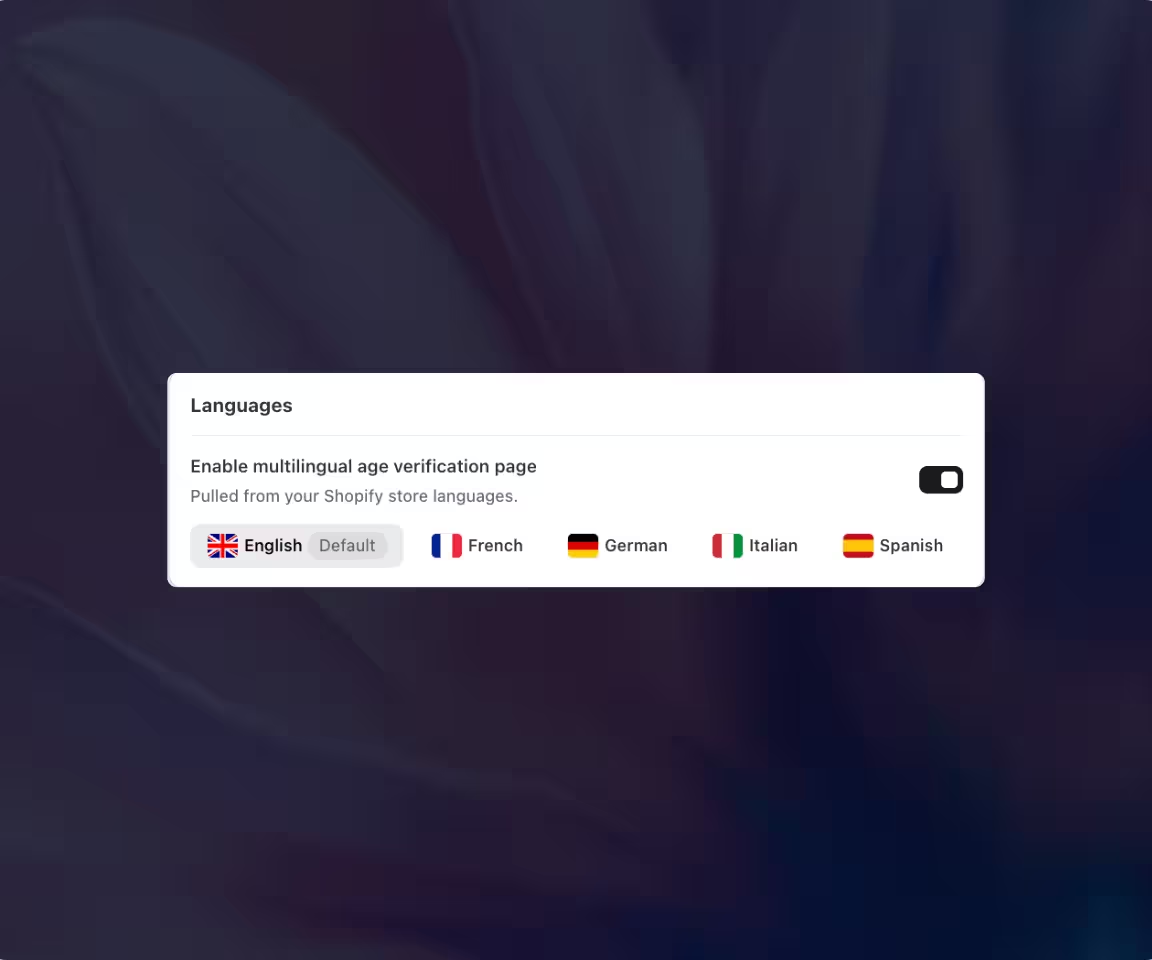
Show Your Age Gate in Your Store Languages
Enable multilingual Age Gate content and customize the experience for the languages already supported by your Shopify store. Consentmo pulls the available storefront languages into the Age Gate content settings.
Switch between languages and edit the wording visitors see for each one
All your active store languages are auto-fetched
Targeting
Restrict Specific Products or Collections
Apply the Age Gate specifically to the products or collections that need an age check while keeping the rest of your catalog accessible normally.
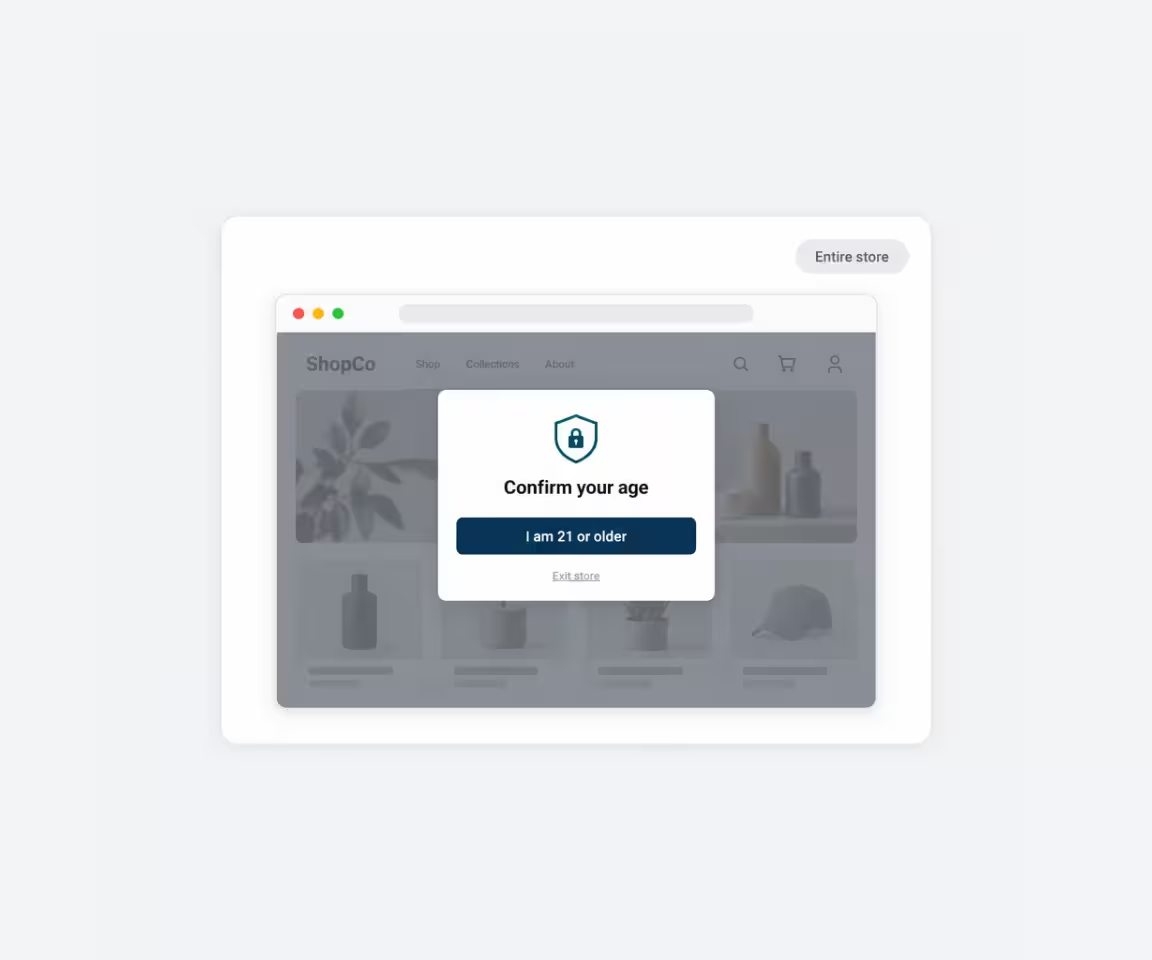
Entire Store
Best for stores where the full catalog or experience is intended for customers above a minimum age.
- Protect the full storefront
- One age requirement across the store
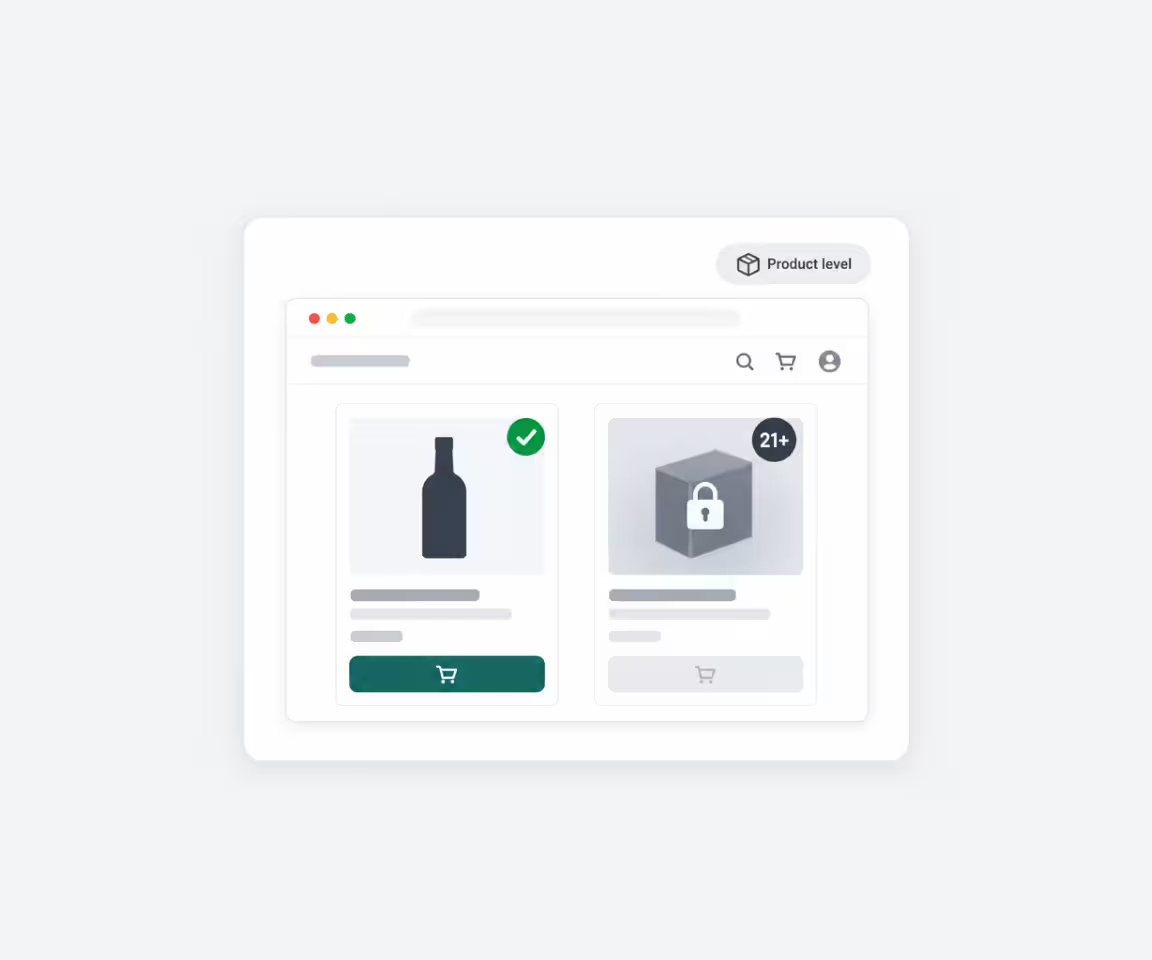
Specific Products
Keep the rest of your store accessible while requiring an age check before visitors view products that need age-restricted access.
- Select individual products
- Ideal for mixed catalogs
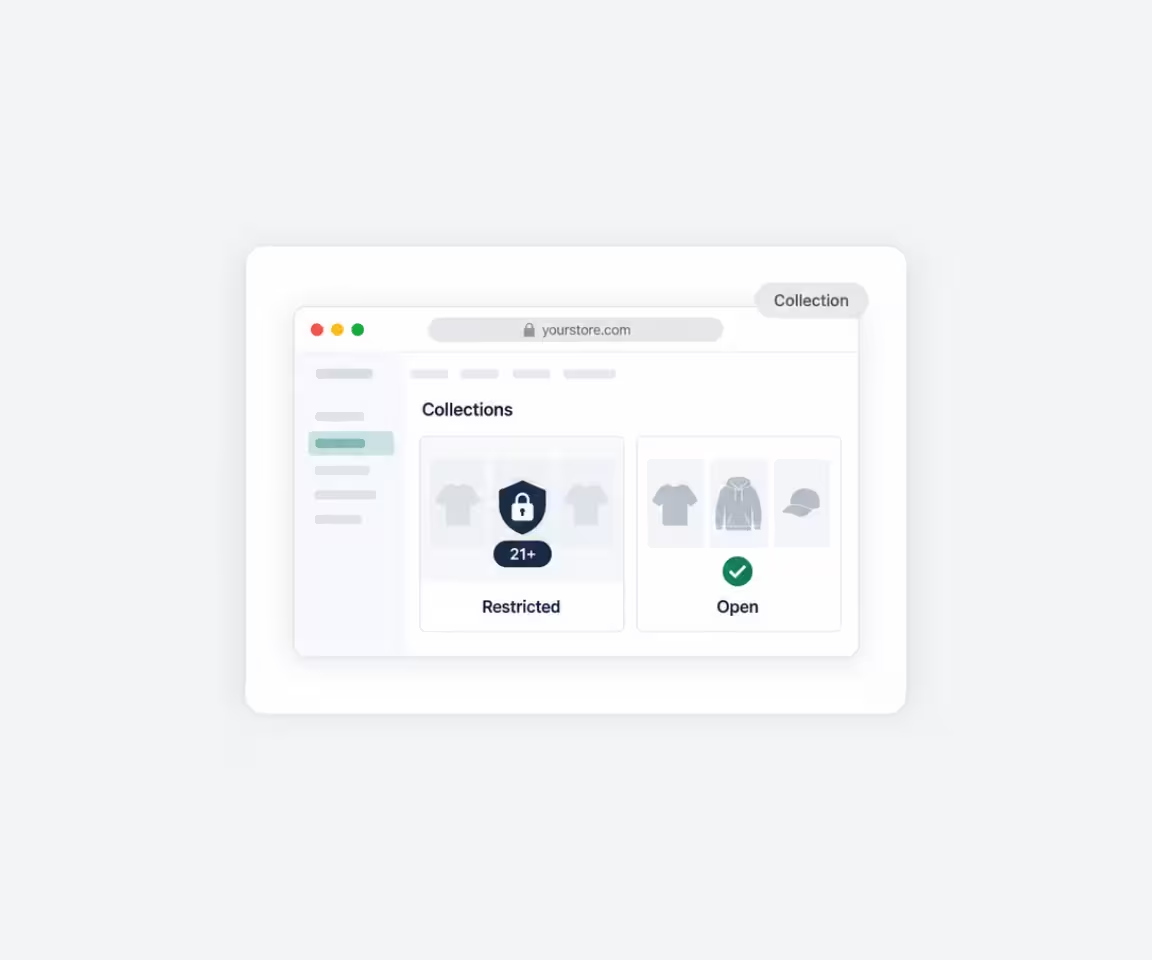
Specific Collections
Apply the same age check to a complete collection instead of selecting restricted products one by one.
- Select complete collections
- Easier setup for larger product ranges

RETURNING VISITORS
Remember Successful Age Checks
Visitors who have already passed your Age Gate do not need to be asked on every page. Choose how long a successful age check should be remembered before Consentmo asks the visitor again.
Reduce repeated age prompts
Create a smoother experience for returning visitors
Choose how long a successful check is remembered
FORM FEEDBACK
Customize Age Check Error Messages
Give visitors clear feedback when the information they enter can’t be accepted. Customize the error message shown for invalid birth dates or birth years so visitors know what to correct before trying again.
Edit the error message text
Keep instructions clear and on-brand
Help visitors correct invalid entries quickly
_converted.avif)