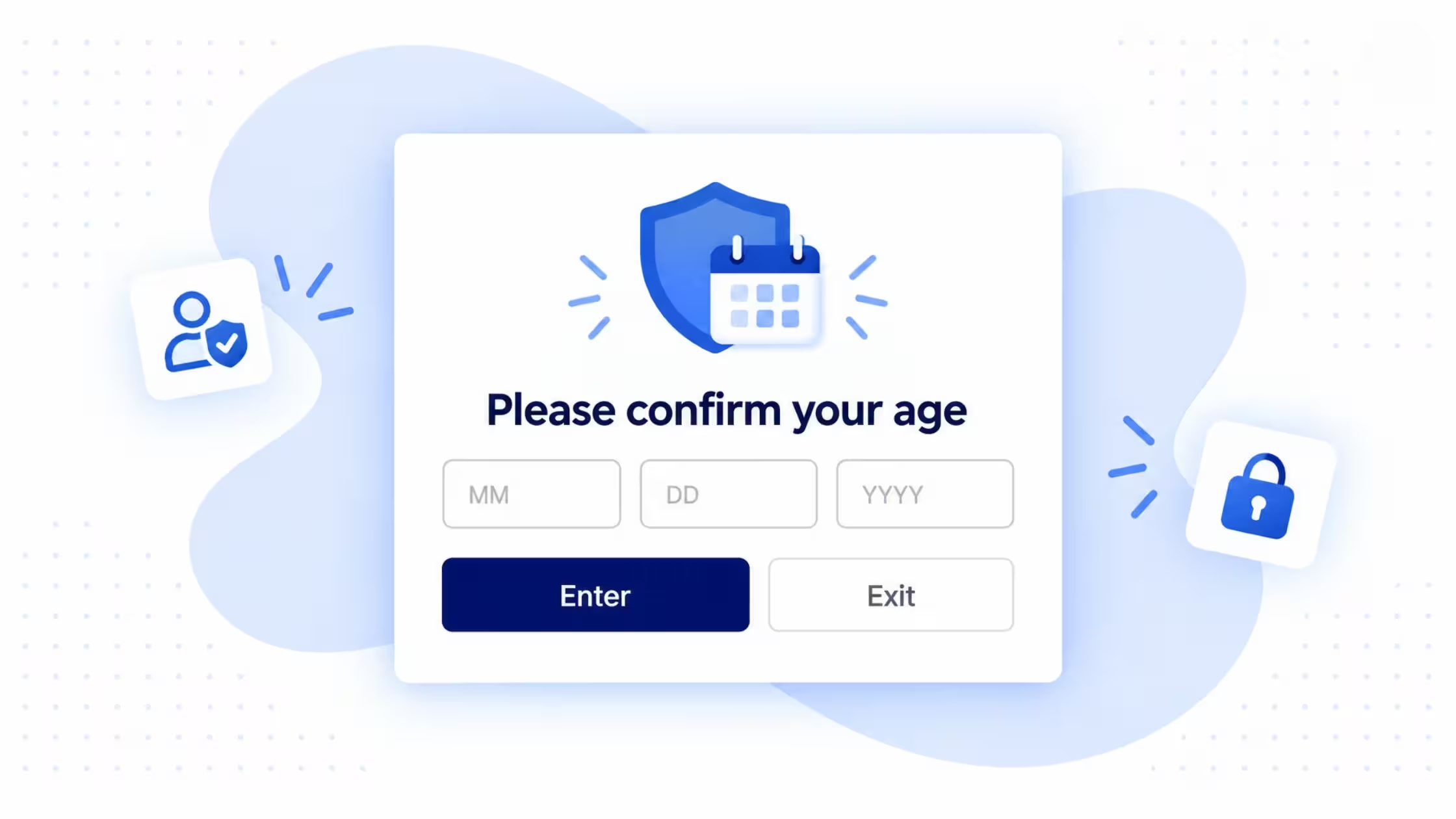
Add an Age Verification Pop Up to Your Shopify Store


_converted.avif)
When Does Your Shopify Store Need an Age Gate?
An Age Gate gives visitors a clear checkpoint before they continue browsing.
- Set a minimum age for store access
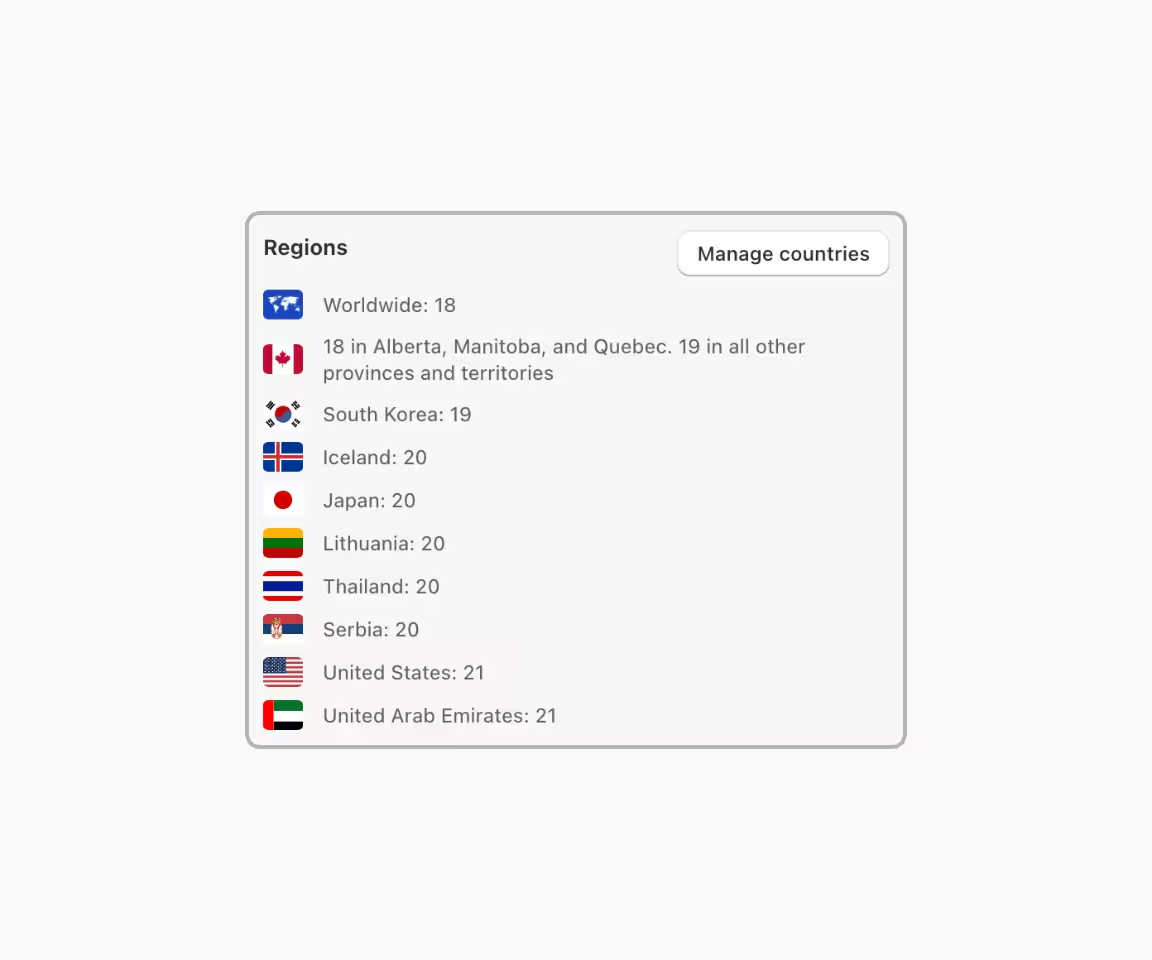
- Apply different age rules by country or region
- Restrict the full store or selected pages
- Ask visitors to confirm their age before continuing
What Should an Age Gate Give Your Store?

.svg)


Set Up Age Verification With Consentmo


Control Access Without Complicating Your Store
.avif)
.avif)


_converted.avif)
.avif)



.png)

Trusted by Shopify merchants, globally.













All You Need to Know

An Age Gate is a storefront access control that asks visitors to confirm they meet a minimum age before they can access a store, page, collection, or other restricted area. Consentmo lets Shopify merchants configure the minimum age, verification method, page targeting, regional rules, design, content, and verification duration from the app.
Install Consentmo, open Age Gate, and select Set up Age Gate. Configure your minimum age, verification method, display pages, design, and content, preview the experience, then publish it to your storefront.
Yes. You can show it across all pages, only on the homepage, only on selected pages, or everywhere except selected pages.
Consentmo supports three Age Gate methods: Confirmation button; Date of birth; Birth year.
For date-of-birth and birth-year checks, Consentmo calculates the visitor's age automatically.
No. Consentmo Age Gate relies on information entered or confirmed by the visitor. It does not perform government-ID, facial, bank, or other independent identity verification.
Yes. You can configure how long a successful age verification is remembered before the visitor is asked again.
Age Gate is available on Plus and Enterprise plans.

Learn More About Age Verification
_converted.avif)