


Features
Automated Checks for a More Reliable Shopify Compliance Setup
Continuously monitor your Shopify store, identify compliance gaps, and get clear guidance on what needs attention.
Check Your Store’s Compliance


Trusted by over 90,000 Shopify merchants
Features that help you monitor compliance continuously
Your Shopify store changes over time - themes get updated, apps are installed, tracking scripts change, and new content is added. Consentmo helps monitor those changes, surface potential compliance issues, and guide you toward the next action before problems are missed.
compliance
Consent Monitoring
Your settings say one thing, but your live store might do another. Consent Monitoring visits your storefront from up to 8 locations and checks that the banner shows, that no trackers fire before consent or after opt-out, and that trackers load correctly after Accept. Each location gets a clear status, so you know exactly where to look.

Live storefront testing
Up to 8 locations
Before and after consent check
Scheduled scans
_converted.avif)
compliance
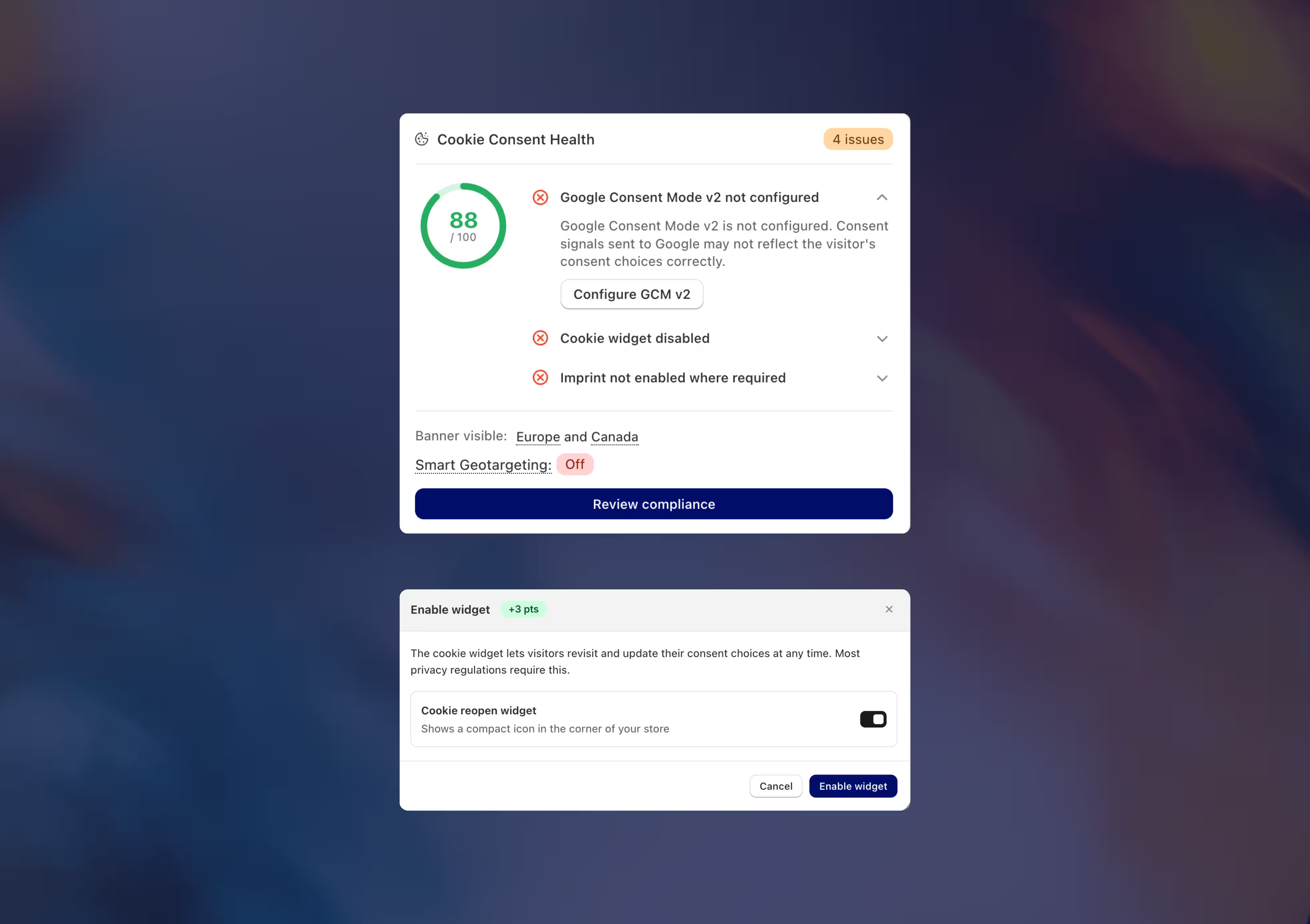
Compliance Score
Get a real-time score of your Shopify store’s consent setup and a clear path to improving it. Consentmo checks your configuration across your chosen regions, highlights issues by risk level, and shows how much your score can improve once they are resolved.
Measure your current and potential score
Prioritize the highest-risk issues
Check compliance by region
Fix issues via a guided Fix All flow
automation
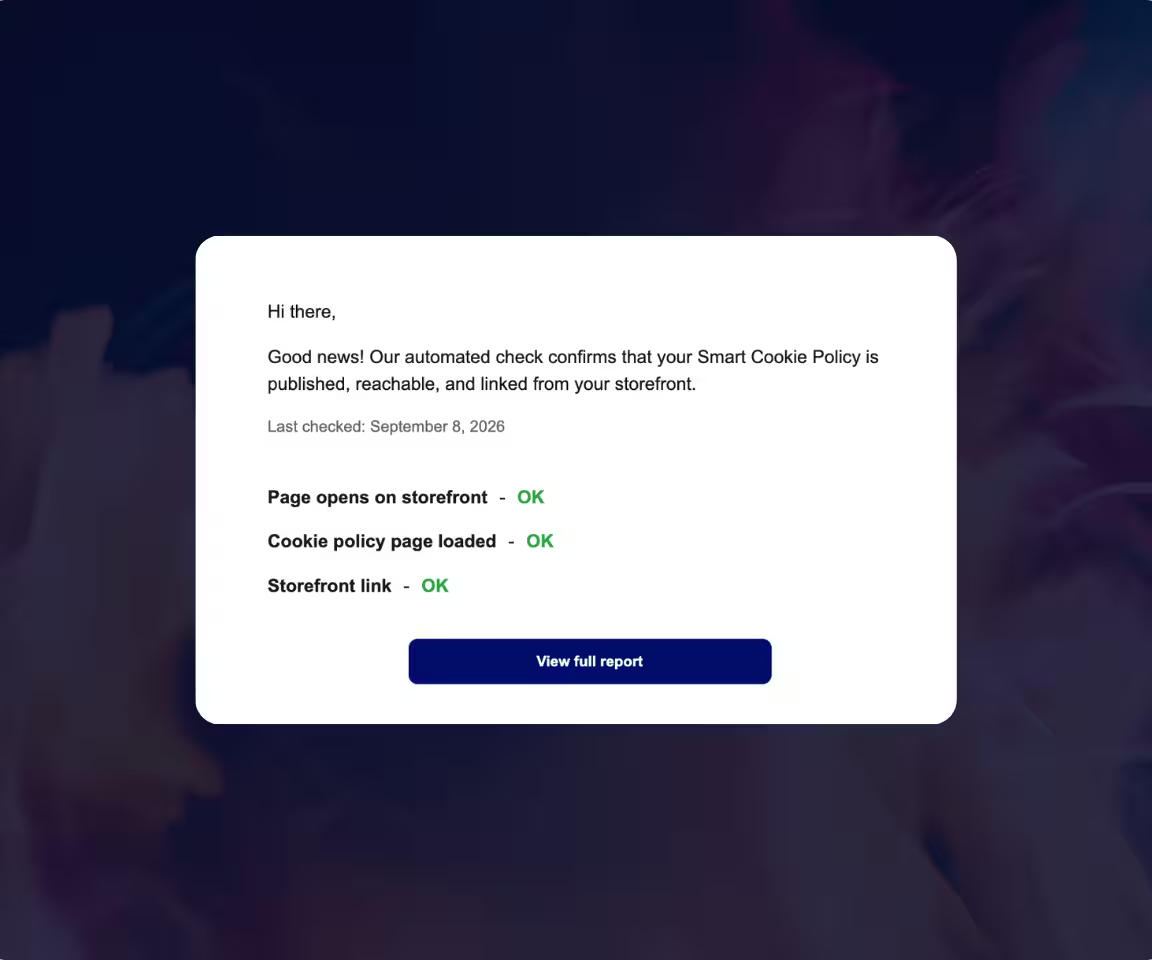
Monitor Key Compliance Pages
Consentmo automatically checks key compliance pages to make sure they stay published, reachable, properly loaded, and easy for customers to find. If something breaks after a theme change, app update, or storefront edit, you can catch it before shoppers do.
Get app alerts when something needs attention
Verify that supported pages are live on your Shopify storefront
Monitoring is enabled automatically for supported features
_converted.avif)

Detect Active Pixels
Identify Google, Meta, TikTok, and Microsoft tracking, including pixels added through apps, theme code, Google Tag Manager.

Catch Duplicates and Tracking Conflicts
Spot duplicate scripts, multiple pixel IDs, missing IDs, and other implementation issues.

Get Clear Resolution Guidance for Every Issue
Each detected problem comes with an explanation and step-by-step guidance, so you know what needs to be fixed.

Alerts If An Issue Is Present
Get notified via email when the integration scanner runs and flags a problem. This helps you resolve tracking issues as soon as they occur.
cookie scanner
AI-Powered Tracker Manager
Scan your Shopify store to uncover cookies, scripts, pixels, and other trackers in one place. Consentmo helps you understand what is active on your storefront, categorize trackers correctly, and keep your privacy setup up to date as your store changes.
See every tracker on your storefront
Run a full scan to identify first- and third-party cookies, scripts, pixels, beacons, local storage, and session storage added by Shopify, apps, themes, and external integrations.
How It Works
Categorize trackers with AI
Let Consentmo review unclassified trackers and suggest the appropriate category, such as Necessary, Statistics, or Marketing. You can still edit categories and tracker details manually whenever needed. Keeping a low uncategorized tracker count is a healthy signal for compliance.
Keep your setup current, automatically
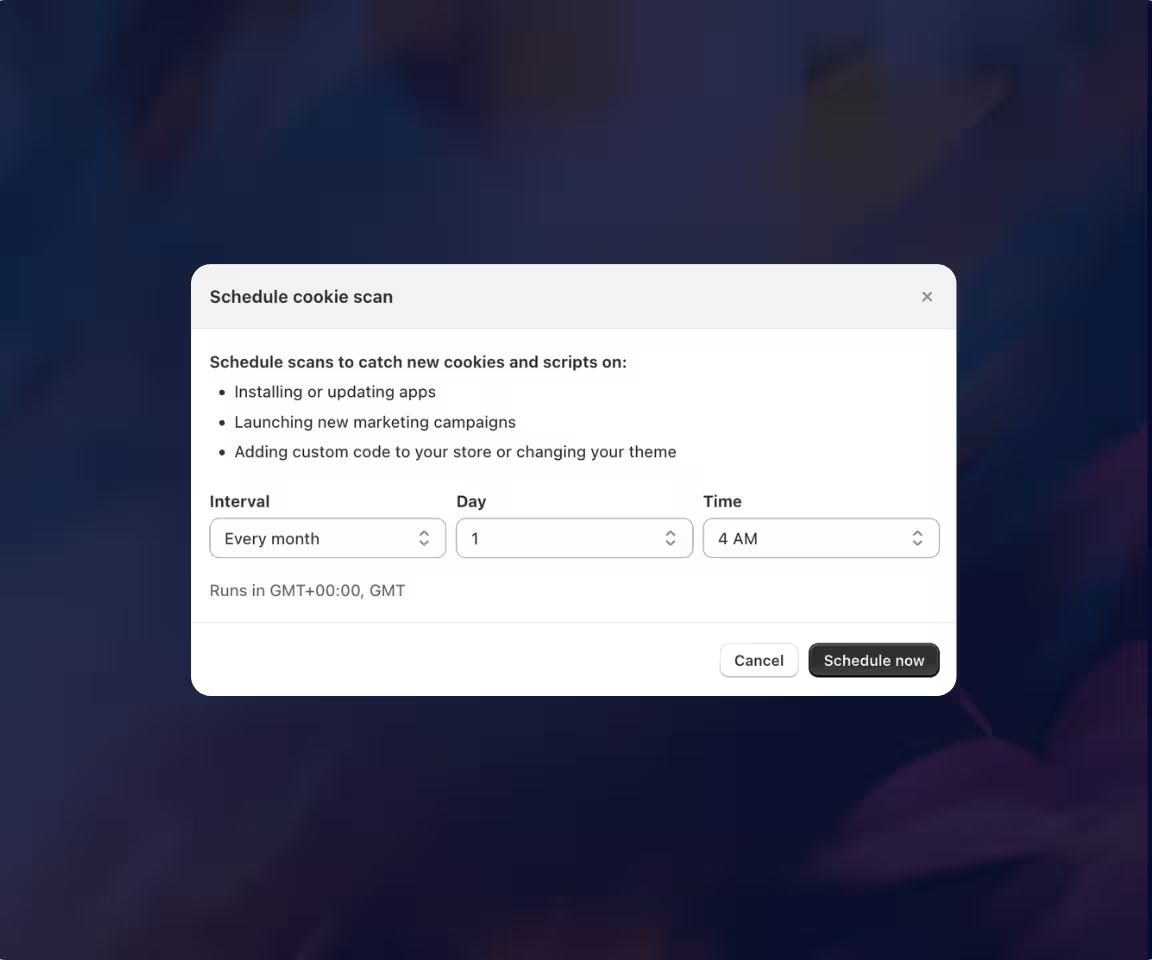
Schedule recurring scans to catch new trackers introduced by app installs, theme changes, or marketing tools. Maintain better visibility into your store’s tracking activity without relying on manual checks. It also auto-updates your Smart Cookie Policy Page.
storefront check
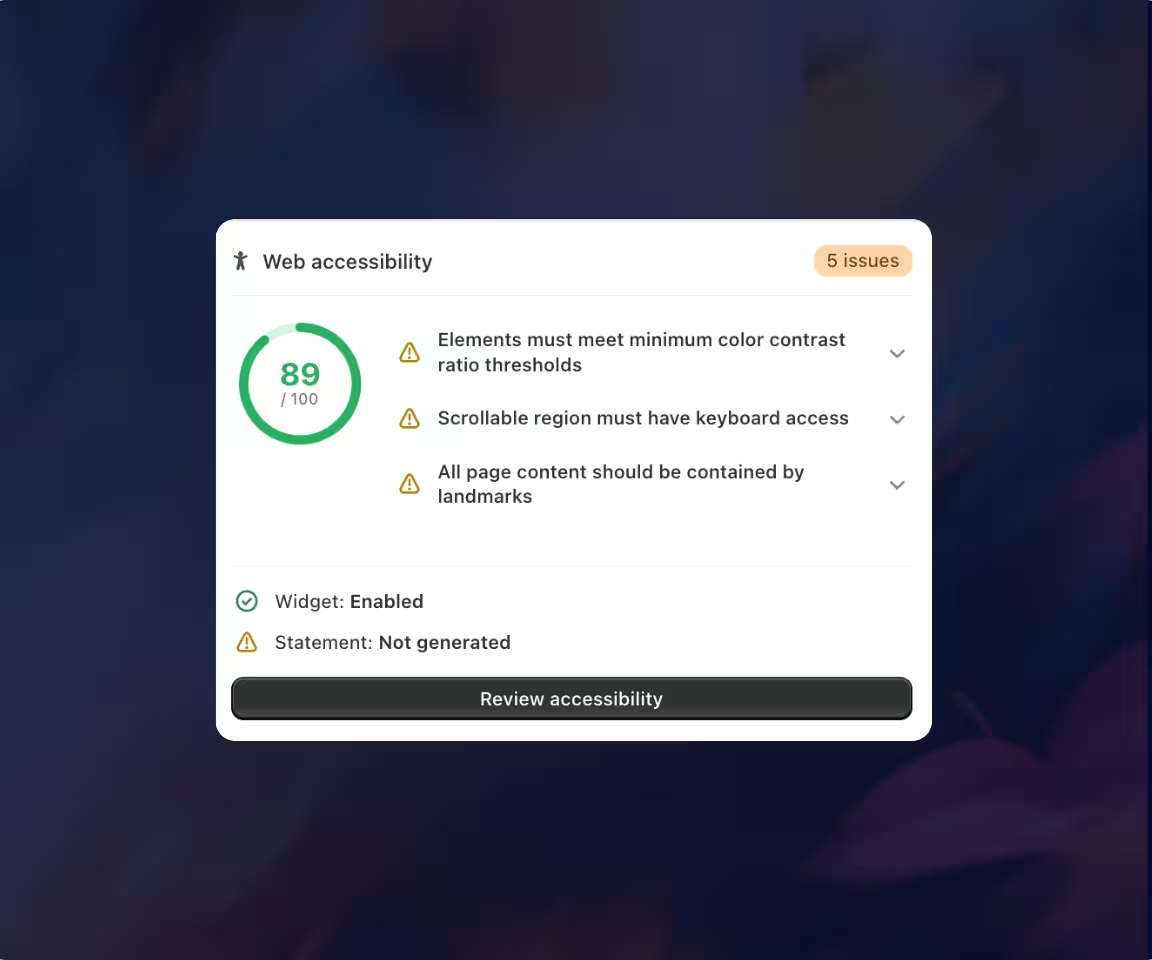
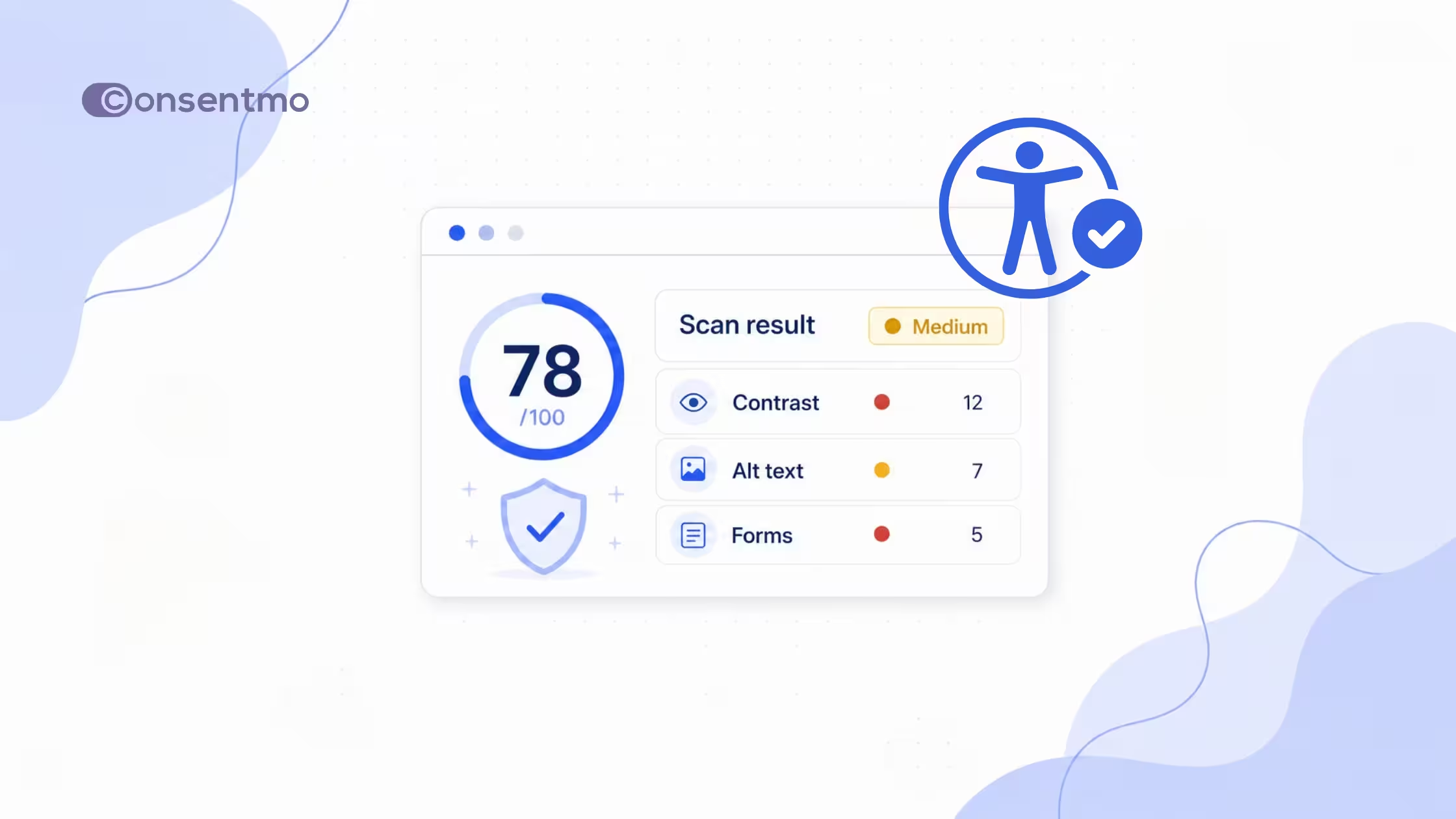
Accessibility Scanner
Scan key Shopify pages for potential WCAG 2.2 AA issues and get a prioritized view of what needs attention.
Scan key storefront pages for accessibility issues
Review findings by severity, page, and component
Rescan after fixes and track your accessibility score over time
automation
Scheduled Store Scans
Schedule recurring scans to catch new issues as your Shopify store changes. Consentmo can automatically recheck both your tracking setup and storefront accessibility, helping you spot problems introduced by new apps, scripts, content, or theme updates.
Scheduled store tracker (cookie) scans
Scheduled accessibility scans
Catch changes before they become problems
Real-time check
Dashboard Monitoring
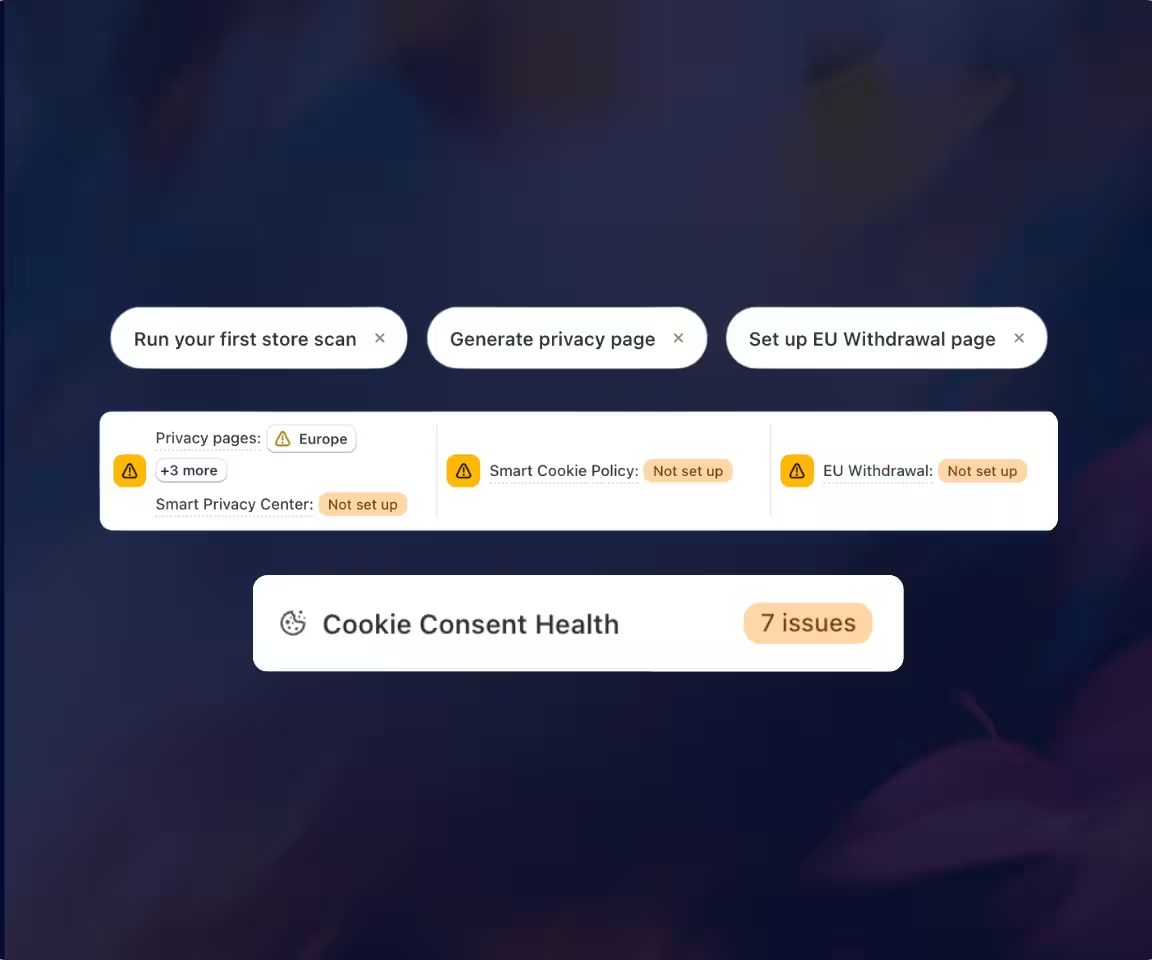
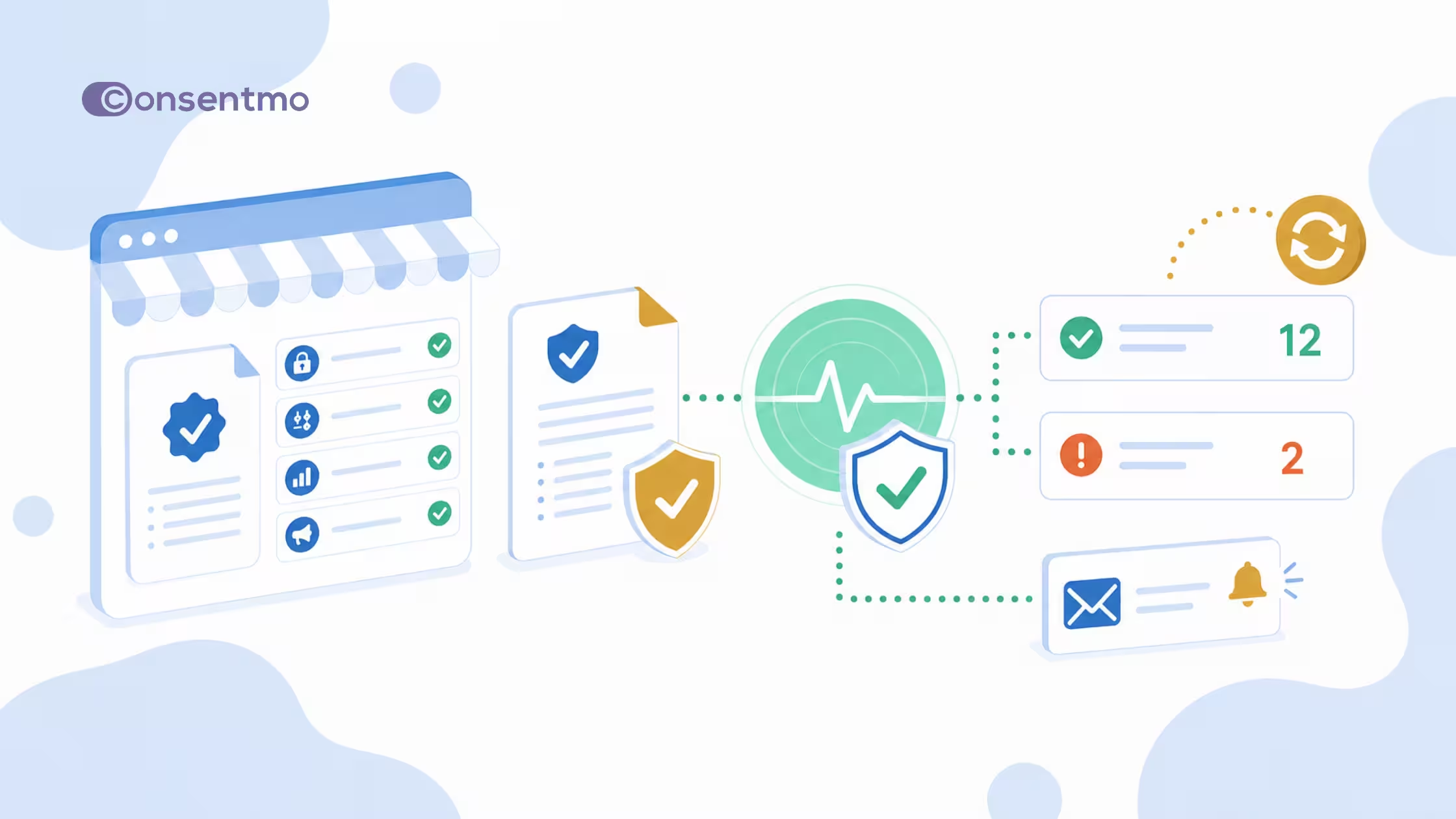
See the most important compliance signals together directly on your Consentmo dashboard. Quickly check what still needs setup, and which issues should be reviewed next.
Prioritized issues and required actions
Instant checks for your compliance pages
Consent health check
Scheduled scans
Compliance Alerts
Get important compliance updates delivered by email so the right people know when action may be required. Consentmo lets you configure notification recipients and control who receives specific types of privacy and compliance requests.
Receive important notifications directly by email
Route privacy-related notifications to the people responsible
Get notified by us for new laws and regulations
90,000+ Brands already use Consentmo


_converted.avif)
.avif)



.png)

Product blog



_converted.avif)