

Consent Monitoring
_converted.avif)

Consent Monitoring by Consentmo
Consent Monitoring helps you verify that your cookie banner continues working as expected.

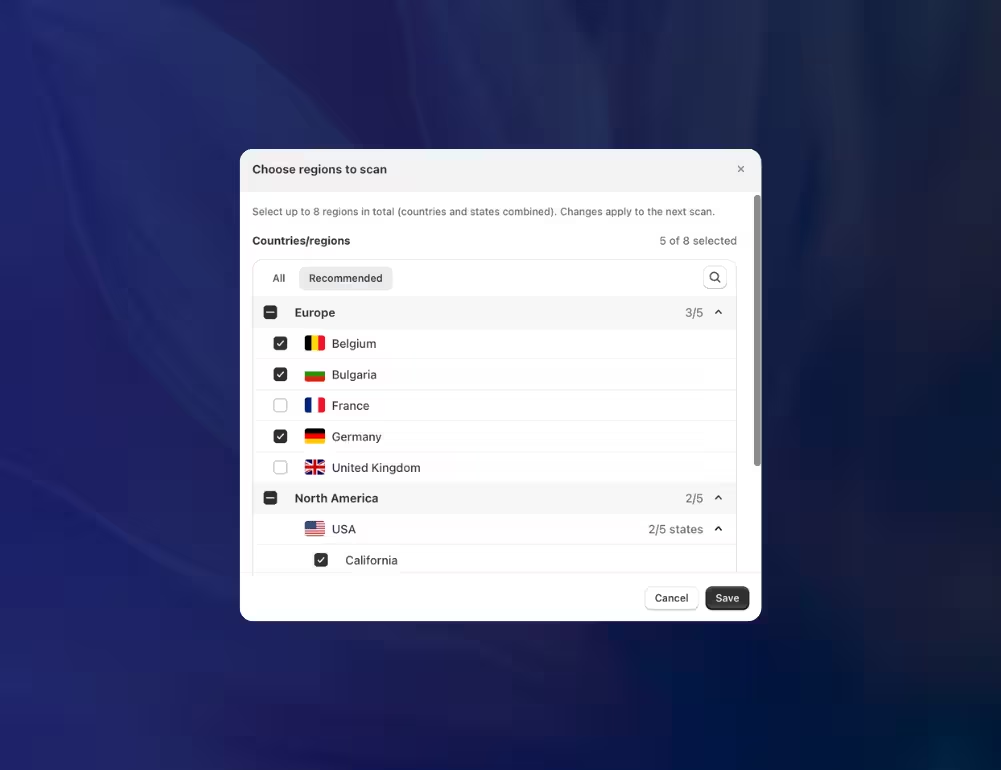
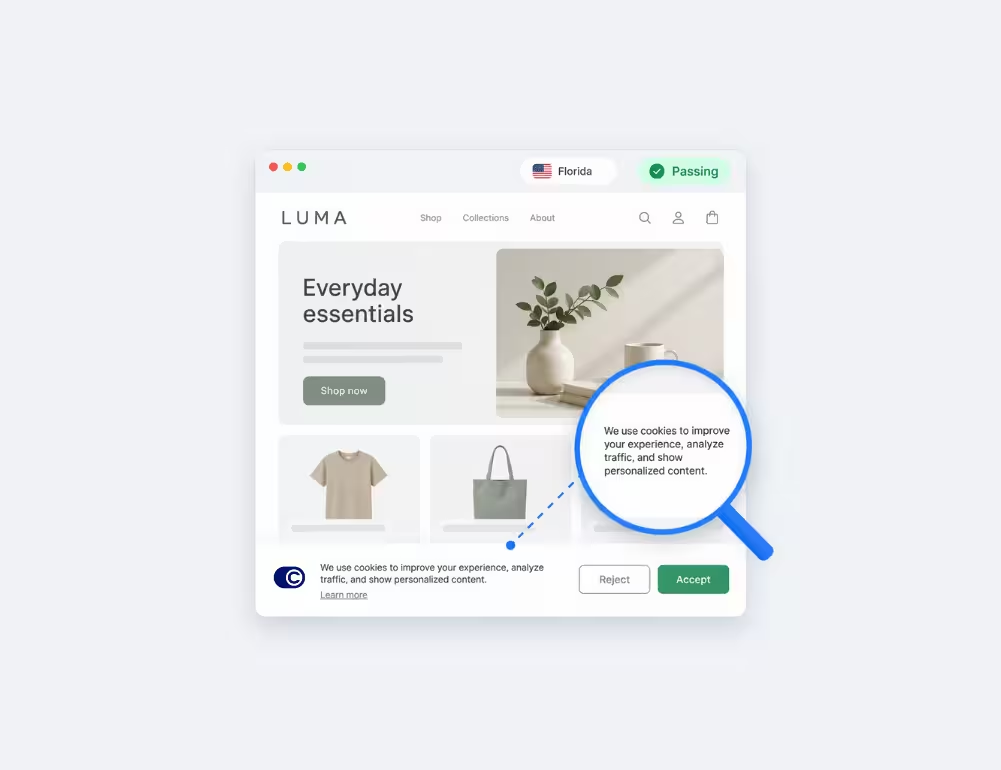
Check Your Cookie Banner Across Up to 8 Locations
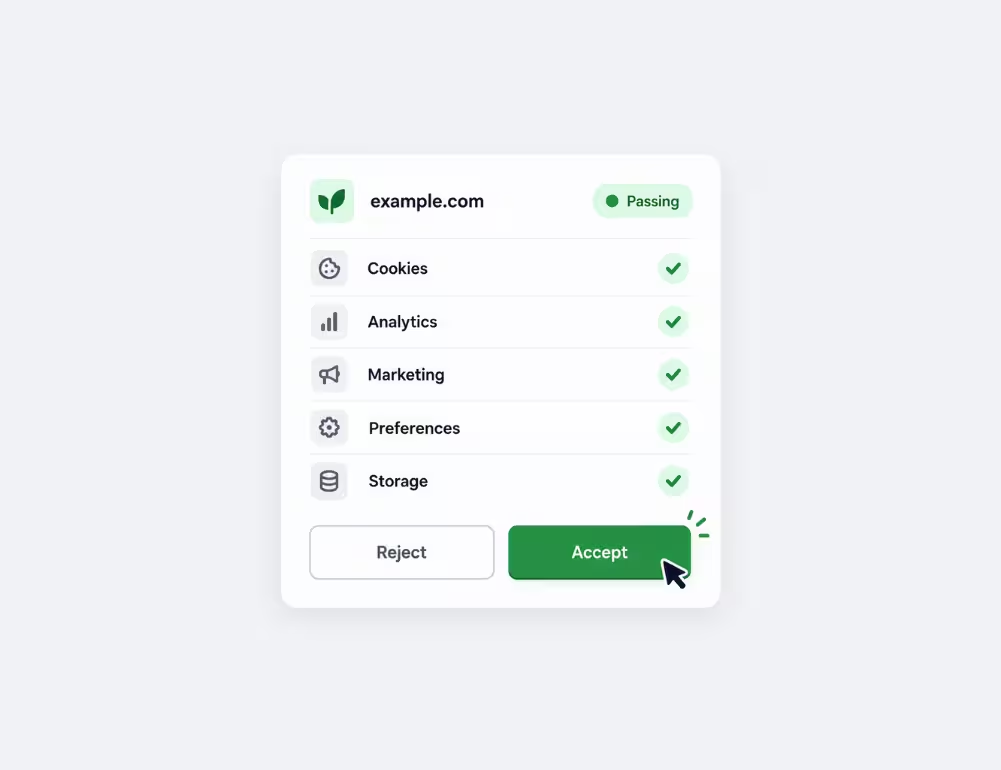
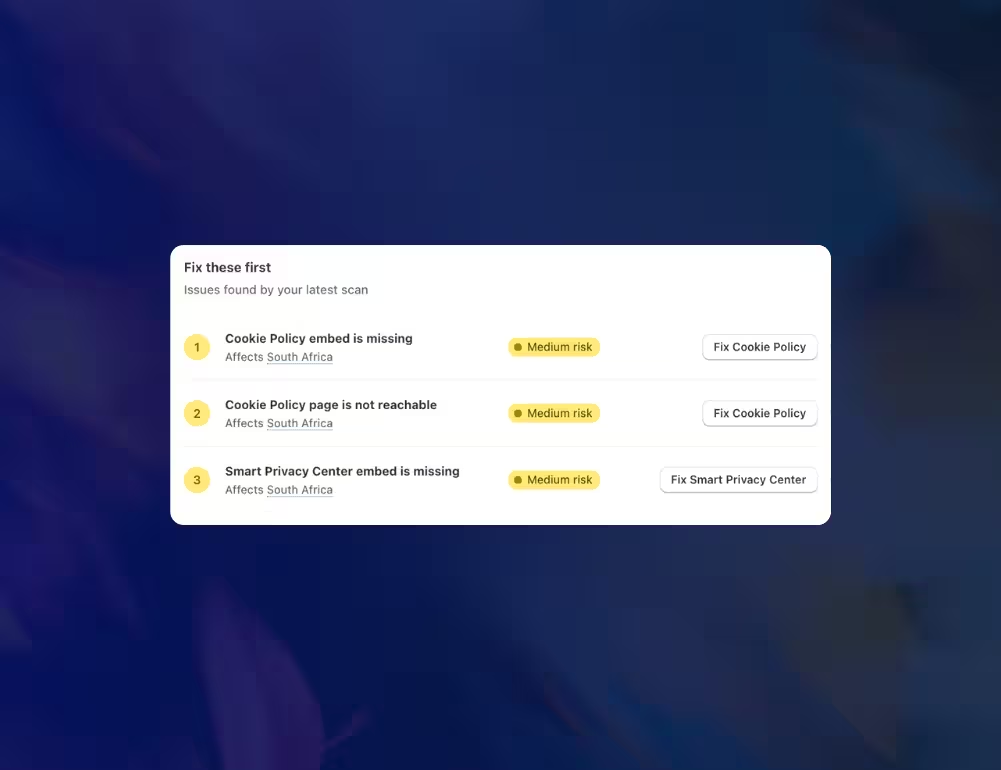
Find Priority Issues and Fix Them Faster
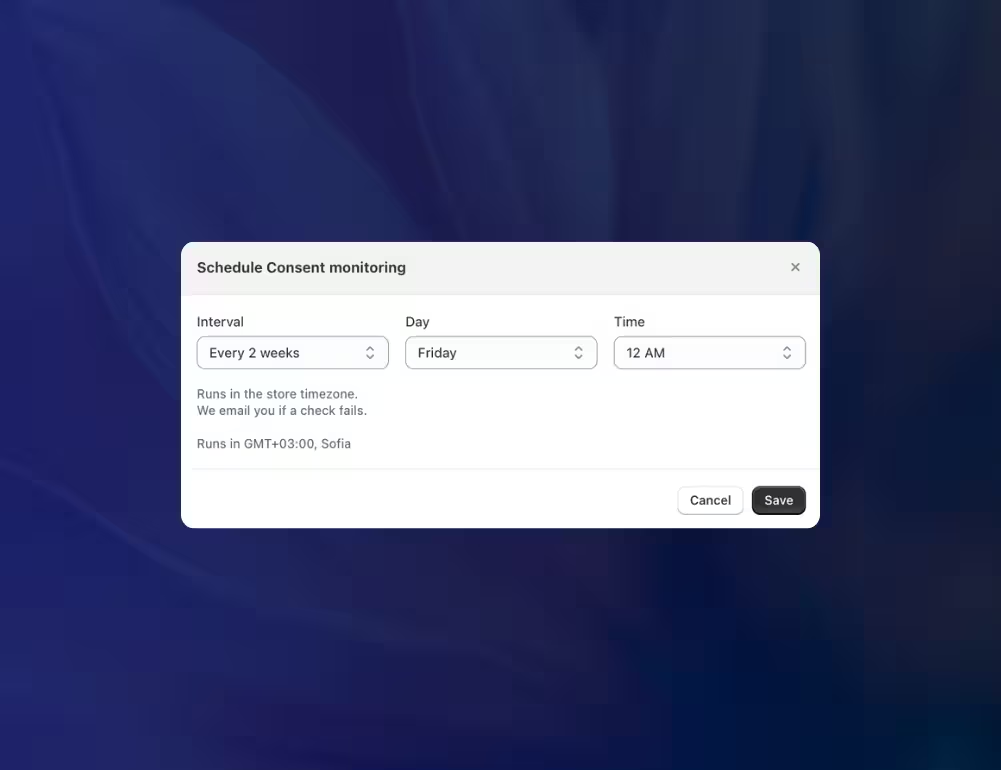
Schedule Consent Scans and Catch Issues Early
Shopify Consent Monitoring - FAQ


Consent Monitoring is a feature in Consentmo that tests how your cookie banner behaves on your live Shopify storefront. It checks banner display, cookie behavior, and trackers before and after visitors make their consent choices across different locations.
A cookie scanner identifies cookies, scripts, pixels, and trackers present on your store. Consent Monitoring goes further by testing how those technologies behave when a visitor arrives, accepts cookies, or opts out. Both features help you understand and manage tracking on your storefront.
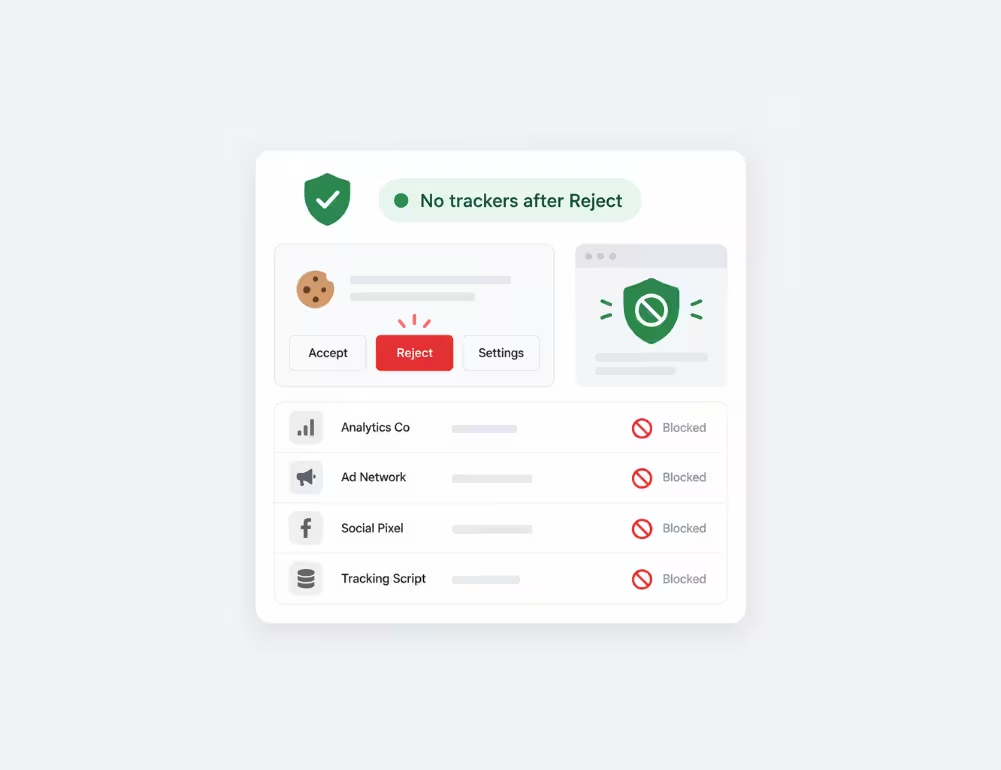
Yes. Consentmo checks tracker behavior before visitors make a choice, after accepting cookies, and following an opt-out. This helps you identify cases where trackers may not be following your configured consent settings.
Yes. Consentmo supports both on-demand and scheduled scans. You can enable scheduled monitoring and use Edit schedule to choose when checks run, helping you catch issues as your store changes.
Some detected issues include a direct action button, such as enabling a missing Imprint link. Other issues may require changes to your cookie banner settings, Shopify theme, or third-party apps. Consentmo shows the detected issues so you know where to start.
No. Consent Monitoring helps identify potential issues with cookie banner display and consent behavior on your live storefront. It is a monitoring tool, not a full legal compliance audit, and checks are limited to your selected monitored locations.
Open your Consentmo app and navigate to Monitoring & Trackers > Consent monitoring. Select Start your first scan to begin testing your storefront. Available on the Max plan.
More Monitoring & Automation Tools
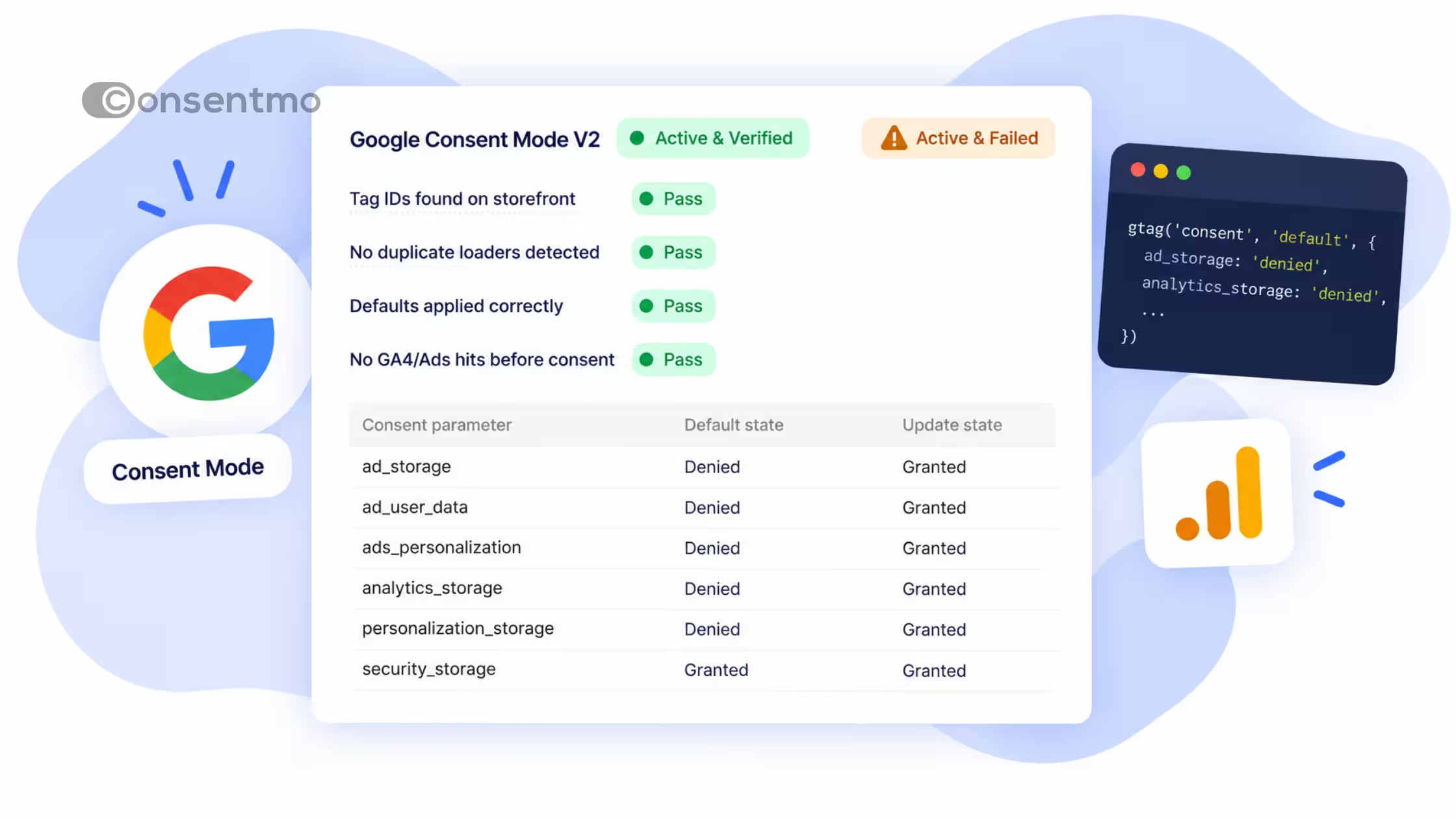


Consentmo is the go-to Shopify compliance app
_converted.avif)