Cookie Consent for Shopify Checkout & Customer Accounts

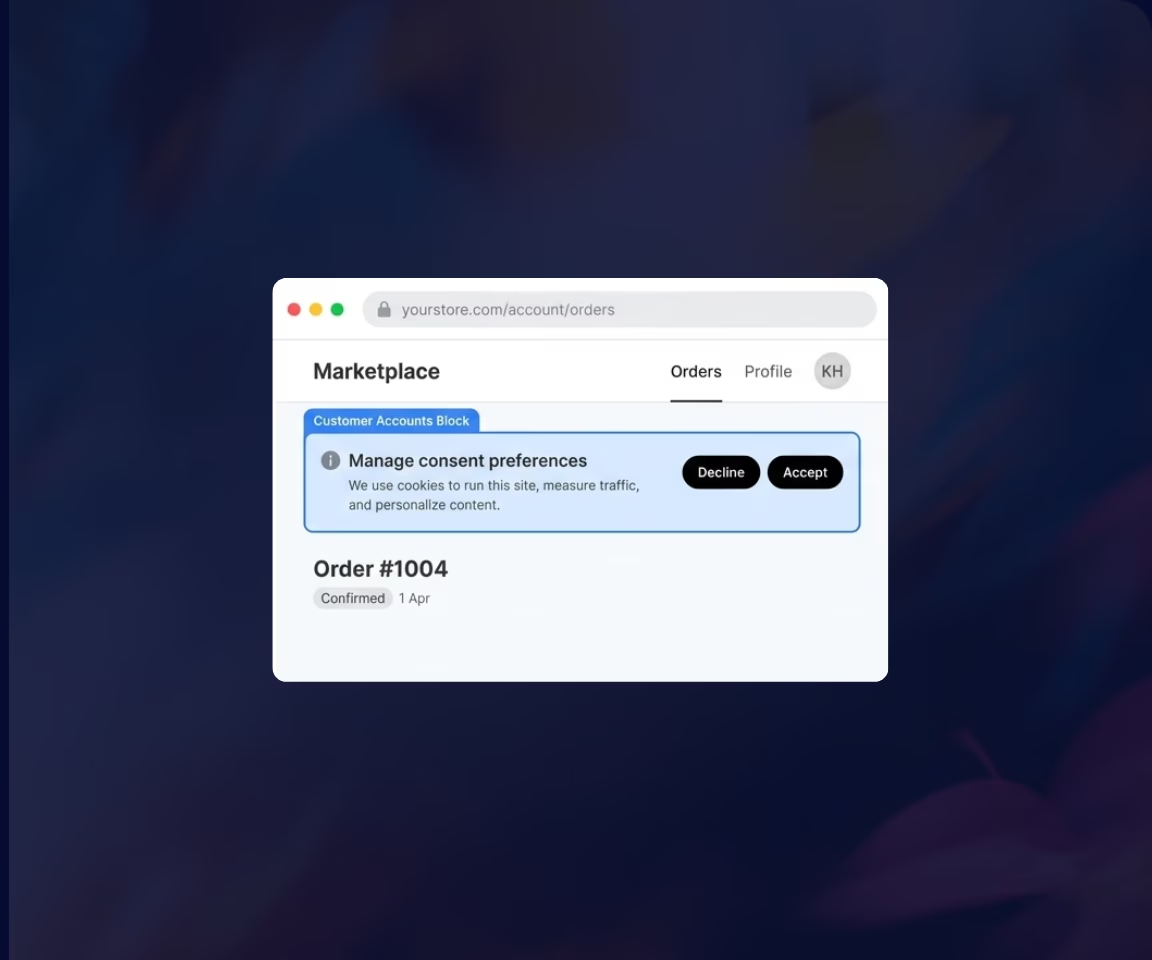
Consentmo uses Shopify’s customer account and checkout extensions to display your cookie banner beyond the storefront. This allows you to show the same consent experience on the thank you page and order status page — without any code or theme changes.
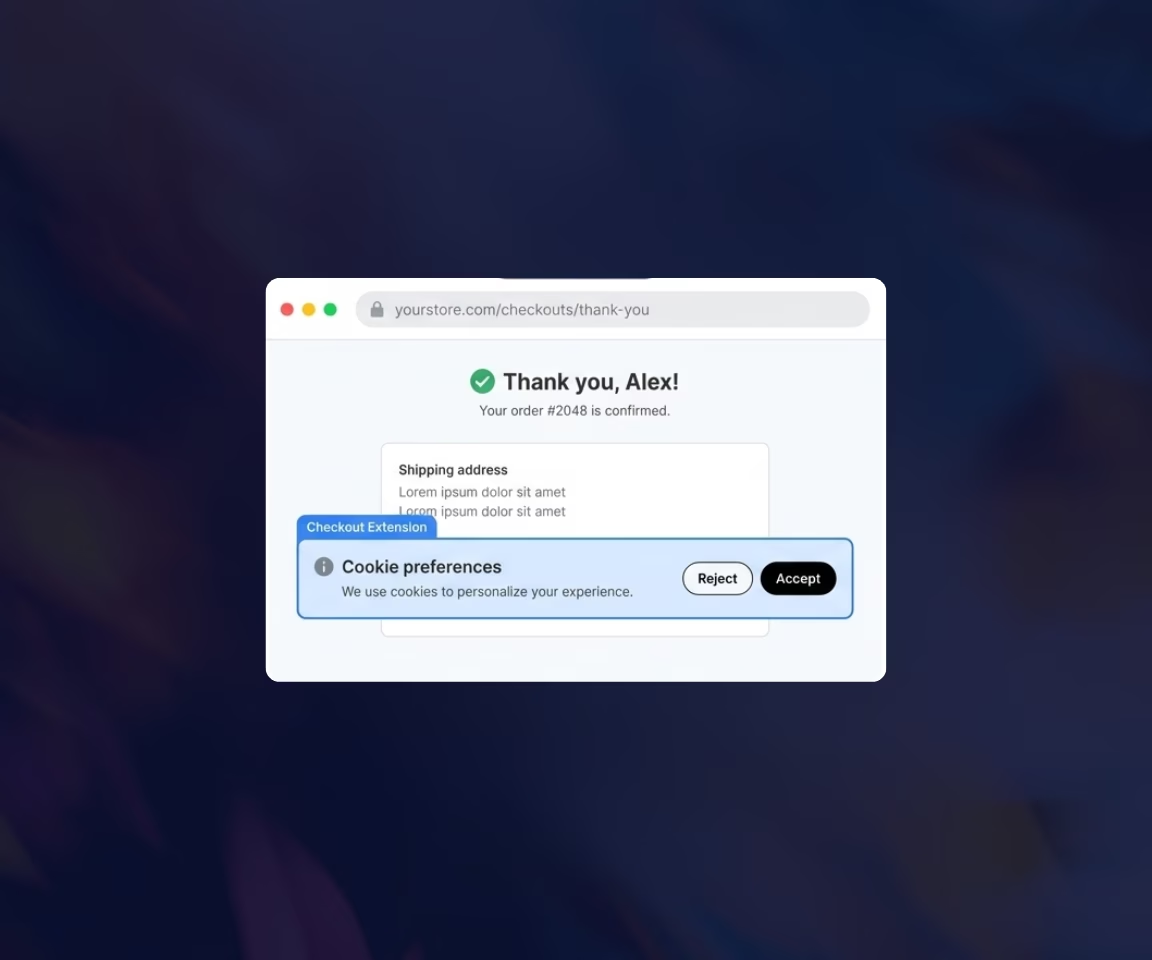
Capture Consent on the Thank You Page

Show Your Banner on the Order Status Page
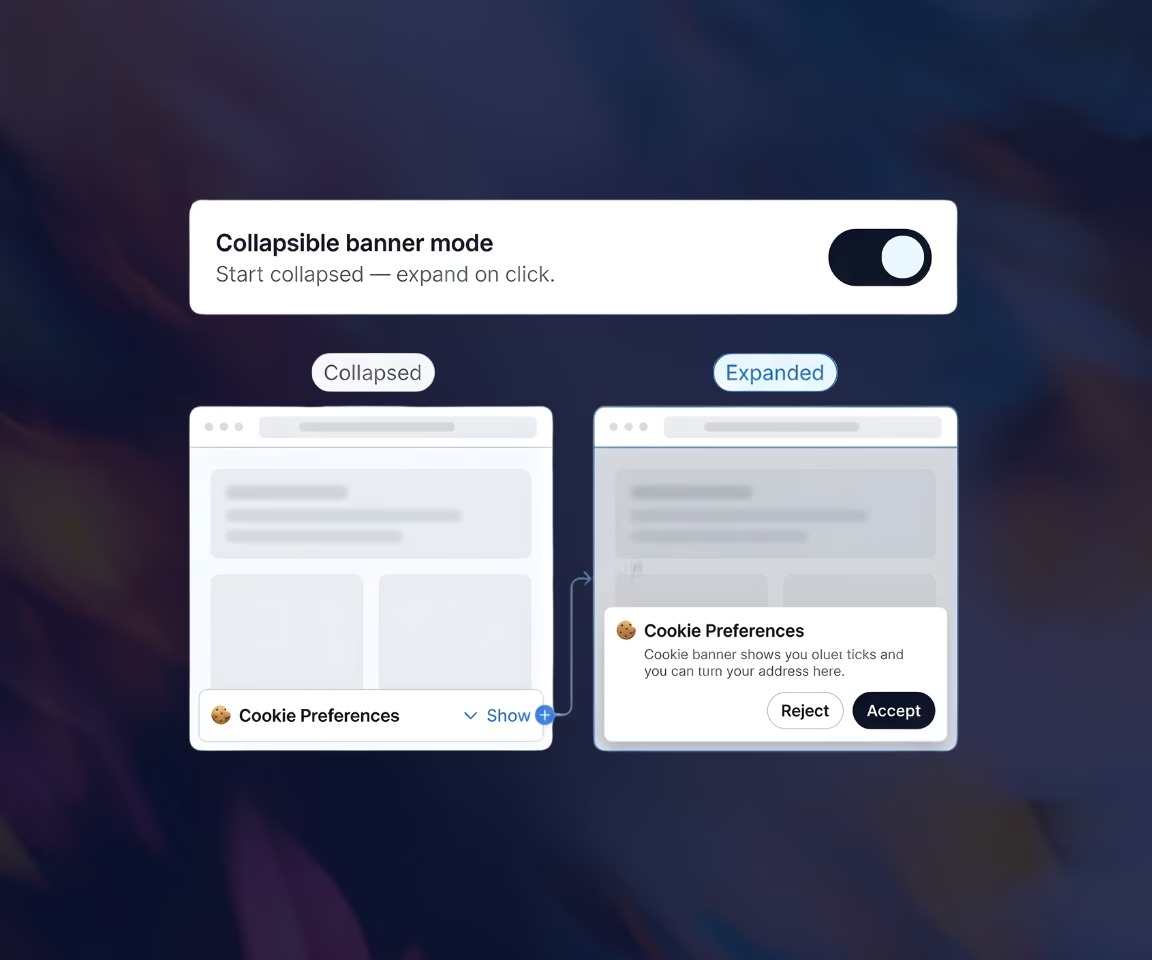
Collapsible Banner Mode
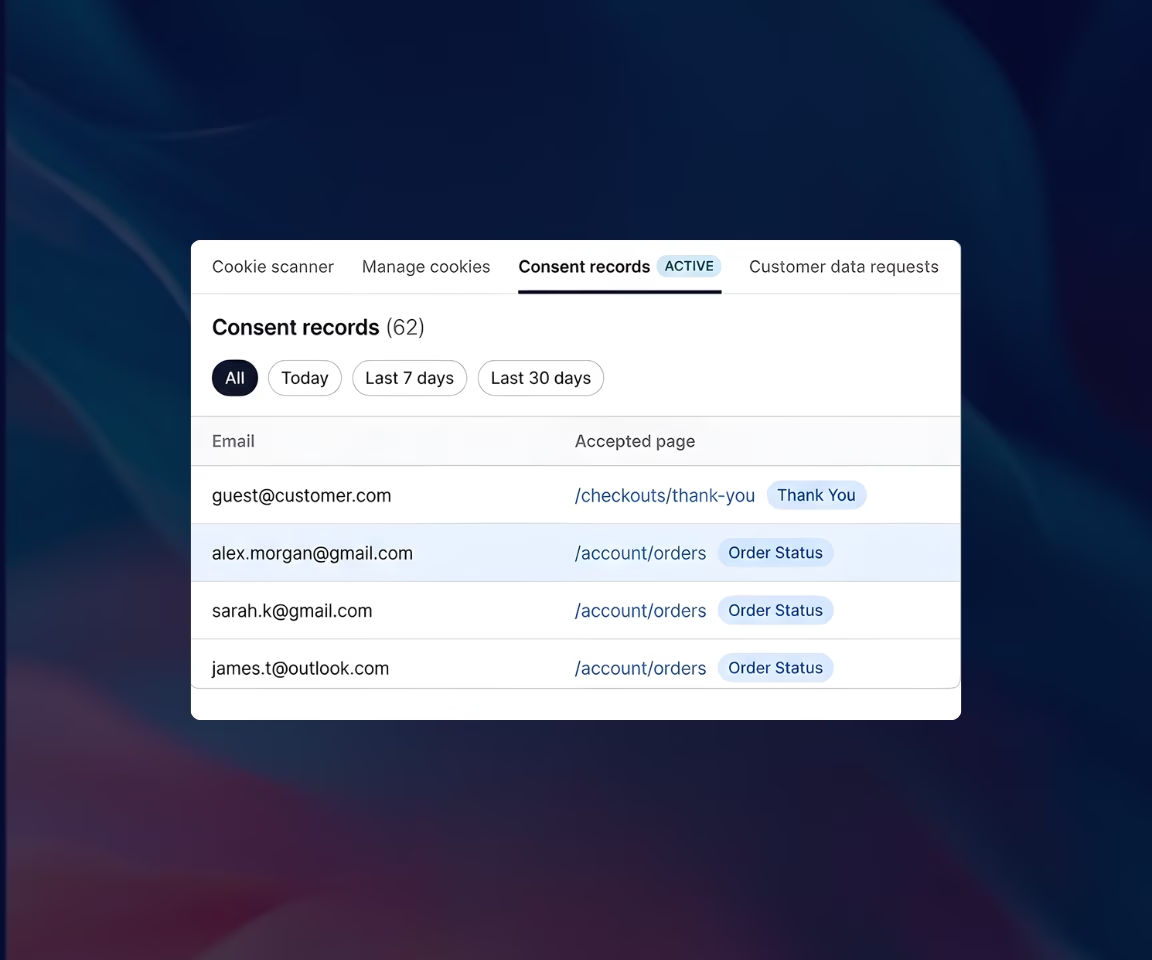
Accurate Consent Logging Across Checkout & Accounts


_converted.avif)
.avif)



.png)

All You Need to Know

Not all visitors make a consent choice on their first visit. Showing the banner again on these pages gives you a second chance to collect consent and improve opt-in rates while staying compliant with GDPR requirements.
Displaying the cookie banner on the Thank You page and checkout-related areas requires Shopify Plus, as it relies on Shopify’s checkout extensibility features. Customer accounts extension does not require Shopify Plus.
No. You can enable both the checkout and customer accounts blocks directly from your Consentmo admin with a few clicks — no coding or required. There is a buil-in step by step guide inside Consetmo once you enable the features.
Yes. You can enable a collapsible banner mode to reduce visual friction, allowing users to expand the banner only when they want to manage their consent.
No. Your existing cookie banner remains unchanged. These features simply extend the same consent experience to additional parts of the customer journey.
These features are available on the Enterprise plan. Displaying the cookie banner on the Thank You page also requires a Shopify Plus store, as it relies on Shopify’s checkout extensibility.

Consentmo is the preferred compliance app on the Shopify App Store