6 Common Use Cases for a Terms and Conditions Checkbox on Shopify
Most Shopify stores have a terms page, a refund policy, and a shipping policy. Most customers never open them. When an order goes wrong, the store owner says "it's in our policy" and the customer says "I never saw it."
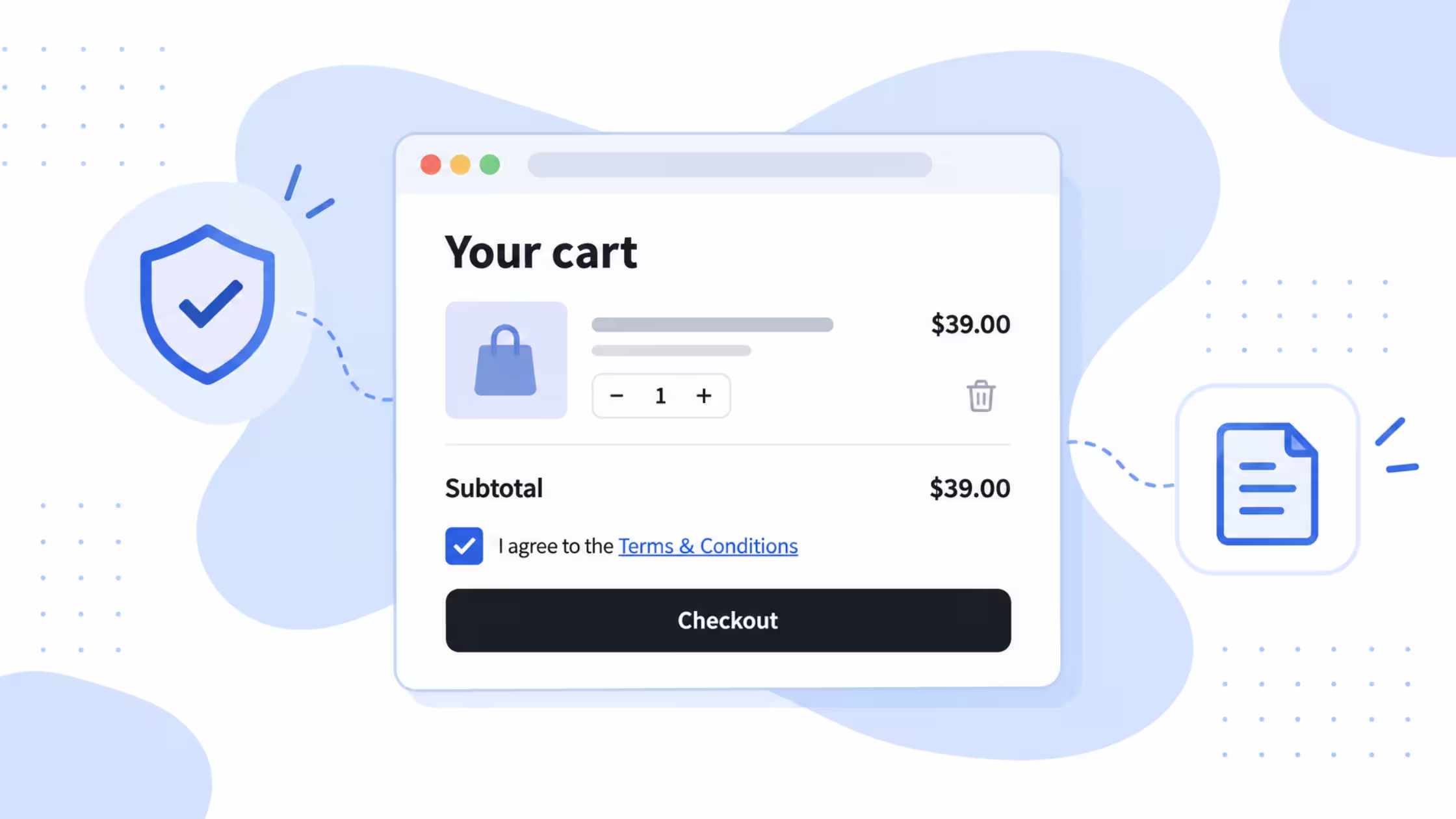
A terms and conditions checkbox closes that gap. The customer ticks a box, confirms they have read the conditions, and only then continues to checkout. Below are six situations where that small step solves a real problem, and how Consentmo handles each one.
TL;DR
- A required checkbox turns a policy nobody reads into one the customer has actively accepted.
- It helps most with chargebacks, returns, digital product withdrawal rules, delivery expectations, subscriptions, and event or safety conditions.
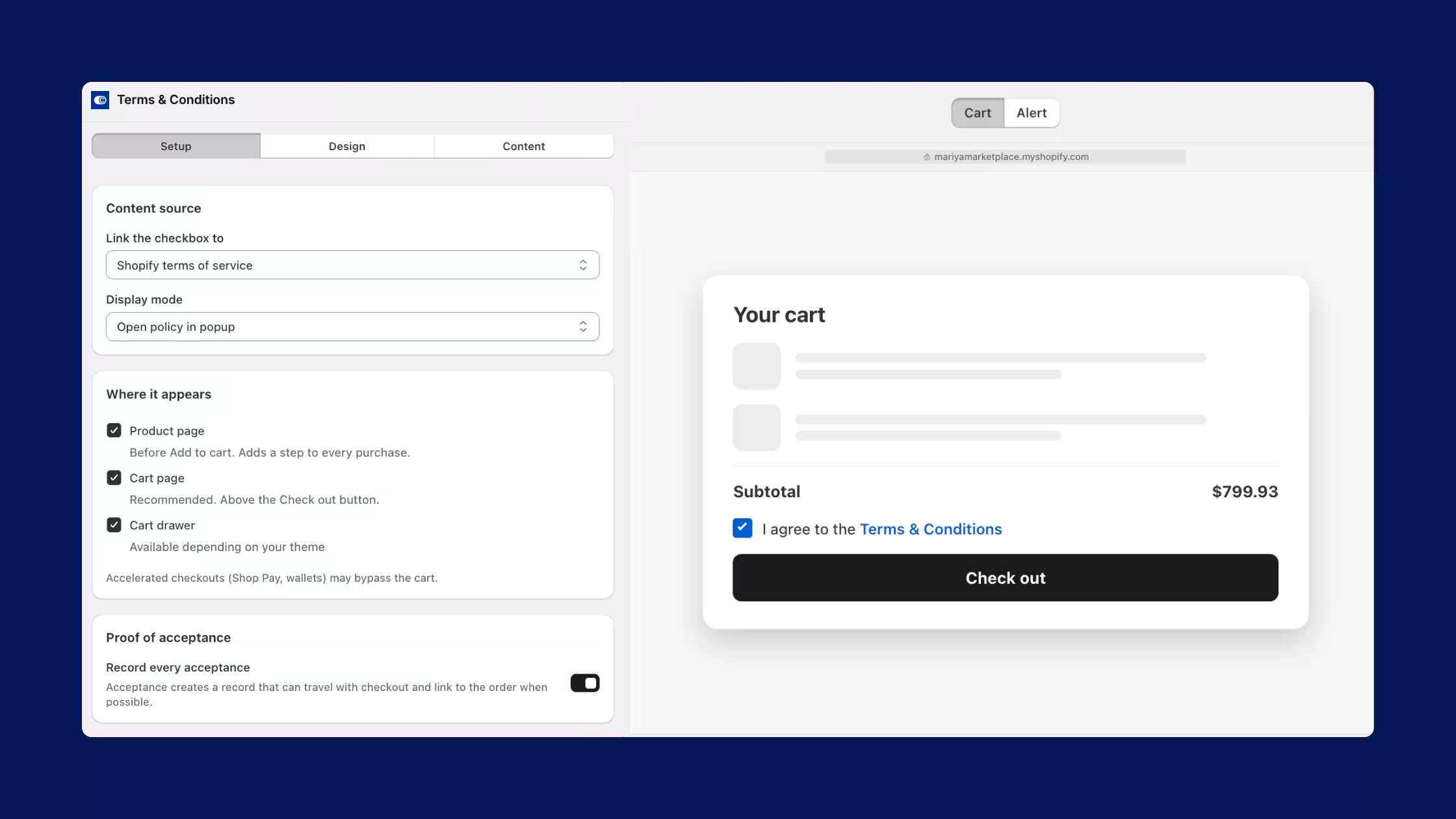
- Consentmo's Terms & Conditions Checkbox adds a required agreement checkbox to product pages, the cart, or cart drawers before customers continue to checkout.
1. Chargebacks and "I didn't know" disputes
The problem: A customer disputes a charge and claims they were never told about your final-sale rules, restocking fees, or processing times. Your policy page exists, but you cannot show the customer agreed to it.
How the checkbox helps: Customers must accept your terms before they move on. Stores that deal with disputes regularly use the checkbox as a clear acknowledgement step, so the conditions are no longer just a footer link.
With Consentmo: Add the required checkbox to your cart or product page and link it to your terms. Customers cannot continue to checkout until they tick it.
2. Return and refund policy confusion
The problem: Returns are the most common source of policy arguments. Customers assume free returns, full refunds, or unlimited time. Your policy says otherwise, in a page they skipped.
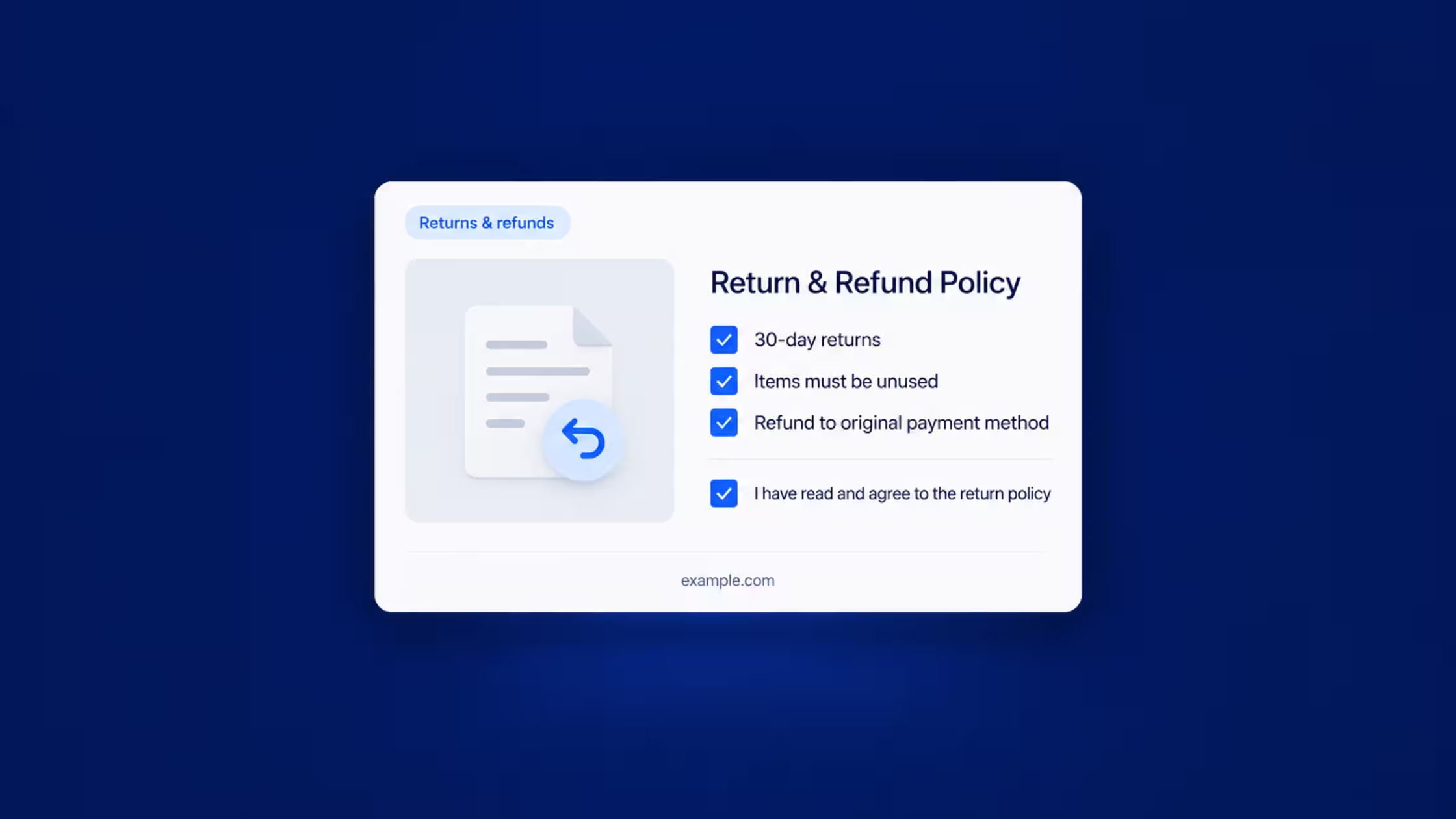
How the checkbox helps: Asking customers to acknowledge the return and refund conditions before purchase sets expectations at the moment they matter most. It is especially useful for items with special return rules, such as electronics, opened products, or clearance stock.
With Consentmo: Link the checkbox label to your return and refund policy so the conditions are one click away at the point of purchase.
3. EU rules for digital products and withdrawal
The problem: In the EU, consumers generally have a right to withdraw from distance purchases, and digital products have their own conditions around that right. Merchants selling downloads, licenses, or digital content to EU customers need customers to knowingly acknowledge those conditions.
How the checkbox helps: Some stores have used an acknowledgement checkbox for years specifically because of German digital product withdrawal requirements. A clear, required tick before checkout shows the customer was shown the conditions.
With Consentmo: Place the checkbox on digital product pages so customers confirm before they buy. If you sell to the EU, Consentmo also offers a Withdraw Order Flow to prepare for the EU withdrawal button requirement, so both sides of the process live in one app.
4. Shipping windows, made-to-order items, and pre-orders
The problem: A customer orders a handmade item and expects it in three days. A pre-order ships in six weeks. A perishable product has a fixed delivery window. When expectations are wrong, you get angry emails, cancellations, and disputes.
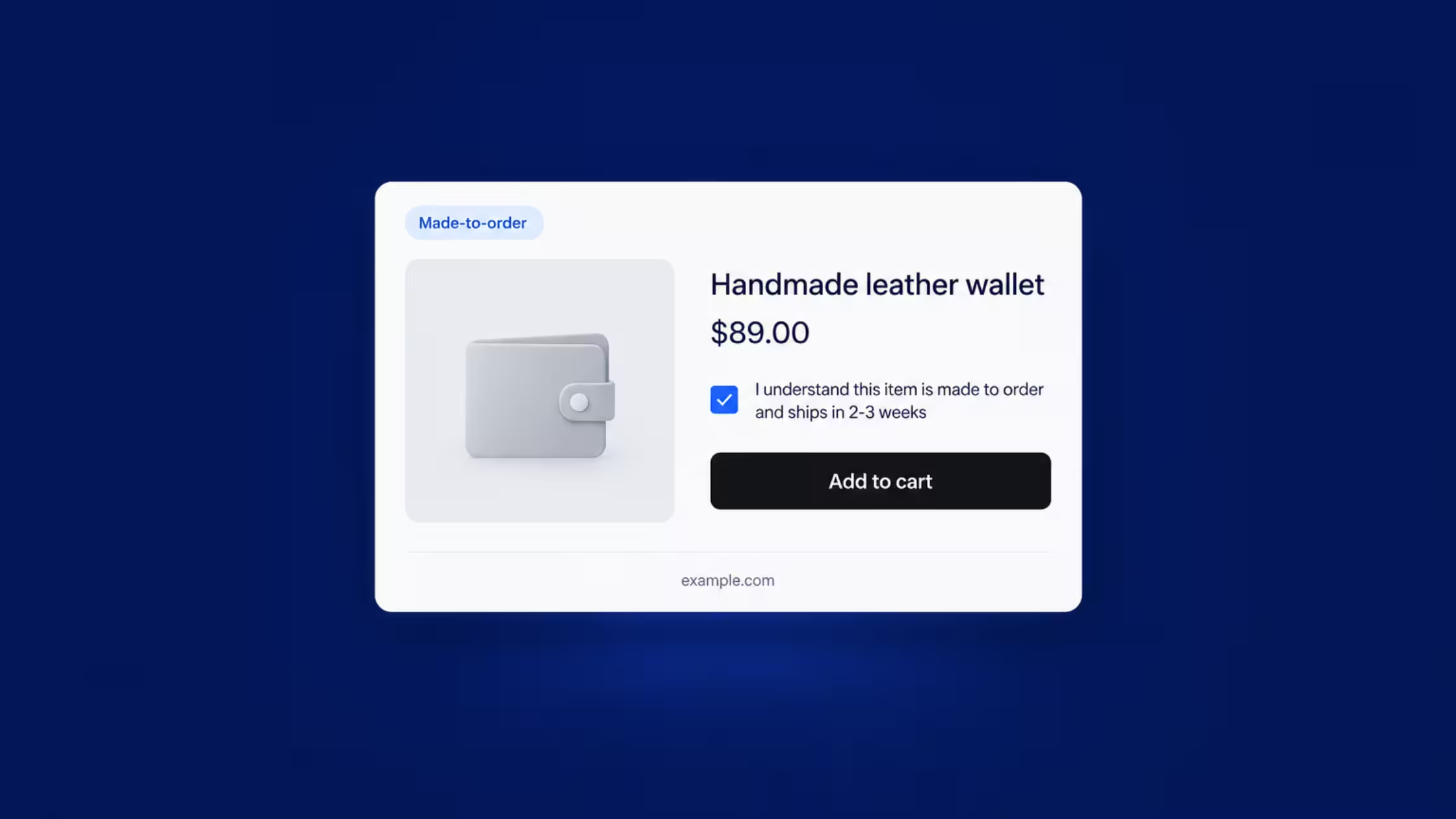
How the checkbox helps: Stores selling made-to-order goods, pre-orders, backorders, and time-sensitive products use the checkbox to confirm that customers understand turnaround and delivery timing before paying.
With Consentmo: Show the checkbox on the product page for these items, with a short line such as "I understand this item is made to order and ships in 2 to 3 weeks."
5. Subscription and recurring billing terms
The problem: Recurring payments need clear agreement. A customer who does not realize they signed up for a monthly box is a customer who will dispute the second charge.
How the checkbox helps: A required acknowledgement of the recurring billing and cancellation terms puts those details in front of the customer before the first payment.
With Consentmo: Add the checkbox to subscription products so customers accept the billing terms before moving to checkout.
6. Events, bookings, and safety conditions
The problem: If you sell event tickets, workshops, or experiences, you need attendees to know the cancellation rules, what is included, and any safety requirements. A line buried in the description is easy to miss.
How the checkbox helps: Merchants running in-person events have used the checkbox on a single product to get acknowledgement of cancellation rules, inclusions, and safety information before booking.
With Consentmo: Add the checkbox where the booking happens, whether that is the product page, the cart, or the cart drawer.
Why use Consentmo for this
If you already use Consentmo for cookie consent, privacy policies, accessibility, age verification, and the EU withdrawal flow, the Terms & Conditions Checkbox keeps one more compliance task in the same app instead of adding another subscription.
- Add a required agreement checkbox to product pages, the cart, or cart drawers
- Customers continue to checkout only after they accept
- Manage it alongside your other compliance tools in one place
Tips before you switch it on
- Keep the label short. One sentence with a link to the full terms is enough.
- Match the checkbox to the risk. Put condition-specific wording where it applies, such as made-to-order timing on those products.
- Test your real purchase paths. Check the cart, cart drawer, and express checkout buttons on desktop and mobile.
- Check after theme changes. Confirm the checkbox still shows whenever you update your theme.
Conclusion
A terms and conditions checkbox is a small addition that answers a common question: did the customer know what they were agreeing to? Whether your priority is fewer disputes, clearer delivery expectations, or EU digital product conditions, adding the acknowledgement at the right moment gives both you and your customers a clearer starting point.
This article is general information, not legal advice. Check your own obligations with a qualified professional.


_converted.avif)