All Logs
Control Privacy Options by Region - Down to the State and Province
Match your Smart Privacy Center to your banner regions and fine-tune which request types appear where.
November 17, 2026
Update
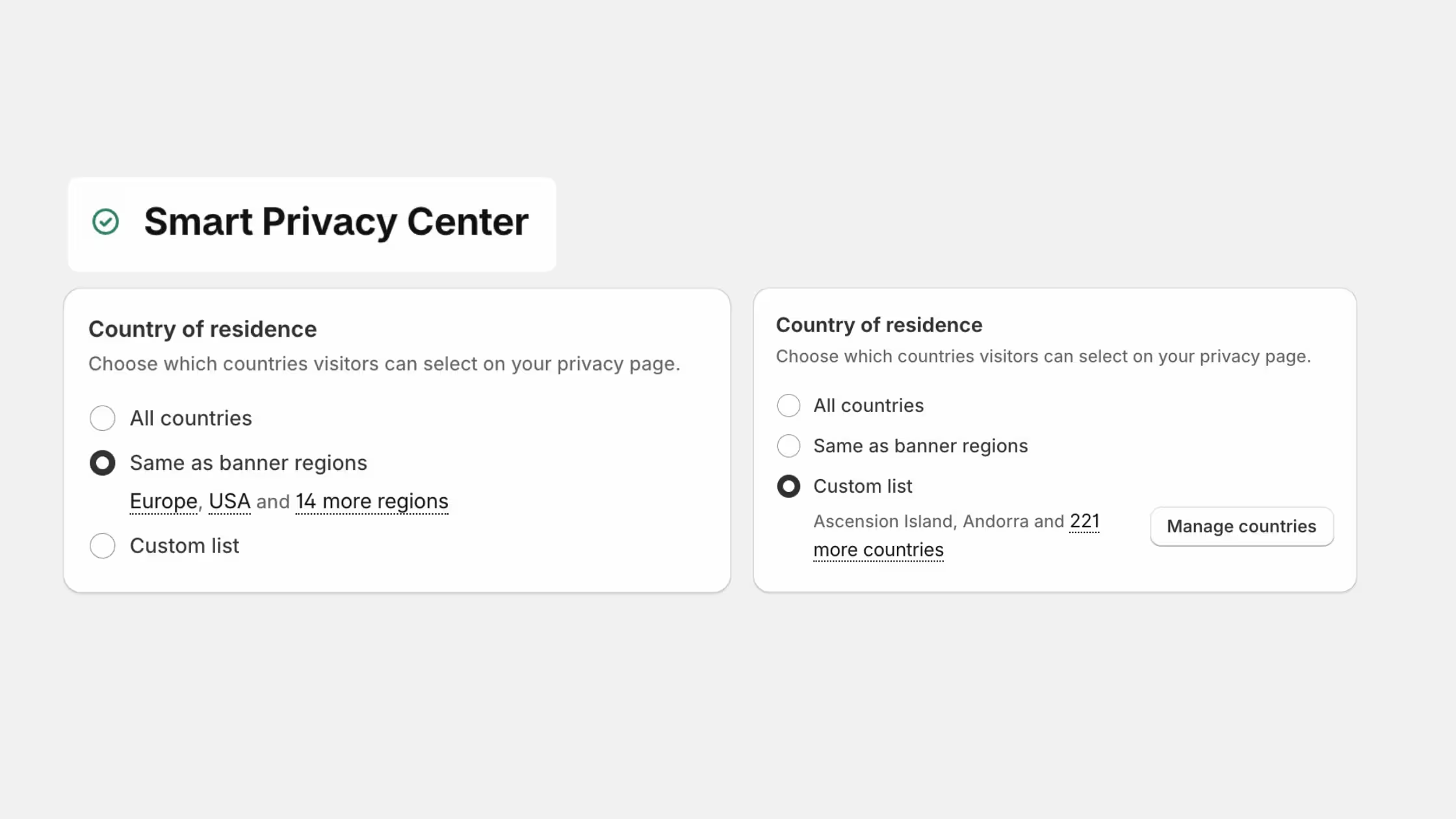
The Smart Privacy Center now gives you region-level control over exactly which privacy options appear - and where - so it stays perfectly aligned with how you manage your cookie banner.
- Same as Banner regions: Apply your cookie banner's existing region settings to the Smart Privacy Center in one click. The default is All countries, or you can switch to a custom list - no need to remember or re-enter your regions.
- Automatic request type presets: Keep using Consentmo's recommended presets, which we update automatically as privacy requirements and laws change - so you stay aligned without extra work.
- Regional request type controls: Want to go deeper? Choose which request types appear by country, state, or province. For example, enable Confirmation of processing just for California (or Alabama), so it only appears when a customer selects that state.
- Full worldwide control: Decide exactly which "exercising of rights" options show for each region around the world.
Find it under Privacy Center > Smart Privacy Center > Manage page.