All Logs
Do Not Sell Opt-Out Button Control
Choose whether visitors can opt back in to data sharing after submitting a Do Not Sell request.
November 24, 2026
Feature
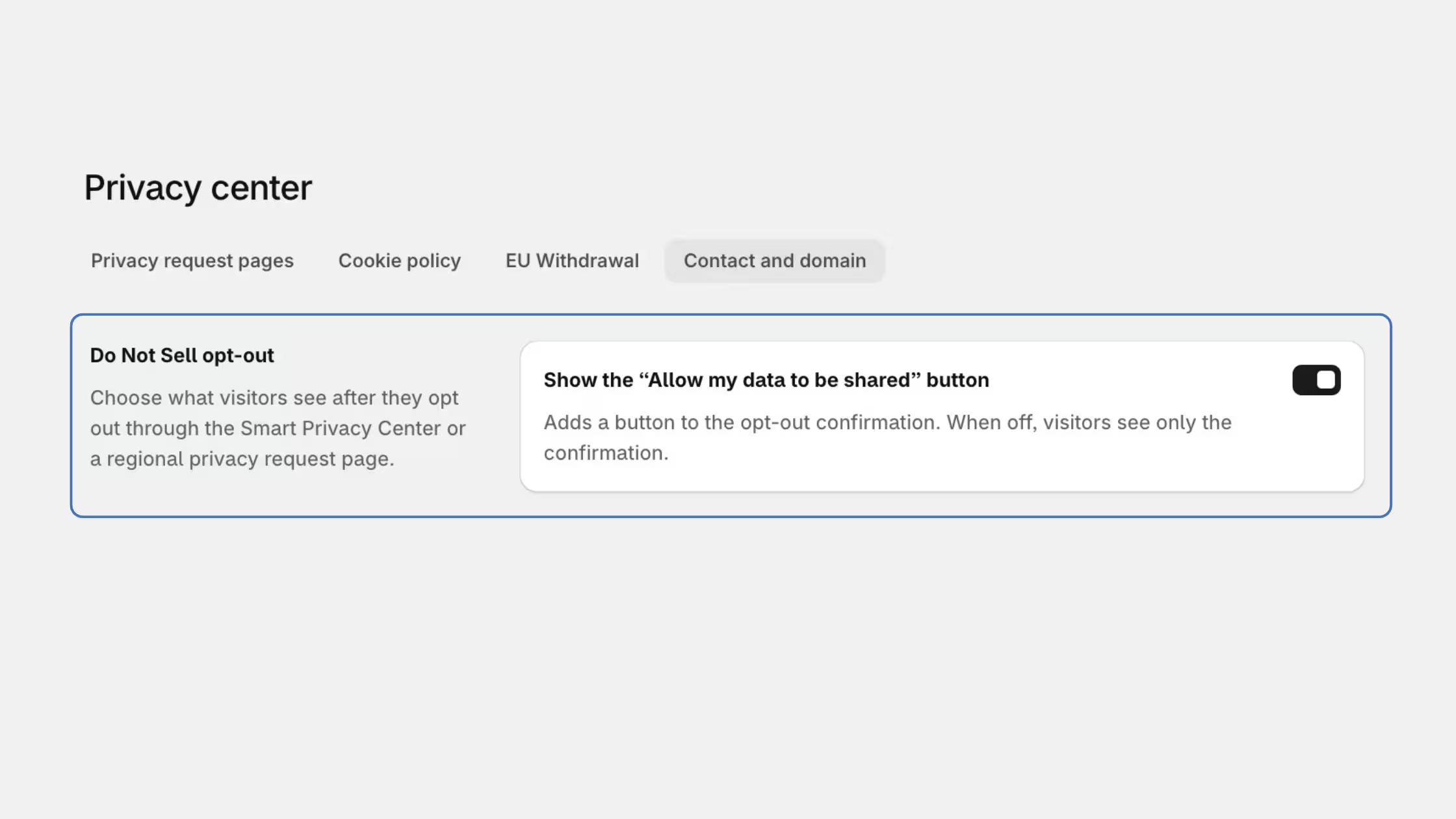
On the “Do Not Sell” privacy page, you can now choose whether to display the "Allow my data to be shared" button alongside the opt-out confirmation, or keep the experience limited to the confirmation message.
- Optional opt-in button: Enable the "Allow my data to be shared" button so visitors can update their choice after opting out.
- Confirmation-only option: Disable the button to show only the opt-out confirmation message.
- One setting across privacy pages: The option applies to both the Smart Privacy Center and regular DSAR pages.
Turned on by default.
You can manage this from Privacy Center > Contact and domain > Do Not Sell opt-out.