All Logs
Test Two Banner Versions and Let the Winner Run Automatically
Compare two visual versions of your cookie banner, track real performance, and automatically continue with the better one.
June 25, 2026
Feature
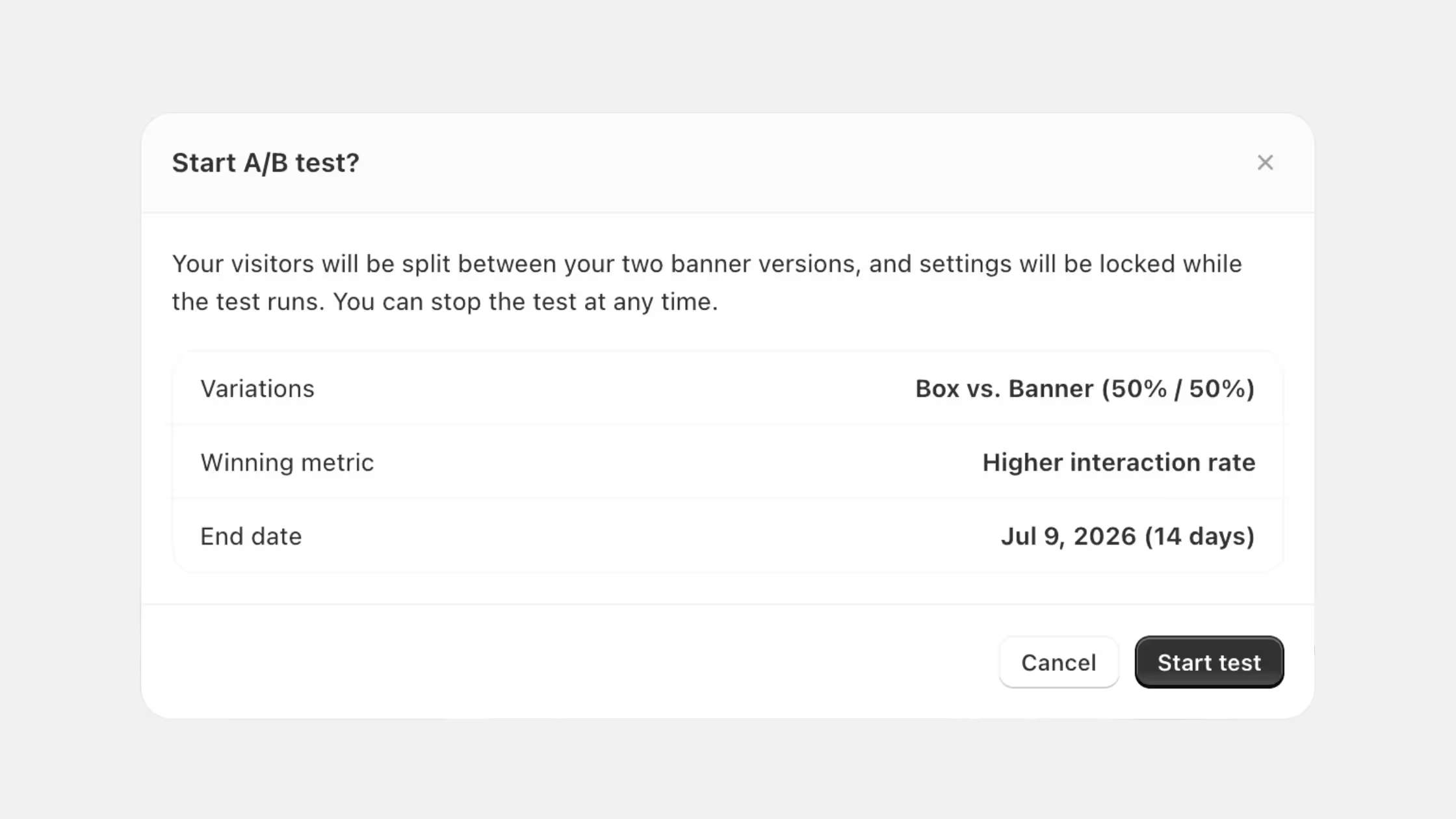
You can now run A/B tests on your cookie banner to see which visual version performs best — and let the data decide the winner for you.
- Test what matters: Compare two visual versions of your banner (layout, position, colors, custom icon, border radius, and more). Behavior, regions, and content stay identical, so you're testing design only.
- Pick your winning metric: Choose what defines success — interaction rate, acceptance rate, or rejection rate.
- We suggest a challenger: Version 1 is always your current banner. We automatically pair it with a different banner type to test against, so you can start quickly.
- Live results in Analytics: A brand-new A/B Testing tab shows your live split, the current leader, and what you're testing at any time.
- Full transparency in consent records: Every test logs the variant shown, the source, and the user's choice — just like your standard consent data.
- A winner always continues: When the test ends (typically 2 weeks from the start date), we email you the winning version along with its confidence level, then automatically switch your banner to it.
⚠️ Important: Just like TCF, settings lock once a test starts — you won't be able to edit the banner for the test duration. You can stop the test early at any time, in which case your banner defaults back to Version 1 (your current banner).
Find it under your Cookie Banner settings, and view performance in Analytics > A/B Testing.