Why Broken Cookie Controls and Hidden Ad Pixels Trigger CCPA Regulatory Action
TLDR
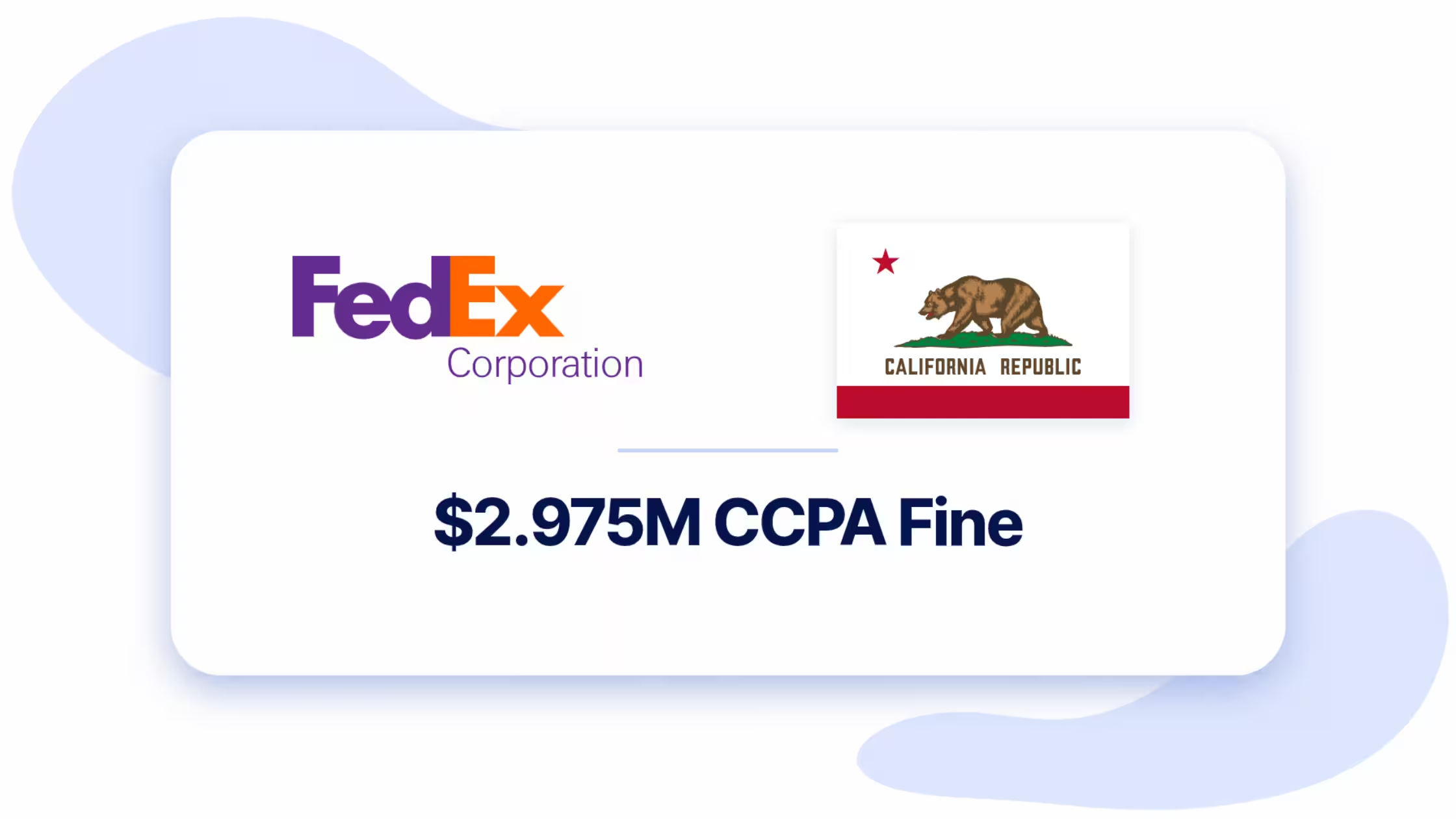
On November 10, 2026, the California Privacy Protection Agency (CalPrivacy) ordered Federal Express Corporation to pay a $2.975 million fine and overhaul its digital tracking operations. Regulators found three critical breakdowns:
- Stating in policies that personal data was not sold or shared while running cross-context behavioral advertising pixels.
- Failing to honor automated Opt-Out Preference Signals (OOPS / Global Privacy Control).
- Providing privacy webforms and cookie banners that failed to disconnect backend tracking technologies when users opted out.
CalPrivacy confirmed that CCPA enforcement covers B2B portals and logistics ecosystems alongside retail storefronts.
For Shopify merchants, this enforcement establishes that a static privacy policy cannot protect a store running unmanaged scripts. You need automated script blocking, verified opt-out signal listeners, and continuous tracker monitoring.
What CalPrivacy Found in the Federal Express Case
CalPrivacy's Enforcement Division concluded an extensive technical investigation into Federal Express Corporation. The findings center on technical tracking failures rather than administrative paperwork errors:
- Contradictory disclosures: Federal Express publicly claimed it did not sell or share consumer personal information, yet deployed third-party tracking technologies that shared visitor browsing data for retargeting and behavioral ad delivery. Under CCPA/CPRA, passing online identifiers to ad networks without an opt-out constitutes a regulated "sale" or "share."
- Broken cookie preference centers: The cookie controls on Federal Express properties gave visitors the appearance of choice, but the underlying scripts continued firing even after users clicked opt-out.
- Ignored Global Privacy Control (GPC) signals: Automated opt-out preference signals sent from privacy browsers were neither detected nor applied to ad network pixels.
- Disconnected DSAR workflows: The company's web-based CCPA request forms operated separately from client-side tracking controls, leaving visitor web identifiers untouched when requests were filed.
Alongside the $2.975 million penalty, CalPrivacy ordered Federal Express to establish strict ongoing compliance protocols: quarterly tracking audits, mandatory pre-deployment reviews for every new script, quarterly functional tests of opt-out mechanisms, and explicit cookie notices containing working opt-out paths.
4 Critical Lessons for Shopify Store Owners
E-commerce stores depend on ad networks, conversion pixels, review widgets, and retargeting tags to scale. The FedEx enforcement reveals four specific operational risks common on e-commerce storefronts:
1. Tag managers and pixels count as data sharing
Merchants often assume data sales involve selling physical customer lists to third-party brokers. Under California law, firing Meta, TikTok, Google, or Pinterest pixels that build retargeting audiences from store visitors is classified as sharing personal data. Stating "We do not sell personal information" while running third-party ad tags without a working opt-out is a primary CCPA violation.
2. B2B and wholesale portals are fully exposed
Merchants operating wholesale, corporate gifting, or B2B channels frequently assume business customers operate under commercial exemptions. CalPrivacy Executive Deputy Director Tom Kemp specifically addressed this point:
"The Board’s decision confirms that the CCPA protects Californians from online surveillance, even in a business-to-business (B2B) setting. Businesses must assess whether their B2B operations respect the robust privacy rights of individuals."
Every Shopify store, regardless of whether it serves retail consumers or commercial accounts, must respect privacy choices across every domain.
3. A static cookie banner is not compliance
Deploying an informational cookie banner that displays an "Accept" or "Decline" button without blocking underlying JavaScript tags creates immediate legal liability. Regulators now inspect actual network traffic. When a user clicks decline or sends an opt-out signal, marketing pixels must stop firing instantly.
4. Opt-Out Preference Signals (GPC) are mandatory
Enforcement agencies test whether websites automatically detect and honor browser-level opt-out signals without forcing users to fill out complex forms. If a Californian visits your Shopify storefront using a GPC-enabled browser, your store must recognize that signal and suppress ad-tracking tags automatically.
How to Protect Your Shopify Store with Consentmo
Preventing regulatory exposure requires automated synchronization between your front-end store controls, client-side scripts, and privacy settings. Consentmo provides the complete infrastructure to keep your Shopify storefront aligned with CCPA/CPRA requirements.
1. Deploy Global Privacy Control (GPC) detection
Consentmo automatically listens for browser-level opt-out signals (navigator.globalPrivacyControl).
When detected, the app applies opt-out preferences immediately, blocks marketing trackers, and records compliance without requiring the shopper to open a settings drawer.
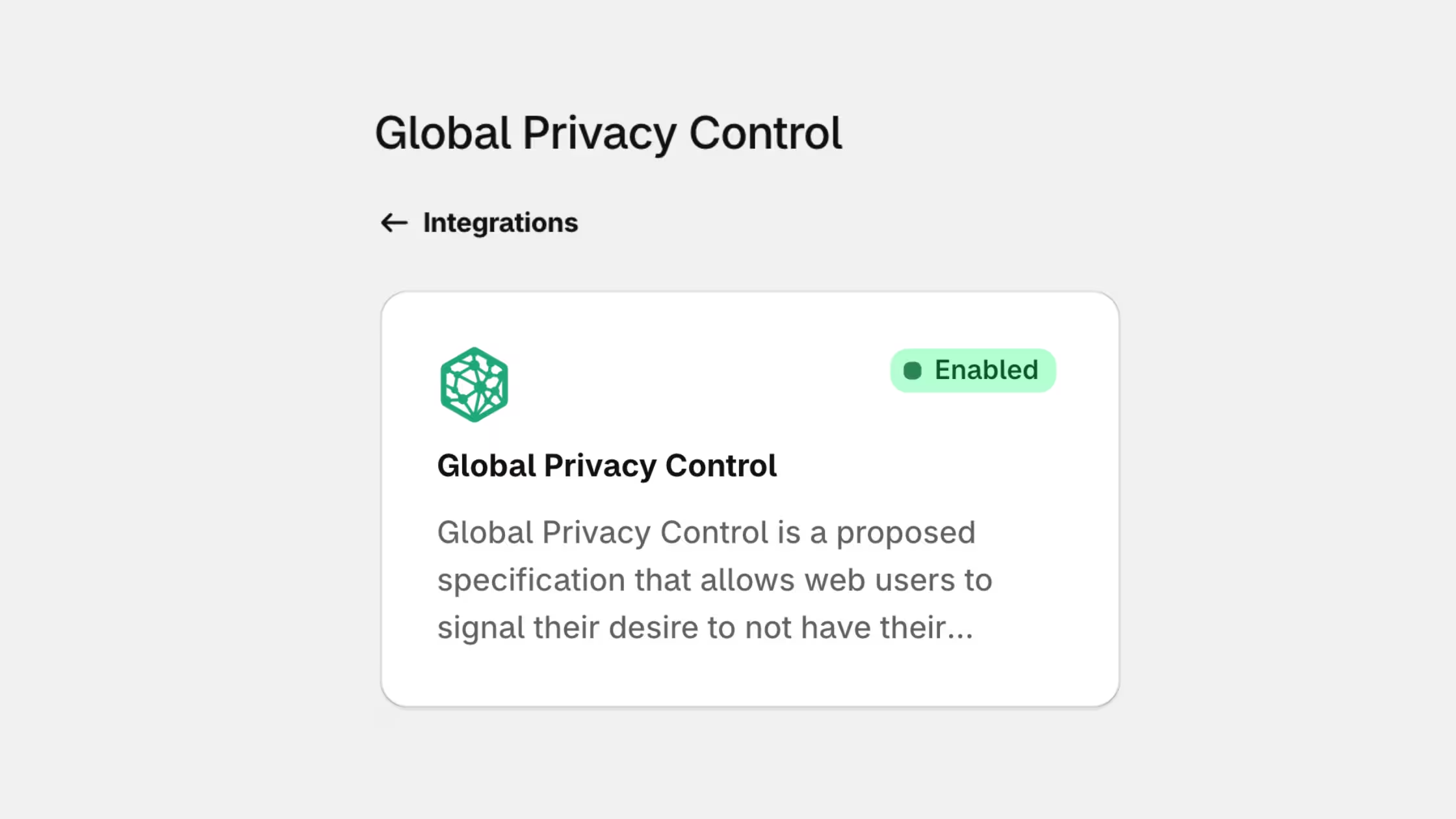
Enable and set up today from Consentmo > Integrations > GPC signals.
2. Audit and categorize all store tags with Tracker Manager
Avoid script drift across your theme.
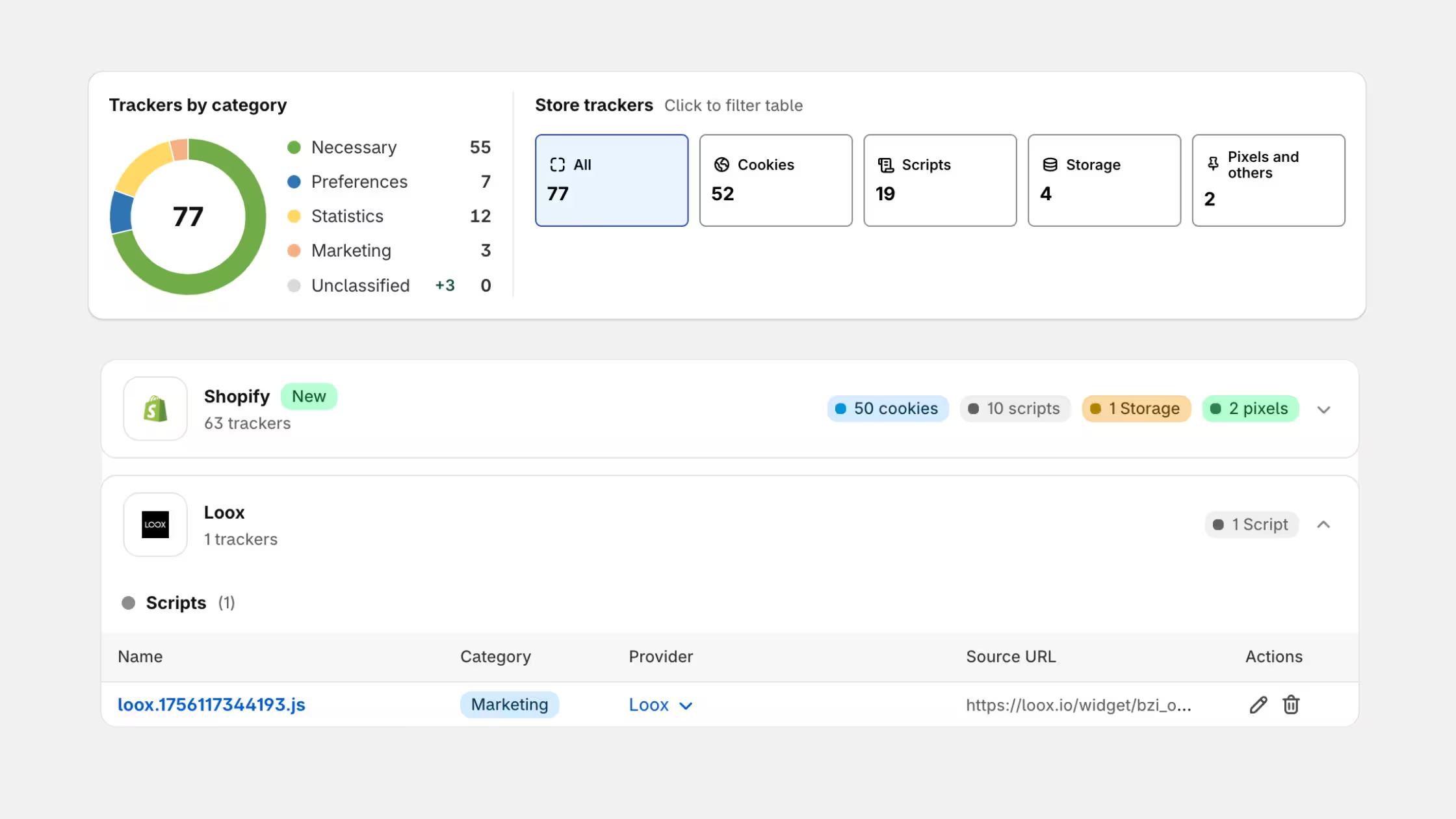
Use Consentmo Tracker Manager to run automated storefront scans that catalog cookies, localStorage keys, third-party JavaScript tags, and marketing pixels. You can group trackers into explicit functional categories (Necessary, Analytics, Marketing) and ensure unapproved scripts never load before consent.
3. Provide an active "Do Not Sell or Share" link
Configure Consentmo to present an explicit "Do Not Sell or Share My Personal Information" link or a persistent "Your Privacy Choices" floating badge across your footer and mobile checkout flows.
Shoppers can adjust preferences at any moment, and selections update downstream pixels in real time.
4. Connect native Shopify Customer Privacy APIs
Consentmo integrates directly with Shopify Customer Privacy API and Google Consent Mode.
When a shopper opts out, the app signals Shopify's native web pixel framework and connected third-party app channels to halt behavioral tracking across the entire session.
Action Checklist for Shopify Merchants
Use this checklist to verify your store's privacy setup:
- Inspect your store footer to confirm an active, functional "Do Not Sell or Share My Personal Information" link is visible to California visitors.
- Run an audit of all active marketing tags, pixels, and theme scripts using Consentmo Tracker Manager.
- Test your store using a GPC-enabled browser (such as Brave or Firefox with privacy protections active) to verify marketing pixels do not fire upon landing.
- Confirm your privacy policy copy accurately discloses third-party advertising tags and matches actual tracking behavior on your storefront.
- Schedule regular quarterly scans within Consentmo to catch newly installed apps or third-party tags before they create compliance gaps.
Conclusion
The Federal Express penalty demonstrates that regulatory bodies now prioritize technical enforcement over static policies.
If your store relies on retargeting tags and third-party advertising, ensuring that opt-outs actually block client-side scripts is a non-negotiable requirement.