March was all about control, polish, and automation inside Consentmo.
Merchants kept telling us the same things: their consent banners needed to feel more native to their storefronts, compliance behavior across different regions was too rigid, and cookie classification still required too much manual effort after every scan.
So this month we focused on giving merchants a smarter, more adaptive banner design, deeper per-region consent controls, and a significant AI upgrade to cookie detection — while also shipping a handful of smaller improvements that make everyday compliance management faster.
Here's everything that shipped in March. 👇
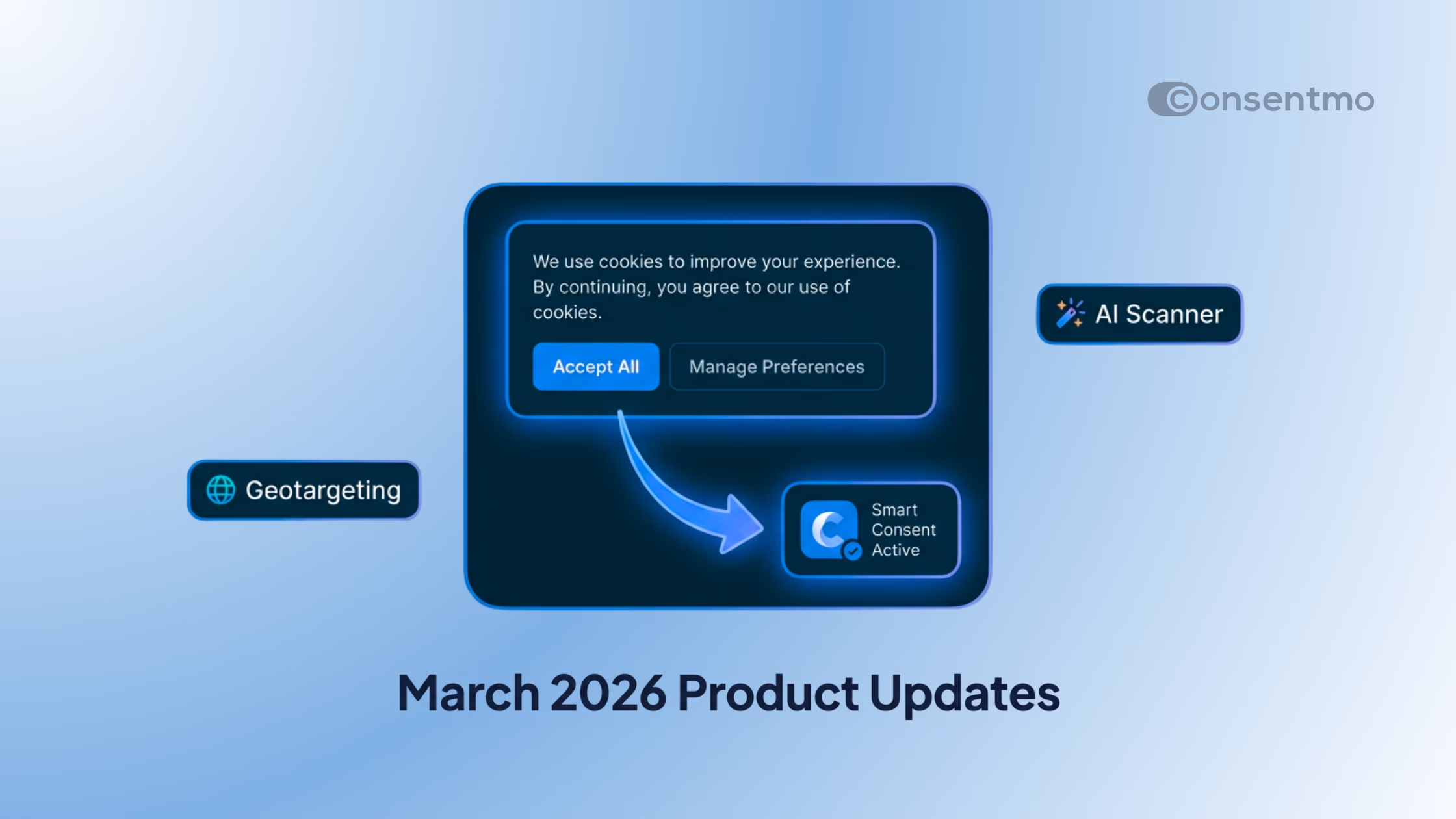
New Banner Layout: Smart Consent
The new Smart Consent layout combines the traditional cookie banner and the consent widget into a single, adaptive interaction. When a visitor lands on your store, they see the familiar consent banner. As they scroll past it, it transforms into a compact widget — keeping consent accessible without taking up space.
This solves a real tension that many Shopify merchants face: you want your banner to be visible enough to drive interaction, but not so intrusive that it disrupts the shopping experience.
_converted.avif)
What it does:
- Adaptive layout – Starts as a full banner, then becomes a compact widget as users scroll, keeping your storefront clean
- Fluid animations – Smooth transitions encourage shoppers to make their consent choice sooner
- Premium look – Blends naturally with modern Shopify storefronts; live preview available directly in the app
If your current banner feels like it competes with your store design, Smart Consent is built to fix that.
Granular Control for Smart Geotargeting
We've expanded Smart Geotargeting with significantly deeper per-region controls over how consent behaves. Instead of applying a blanket rule across all visitors, you can now define exactly how consent works country by country and state by state.
This is especially important for stores serving both EU and US customers at the same time, where GDPR and CCPA/state-level opt-out requirements can conflict if handled too broadly.
_converted.avif)
What changed:
- Regional cookie state control – Define which cookie categories are active before a visitor makes any choice, on a per-region basis
- Consent type per region – Choose between Explicit or Implied consent depending on each region's legal requirements
- US opt-out signals per state – Set opt-out behavior at the individual US state level for stronger state privacy law coverage
- Full behavior visibility – See each region's consent model, mechanism, and opt-out settings at a glance from a single screen
Previously, geotargeting let you show different banners to different regions. Now it lets you control the entire consent model per region.
Review your geotargeting settings →
Region Selection for Web Accessibility
Your accessibility widget now follows the same regional logic as your cookie banner.
With the new Accessibility Widget per Region settings, you can show or hide the accessibility widget based on visitor location — giving you the same granular control you already have for your consent banner.
This matters for merchants who run storefronts across multiple markets with different accessibility standards and legal requirements.
_converted.avif)
What you can do now:
- Show globally or restrict to specific countries – Display the accessibility widget only where required or relevant
- Same regional setup – Uses the familiar region logic already built into your banner configuration
- Expanded link capabilities – Add multiple CSS selectors to place the accessibility link in different areas of your site
- Device-aware placement – Adapt link positioning for desktop and mobile layouts independently
Edit your accessibility regions →
Enhanced Force Banner: Blur & Scroll Lock
Force Banner Interaction just got two significant new controls.
Some merchants need visitors to actively engage with the consent banner before they can use the storefront. Until now, the banner appeared but visitors could still scroll past it. This month we added two built-in settings to make Force Banner Interaction more effective.

What's new:
- Background blur – Apply a blur effect behind the banner for a distraction-free consent experience that naturally focuses attention on the decision
- Disable scrolling – Prevent visitors from scrolling until they interact with the banner, ensuring no one navigates the store before making a consent choice
- Simple activation – Both settings are available under **Cookie Banner > Behavior > Force Banner Interaction**
Together, these controls make it significantly harder for visitors to accidentally skip the consent step — which matters for merchants in high-compliance markets.
Update your force banner settings →
Cookie Scanner AI Upgrade
The cookie scanner now uses AI to identify cookies it couldn't classify before.
We've upgraded the Cookie Scanner to use OpenAI's GPT-4o for recognizing and categorizing unknown cookies found during scans. The result is fewer unclassified cookies in your reports and less time spent manually reviewing and categorizing cookie data after each scan.

What improved:
- AI-powered classification – GPT-4o mini now analyzes unclassified cookies and attempts to identify them automatically
- Fewer unknowns after each scan – More cookies get categorized on the first pass, reducing your manual workload
- Less maintenance – Spend less time in the Cookie Manager reviewing entries the scanner couldn't resolve
For merchants who run frequent scans on large Shopify stores with many third-party scripts, this update makes a meaningful difference in how much manual cleanup is needed after each scan.
Run a scan and see the improvement →
Updated Privacy Center
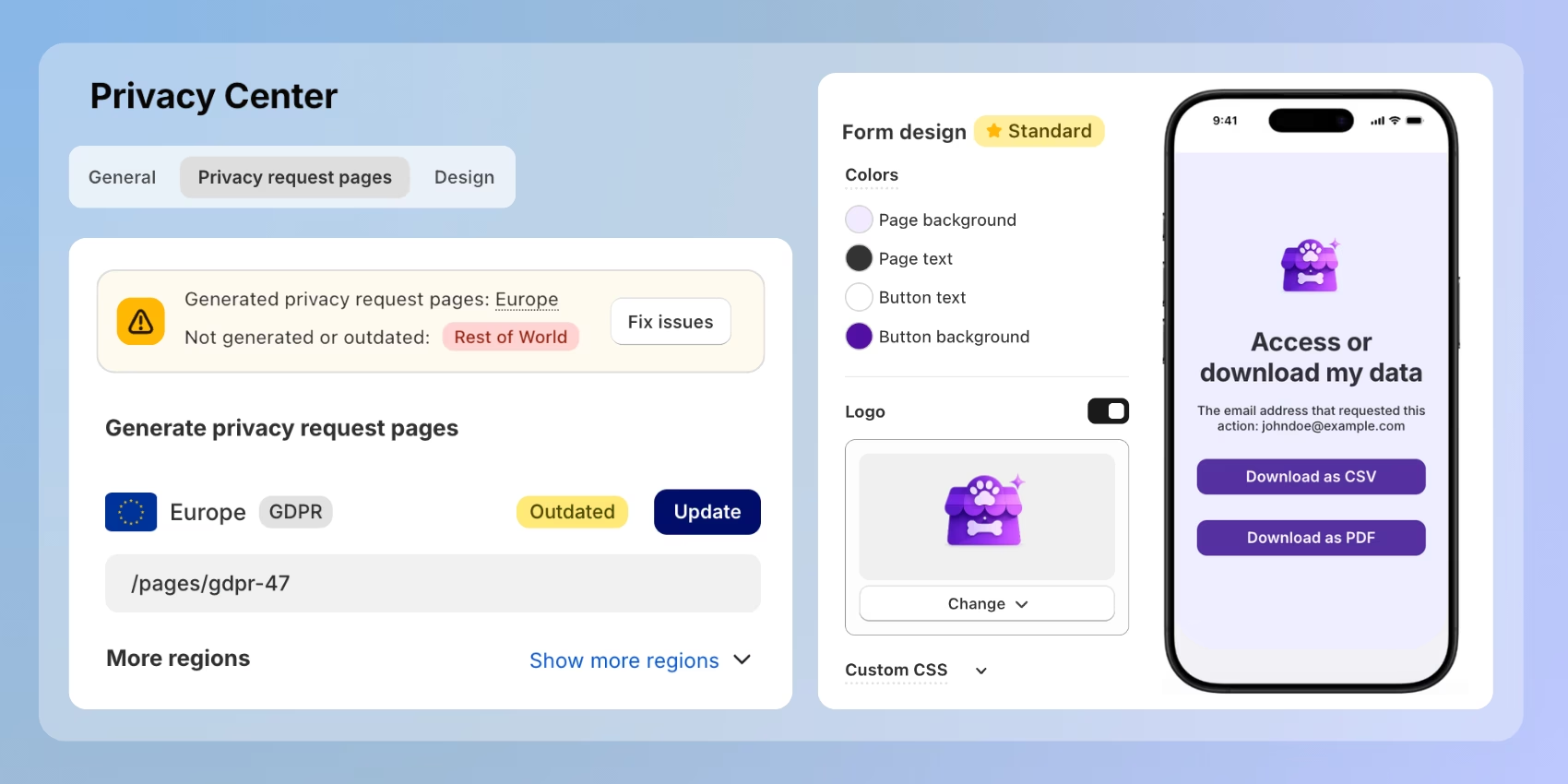
The Policies section has been redesigned into a full Privacy Center.
This is more than a cosmetic change — it's a structural upgrade that makes managing privacy documentation faster and easier to understand at a glance.
What's new:
- Unified privacy hub – Settings are now organized into three clear sections: General, Privacy Request Pages, and Design
- Smarter regional coverage – Dedicated pages for each of your selected regions, plus a global fallback page for markets you haven't configured specifically
- Full design control – Enhanced customization options with a new dual-mode Desktop & Mobile previewer so you can see exactly how your privacy pages look on both device types
If you manage privacy pages across multiple regions, the new structure makes it much easier to keep everything consistent and current.
More from March
🍪 Cookie Widget: Floating or Link
You can now choose between a persistent floating widget or a clean text link for your Cookie widget. Switch between modes anytime from your Cookie widget settings — flexible placement using CSS selectors for precise positioning on any part of your storefront.
🔒 GPC Auto Trigger for CCPA
Global Privacy Control signals are now automatically detected and honored on the backend. No manual setup needed — GPC signals are recognized and respected without any action from you, giving you stronger CCPA opt-out compliance automatically.
🔤 GDPR-Compliant Font Delivery
Predefined fonts are now served from Bunny CDN instead of Google CDN. This means no personal data is sent to Google when your banner loads fonts — meeting GDPR requirements for third-party resource delivery with zero action required from your side.
🌏 Hong Kong & Macao Now Supported
Both regions are now available in Smart Geotargeting. Set localized consent types, cookie states, and opt-out behavior for each region, giving stores with Asia-Pacific customers stronger compliance coverage.
🔍 Smart Search, Now Context-Aware
Smart Search — launched in February — is now even smarter. Search results include context-aware suggestions and instant access to relevant help articles when needed, so you can find exactly what you're looking for and understand it without leaving the dashboard.
Building a More Compliant, More Flexible March
March shipped a wide range of updates, but they all point in the same direction: giving Shopify merchants more precise control over how consent works — across regions, banner designs, widget types, and backend automation.
- Smart Consent makes your banner feel like part of your store, not a layer on top of it
- Granular geotargeting puts consent behavior under your control at the country and state level
- AI-powered cookie detection reduces manual work after every scan
- Automatic GPC handling keeps you compliant with California law without any configuration
- GDPR-compliant fonts remove another common third-party data risk
If you're already using Consentmo, these updates are live in your dashboard now.
If you're new to Consentmo, install the app from the Shopify App Store and join 90,000+ merchants who trust Consentmo to keep their stores compliant.