Region Selection for Web Accessibility
Until now, the Web Accessibility widget in Consentmo showed up worldwide by default, with no way to limit or refine its geographic reach. That changes today.
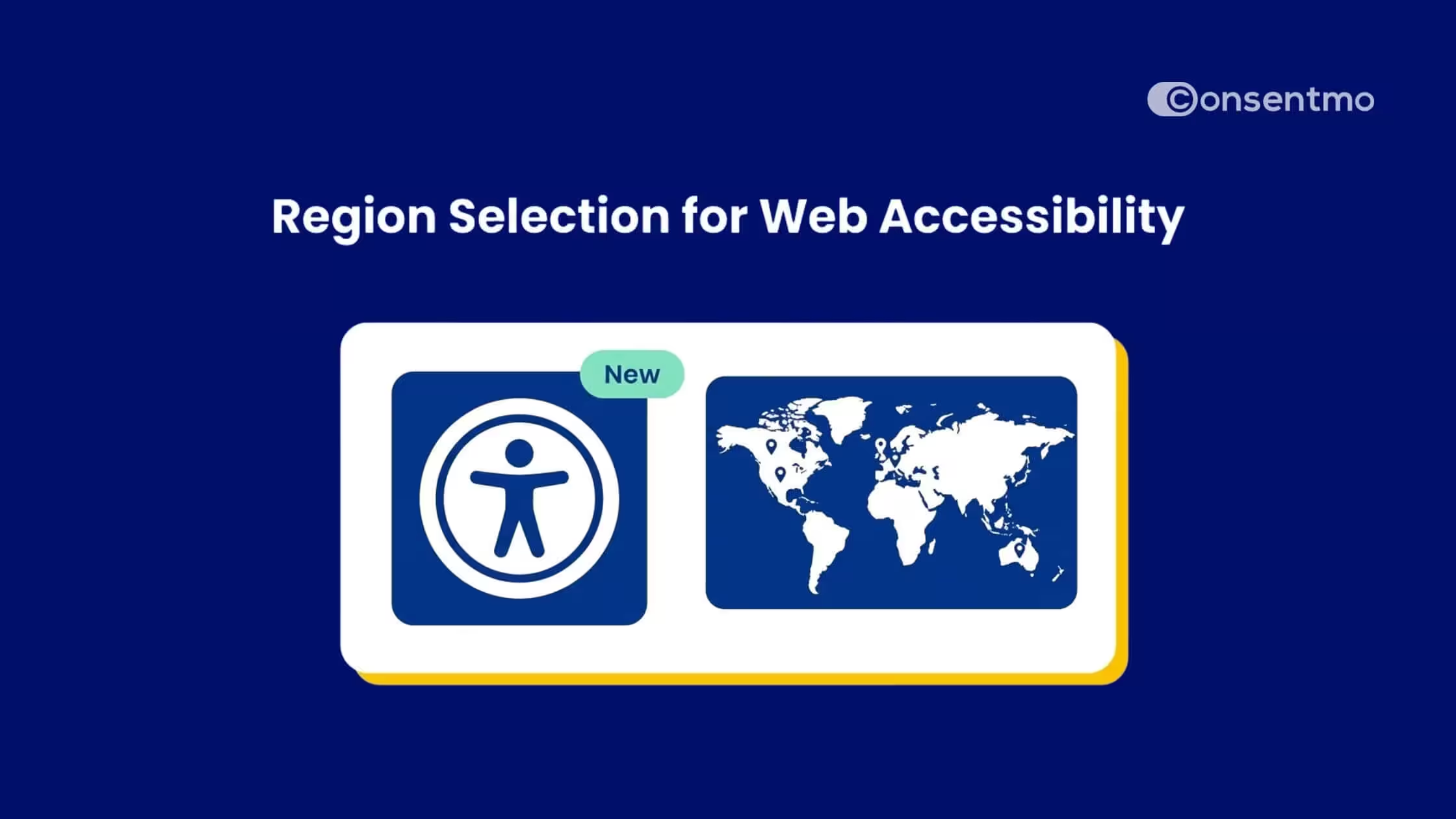
We've introduced region-based controls for Web Accessibility, giving you the ability to manage exactly where the accessibility widget appears on your storefront - the same way you already manage your Cookie Banner regions.
What Region Selection for Web Accessibility Means for Your Shopify Store
Region-based visibility
Choose whether the accessibility widget appears worldwide or only in specific countries. You're in control of which regions get the widget and which don't, no workarounds needed.
Flexible accessibility coverage
Enable the widget globally by default, or fine-tune its reach based on where your legal obligations actually apply.
Selling primarily in the US and Canada? Limit it there. Operating across Europe? Add EAA-covered countries to your list.
Familiar configuration
If you've already set up Cookie Banner region rules, this will feel immediately familiar.
The setup mirrors the Cookie Banner region controls - the same interface, the same logic, just applied to your accessibility widget.
How It Works
By default, the accessibility widget is set to Worldwide so if you don't change anything, nothing changes for your visitors. The widget continues to appear on your entire storefront.
.jpeg)
When you're ready to customize, here's how to get started:
- Go to Web Accessibility in your Consentmo dashboard.
- Click the Regions tab.
- Select "Manage regions" to add or edit regional rules.
- Choose the regions where you want the widget to appear: Worldwide, USA, Europe, United Kingdom, or wherever you prefer.
- Save your settings (the map updates in real time to reflect your coverage).
Each region comes labeled with the relevant accessibility law it covers, so you always know what standard applies where.
Why Regional Accessibility Controls Matter
Web accessibility laws are expanding, and enforcement is growing with them. The ADA has seen a steady rise in digital accessibility lawsuits in the US. The European Accessibility Act became enforceable in mid-2025. Canada and Australia have their own frameworks that apply to online storefronts.
Merchants need precision and the ability to align their accessibility tools with the exact regions where legal obligations exist. Region selection gives you that precision without adding complexity to your workflow.
Controlling where it appears means you can prioritize coverage where it matters most, while keeping the experience clean everywhere else.
Everything in One Place
Consentmo brings together Cookie Banner compliance, Web Accessibility, and Privacy Center management under a single, unified interface. The goal is simple: make compliance as easy to manage as any other part of your store.
Region-based controls for the accessibility widget are available now. You can find them under Web Accessibility > Regions in the app.
Start Managing Your Accessibility Regions Today
If your store is live on Shopify, you can configure your Web Accessibility regions right now from inside Consentmo. No extra setup required — just go to the Regions tab and choose where your widget should appear.
Ready to get started?
Set up your Web Accessibility regions in Consentmo and take control of your storefront's accessibility coverage, region by region.


.avif)