5 Shopify Apps to Build Pre-BFCM Momentum in 2026
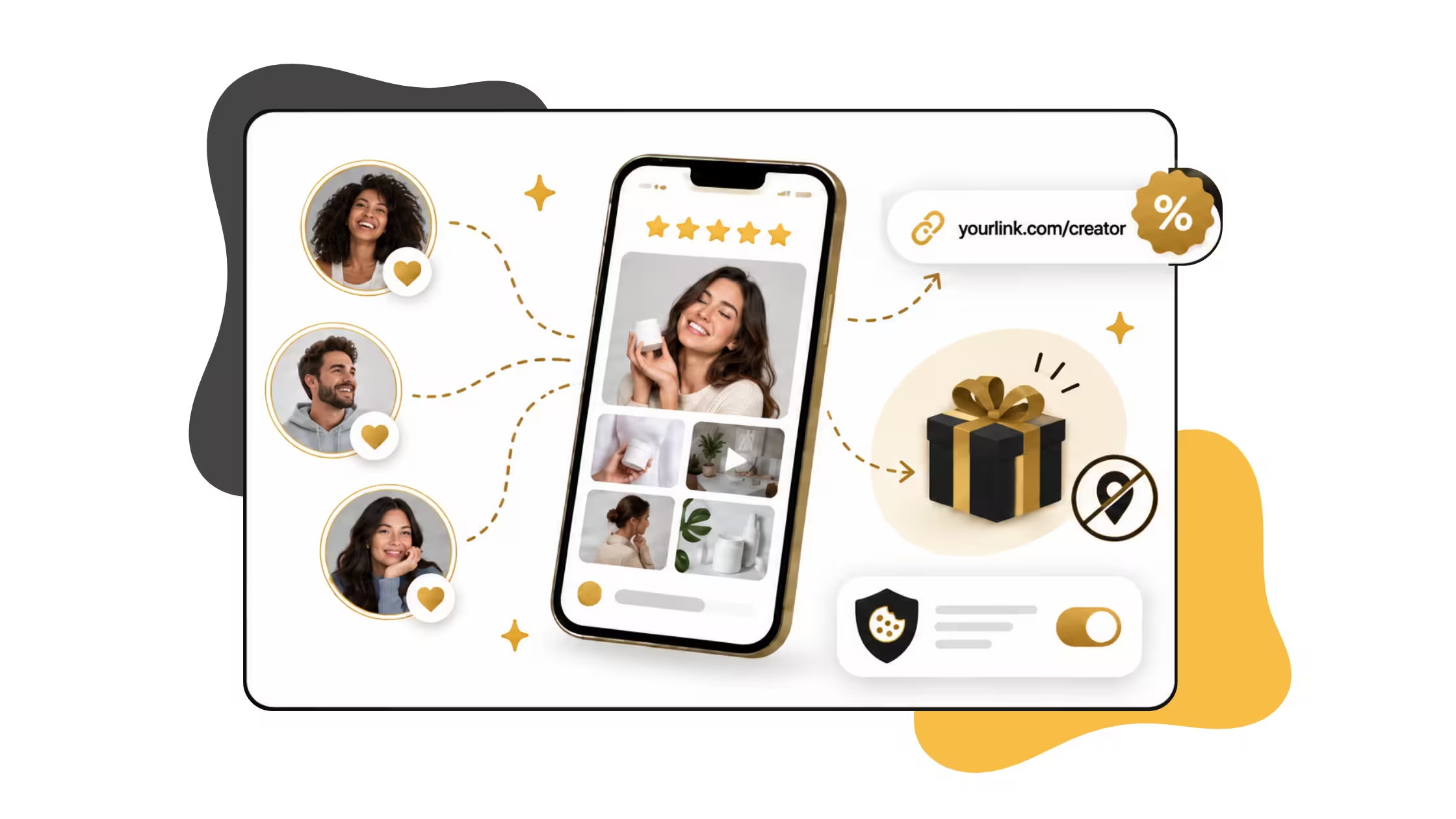
Peak week rewards the stores that planned ahead. Affiliates already know your offer. Your best product pages show real customer photos. Shoppers have wishlists ready. And gifts can be sent in a few clicks, no address needed.
This guide walks through a simple 5-app setup: UpPromote for affiliates, Loox for visual reviews, Swish for wishlists, Anygift for e-gifts, and Consentmo to keep tracking clean. Each one covers a different job, so nothing overlaps.
Set these up in October and November gets a lot calmer.
What this stack covers
Why momentum work belongs before BFCM
- Creators need briefings and links now, not on Thanksgiving week.
- Review widgets need content. Photo campaigns take time to fill.
- Wishlists build a warm queue you can notify when prices drop.
- E-gift flows need testing (recipient claim, messages, multi-send).
- Affiliate and ad pixels need consent rules before you scale spend.
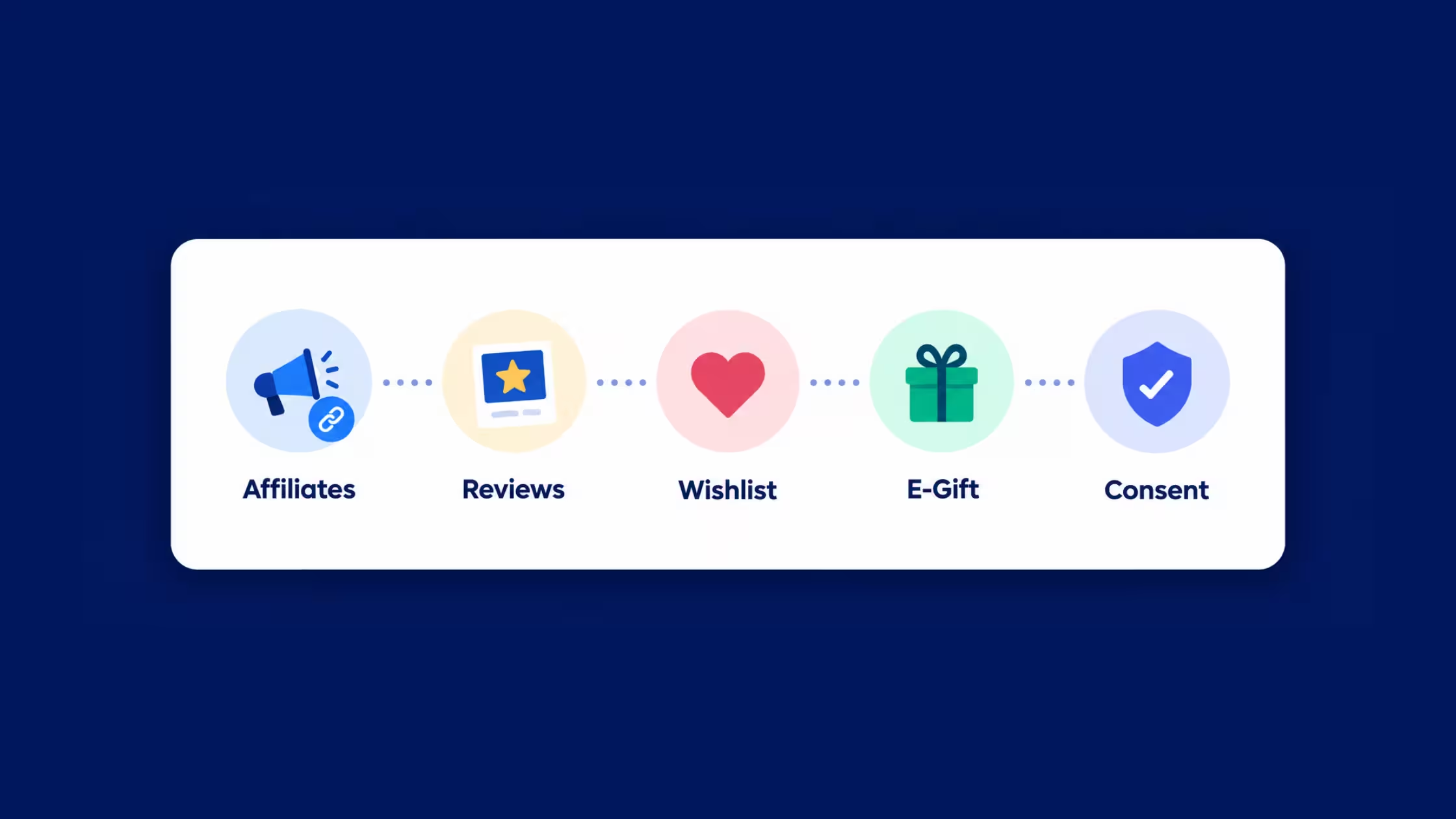
The 5-app Pre-BFCM momentum stack
1. UpPromote: affiliates and creators on a measurable program
Shopify: UpPromote Affiliate Marketing
Role: Turn creators, affiliates, and customer referrals into a tracked growth channel before paid BFCM CPMs climb.
UpPromote is Built for Shopify. It covers multi-program commissions, bonuses and gifts, link and coupon tracking, fraud protection, anti-leak discount controls on higher plans, analytics/ROI views, and payouts including PayPal automation on select tiers. Newer creator-vetting add-ons (audience reports, authenticity signals) help you filter partners before you hand out BFCM codes.
Pre-BFCM setup tips
- Launch an early-bird affiliate brief: exclusive codes, creative assets, and a hard end date for the pre-sale window.
- Separate customer referral vs influencer programs so commission logic stays clean.
- Turn on fraud and coupon-leak protections before you seed discount codes widely.
- Align landing URLs with your final BFCM campaign pages (theme or page builder) so creators do not invent broken links.
- Model plan cost: free tier has referral sales caps; paid plans add % of successful referral sales on top of the monthly fee. Confirm on the listing (https://partners.secomapp.com/apps/up_promote/BFCM2026_PARTNERS/91f185940eda).
Best for: Brands that will rely on creators or a formal affiliate bench for November traffic.
2. Loox: visual reviews that carry BFCM product pages
Shopify: Loox – Product Reviews
Role: Collect and display photo/video UGC so high-intent BFCM shoppers see proof, not only star counts.
Loox is Built for Shopify and centers on visual reviews: automated request emails and reminders, photo/video collection, on-brand widgets, AI smart sorting, highlights, translations, replies, Shop App and channel syndication (Google, Meta, TikTok on paid plans), and tools to turn reviews into social posts. That fits Pre-BFCM when you need PDPs and sale pages to look “proven” under paid and affiliate traffic.
Pre-BFCM setup tips
- Run a photo review push 3-6 weeks out (discount-for-photo if it fits margin).
- Place widgets on hero BFCM PDPs and landing sections, not only the default product template.
- Import/migrate older reviews early if you are switching tools so pages are not empty in week one.
- Sync display rules with urgency UI so social proof and countdown modules do not fight for attention.
Best for: Visually driven catalogs (beauty, fashion, home, food) where photos convert better than text-only reviews.
3. Swish (Wishlist King): save intent for the sale window
Shopify: Swish (Wishlist King)
Role: Let shoppers save products before BFCM, then convert with stock and price alerts when the sale is real.
Swish (formerly Wishlist King) is a full wishlist layer: save across the journey, multiple lists, sharing, theme-matched UI, free setup/customisation on plans, analytics, and integrations with Klaviyo, GA4, and Meta. Price and stock alerts are the Pre-BFCM lever: people who wished in October are cheaper to convert in November than cold traffic.
Pre-BFCM setup tips
- Promote "Save for Black Friday" on PDPs and in email 2-4 weeks early.
- Connect Klaviyo (or your ESP) flows for price drop and back in stock on wishlisted SKUs.
- Ensure wishlist buttons appear on GemPages-built sale pages if those pages host hero products.
- Do not position multi-suite loyalty apps as a second wishlist hero here; keep this slot focused on dedicated wishlist tooling.
Best for: Catalogs with considered purchases, size/fit decisions, or shoppers who browse early and buy on discount.
4. Anygift: e-gifts without the recipient’s address
Shopify: AnyGift: eGift & Messages
Role: Let buyers send digital gifts without knowing the shipping address, with messages and selectable gifts so recipients become new customers.
AnyGift adds an e-gift system with no-code setup: gift without address, gift messages / digital cards, selectable e-gifts (recipient chooses item), and multi-recipient sends on one payment. That is a different job from apps focused on delivery-timed notes, receipts, multi-address physical/corporate gifting, and recipient CRM sync (for example Giftnote). Here the viral loop is send now, address later.
Pre-BFCM setup tips
- Feature e-gift on gift-led collections and creator landing pages.
- Brief affiliates on the e-gift angle ("send without an address") as a distinct creative.
- Test recipient claim UX and support macros before volume hits.
- Pricing is premium (from about $199/month plus transaction fees on the listing). Use when e-gift is a real BFCM bet, not a vanity toggle.
Best for: Brands where surprise gifting and younger buyers matter, or where address-unknown gifting is a known customer ask.
5. Consentmo: keep momentum traffic measurable and defensible
Shopify: Consentmo
Role: Pre-BFCM compliance go-to for cookie consent, region rules, Google Consent Mode, and cleaner reads on affiliate and ad performance.
Momentum stacks add pixels: affiliate trackers, review apps, wishlist analytics, Meta/Google tags, creator deep links. Without a CMP baseline, you scale spend into broken attribution. Consentmo is the constant across this series: banner and preferences, geotargeting, consent records, and tooling that helps marketing tags respect choice when BFCM traffic multiplies.
Pre-BFCM setup tips
- Re-scan cookies/scripts after installing UpPromote, Loox, Swish, and Anygift
- Validate accept vs deny paths for affiliate and ads tags before creator launch day
- Preview mobile banner UX in top traffic countries
- Tie privacy/cookie pages to real banner controls
- Use Compliance Score
Best for: Every store running affiliates, paid social, or multi-region traffic into BFCM.
How the stack works together
- UpPromote brings creators and affiliates to stable BFCM URLs.
- Loox makes those URLs trustworthy with visual UGC.
- Swish captures shoppers who are not ready to buy yet.
- Anygift turns buyers into senders and recipients into new contacts.
- Consentmo keeps tracking and consent aligned so ROI reports stay usable.
How to choose what to install first
Pre-BFCM momentum checklist (two weeks out)
- Affiliate briefs, assets, and codes live; fraud/leak controls on
- Loox widgets on hero PDPs; photo campaign running
- Wishlist + price/stock alert flows tested
- Anygift claim path and support macros tested
- Consent scan after all app installs; GCM checked
- Creator landing URLs match final sale pages
- Analytics sanity check on accept vs deny
Conclusion
Start with the bottleneck that hurts most. No creators? Launch UpPromote first. Thin product pages? Run a Loox photo push. Lots of browsers, few buyers? Turn on Swish alerts.
Once the pieces are live, give Consentmo a quick check so your pixels and consent rules behave under real traffic. Then let the stack do its thing while you focus on the sale itself.
Have fun with peak week. Your future self will thank you for the prep.