All Logs
Custom Icon for Smart Consent
Replace the default Consentmo icon with your own brand icon in the Smart Consent banner layout.
June 16, 2026
Update
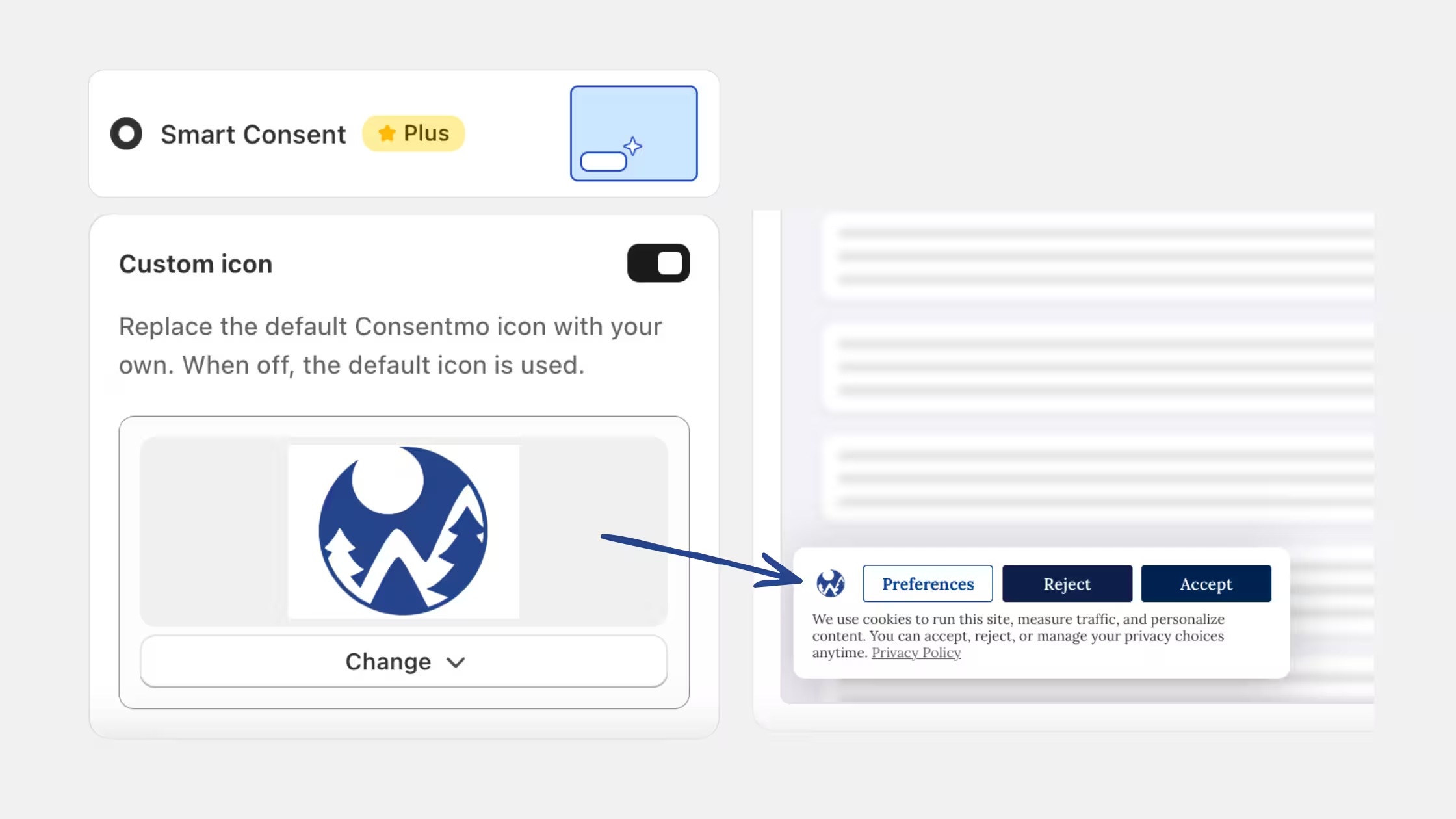
You can now customize the icon shown inside the Smart Consent banner layout. Instead of using the default Consentmo icon, you can now upload your own logo to better match the look and feel of your storefront.
- Custom icon option: Upload your own icon and display it directly inside the Smart Consent banner.
- Easy setup: Enable the custom icon option, upload your image, and preview how it appears on the banner.
- Fallback included: When the custom icon option is off, the default Consentmo icon will be used automatically.
You can manage this setting anytime from Cookie Banner > Design > Smart Consent > Custom icon.