All Logs
Implied Consent Settings per Region
Fine-tune page scroll and refresh triggers for specific regions when Smart Geotargeting is enabled.
June 12, 2026
Update
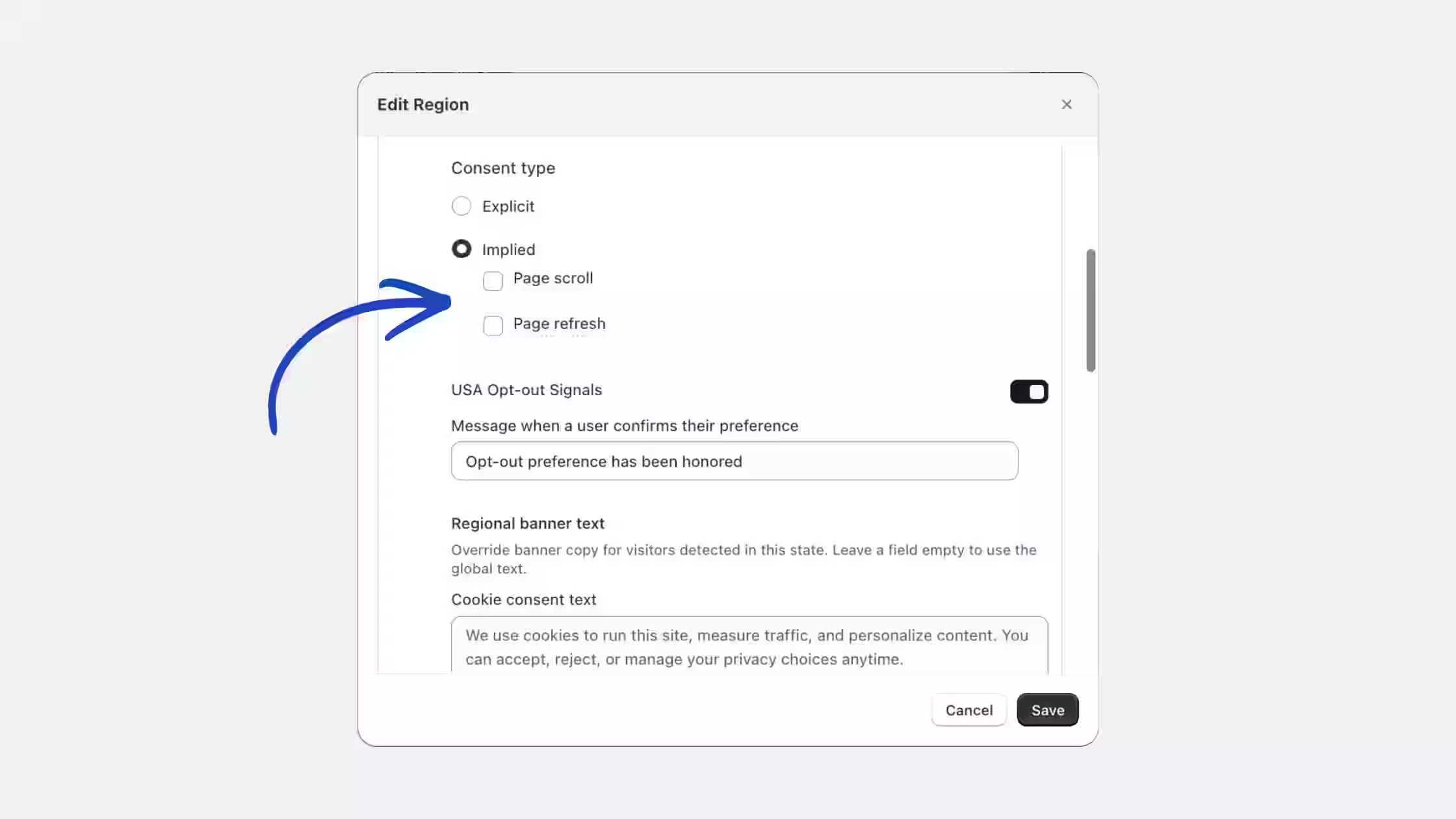
When a region is set to Implied Consent, you can now configure which actions count as consent directly inside that region's settings.
- Regional implied consent controls: Choose whether Page scroll and Page refresh should trigger implied consent for each specific region.
- Easier configuration: Manage these settings directly from the Edit Region view without changing your global banner behavior.
You can configure this anytime from Cookie Banner > Regions > Edit Region when Smart Geotargeting is enabled.