


Sharper Scanning, GT Tag Support, and Debug Mode
Today we’re rolling out improvements to Consentmo’s Google Consent Mode (GCM) integration.
The goal is simple: make setup easier to verify, keep pace with Google’s latest tags, and give you clearer signals when something needs a fix.
What’s new
1. Improved Consent Mode scanning
More accurate detection and validation of Consent Mode implementations, so the in-app scanner better reflects what actually runs on your storefront.
2. Improved GT Tag Support and Easier Setup
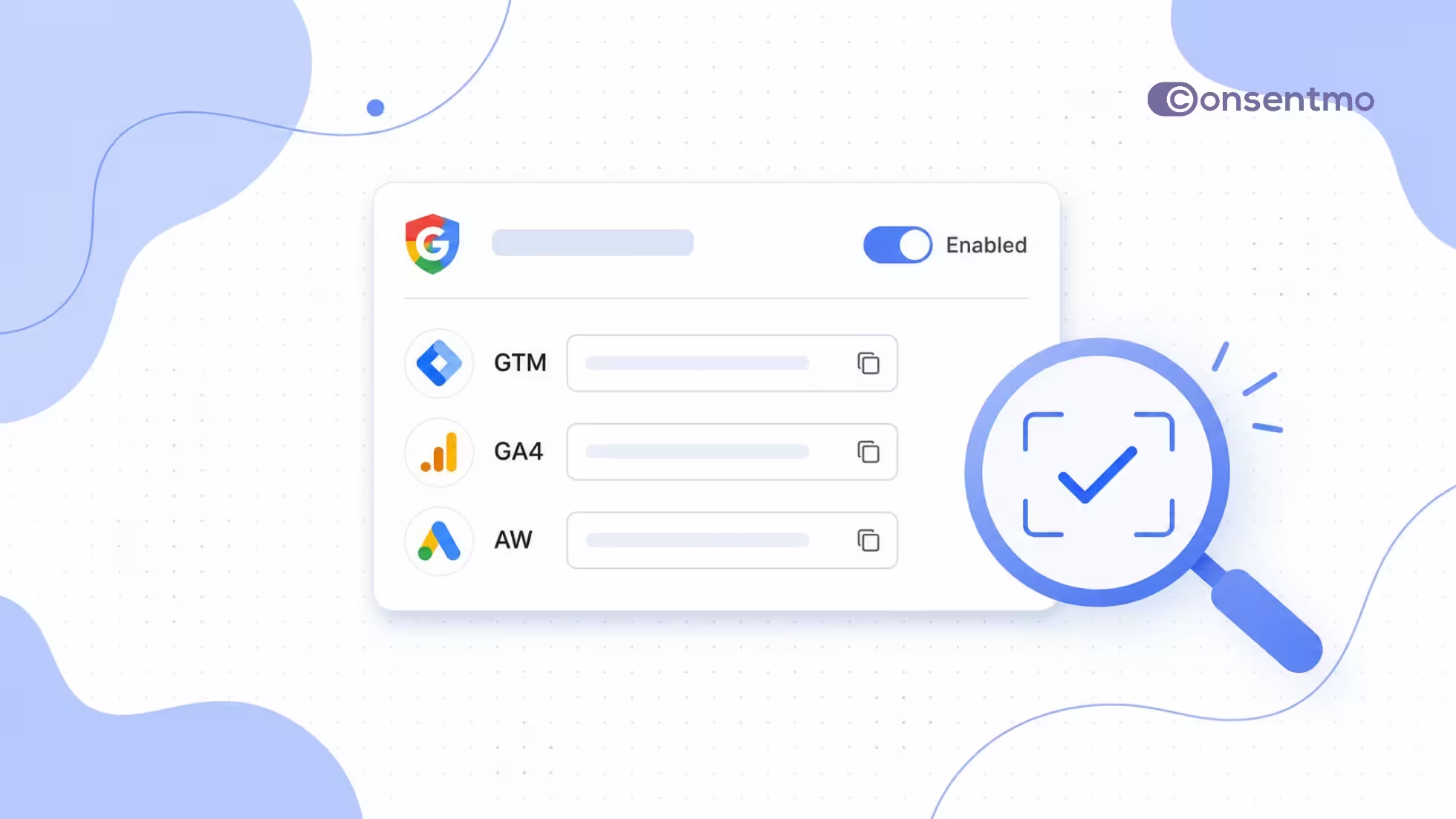
Consentmo now supports Google tag IDs (GT-) directly in the GA4 field under Integrations → Google Consent Mode V2. Previously, these IDs were entered in the GTM field.
The GA4 field now accepts both GA4 Measurement IDs (G-) and Google tag IDs (GT-), while the GTM field remains dedicated to Google Tag Manager container IDs (GTM-). This makes configuration simpler and helps avoid confusion between Google tags and GTM containers.
3. Improved Consentmo CMP auto-scanning
More reliable checks when Consentmo automatically detects CMP configurations tied to your Consent Mode setup.
4. Debug mode
A dedicated debug mode for troubleshooting and validating implementations. When enabled, console diagnostics help surface late consent, missing commands, invalid execution order, and incorrect permissions in your live storefront browser console (filter DevTools by “Consentmo”). Turn it off when you’re done testing.
How Google Consent Mode works with Consentmo
Google Consent Mode adjusts how Google tags behave based on the consent choices visitors make on your cookie banner. Consentmo, as a Google-certified CMP, maps those choices to Google’s consent types and sends the right signals to Google Ads, GA4, and related tags.
In practice:
- Install Consentmo and enable your cookie banner.
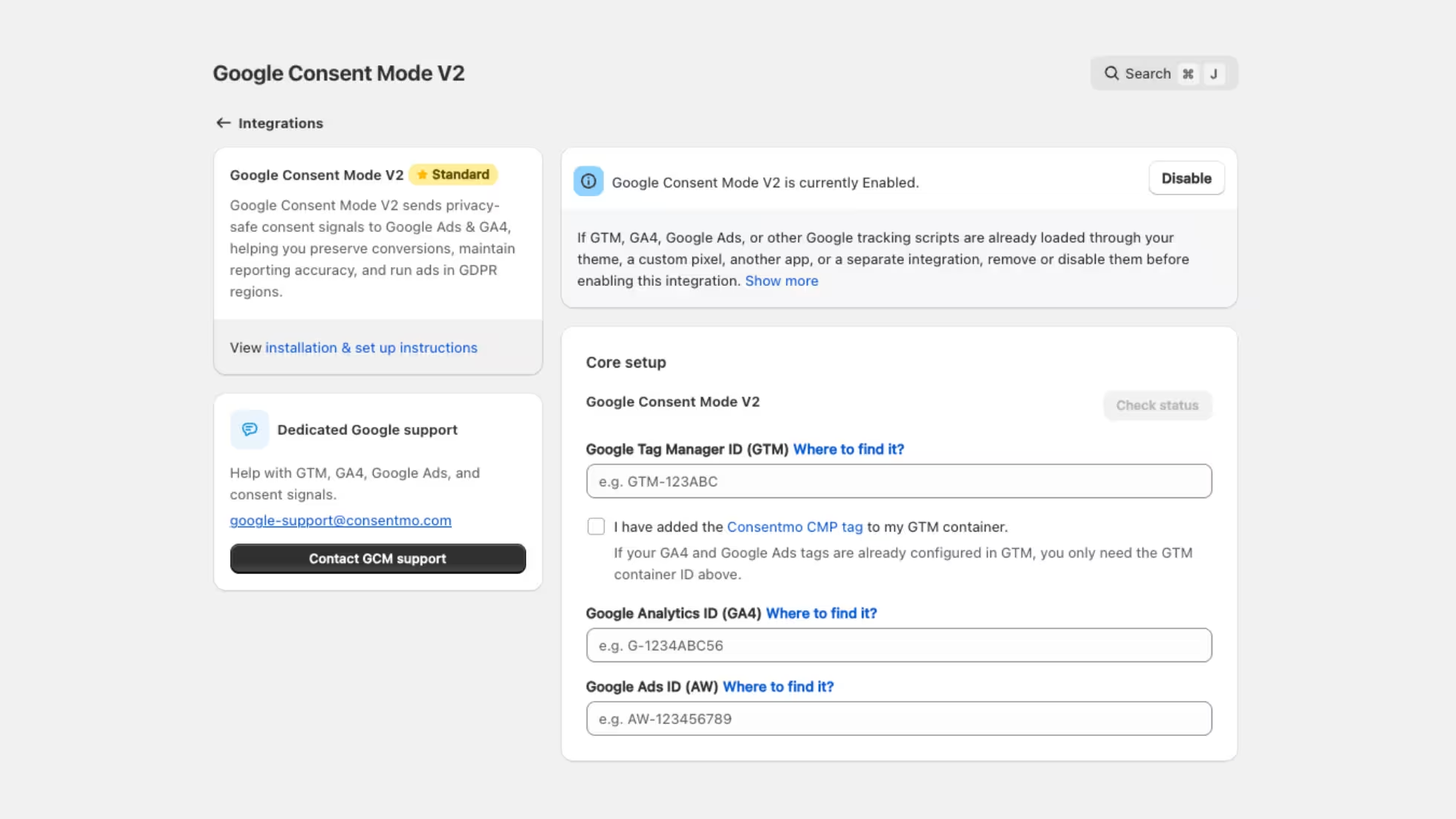
- Open Integrations → Google Consent Mode V2 and turn the integration on.
- Add your Google IDs in the correct fields:
- GA4 field: Enter your GA4 Measurement ID (
G-) or Google tag ID (GT-). - GTM field: Enter your Google Tag Manager container ID (
GTM-). - Google Ads field: Enter your Google Ads ID (
AW-), if applicable.
- GA4 field: Enter your GA4 Measurement ID (
- Choose Advanced (recommended: tags load with default consent state and update after choice) or Basic (tags wait for explicit consent).
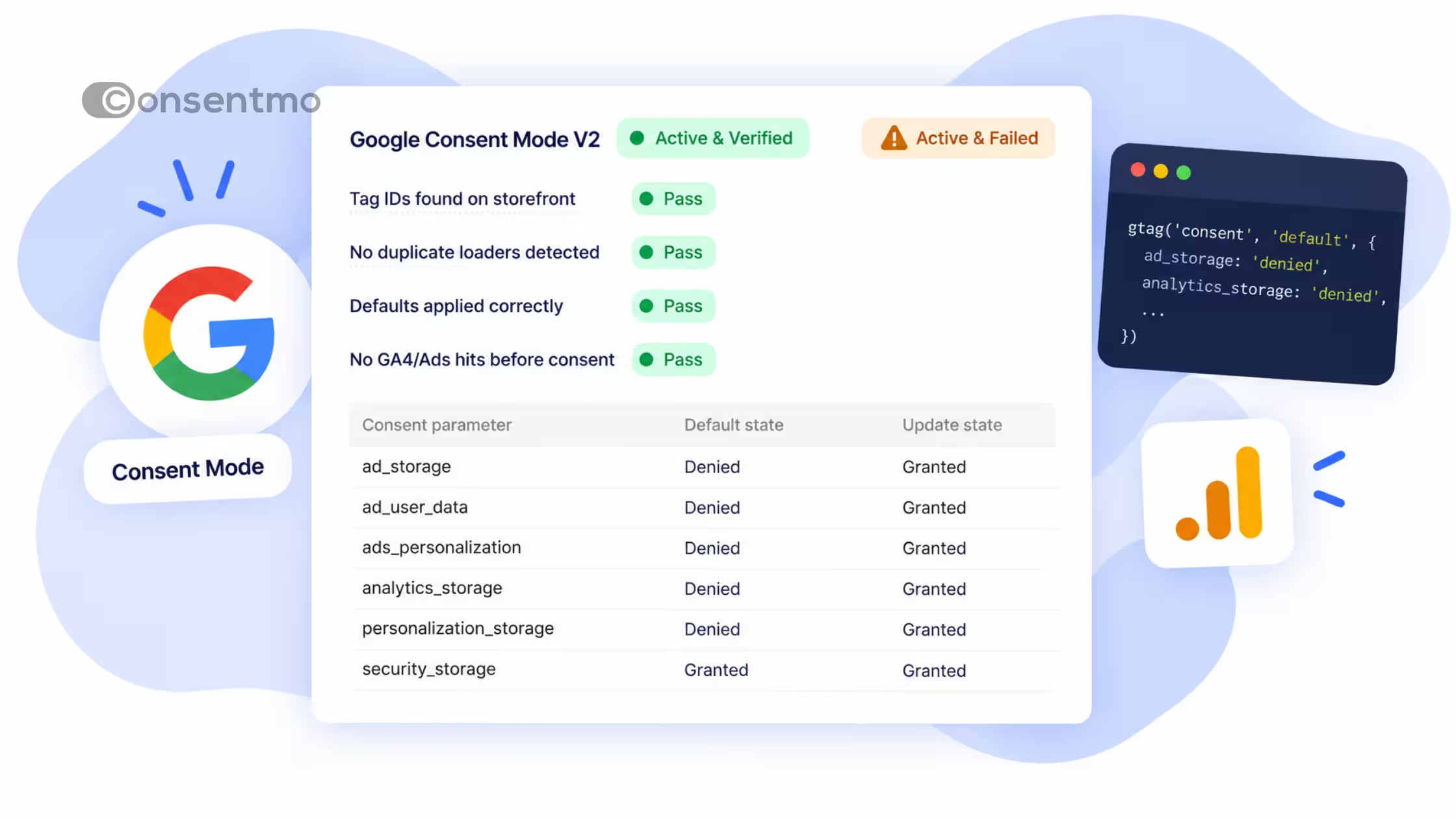
- Use Check status and, when needed, Debug mode to confirm defaults, updates, and that you’re not double-loading Google scripts from the theme or another app.
Consentmo also maps Google storage types to your cookie categories (for example ad_storage / ads personalization → Marketing, analytics_storage → Statistics, functionality_storage and personalization_storage → Preferences). Optional controls such as ads_data_redaction and URL passthrough sit in the same panel.
Shopify Plus stores on Max can extend Consent Mode to checkout when needed.
What to do next
If GCM is already on, you don't have to do anything. If you’re setting it up for the first time, start from Google Consent Mode v2 or the in-app installation guide, and write our GCM support team if you want a second pair of eyes.
A clean Consent Mode setup keeps measurement closer to reality while still respecting visitor choice.
Google-Certified CMP Silver Partner
Consentmo is also officially recertified as a Google CMP Silver Partner. Google awards this status to Consent Management Platforms that maintain strict technical standards across Consent Mode v2 implementation, tag execution order, and consent signaling reliability.
For your store, that means your GCM setup aligns directly with Google’s current measurement framework, keeping ad attribution and analytics reporting accurate without risking GDPR or local privacy compliance.
You can read more about what this means for merchants in our full write-up: Recertification as a Google CMP Silver Partner.
.avif)

.avif)