All Logs
Enhanced Force Banner Interaction: Blur & Scroll Lock
Create a more focused consent experience with built-in background blur and scroll control.
March 2, 2026
Update
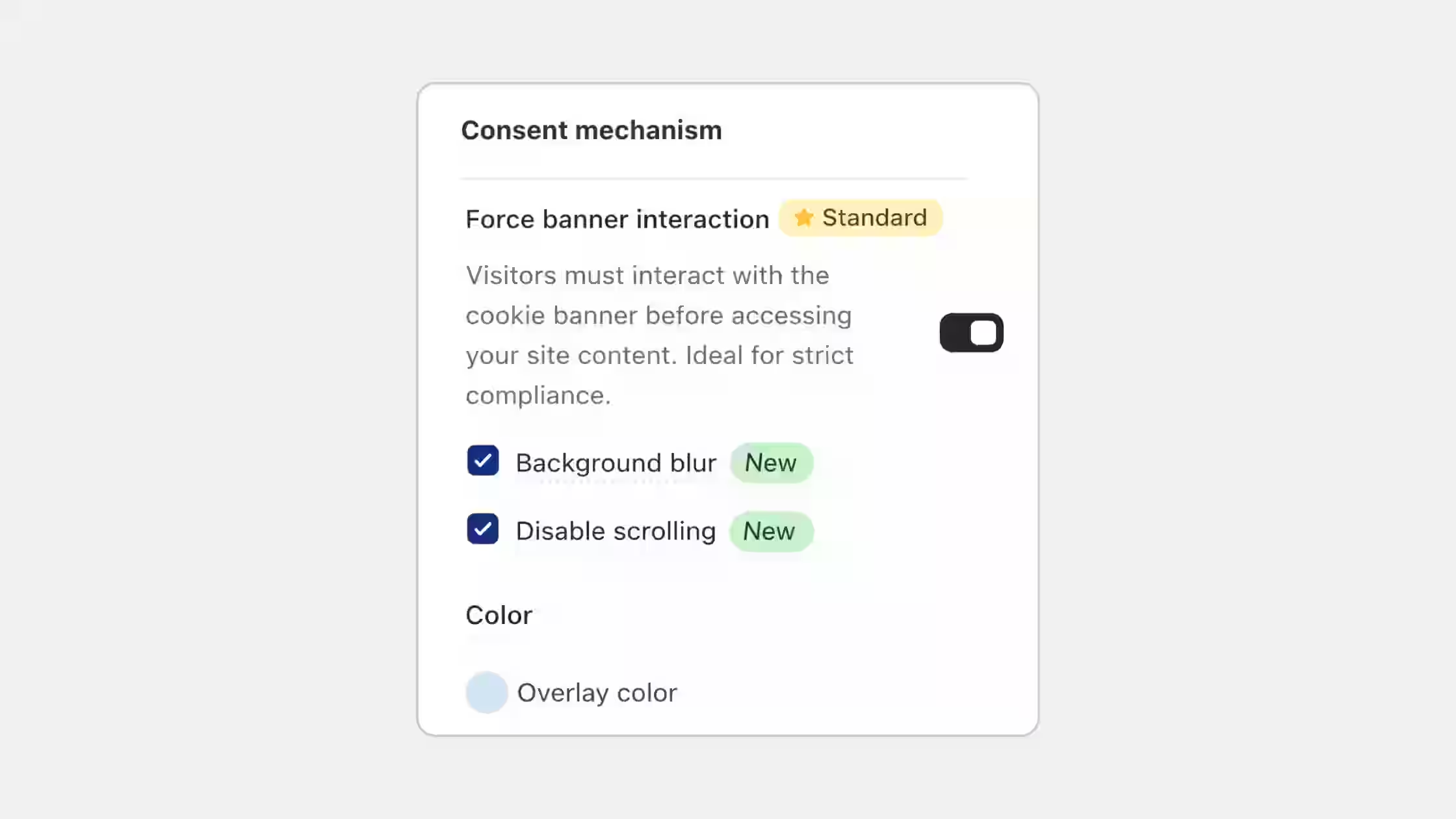
We've expanded the Force Banner Interaction feature with two powerful new built-in settings: Background blur and Disable scrolling.
- Background blur: Apply a blur effect behind the banner for a cleaner, distraction-free consent experience.
- Disable scrolling: Prevent visitors from scrolling the page until they interact with the banner.
You can enable these options anytime from Cookie Banner > Behavior > Force Banner Interaction. Available on Standard and above plans.