All Logs
New Transparency Feature: Consent Timestamp
Give visitors clear visibility on when their consent was last updated.
February 5, 2026
Feature
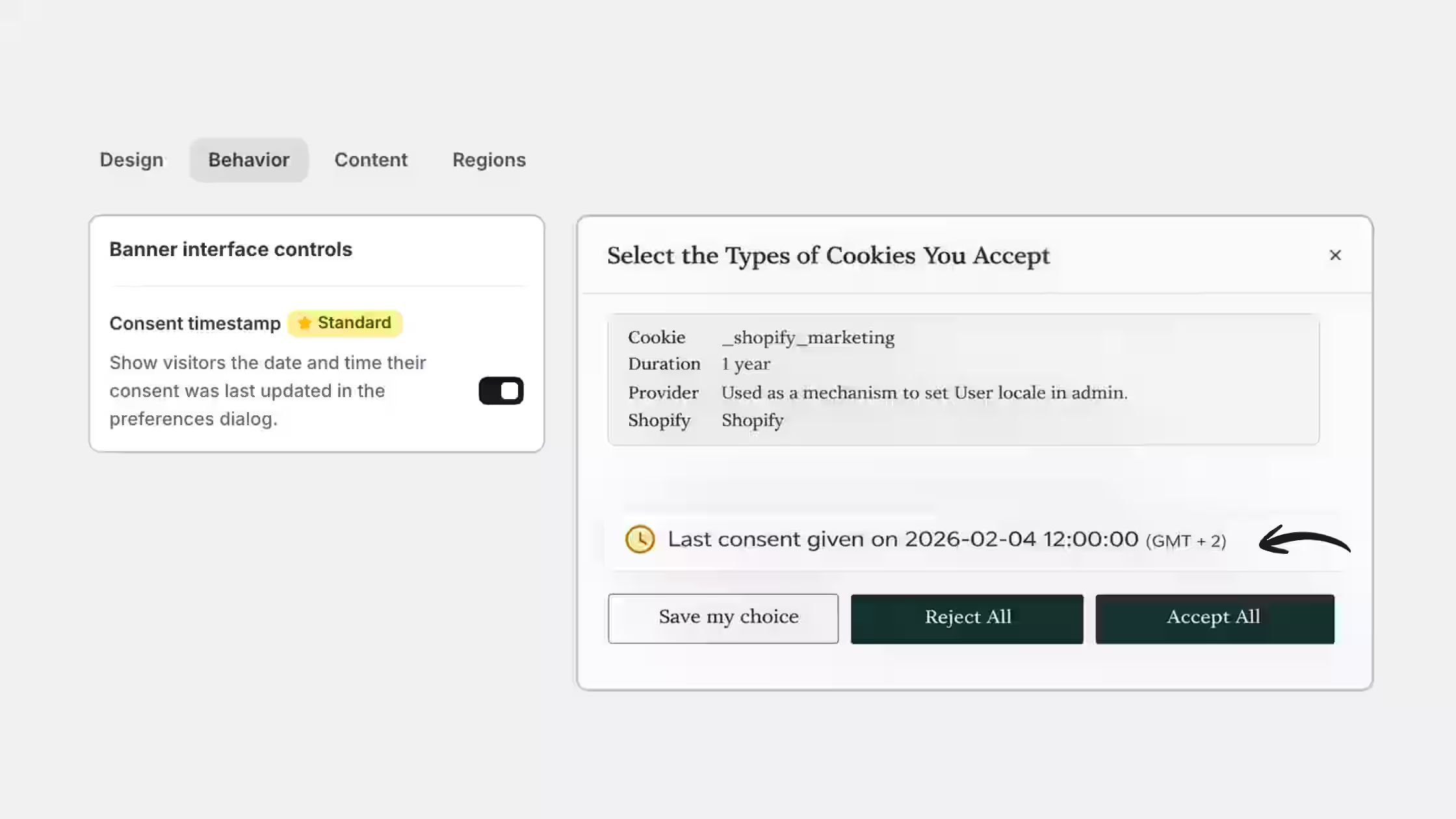
You can now display the date and time of the visitor's most recent consent action directly inside the cookie preferences dialog. This timestamp appears whenever a user reviews or updates their cookie choices.
What this new feature brings:
- Stronger compliance: Showing a consent timestamp helps demonstrate valid, up-to-date consent under GDPR and similar privacy frameworks.
- Transparency by design: Visitors can clearly see when they last made a consent decision straight from your Cookie banner.
You can enable the Consent Timestamp anytime from Cookie Banner > Behavior to give visitors clearer visibility into their consent choices. Available on all Paid plans.