TL;DR
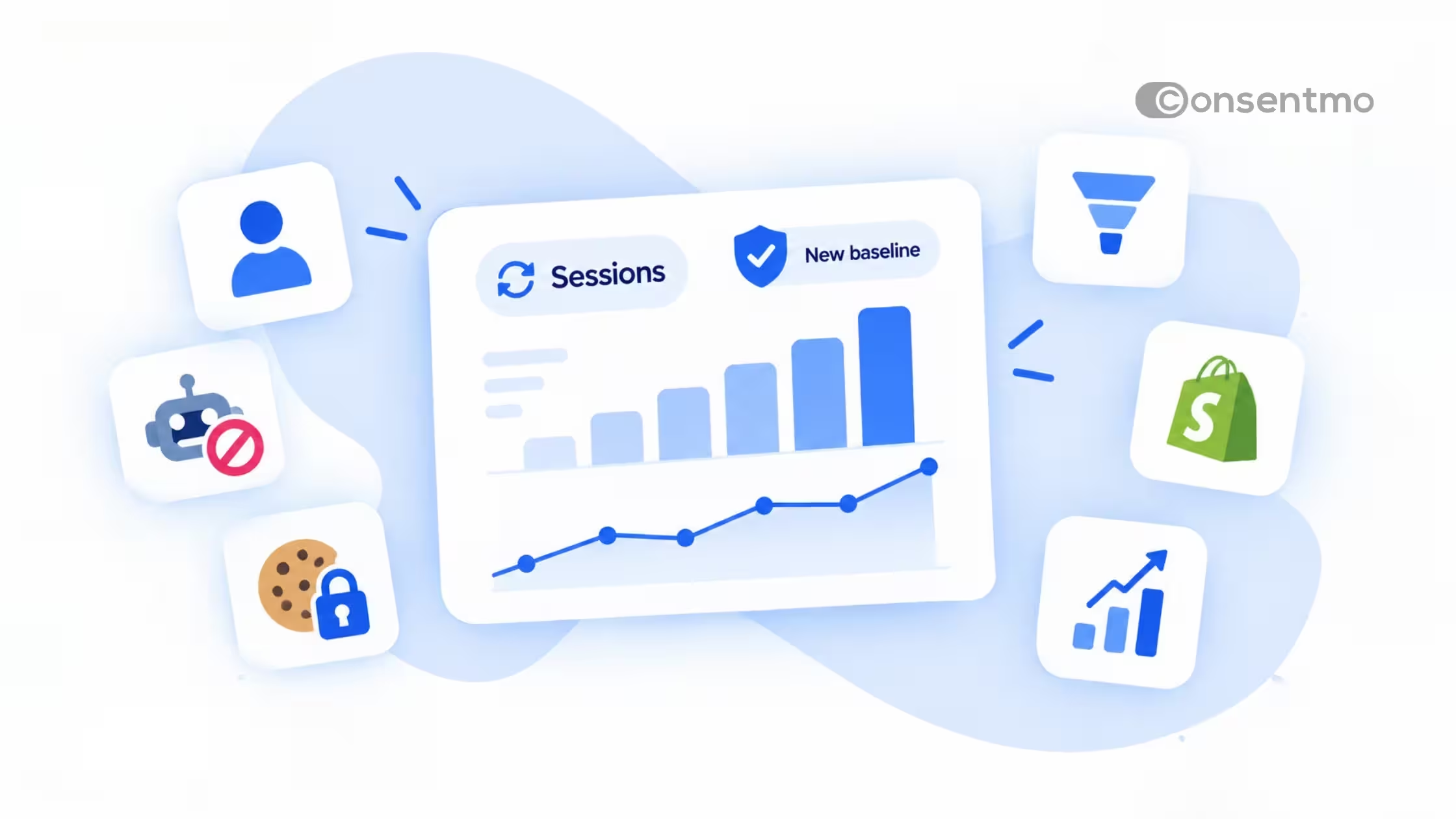
- Starting September 21, 2026, Shopify counts sessions differently in Analytics. Sessions, conversion rate, bounce rate and other session-based metrics may shift.
- Orders, sales and customer counts do not change.
- Treat September 21, 2026 as a new baseline. Do not compare session metrics before and after that date one to one.
What changed in Shopify Analytics?
Shopify is improving the sessions experience in Analytics to give merchants a cleaner view of real shopper activity. Three things change:
- Human visitors become the default. Where the Human or bot filter is available, the default sessions view focuses on human visitors.
- Bot and system traffic is classified more consistently.
- Valid shopper journeys stay visible. A session that does not include a standard pageview still counts if it is a real shopper journey.
Which metrics might look different?
These session-based metrics may change after the update:
- Sessions
- Conversion rate
- Add-to-cart rate
- Reached checkout rate
- Checkout conversion rate
- Bounce rate
- Pageviews per session
- Online store visitors
- Searches
A drop or jump in these numbers does not automatically mean your traffic or customer behavior changed. Part of the difference comes from how Shopify now measures sessions.
What does not change?
Orders, sales and customer counts are not affected by this update. If your revenue looks the same but your conversion rate moved, the session baseline explains it.
How to compare reports before and after September 21
Shopify says to treat this as a new baseline for session-based metrics. In practice:
- Avoid year-over-year and month-over-month conclusions that span September 21 for sessions or conversion rate.
- Anchor on orders and sales when you report performance across the change.
- Annotate your reports with the September 21 date so your team does not chase a change that is a measurement shift.
- Expect a difference from GA4. Different tools already count sessions differently. Our guide on Shopify Analytics vs GA4 data discrepancies explains why.
If bot traffic has been inflating your numbers, our posts on bot traffic after BFCM and excluding bot traffic from cookie banner analytics cover the related background.
Why your cookie banner matters here
Shopify is emailing some merchants about this change. From September 21 to 23, Shopify counts Analytics sessions from the _shopify_s cookie. If that cookie is deleted and set again during the same visit, one visit can be counted as several sessions, and your session numbers can look too high.
Does this affect your store?
Stores set up recently with Tracker Manager. Your cookie list was built in Tracker Manager. _shopify_s and _shopify_y are treated as Necessary, or are not under Statistics, so the banner does not delete them. You are likely already fine, and you do not need to change anything in Cookie Management.
Older stores with a legacy cookie list. If your Statistics list still includes _shopify_s and _shopify_y, an older banner could delete them when analytics is blocked. Shopify would then create new ones.
What to do now
- Do not add theme scripts that delete all non-necessary cookies. A script like that removes
_shopify_sand recreates the same problem. - Skip any manual recategorization if you are on an older cookie list. The banner update handles it.
- Verify it yourself in five steps:
- Open your store in a private window.
- Open DevTools and go to Application, then Cookies.
- Watch
_shopify_swhile the banner is open. - Click Reject.
- Confirm the
_shopify_svalue does not change.
Conclusion
Shopify's session update gives you a cleaner picture of real shoppers, but it also resets your baseline.
Note September 21 in your reports and lean on orders and sales for trend comparisons. Consentmo's banner update covers the cookie side.
Questions? Contact our support team from the Consentmo app.