Why store security still starts with the basics
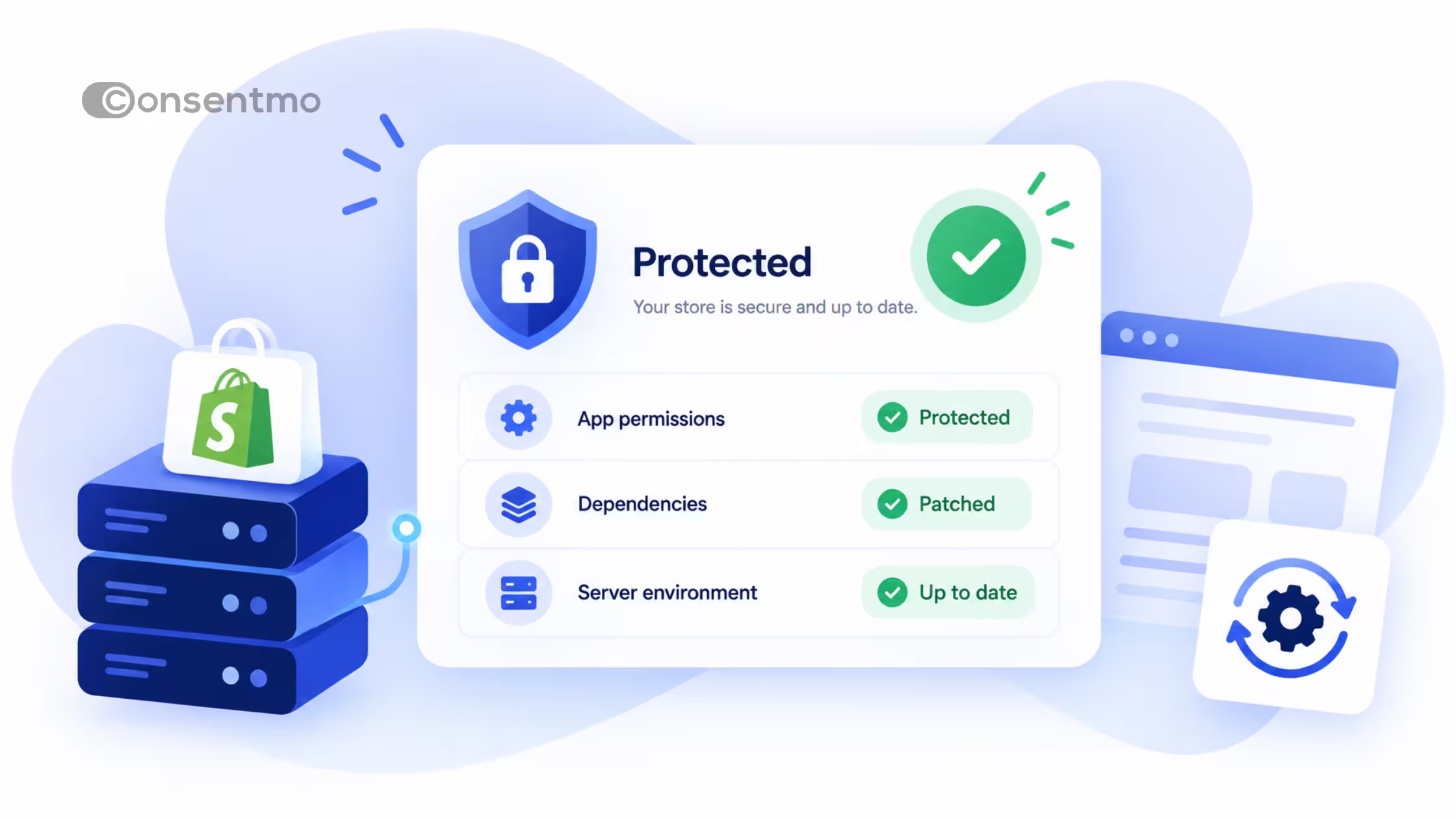
Protecting a Shopify store is not only about plugins and compliance checkboxes. Customer emails, order data, admin access, and marketing tools are all attractive targets. The practices below are foundational: phishing awareness, HTTPS/SSL, VPNs, firewalls, and two-factor authentication. Each one reduces a different class of risk. Together they form a baseline every merchant can apply.
Consent and privacy tools sit beside this baseline. They do not replace network security, but they do control how trackers and personal data are handled on the storefront. That is where Consentmo fits.
Phishing: spot the bait before you click
Phishing is social engineering by email, SMS, or fake login pages. Attackers impersonate Shopify, payment providers, banks, or shipping carriers and push you to “verify” an account, open an invoice, or enter credentials.
For merchants:
- Treat unexpected admin, app, or bank links with suspicion. Open the real site from a bookmark, not the email.
- Never share Shopify admin passwords, 2FA codes, or recovery codes in chat or email.
- Train anyone with store access (support, freelancers, agencies) on the same rules.
- If an email asks you to “update billing” or “confirm a payout,” verify inside Shopify admin or the provider’s official dashboard first.
Phishing often targets people, not servers. Awareness is the control.
SSL certificates: encrypt the path to your store
An SSL/TLS certificate enables HTTPS. The padlock in the browser means the connection between the visitor and your site is encrypted, so checkout details and form data are harder to intercept in transit.
Shopify provides HTTPS for stores on its platform. Your job is to keep custom domains pointed correctly, avoid mixed content (HTTP assets on HTTPS pages), and prefer apps and scripts that load over HTTPS. Customers notice broken locks and insecure checkout warnings. Trust drops fast when encryption is missing or misconfigured.
VPNs: private path for admin and travel work
A virtual private network (VPN) encrypts traffic between your device and a VPN server, which helps on public Wi‑Fi and reduces casual network snooping. It is useful for staff who manage the store from cafes, hotels, or shared networks.
A VPN does not make your store “anonymous” to customers, and it does not replace Shopify access controls. Use it as a layer for people who log into admin, email, or payment dashboards outside a trusted network. Pair it with strong passwords and 2FA.
Firewalls: gatekeepers for traffic you do not want
A firewall filters traffic based on rules. On a personal device or office network, it blocks unsolicited inbound connections. On hosting and store infrastructure, platform-level protections and app firewalls limit abusive requests, bots, and known attack patterns.
As a Shopify merchant you rarely configure a classic server firewall yourself, but you still benefit from:
- Keeping staff devices and routers updated with firewalls enabled
- Using Shopify’s built-in protections and reputable security apps where needed
- Restricting who can install apps and export customer data
Think of firewalls as reducing noise and blocking the obvious bad traffic so other controls can work.
Two-factor authentication: password alone is not enough
Two-factor authentication (2FA) requires something you know (password) plus something you have (app code, hardware key, or SMS in weaker setups). Even if a password leaks from phishing or a breach elsewhere, the second factor blocks many takeovers.
Turn on 2FA for:
- Shopify staff accounts
- Email inboxes tied to the store
- Payment, ads, and analytics accounts
- Domain registrar and DNS
Prefer authenticator apps or hardware keys over SMS when you can. Store recovery codes offline. Remove staff access the day someone leaves the project.
Where Consentmo fits (privacy layer, not a firewall)
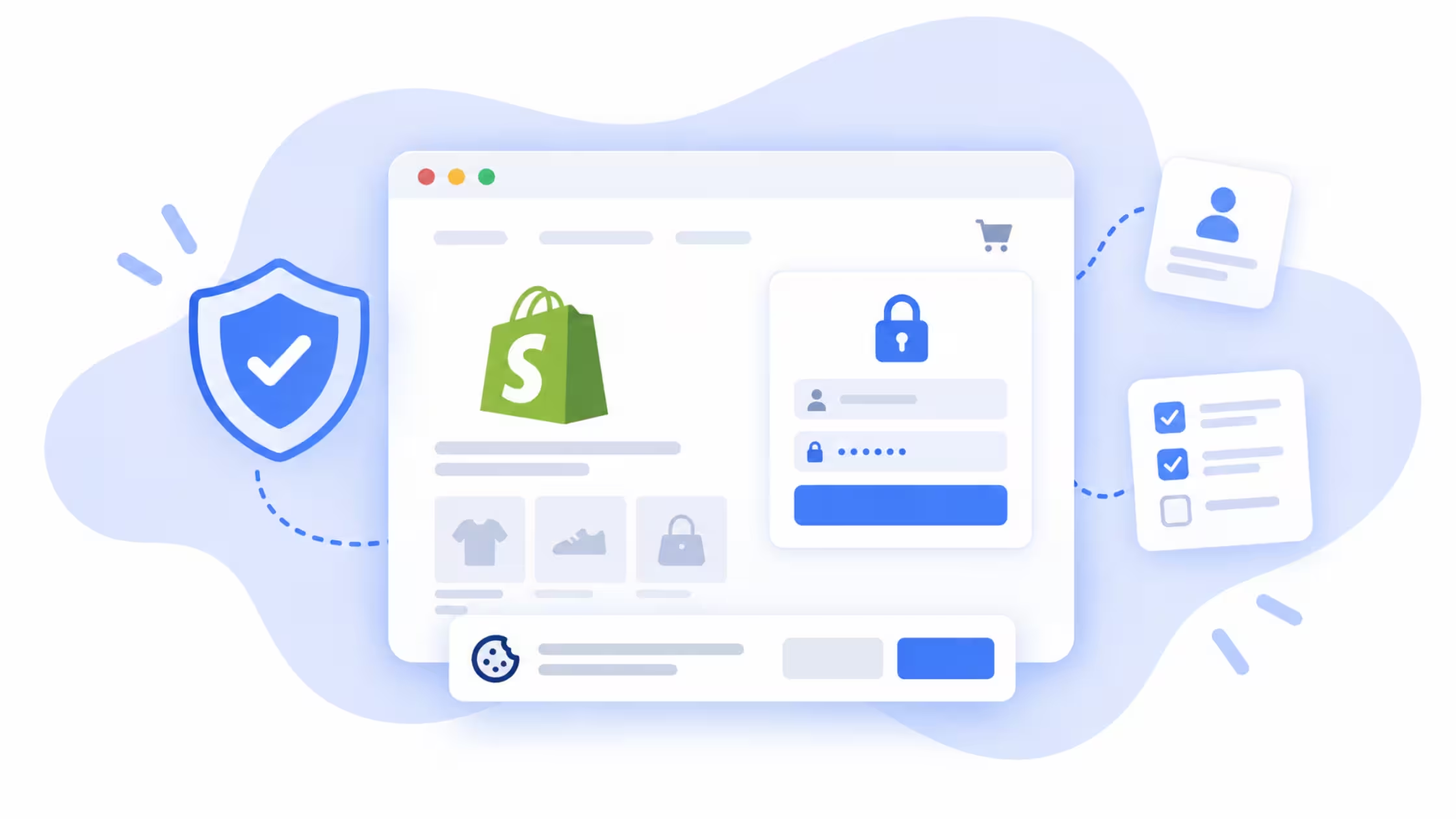
Cybersecurity basics protect accounts and connections. Privacy and consent tools protect how personal data and trackers behave on the live storefront. Consentmo is a Shopify consent and compliance app. It helps you:
- Show region-aware cookie banners and preference controls
- Align marketing tags with visitor choices
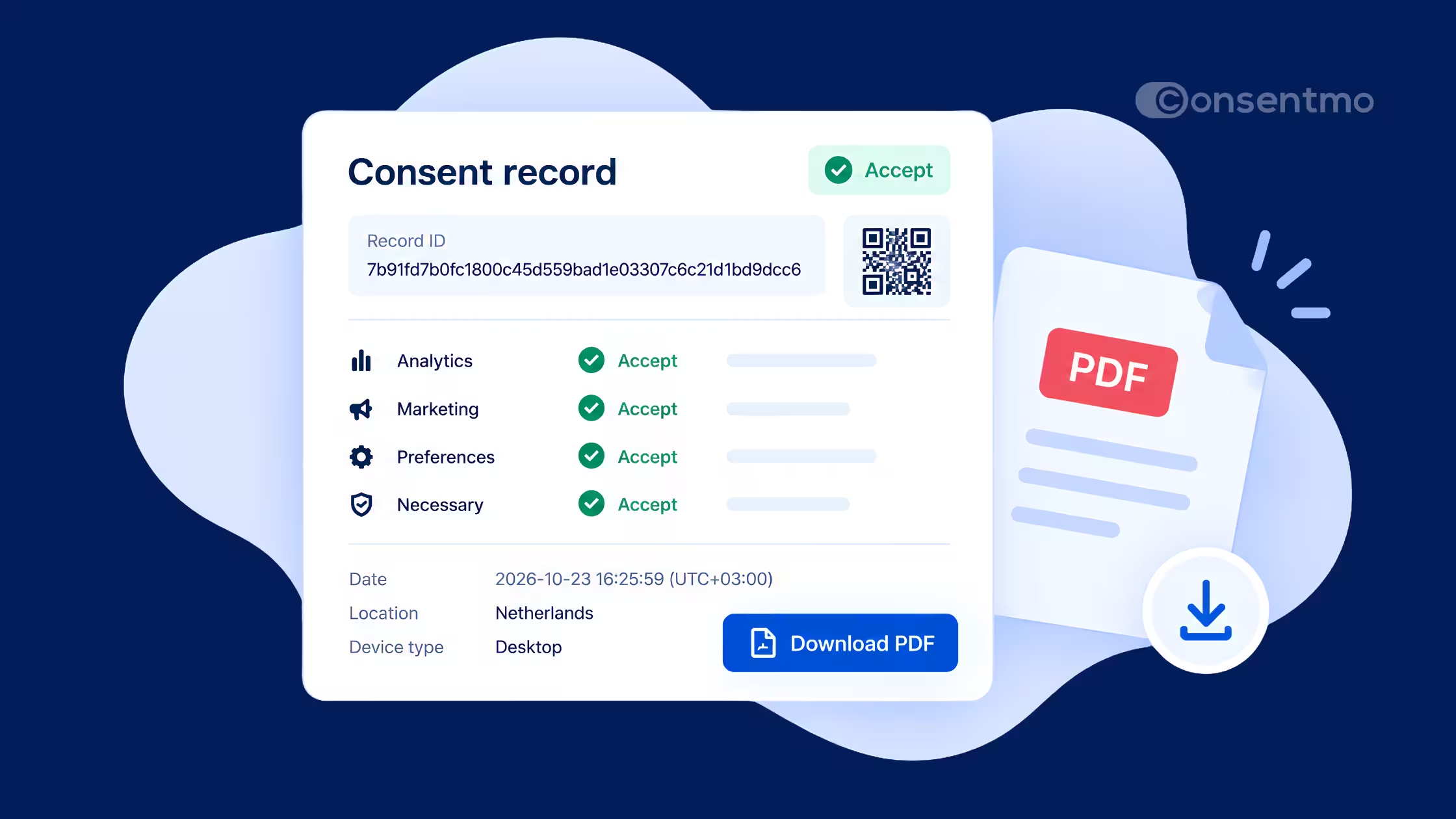
- Offer privacy request paths (access, deletion, and related flows) so customers can exercise their rights
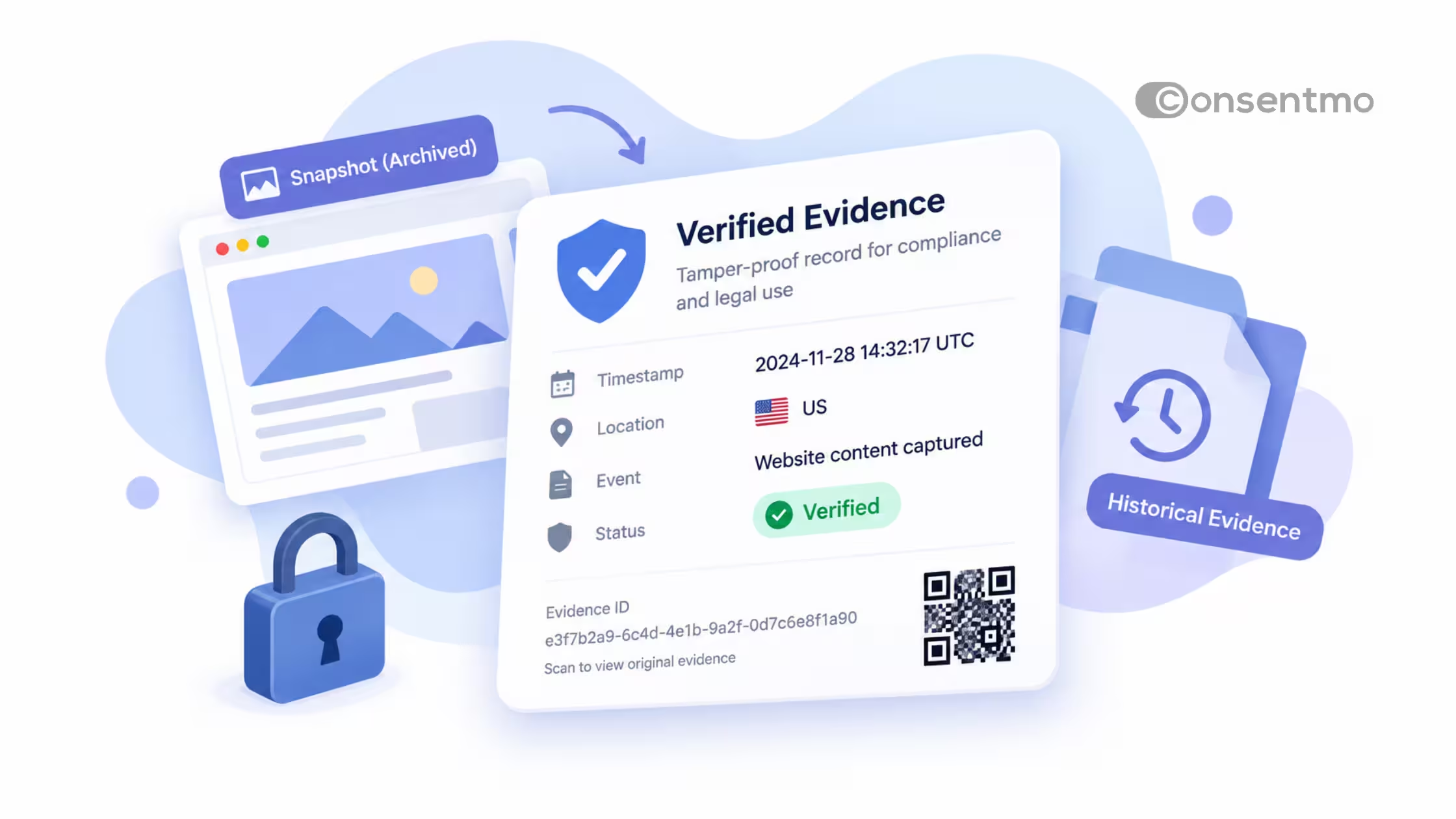
- Monitor live banner and tracker behavior so settings do not silently drift after theme or app changes
That does not replace phishing training, 2FA, or HTTPS. It fills the gap between “the store is secure” and “we handle personal data and consent in a way customers and regulators expect.” Pair both sides: lock down admin access, then control what runs on the storefront.
Related reading on Consentmo’s side of the stack includes consent monitoring and privacy request tooling on the Consentmo blog.
Practical checklist for Shopify teams
- Enable 2FA on Shopify and every critical vendor account
- Use unique passwords (password manager) for admin and email
- Verify unexpected security or billing emails inside the real product UI
- Confirm the store and checkout load over HTTPS without mixed content
- Use a VPN on untrusted networks when accessing admin
- Limit staff permissions and remove unused apps
- Run a consent banner and privacy request setup with Consentmo so tracking and customer rights match your markets
Conclusion
Phishing awareness, SSL/HTTPS, VPNs, firewalls, and 2FA are still the core of day-to-day digital defense. For a Shopify store, add a clear privacy layer: consent, tracker control, and request handling. Consentmo covers that storefront layer while you keep admin accounts and devices locked down. Proactive security and transparent data practices work together. Customers feel both.
Ready to tighten the consent side of your stack? Install Consentmo and review your banner and privacy request setup on the next admin login.