Shopify store security in 2026
Customer emails, orders, and payment flows remain high-value targets. Threats keep shifting (phishing, account takeover, malicious apps, supply-chain risk), and privacy rules such as GDPR, CCPA/CPRA, and other regional laws still expect you to protect personal data and handle it lawfully.
Security is how you lock down access and systems. Privacy is how you collect, use, and share data with transparency and choice. You need both. This guide is a practical 2026 checklist for Shopify merchants, with Consentmo covering the storefront consent and request layer, not your firewall or PCI stack.
1. Lock down Shopify admin access
Start with people and accounts.
- Use strong, unique passwords for every staff account (password manager recommended).
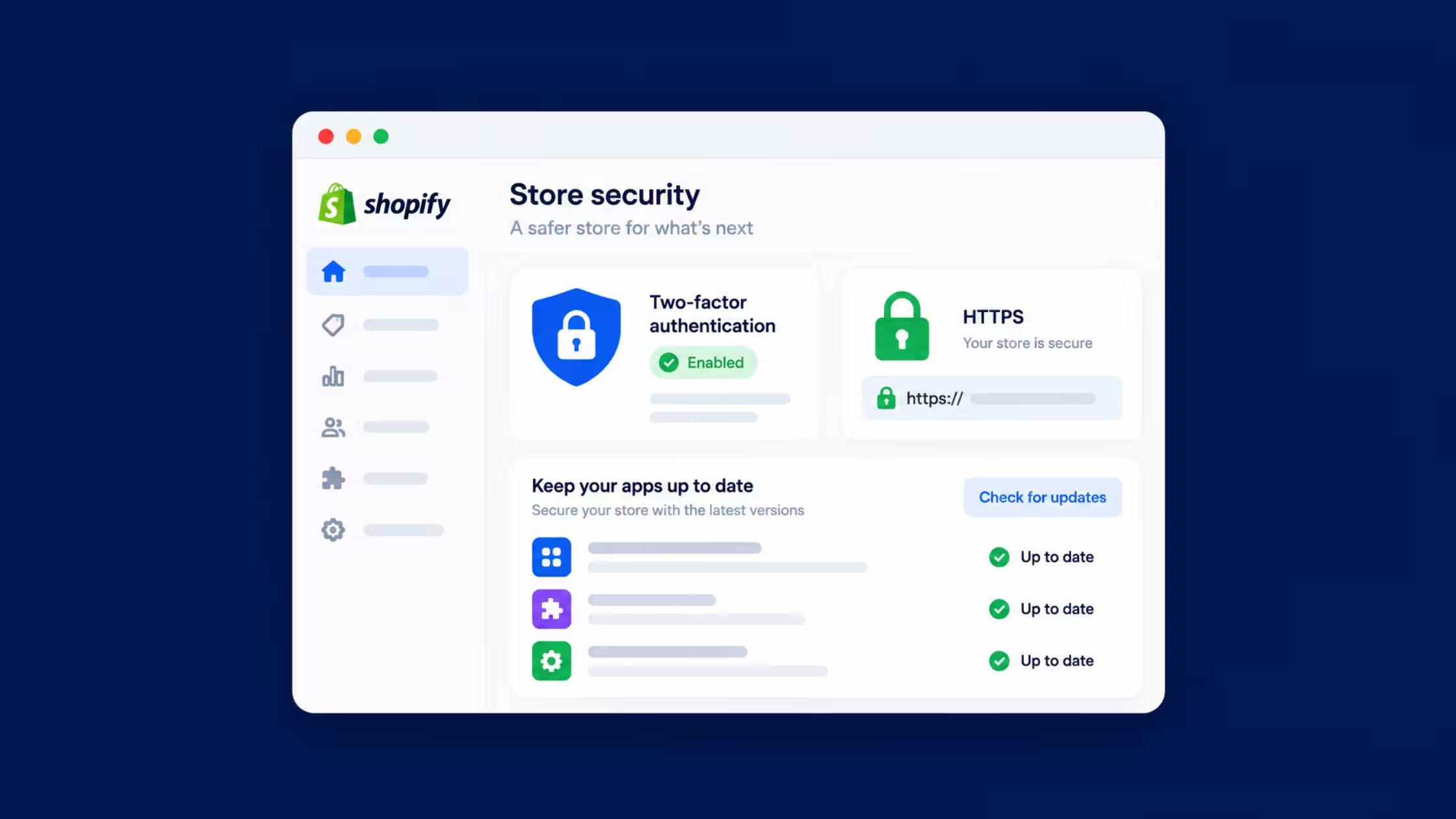
- Turn on two-factor authentication (2FA) for all staff who can reach admin, themes, apps, or customer data. Prefer authenticator apps or hardware keys over SMS when you can.
- Apply least privilege: give support, freelancers, and agencies only the permissions they need.
- Remove access the same day someone leaves the project.
- Treat unexpected “Shopify security” or “billing” emails as phishing until you verify inside the real admin from a bookmark.
Platform updates and staff hygiene beat one-off tools.
2. Prefer secure payment flows
- Use payment providers that support PCI DSS expectations and keep card data out of your own servers.
- Let Shopify Payments or other gated processors handle card capture; avoid custom forms that store PANs.
- Rely on tokenization and encryption provided by the gateway so a store breach does not expose raw card numbers.
- Review payout and fraud settings so only trusted roles can change banking details.
Payment security is mostly “don’t hold what you don’t need,” plus trusted processors.
3. Keep apps updated and trustworthy
Apps extend the store and expand the attack surface.
- Install from the Shopify App Store when possible; prefer vendors with a clear privacy policy and support path.
- Update apps on a schedule. Outdated apps are a common weak point.
- Quarterly: list installed apps, remove what you no longer use, and check which ones can read customers, orders, or script tags.
- Limit who can install or approve apps.
Treat every new app like a vendor with keys to parts of your business.
4. Train your team
Most incidents start with a person, not a zero-day.
- Short, regular refreshers on phishing, fake invoices, and “urgent admin” messages.
- Rules for sharing passwords, screenshots of customer data, and public Wi‑Fi when using admin.
- A named owner for security decisions (often the store owner or ops lead).
A security-aware culture scales better than a single locked laptop.
5. Privacy policy, consent, and customer rights
A clear privacy policy should explain what you collect, why, who you share it with, retention, and how customers exercise rights. That is privacy work, and it sits next to security.
Consentmo helps on the storefront side:
- Region-aware cookie banners and preference controls
- Alignment of marketing tags with visitor choices
- Privacy request paths so customers can ask for access, deletion, and related rights
- Live monitoring so banner and tracker behavior do not silently drift after theme or app changes
Consentmo does not replace 2FA, PCI compliance, or device security. It supports consent and privacy operations so security controls and lawful processing work together.
6. Encryption in transit (and sensitive data at rest)
- Keep the storefront and checkout on HTTPS. Shopify provides TLS for stores; keep custom domains and assets free of mixed content (HTTP resources on HTTPS pages).
- Prefer apps and scripts that load over HTTPS.
- Do not store payment card data yourself. For other sensitive exports (customer CSVs, ID documents), limit who can download them and store copies only where access is controlled.
Encryption protects data in motion and reduces damage if storage is exposed. Access control still matters.
7. Run regular security reviews
Think of this as a health check, not a one-time project.
- Review staff accounts, 2FA status, and app permissions every quarter.
- Scan for unexpected theme code, new script tags, and unknown admins.
- Test that backups and recovery paths you rely on still work (platform and any critical external tools).
- Write a one-page incident response note: detect, contain, assess personal-data impact, notify when required, restore, document.
Fix findings quickly. Drift is normal; unfixed drift is the risk.
2026 quick checklist
Conclusion
In 2026, Shopify store security still rests on basics done consistently: strong admin access, safe payments, clean apps, trained people, encryption in transit, and regular reviews. Pair that with honest privacy practices and consent tooling so customer data is both protected and used under clear rules.
Use Consentmo for banners, preferences, and privacy requests on the storefront, and keep non-negotiable security hygiene on admin and vendors. That combination supports trust, reduces incident impact, and keeps compliance work tied to how the store actually runs.