_converted.avif)
Terms Checkbox, TCF 2.4, and Smarter Store Ops
October focused on agreements before checkout, the latest IAB Transparency and Consent Framework on the storefront, and clearer day-to-day control of trackers and withdrawal requests. We also extended AI assistant access with Muse, and let Shopify Sidekick help you spot missing privacy request pages before you create them.
Here is everything that landed, with the highest-impact releases first.
Terms & Conditions Checkbox
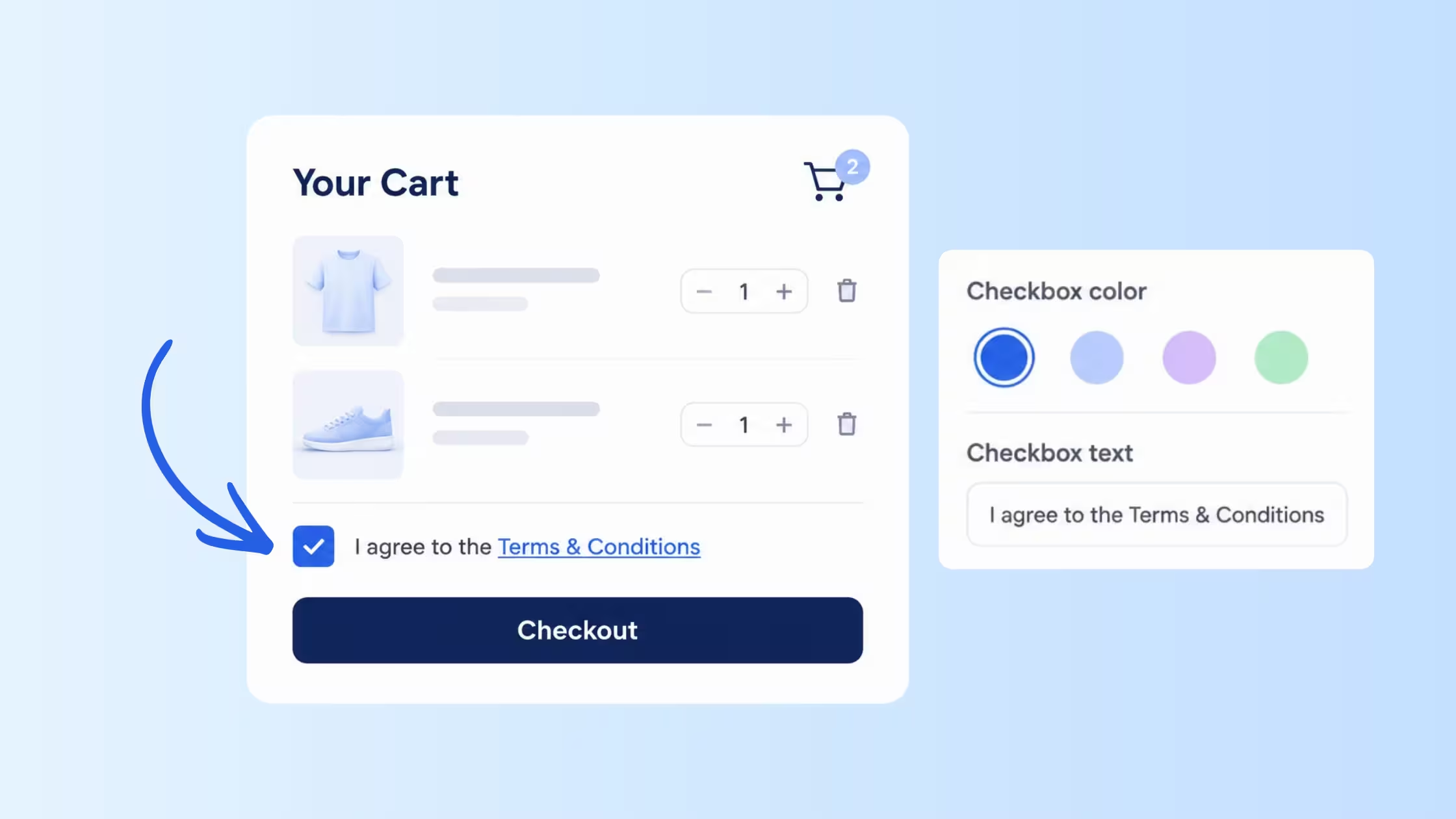
Consentmo now includes a Terms & Conditions feature so customers must check a box before they continue a purchase action. It makes important terms, policies, or purchase conditions harder to miss before checkout.
- Required agreement on product pages, cart pages, or supported cart drawers.
- Link your Shopify Terms of Service policy or a custom terms, policy, or agreement URL.
- Design control for checkbox, text, link, and error colors, plus custom CSS and desktop/mobile preview.
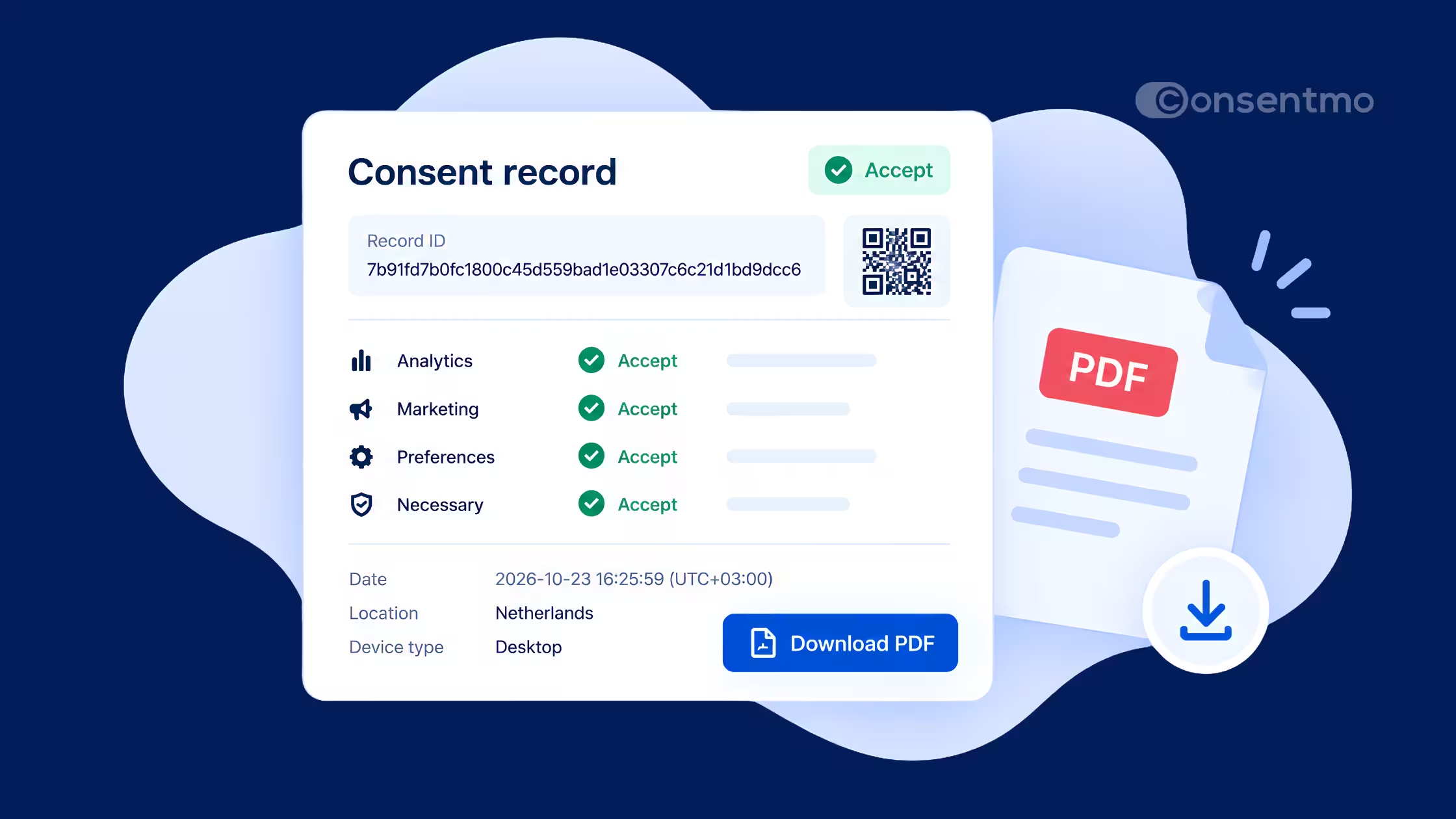
- Acceptance records so you keep proof of each agreement.
Deep dives on the blog:
- Terms & Conditions Checkbox Before Checkout
- Does Your Store Need a Terms and Conditions Checkbox? 6 Reasons It Does
Add a Terms checkbox in Consentmo →
IAB TCF 2.4 Is Now Supported
Consentmo now supports IAB TCF 2.4 for stores using the TCF banner. Stores that already had TCF enabled were moved from 2.3 to 2.4 automatically.
- Automatic update for existing TCF stores.
- Ordinary Features show the official IAB explanation plus a short vendor-list example in the visitor’s language.
- Special Feature 2 uses the current IAB name: “Identify devices based on information actively requested.”
- Existing visitor choices stay in place. Shoppers are not forced through the banner again solely because the version changed. They still see it when a choice is missing, expired, or otherwise needs a new decision.
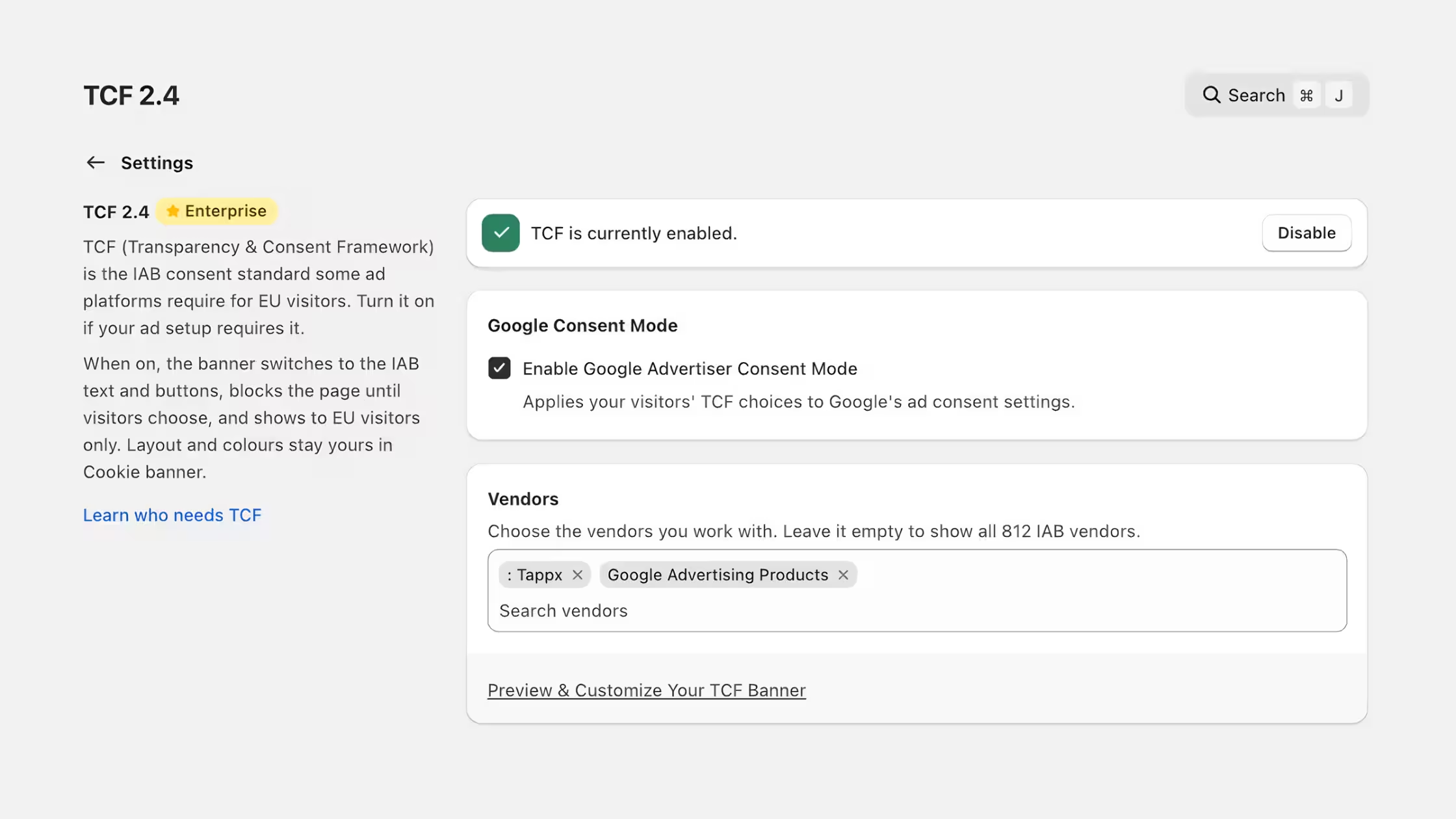
Merchant write-up: IAB TCF 2.4 Is Live in Consentmo.
Review TCF settings in Consentmo →
Scanner History for Tracker Scans
Scanner History gives you a clearer view of how detected trackers change from one scan to the next.
- Review up to five previous scans, including how many trackers were added or removed each time.
- Successful scan cards show added and removed counts versus the prior scan.
- A difference summary at the bottom of the page highlights what changed.
- Restore removed trackers when you need them back.
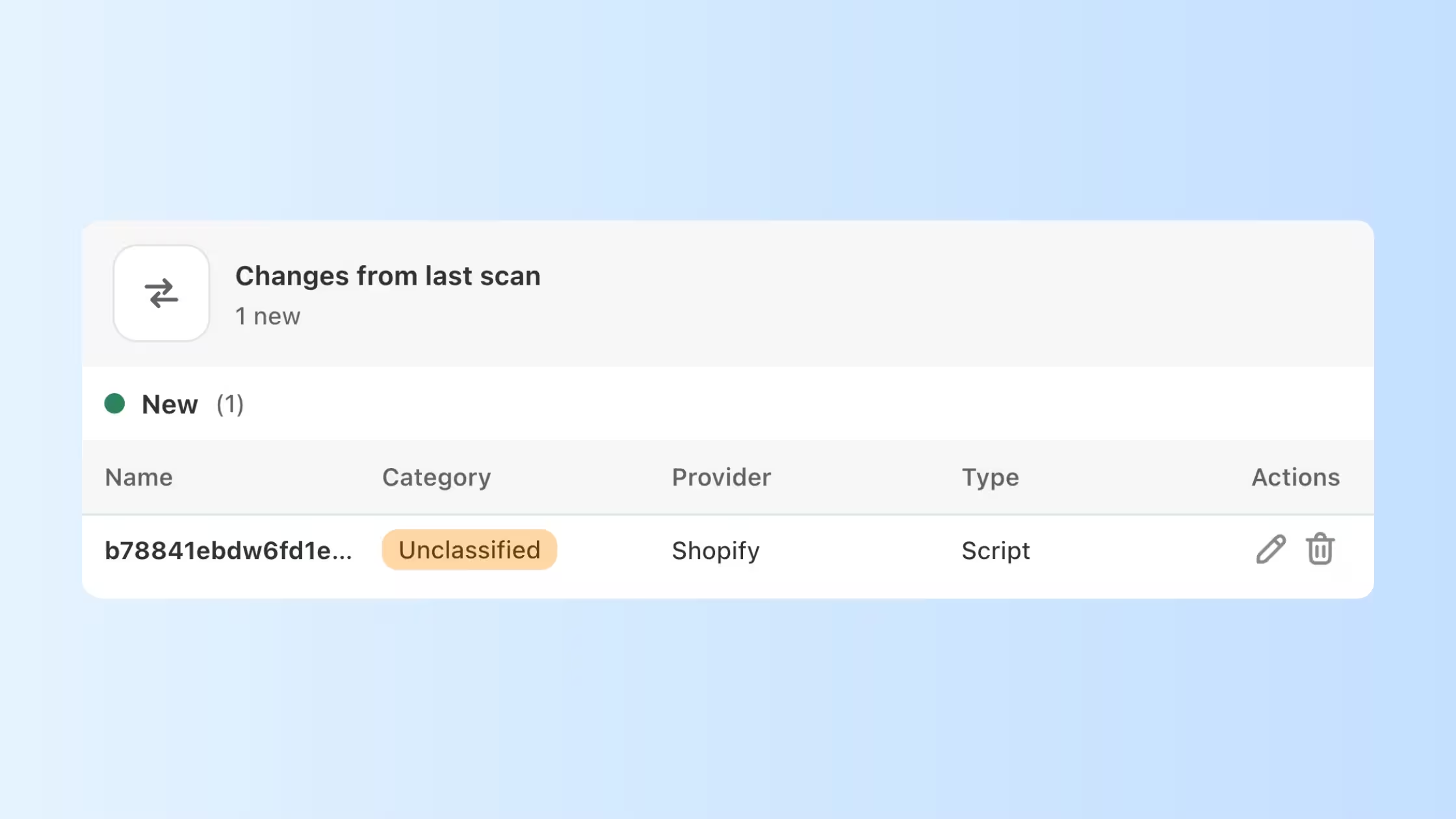
Open it from Cookie Banner > Cookies & Trackers > Scanner results.
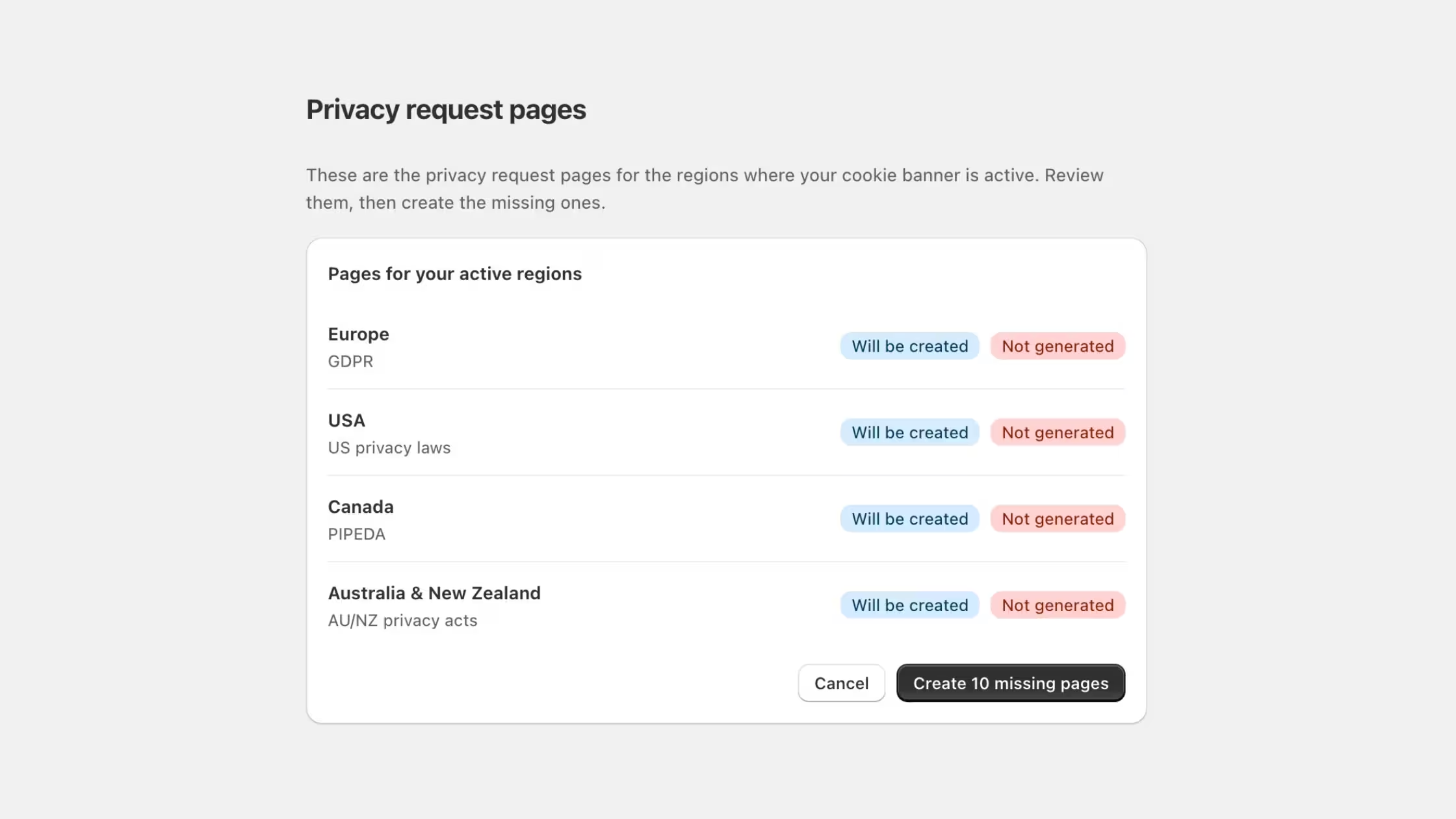
Create DSAR Privacy Pages with Shopify Sidekick
Ask Shopify Sidekick to find missing privacy request pages and help you create them in Consentmo.
Try asking Sidekick:
- "Create the missing data request pages for my EU customers."
- "Add a Do Not Sell or Share page for California."
- "My compliance check says privacy request pages are missing. Fix that."
Muse MCP Connection
Consentmo now supports a Muse MCP connection so you can ask Muse about your store’s privacy setup using Consentmo data.
- Connect Muse with a one-time key and guided setup under Integrations.
- Read-only access to compliance health, trackers, consent rates, and privacy requests.
- Muse cannot change settings or access customer emails.
- Suggested starter prompts such as “How is my store doing on privacy?” and “What should I fix first?”
_converted.avif)
This sits with ChatGPT, Claude, and Sidekick-style assistant workflows covered earlier this fall: Consentmo AI Integrations: ChatGPT and Claude.
More Updates This Month
EU Withdrawal filters and status updates. Filter requests by customer email or Shopify order ID. Status tabs and labels separate Open requests ready for action, Not found requests awaiting customer verification, and No match cases. Dismiss unmatched Not found or No match requests without sending a decline email when that is the right ops choice.
Product deep dives worth opening if you missed them this month (feature write-ups that expand on tools already in the app, beyond the six October changelog lines):
See all features on the Shopify App Store →
Must Reads in October
Posts worth sharing with your team.
IAB TCF 2.4 Is Live in Consentmo →
What shoppers see after the automatic 2.3 → 2.4 move, what merchants need to do (almost nothing), and what the framework change actually means on the banner.
Terms & Conditions Checkbox Before Checkout →
Where to place the checkbox, how design and language work, and how acceptance proof is stored.
New EDPB GDPR Fine Guidelines: What Businesses Should Know in 2026 →
The EDPB’s five-step method for deciding whether to impose a GDPR fine, and which practical checks Shopify merchants can run now.
Texas AG Warns About CIPA Website Demand Letters →
What the September 2026 Texas AG alert means for ecommerce teams, and what to check on your store before a demand letter arrives.
Before Peak Traffic Settles In
October gave you a clearer path to surface terms before checkout, keep TCF current without a manual rebuild, query compliance context from Muse, and see how trackers drift between scans. EU withdrawal queues are easier to triage, and Sidekick can flag missing DSAR pages before you create them. If BFCM traffic is already climbing, walk Terms placement, TCF status, Scanner History after theme changes, and Proof of Consent exports while you still have headroom.