In the world of data privacy, "better safe than sorry" is the better approach. Whether you are managing consent records or processing Data Subject Access Requests (DSARs), this data is the backbone of your compliance posture.
If it’s not backed up, it doesn’t exist. And if it’s not automated, you’re one "busy Monday" away from a major audit risk.
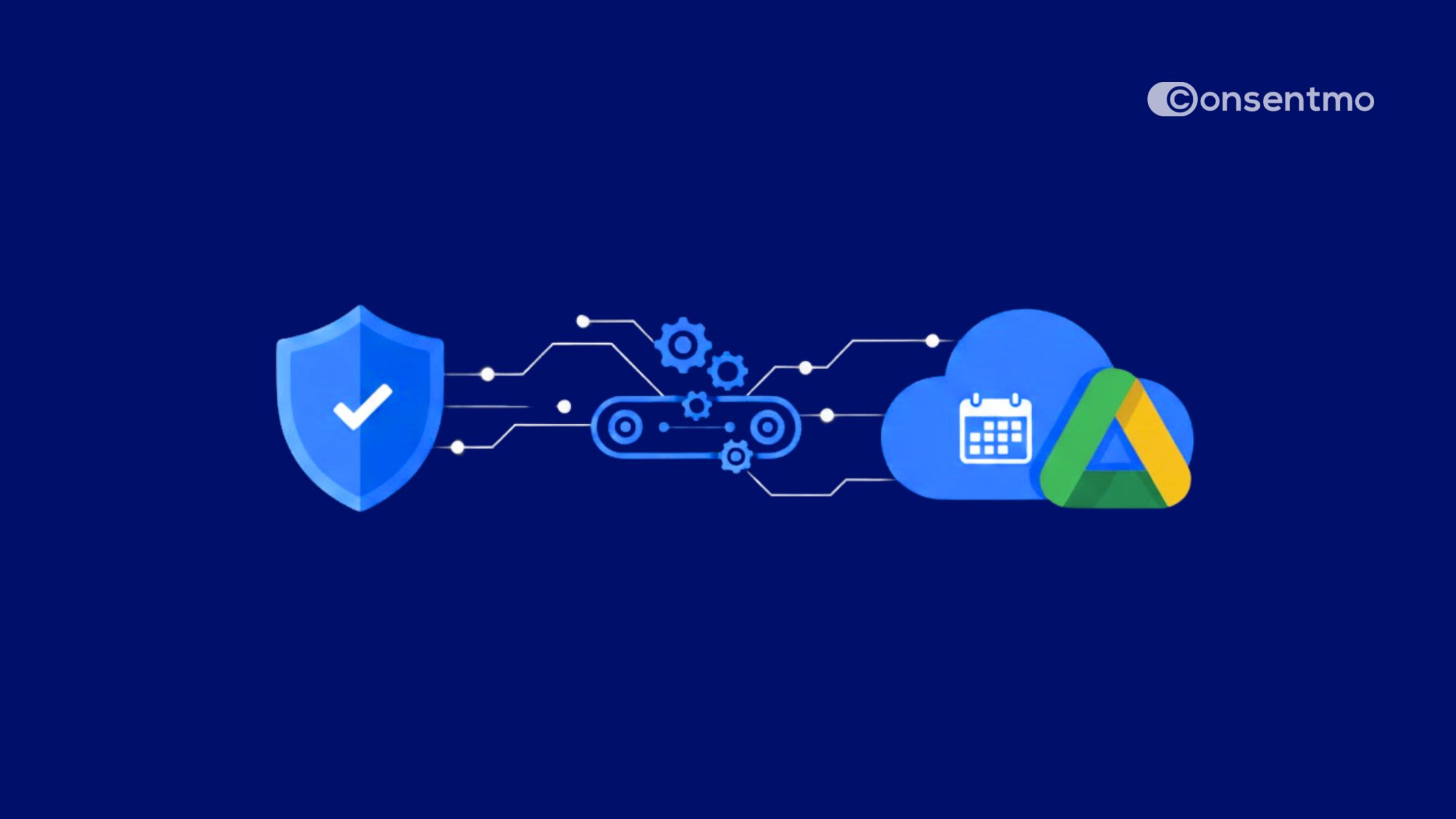
That’s why we’ve overhauled our Google Drive Backups. We’ve made your records more secure, more flexible, and—most importantly—easier to monitor at a glance.
Why Backups Matter
Data loss isn't always about a Hollywood-style cyberattack; it’s usually much more mundane. A misplaced file, an accidental deletion, or a platform sync error can leave you empty-handed during a regulatory inquiry.
- Audit Readiness: Regulators don't just want to know you have consent; they want to see the history. Backups ensure you have a "paper trail" that survives any system hiccup.
- The "Human Error" Factor: Manual backups are only as reliable as the person remembering to click "Export." In a busy workflow, manual tasks are the first to be forgotten.
- Centralized Security: By syncing to Google Drive, you’re leveraging enterprise-grade cloud storage to act as a fail-safe for your primary compliance dashboard.
What’s New?
We’ve moved beyond "one-size-fits-all" storage. Our latest update gives you granular control over how and when your data is preserved.
How to Get Started
Updating your backup preferences takes less than a minute. We recommend a Daily cadence for high-traffic brands to ensure no consent record is ever left behind.
- Navigate to your Consentmo dashboard.
- Head to Integrations → Google Drive Backup.
- Select your preferred frequency, account, folder and hit Save.
.jpeg)
Your compliance data is critical. Now, it’s protected with smarter controls and clearer visibility, giving you one less thing to worry about.
Secure your peace of mind in just a few clicks. Stop worrying about manual exports and start focusing on growing your business. Join thousands of merchants who trust us to keep their compliance logs safe and accessible.