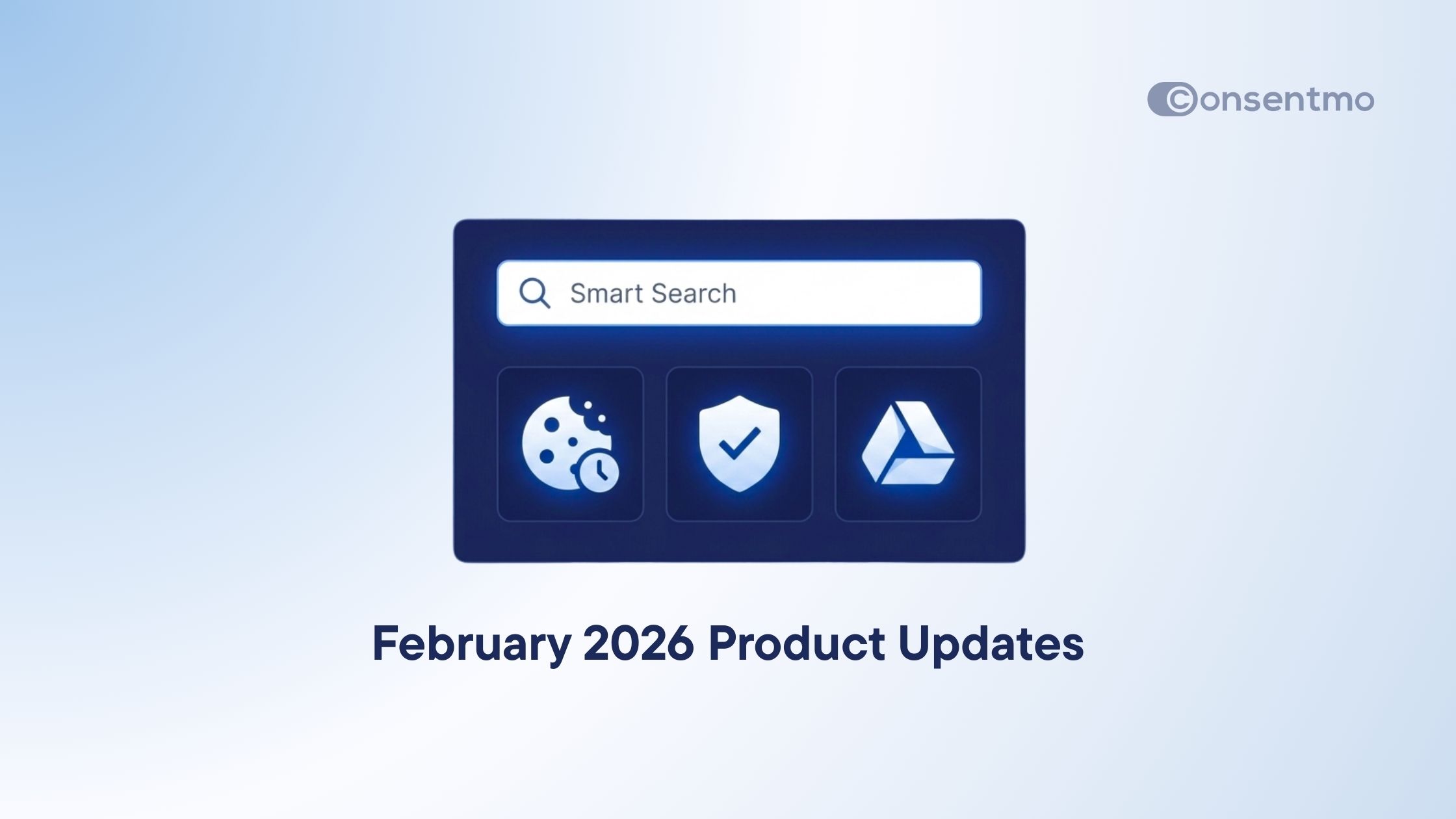
February Feature Roundup: Smart Search, Consent Timestamp & Cookie Manager Insights

Product Updates
Shopify

8 mins

Elena Tsatcheva
March 12, 2026

February was all about speed, clarity, and visibility inside Consentmo.

Many Shopify merchants told us the same thing: compliance tools are powerful, but sometimes it takes too many clicks to find what you need or understand what’s happening behind the scenes.

So this month we focused on making the app easier to navigate, giving merchants clearer insight into their cookies and consent records, and improving how compliance data is stored and displayed.

Here’s what shipped in February. 👇

⭐ Agentic Smart Search

The Consentmo dashboard now includes Smart Search, a new way to move through the app without digging through menus or tabs.

Instead of remembering where a setting lives, you can simply search for it and jump directly to the exact place in seconds.

For merchants managing multiple compliance tools - scans, exports, consent records, policies - this saves a surprising amount of time.

What it does:

  • Faster setup - Search any feature and land directly in the correct section
  • Smart scrolling and highlights - The page auto-scrolls and highlights the exact setting you searched for
  • Grouped results - Related options appear together when you search terms like “Scan” or “Export”

If you’ve ever opened three different tabs trying to find one setting, this update fixes that.

According to the February feature document, Smart Search was designed specifically to reduce navigation friction inside the app and help merchants reach features instantly.

Login and search >

⭐ Consent Timestamp

Consent Timestamp

One of the most common compliance questions merchants face is simple:

“Can you prove when a user gave consent?”

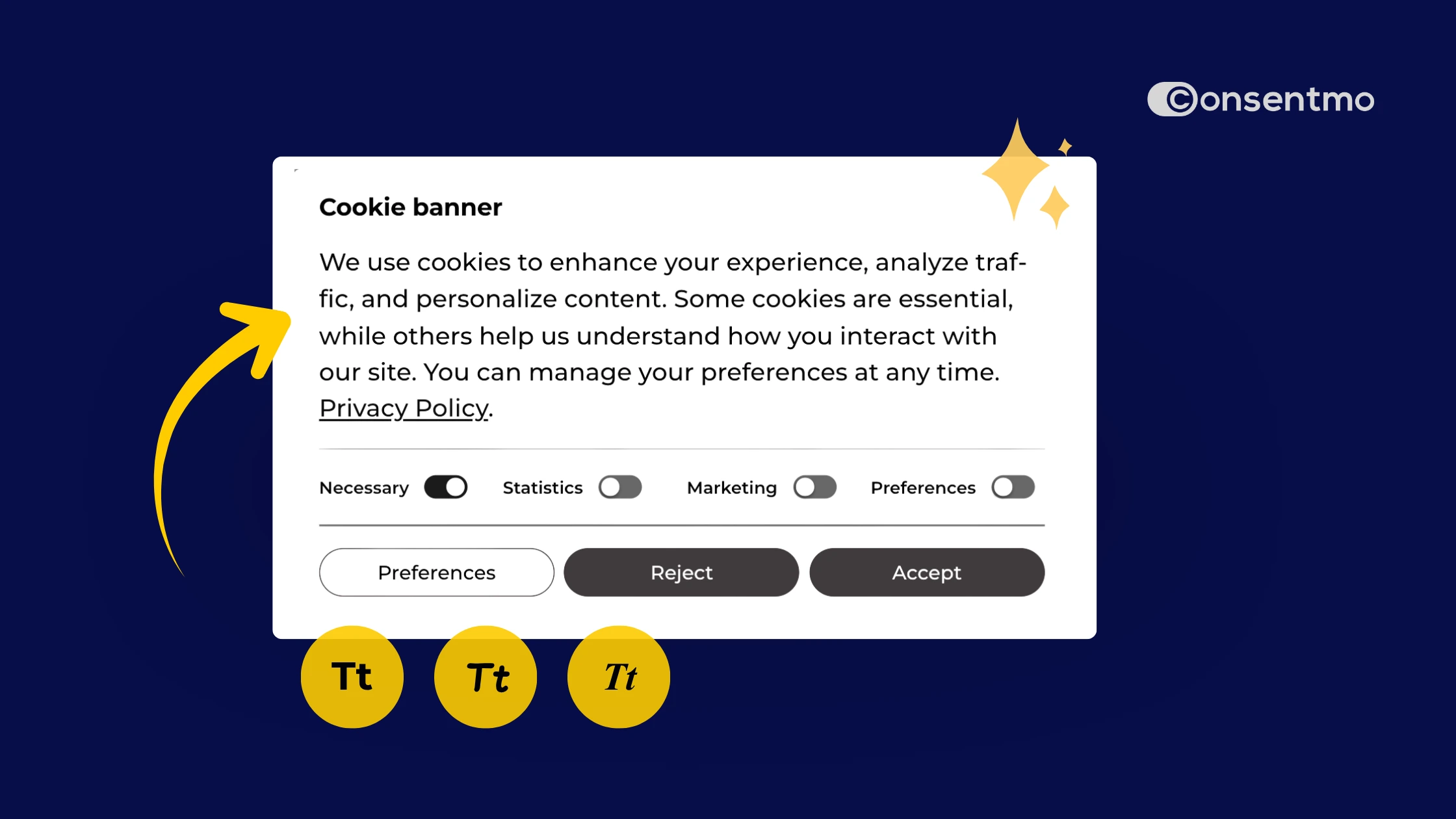
That’s why we added Consent Timestamp inside the cookie preferences popup.

Visitors can now see the exact date and time of their most recent consent decision directly in the cookie dialog.

This small detail adds an extra layer of transparency for shoppers and helps merchants demonstrate valid consent if regulators ever ask.

Why this matters:

  • Stronger compliance - Shows that consent decisions are recent and valid
  • Transparency for visitors - Users can clearly see when their consent was recorded
  • Simple activation - Enable it anytime in Cookie Banner > Behavior

The feature is available across all paid plans - activate in seconds.

⭐ New Cookie Manager Insights

New Cookie Manager Insights

The Cookie Manager also received a major upgrade this month.

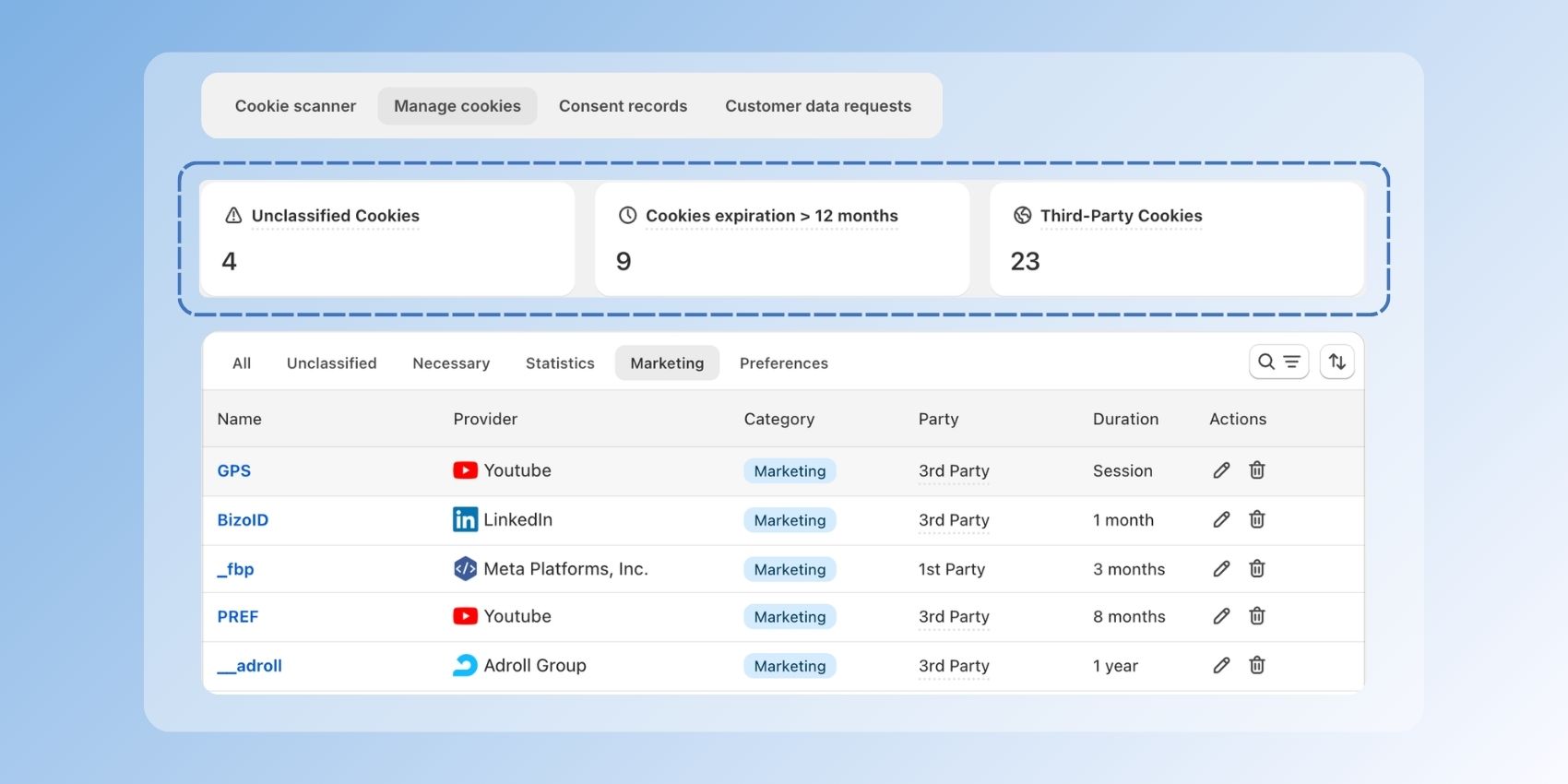
Managing cookies used to mean scanning your store and then manually sorting through long tables of data. Now the system highlights the most important information immediately.

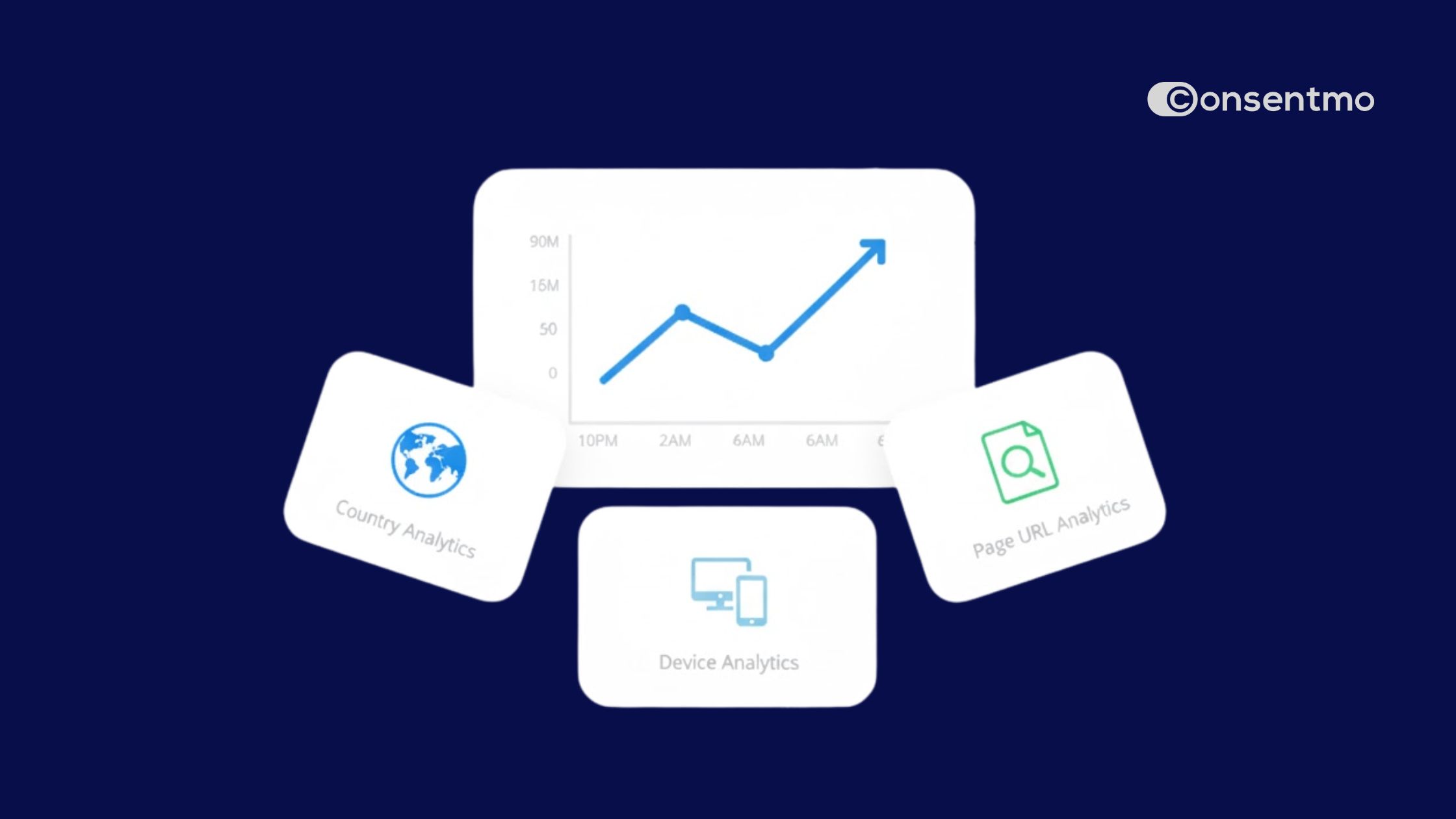
With the new Cookie Manager Insights, you can instantly identify:

  • Unclassified cookies
  • Cookies with long expiration periods
  • Third-party cookies

These categories are often the ones regulators focus on first during audits.

The update also includes a smarter search inside the Cookie Manager so merchants can filter results quickly and review scripts that may affect compliance.

This makes routine compliance checks much faster and easier to understand - preview your insights today.

⭐ Google Drive Backup Upgrade

Consent records and legal pages are important documents. Losing them could mean losing proof of compliance.

This month we upgraded the Google Drive Backup integration to give merchants more control over how these records are stored.

You can now choose how frequently your backups run:

  • Daily
  • Weekly
  • Monthly

The system also shows the current backup status, so you always know when your data was last saved.

To configure this, head to:

Integrations > Google Drive Backup

The result is a more reliable way to preserve consent records and privacy documentation. Get started today.

⭐ Improved Legacy Cookie Banners

Not every merchant wants to switch banner designs right away, so we made sure older layouts keep up with modern usability standards.

Our legacy cookie banners received a visual and usability refresh across devices.

Updates include:

  • Improved readability with cleaner typography and spacing
  • Better mobile interaction so buttons and toggles are easier to tap
  • Cleaner cookie details display directly inside the banner

These updates make older layouts feel more modern without requiring merchants to redesign their banners.

Login and preview your banner today!

⭐ Identify Cookie Sources Instantly

Understanding where cookies come from is critical for compliance.

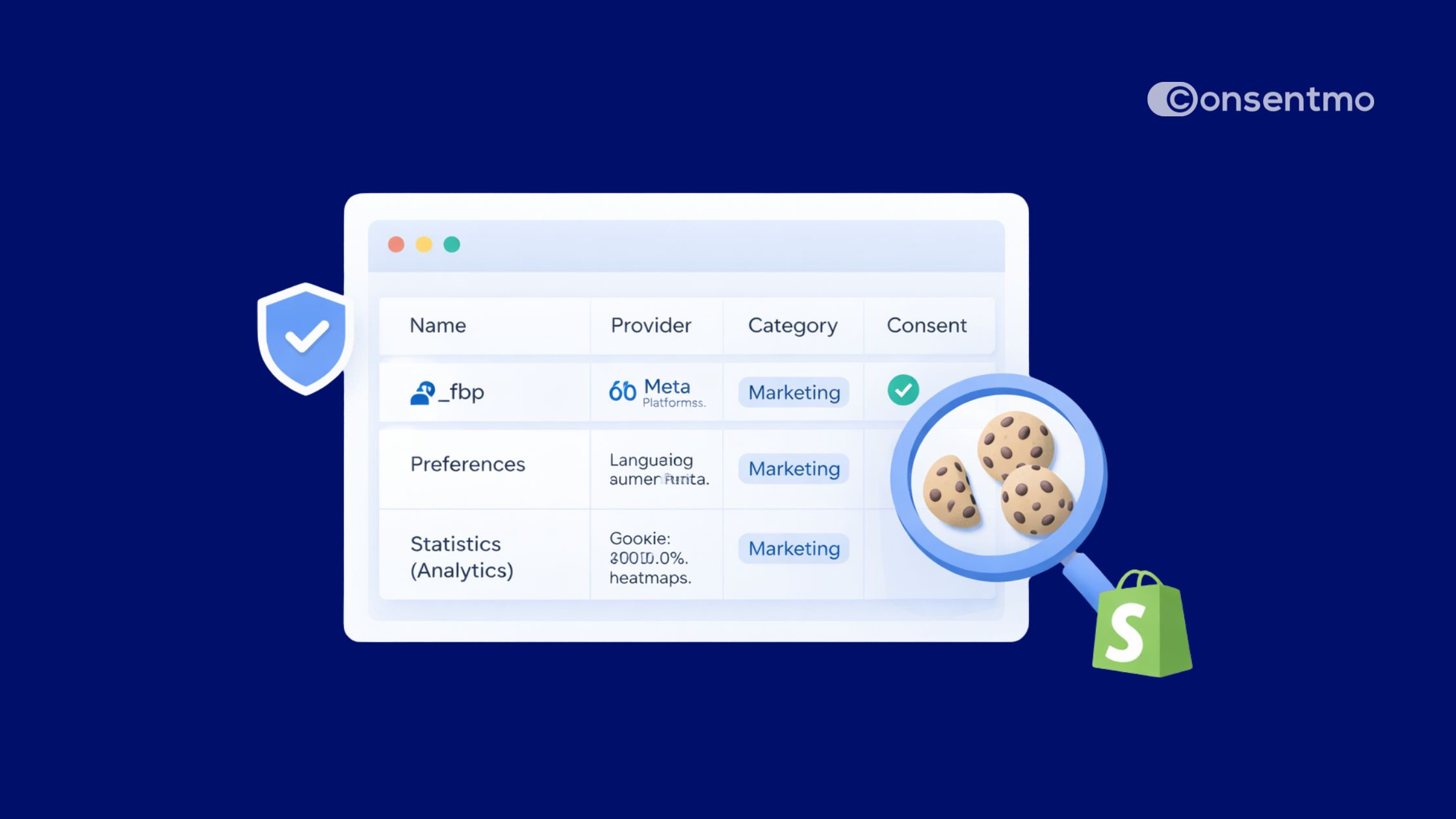
The Cookie Manager now clearly labels every cookie as either:

  • First-party
  • Third-party

This gives merchants a clear picture of which scripts belong to their store and which come from external services like analytics tools or ad platforms.

Cookie sources app screenshot.

Why this matters:

  • Easier cookie categorization
  • Better visibility into external scripts
  • Clearer compliance documentation

This change also helps merchants quickly identify third-party services that might be affecting their tracking setup.

Review your cookie set up >

⭐ Faster Cookie Classification After Scans

Another improvement to the scanning workflow: cookies can now be classified directly from scan results.

Previously, merchants had to jump between sections to categorize cookies after a scan.

Now the process is much faster:

  • Click a cookie directly from the scan results
  • Assign the correct category instantly
  • Changes update across the system automatically
Another improvement to the scanning workflow: cookies can now be classified directly from scan results.

This reduces the number of steps required to keep your cookie list organized and compliant.

Moving Further Into 2026 With Better Visibility On Compliance

February focused on making compliance management simpler and clearer for Shopify merchants.

Instead of adding complexity, these updates remove friction:

  • Smart Search helps you find features instantly
  • Consent Timestamp makes consent records more transparent
  • Cookie Manager insights highlight potential compliance risks
  • Backup improvements protect your legal records

All together, these improvements make it easier to stay compliant while keeping your store running smoothly.

If you’re already using Consentmo, these features are either live now or just a click away inside your dashboard.

And if you're new to Consentmo, install the app on the Shopify App Store and join 90,000+ merchants building trust through transparent data practices.

About the Author

Elena Tsatcheva
Elena is a seasoned Product Manager who has been an integral part of our company for several years. In her role she oversees the development and promotion of Consentmo, ensuring that they meet customer needs and drive business growth. In her spare time, Elena enjoys traveling to new and exciting destinations, experiencing different cultures, and expanding her horizons.

Stay informed

Sign up for our newsletter to get the latest updates, thoughts, and ideas from Consentmo.

Thank you! Your submission has been received!
Oops! Something went wrong while submitting the form.
Is your site compliant?

Your Guide to Launching a Successful Shopify Business

Discover the essentials of launching a thriving Shopify business in our new e-book

Download